
Seamless WordPress Experience - NeuroContent AI works natively in your editor – no extra apps, no hassle. Read More

We’re here to help

Whether you're just getting started or customizing advanced triggers, this guide has everything you need.
Enable Web Search in WordPress AI Content Generation (NeuroContent Feature Guide)

Enable Web Search in WordPress AI Content Generation (NeuroContent Feature Guide)

WordPress AI Web Search allows AI-generated articles to use real-time information from the internet before writing the content. This feature is available in the NeuroContent WordPress plugin and helps websites generate more accurate and relevant articles automatically. Many WordPress sites use AI to generate articles automatically. This saves time, but it also creates a common […]
Read more
Keeping a WordPress Blog Updated Is Harder Than It Looks

Keeping a WordPress Blog Updated Is Harder Than It Looks

Launching a WordPress blog is easy. Keeping it active for months or years is much harder. Many websites start strong and then slowly stop publishing new content. The homepage stays the same, the blog section stops growing, and visitors begin to wonder if the site is still alive. This is one of the most common […]
Read more
One-Click Article Approval: How NeuroContent Puts Your WordPress Content on Autopilot

One-Click Article Approval: How NeuroContent Puts Your WordPress Content on Autopilot

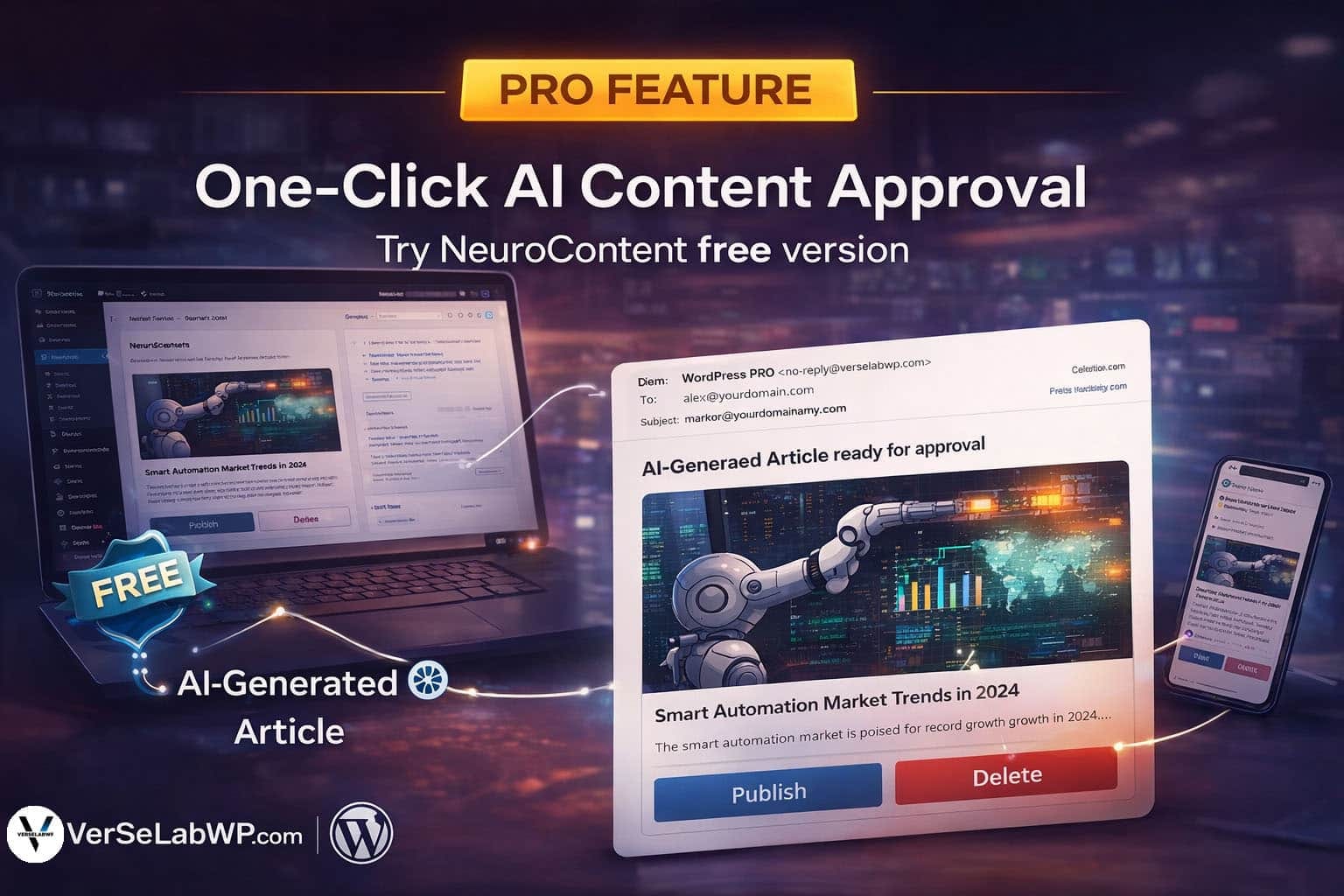
Publishing AI-generated content shouldn’t mean losing control.With NeuroContent, automation and editorial authority work together — and our latest feature proves it. From AI Generation to Human Approval — Automatically NeuroContent already automates the most time-consuming parts of content creation: Now, we’ve added a secure email-based approval system that gives editors and site owners full control […]
Read more
Most AI Content Tools Are Useless for WordPress — Here’s Why

Most AI Content Tools Are Useless for WordPress — Here’s Why

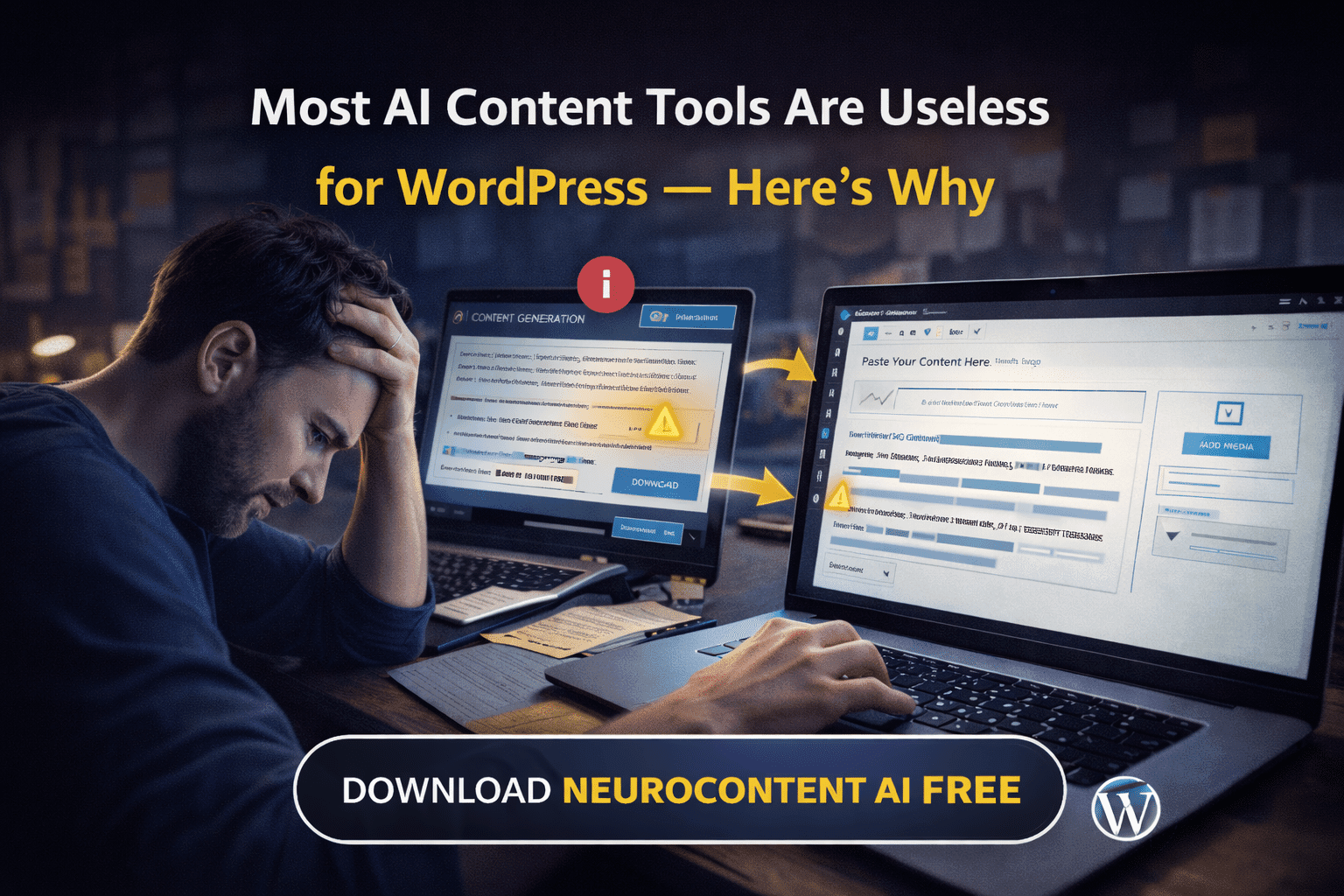
AI content tools are everywhere. Promises are big. Results are usually disappointing. Most of these tools were not built for WordPress. They were built as standalone platforms that force you to adapt your workflow to them. You generate text on one website. Download or copy it. Open WordPress. Paste it. Fix formatting. Upload images. Set […]
Read more
WordPress Is Wasting Your Time With Content Creation — Here’s the Fix

WordPress Is Wasting Your Time With Content Creation — Here’s the Fix

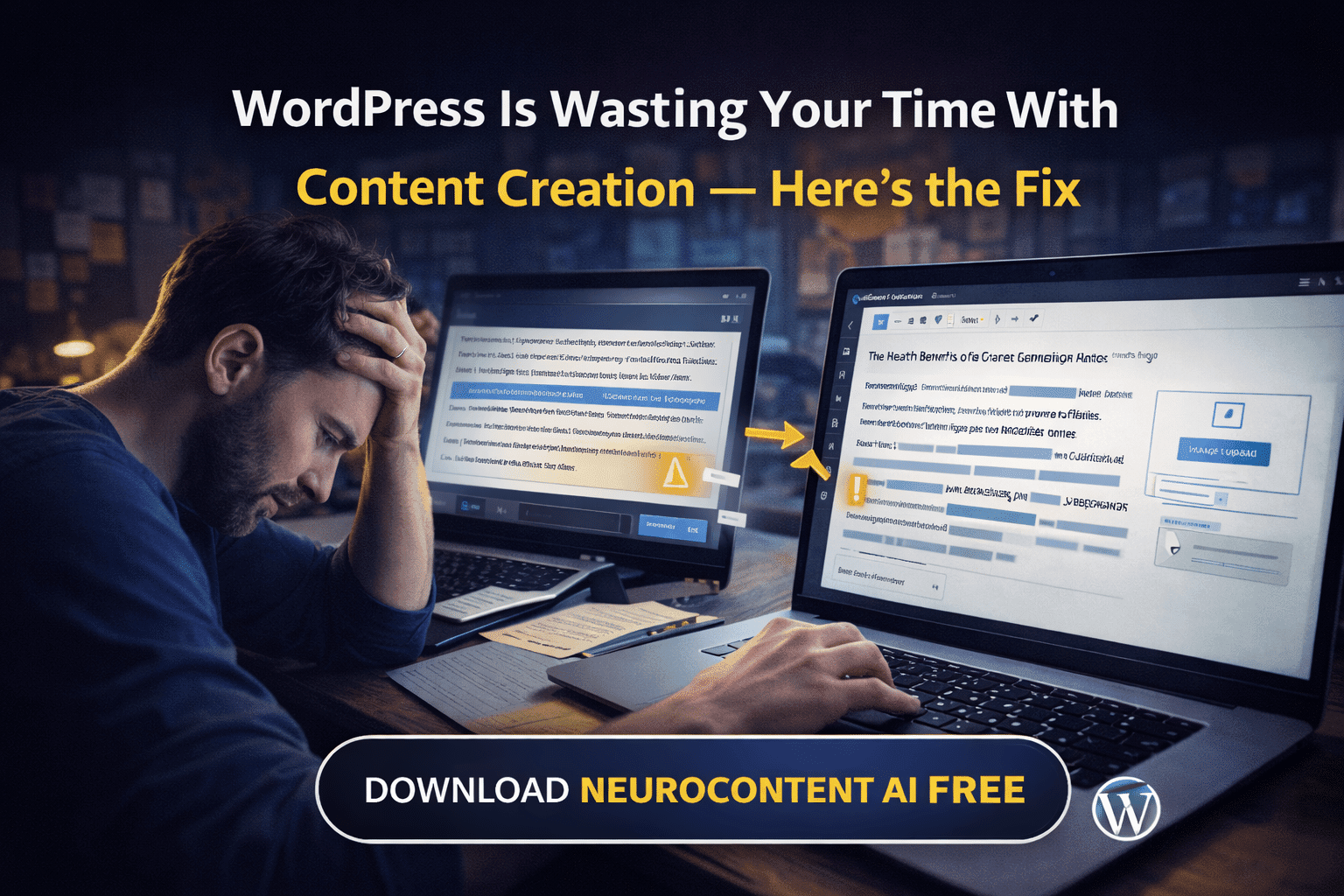
Let’s be honest. Creating content in WordPress takes far too long. You don’t lose time writing. You lose time preparing, formatting, fixing, uploading images, switching tools, and repeating the same steps for every single article. This is not a creativity problem. It’s a workflow problem. Most people still generate AI content outside WordPress, copy it […]
Read more
Stop Manual Writing in WordPress: Generate SEO Articles Automatically

Stop Manual Writing in WordPress: Generate SEO Articles Automatically

Creating content in WordPress is slow, repetitive, and exhausting. You research keywords, outline an article, write drafts, find images, optimize headings, and schedule posts. Then you repeat the same process again and again. For bloggers, agencies, and publishers, manual writing makes consistency almost impossible. And without consistency, SEO growth becomes unpredictable. The real problem is […]
Read more
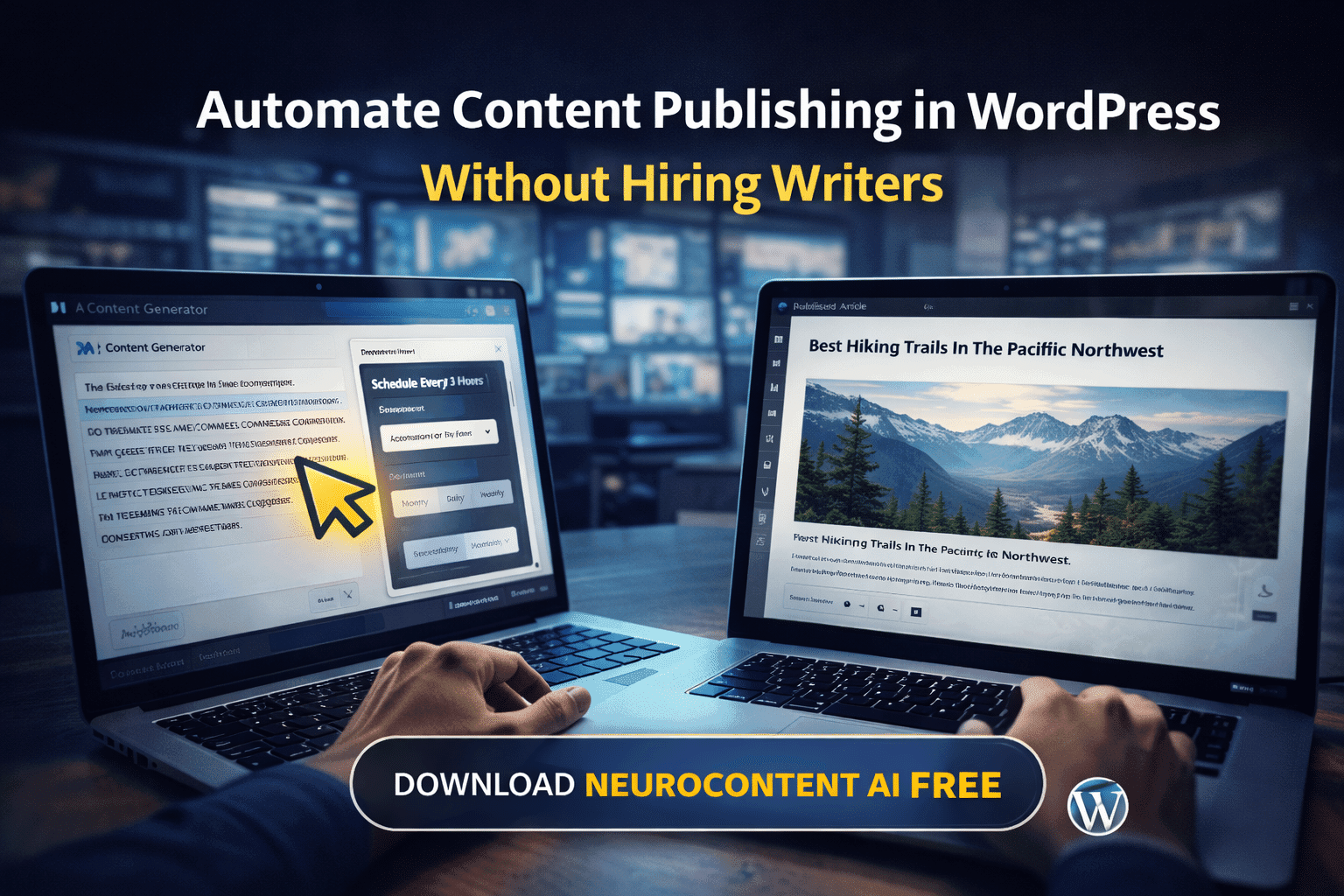
How to Automate Content Publishing in WordPress Without Hiring Writers

How to Automate Content Publishing in WordPress Without Hiring Writers

Many WordPress websites fail not because of poor content quality, but because they do not publish often enough. Consistency is one of the most important factors in SEO. Hiring writers is expensive. Managing deadlines is difficult. Manual publishing does not scale. Search engines reward websites that publish fresh content on a regular basis. Without automation, […]
Read more
Why Copy-Pasting AI Content Into WordPress Is Killing Your Productivity

Why Copy-Pasting AI Content Into WordPress Is Killing Your Productivity

Most AI writing tools work outside WordPress. That means you generate text in one place, copy it, paste it into WordPress, fix formatting, add headings, upload images, and repeat the process for every post. This workflow looks simple, but it creates friction and wastes time, especially when you manage multiple websites or publish frequently. The […]
Read more

Scale Your WordPress Content Without Hiring Writers: NeuroContent Does the Heavy Lifting

Hiring writers, managing deadlines, and maintaining quality can quickly become expensive and complicated. For many WordPress site owners, scaling content feels impossible. NeuroContent changes that completely. The plugin uses AI to generate structured, readable, and SEO-friendly articles that can be published instantly or scheduled automatically. You stay in control, while the repetitive work disappears. What […]
Read more

Tired of Writing Content Manually? NeuroContent Turns WordPress Into an Automated Publishing Machine

Running a WordPress site often means the same exhausting routine: researching topics, writing articles, formatting content, generating images, and scheduling posts. It’s time-consuming, repetitive, and hard to scale. NeuroContent solves this by automating the entire content workflow — directly inside WordPress. With one click, NeuroContent can generate complete SEO-ready articles, including structured headings, clean formatting, […]
Read more

Choosing the Right OpenAI Model: GPT-4o vs GPT-4.1 vs GPT-4.1-mini

This article explains how they differ, when to use each, and provides practical examples for developers and content platforms. 1. GPT-4o – Balanced Performance for General Use GPT-4o (the “o” stands for omni) is designed as a balanced, general-purpose model. It combines good reasoning, solid language quality, and fast response times at a moderate cost. […]
Read more

How to install NeuroContent

Follow these simple steps to install and activate NeuroContent on your WordPress site. You’ll be up and running in minutes — no tech skills needed! Step 1: Download the Plugin Make sure you’re downloading the latest version. Step 2: Upload to Your WordPress Site NeuroContent is now active on your site! Step 3: Add Your […]
Read more

NeuroContent Logs

The NeuroContent Logs screen provides visibility into recent system activity, including trigger executions, API calls, and any errors that may have occurred. Logs are useful for debugging and monitoring automated AI content generation. Available actions: Each log entry is displayed in a table with the following columns: This section allows administrators to quickly identify issues, […]
Read more

Triggers Management in NeuroContent

Overview The Triggers Management screen in NeuroContent provides a complete overview of all automation triggers created and saved in the system.Triggers define the prompts, rules, and schedules that control when and how AI-generated content is created and published in WordPress. This section allows administrators to manage content automation efficiently and maintain full control over AI […]
Read more

What is Meta Box NeuroContent AI Generator

The Meta Box NeuroContent AI Generator appears on the Add New Article page in WordPress and provides an interface for generating AI-written articles and featured images. This ensures that AI-generated content is seamlessly integrated into your publishing workflow and managed the same way as any other WordPress media or post content. Settings Available in NeuroContent […]
Read more

Trigger Settings Explained in NeuroContent

NeuroContent trigger settings define how prompts, schedules, and automation rules control AI-generated content publishing in WordPress. AI Writing Style This setting determines the role and tone the AI will adopt when generating the article. By choosing a style, you guide the writing voice and perspective of the output. The selected writing style will be consistently […]
Read more

How to Choose Your Trigger Scheduling Method in NeuroContent

This plugin can run triggers in three different ways. Here’s how to decide which option fits you best: 1. None Choose this if you only want to run triggers manually (from the plugin dashboard). 2. WordPress Cron (WP-Cron) (recommended for most users) Best if you don’t have server access or just want something simple. 3. […]
Read more
Go to VerseLabWP homepage
© Copyright 2025 BITSTRUCT SRL. All Rights Reserved.