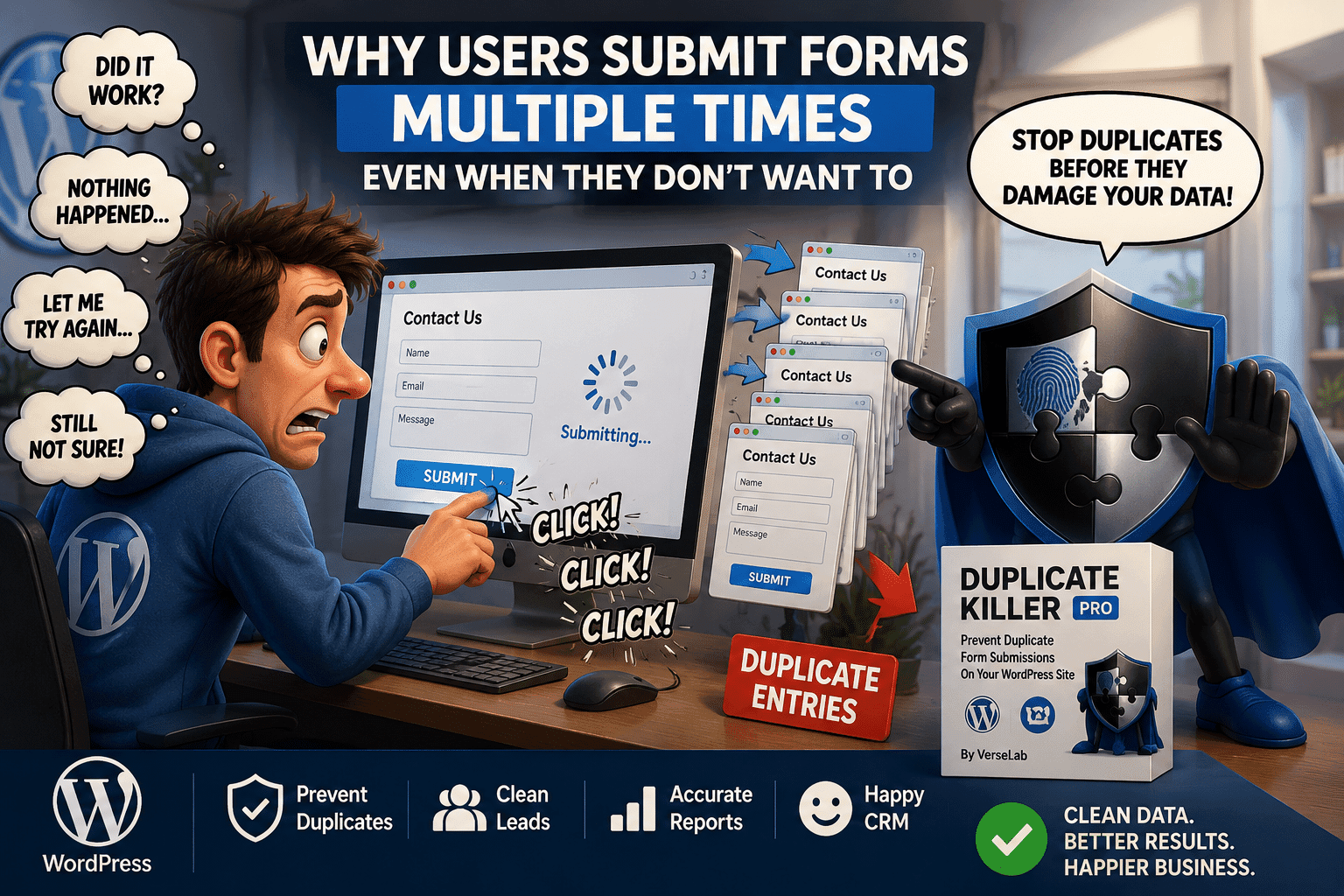
A visitor fills out your form, clicks Submit, waits a few seconds and clicks again.
Then maybe one more time, just to be sure.
Now your website has three entries from the same person.
This is not always spam, and adding another CAPTCHA does not necessarily solve the problem.
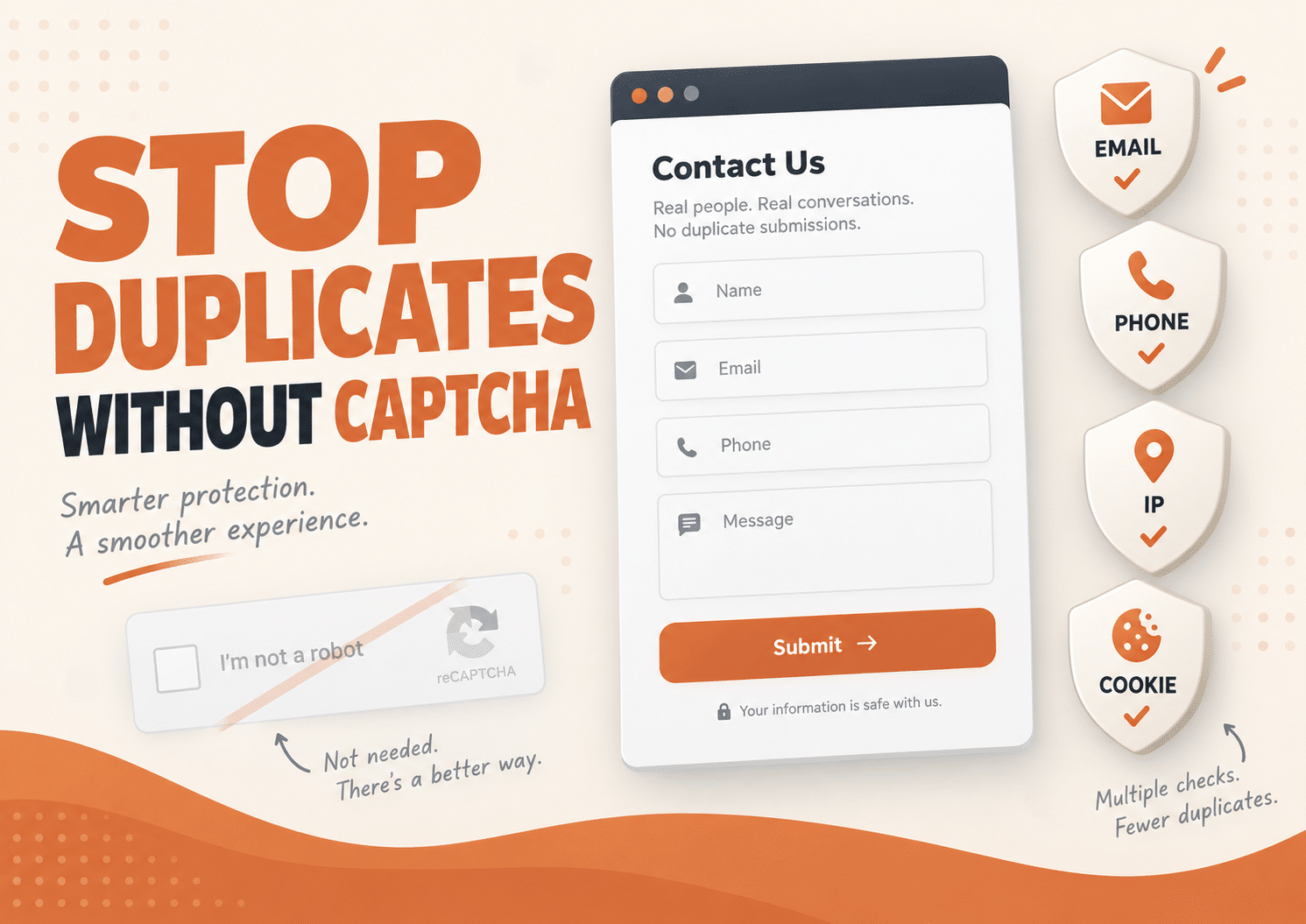
If your goal is to prevent duplicate form submissions without CAPTCHA, WordPress can use other signals such as unique email addresses, phone numbers, browser-based protection and temporary IP restrictions.
Duplicate Killer is designed specifically for this problem: stopping repeated form entries while allowing your existing form to keep working normally.
Why Do Duplicate Form Submissions Happen?
Duplicate submissions can happen for many reasons.
A visitor may:
- Click Submit more than once
- Think the first submission failed
- Refresh the page
- Return and submit the same details again
- Use the same form several times
- Intentionally send repeated requests
A slow website can make this even more likely.
If someone clicks Submit and nothing appears to happen immediately, clicking again feels completely natural.
The result may be several identical leads, registrations, requests or messages.
CAPTCHA and Duplicate Prevention Solve Different Problems
CAPTCHA can be useful for spam and automated abuse.
However, a duplicate submission can come from a completely legitimate visitor.
Someone can pass a CAPTCHA successfully and still submit the same form again five minutes later.
This is the key difference:
CAPTCHA asks whether the visitor appears legitimate.
Duplicate protection asks whether this submission has already been received.
For websites where repeated entries are the problem, checking the submitted data itself can therefore be more useful than adding another challenge.
Can You Prevent Duplicate Forms Without CAPTCHA?
Yes.
There are several ways to prevent duplicate form submissions without CAPTCHA.
You can check:
- Email addresses
- Phone numbers
- Selected text values
- Browser information
- IP addresses
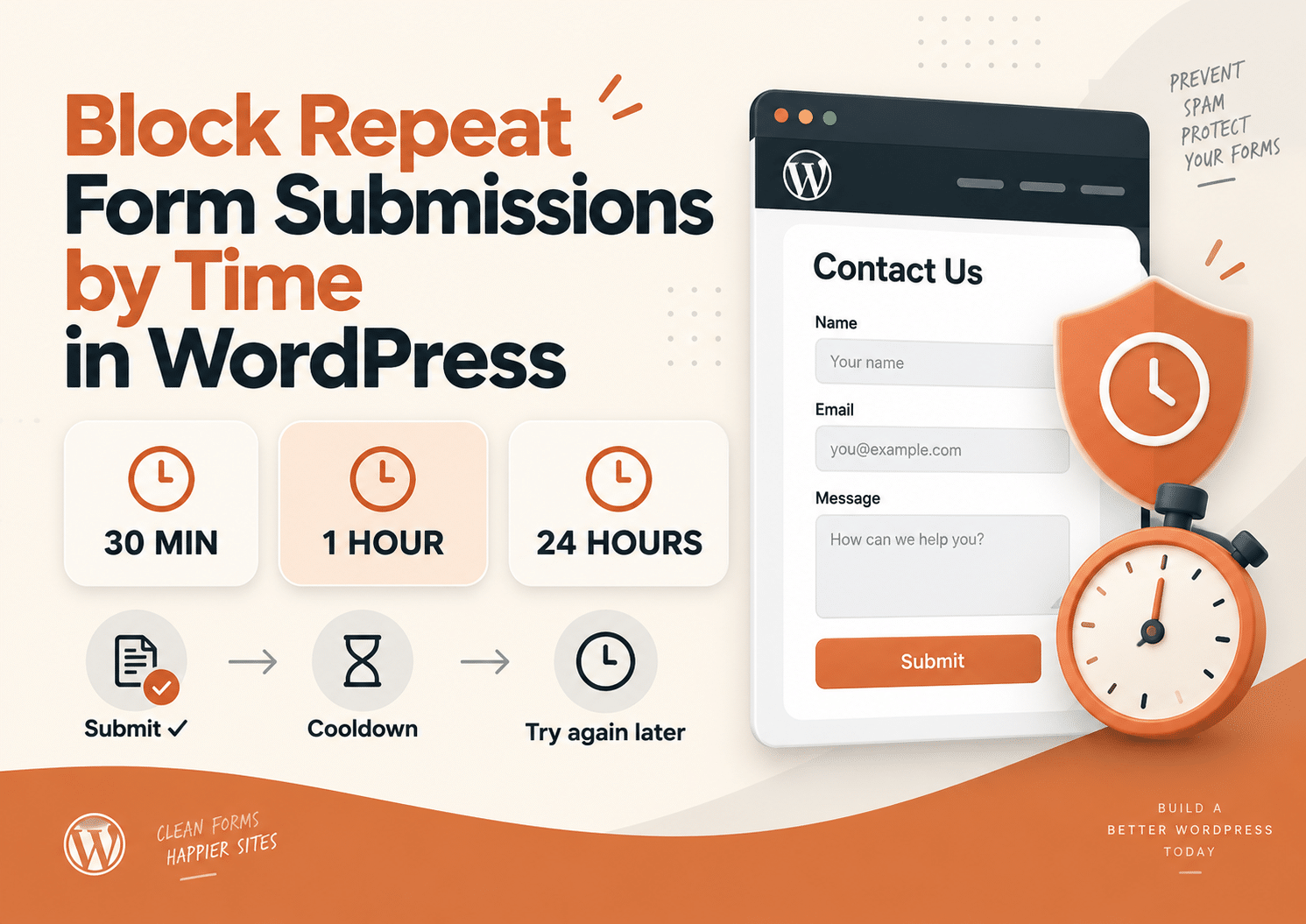
- Time since the previous submission
The best method depends on what your form does.
A newsletter form may care mainly about duplicate email addresses.
A callback form might need a short IP cooldown.
A competition may need stronger protection using both a unique email and an IP restriction.
Prevent Duplicate Submissions Using Unique Email Addresses
Email is one of the most useful fields for duplicate prevention.
Imagine that someone submits:
[email protected]
The value can be recorded after the successful submission.
If the same email address is submitted again, the website can reject the new entry and display a helpful message.
For example:
This email address has already been submitted.
This is useful for:
- Contact forms
- Registrations
- Giveaways
- Newsletter forms
- Lead generation
- Applications
Instead of trying to decide whether the visitor is human, you simply check whether the information has already been submitted.
Prevent Repeated Phone Numbers
The same idea works with phone numbers.
For businesses collecting callback requests or sales leads, repeated phone numbers can create unnecessary work.
One person may accidentally submit the form several times and appear in the lead list as several different opportunities.
By treating the phone field as unique, another submission using the same number can be blocked.
This can help keep lead lists cleaner and make reported numbers more meaningful.
Use Text Fields as Unique Values
Sometimes the important value is not an email or phone number.
A form may collect:
- Membership numbers
- Registration codes
- Customer IDs
- Reference numbers
- Usernames
- Other text-based identifiers
Selected text fields can also be used to identify duplicate entries.
For example, if every participant receives a unique registration code, the same code should normally not be accepted twice.
The form can check that value before accepting another submission.
Use Browser-Based Protection
Another way to reduce repeat submissions is browser-based protection.
This can help recognize that the same visitor has already submitted a protected value from that browser.
It is useful when the problem is a visitor returning to the same form and trying to submit the same information again.
However, browser-based protection should not be treated as perfect identification.
Users can:
- Clear browser data
- Switch browsers
- Use another device
- Use private browsing
That is why browser protection can work particularly well when combined with other duplicate checks.
IP-based protection adds another useful layer.
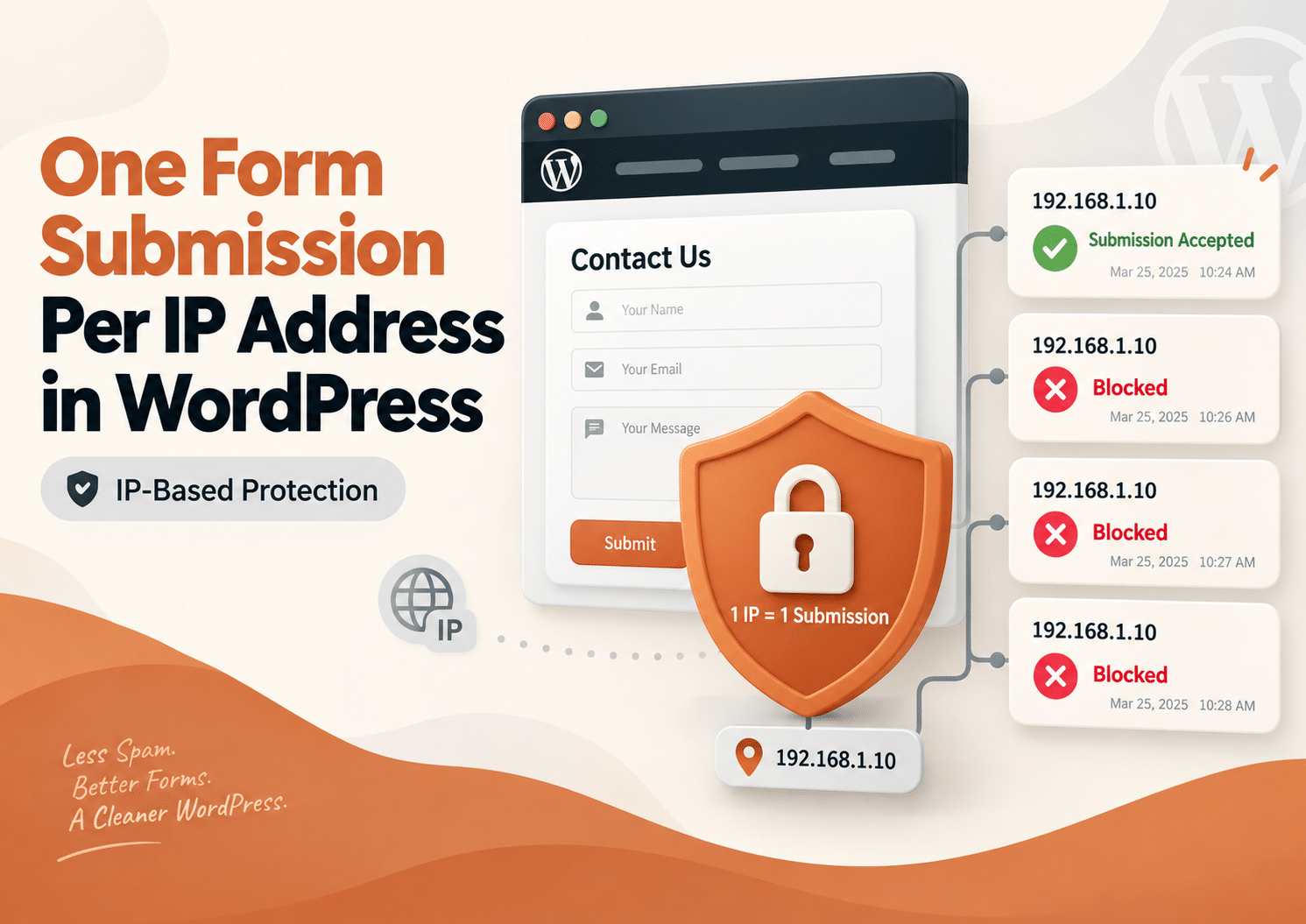
After a successful submission, the visitor’s IP address can be temporarily restricted.
For example, you could prevent another submission from the same IP for:
- 15 minutes
- 30 minutes
- 1 hour
- 24 hours
- Several days
A contact form might only need a short cooldown.
A giveaway or voting form may require a longer period.
The goal is not necessarily to block the visitor permanently.
It is to stop unnecessary repeat submissions during a period when another entry is unlikely to be useful.
Example: Stop Repeated Submissions for 30 Minutes
Imagine a visitor completing a quote request.
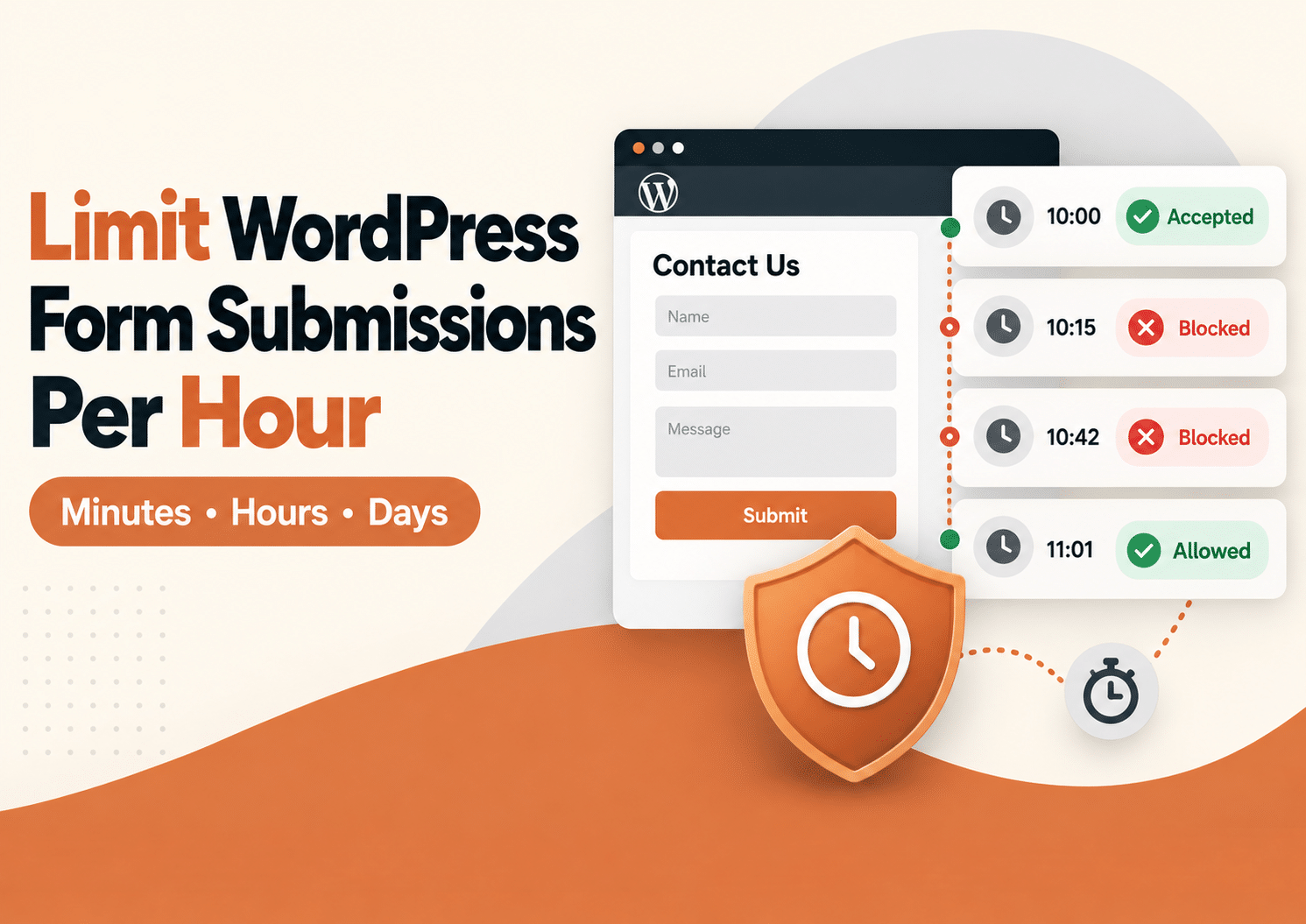
They click Submit at 10:00 AM.
The website takes a moment to respond, so they click again at 10:01.
Then they refresh and try once more at 10:03.
Without duplicate protection, the business may receive three requests.
With a 30-minute IP restriction, the first submission is accepted while the next attempts from the same IP are blocked.
At 10:31, the restriction has expired and the visitor can submit again.
This is a simple way to reduce accidental duplicates without permanently restricting the form.
Combine Multiple Types of Duplicate Protection
For some websites, one check is enough.
For others, combining several methods provides better protection.
For example, a registration form could use:
Unique email address
The same email cannot register repeatedly.
Browser-based protection
The same browser cannot repeatedly reuse the protected value.
IP restriction
Rapid submissions from the same network are temporarily limited.
These layers address different situations.
They can also help reduce duplicate entries without putting an additional verification step in front of every legitimate visitor.
How Duplicate Killer Works
Duplicate Killer checks selected information when a form is submitted.
If the protected value has already been recorded under the configured rules, the repeated submission can be stopped and a validation message shown.
For example:
A visitor submits:
Email: [email protected]
That value is recorded.
Later, the same protected form receives:
Email: [email protected]
Duplicate Killer recognizes the repeated value and can prevent another entry from being accepted.
The plugin focuses specifically on preventing duplicate and repeated submissions. It can also work alongside existing spam or CAPTCHA protection when a website needs both types of protection.
Duplicate Protection Does Not Replace Spam Protection
This distinction is important.
Duplicate Killer is not designed to decide whether every visitor is a bot or whether every message is spam.
It answers a different question:
Has this protected value already been submitted?
A dedicated spam protection system may still be useful when your website receives automated junk submissions.
You can use both approaches together.
For example:
Spam protection
Helps identify automated or abusive traffic.
Duplicate protection
Prevents the same protected information from being submitted repeatedly.
They solve different problems and do not have to compete with each other.
Why Avoid Unnecessary Form Friction?
Every extra step added to a form gives the visitor something else to complete.
That does not mean CAPTCHA is always bad.
Modern solutions can be much less intrusive than older visual challenges.
For example, some systems can perform much of their verification in the background.
But if your actual problem is simply that the same legitimate person is submitting the same information repeatedly, a duplicate check can address that problem directly.
There is no need to add a solution for a different problem.
Duplicate Killer Free
Duplicate Killer Free provides the core tools needed to stop repeated form submissions.
Depending on your configuration, you can use protected form values and IP-based restrictions to reduce duplicate entries.
The Free version is suitable when your website has a relatively simple form setup and does not require different rules for many individual forms.
It is also a useful way to start identifying exactly where duplicates are coming from before deciding whether more advanced controls are necessary.
Duplicate Killer PRO
Duplicate Killer PRO is designed for websites with more complex form setups.
For example, your website may contain:
- A contact form
- A registration form
- A newsletter form
- A quote request
- A competition form
Those forms may not need the same duplicate rules.
One may need a 30-minute IP restriction.
Another may require a unique email address.
Another may need its own custom validation message.
PRO provides more granular control for these situations, including individual rules for different forms and cross-form duplicate protection.
What Is Cross-Form Duplicate Protection?
Sometimes a website uses several different forms for the same campaign or purpose.
For example:
A landing page contains one form.
The homepage contains another.
A popup contains a third.
Without cross-form protection, the same visitor might submit the same email address through each form.
Cross-form duplicate protection allows related forms to check against each other.
That means a value already submitted through Form A can also be recognized when someone tries to use it in Form B.
This is useful when several forms feed into the same lead list or campaign.
Example: Keeping a Lead List Clean
Imagine that your website reports ten new leads.
That sounds great.
Then you inspect them:
Three use the same email.
Two use the same phone number.
Another visitor submitted the contact form four times.
Technically, the website received ten submissions.
But you do not have ten real opportunities.
Duplicate prevention helps stop repeated entries before they distort the numbers.
Instead of cleaning your list later, you prevent the unnecessary entries at the form level.
When Should You Use Duplicate Protection?
Duplicate prevention is particularly useful for:
- Contact forms
- Lead generation forms
- Quote requests
- Callback requests
- Registrations
- Applications
- Giveaways
- Competitions
- Surveys
- Voting forms
- Event signups
- Newsletter forms
If receiving the same information twice creates unnecessary work or inaccurate data, duplicate protection is worth considering.
When Is CAPTCHA Still Useful?
CAPTCHA or another anti-bot system can still be useful when your main problem is automated spam or abuse.
For example, if bots are sending thousands of different fake email addresses, checking only for duplicate email addresses may not solve the problem.
In that case, you may want both:
- Spam or bot protection
- Duplicate submission protection
Duplicate Killer is designed to complement those systems rather than replace every type of form security.
Choose the Right Duplicate Rule for Each Form
Different forms need different rules.
A useful starting point might look like this:
Contact Form
Protect:
Optional IP cooldown:
30–60 minutes
Quote Request
Protect:
Optional IP cooldown:
1–2 hours
Giveaway
Protect:
Optional IP cooldown:
24 hours or longer
Registration
Protect:
Optional IP restriction based on the registration rules.
Voting Form
Consider:
- Browser protection
- IP restriction
- Another unique identifier when available
The important point is that the rule should match the purpose of the form.
Avoid Making IP Restrictions Too Strict
An IP address does not always represent one individual.
Several people can share the same public IP when they use:
- Office Wi-Fi
- School networks
- Hotels
- Public networks
- Home routers
- Mobile networks
If you block an IP for too long, one visitor’s submission could affect another legitimate visitor on the same network.
For everyday contact forms, shorter cooldowns are often more appropriate.
For controlled campaigns, longer restrictions may make sense.
Frequently Asked Questions
Can I prevent duplicate form submissions without CAPTCHA in WordPress?
Yes. Duplicate submissions can be detected using values such as email addresses, phone numbers or selected text fields, as well as browser and IP-based restrictions.
Will duplicate protection stop spam?
Duplicate protection can stop repeated values and submissions, but it is not a complete spam filter. Dedicated anti-spam tools can still be used alongside it.
Can I block the same email address from submitting twice?
Yes. An email field can be used as a unique value so that an already submitted email is rejected when it appears again.
Can I block duplicate phone numbers?
Yes. Phone fields can also be used to identify repeated entries.
Can I stop someone from submitting again for one hour?
Yes. IP-based restrictions can create a temporary cooldown before another submission from the same IP is accepted.
Can I use CAPTCHA and Duplicate Killer together?
Yes. They address different problems and can be used together when both spam protection and duplicate prevention are needed.
Does Duplicate Killer change my form design?
No. Duplicate Killer works with the existing form and does not need to redesign its appearance.
Is IP blocking enough for voting forms?
Not necessarily. Several people can share an IP address, while one person can sometimes change IP addresses. For more important voting systems, IP restrictions should be combined with other validation methods appropriate to the use case.
Stop Duplicate Entries Without Making Forms Harder to Use
Not every repeated form submission is spam.
Sometimes it is simply the same real visitor clicking twice, refreshing the page, returning later or submitting the same information again.
If that is the problem you are trying to solve, adding another challenge is not always necessary.
You can prevent duplicate form submissions without CAPTCHA by checking the information that actually matters:
Email addresses.
Phone numbers.
Selected text values.
Browsers.
IP addresses.
And the time between submissions.
Duplicate Killer brings these duplicate-prevention tools together so your forms can stay simple for legitimate visitors while your WordPress data stays much cleaner.
One real visitor should not have to become five identical leads.