Sometimes you do not need to block a visitor permanently.
You just need to stop the same form from being submitted again too soon.
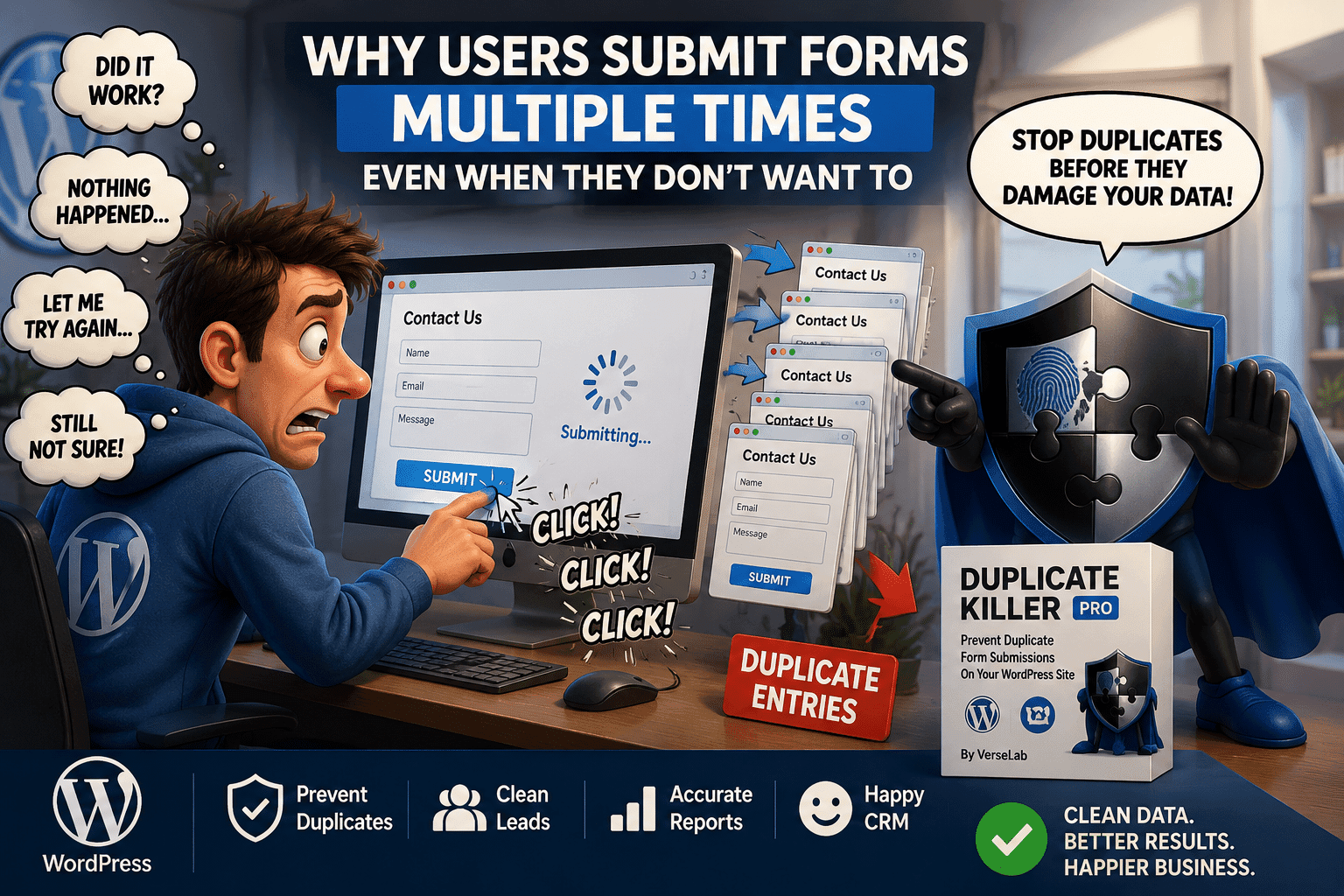
Maybe someone clicks Submit twice because the page feels slow. Maybe they refresh and try again. Or maybe they intentionally send the same request several times within a few minutes.
In these situations, a temporary form submission cooldown in WordPress can be a better solution than a permanent restriction.
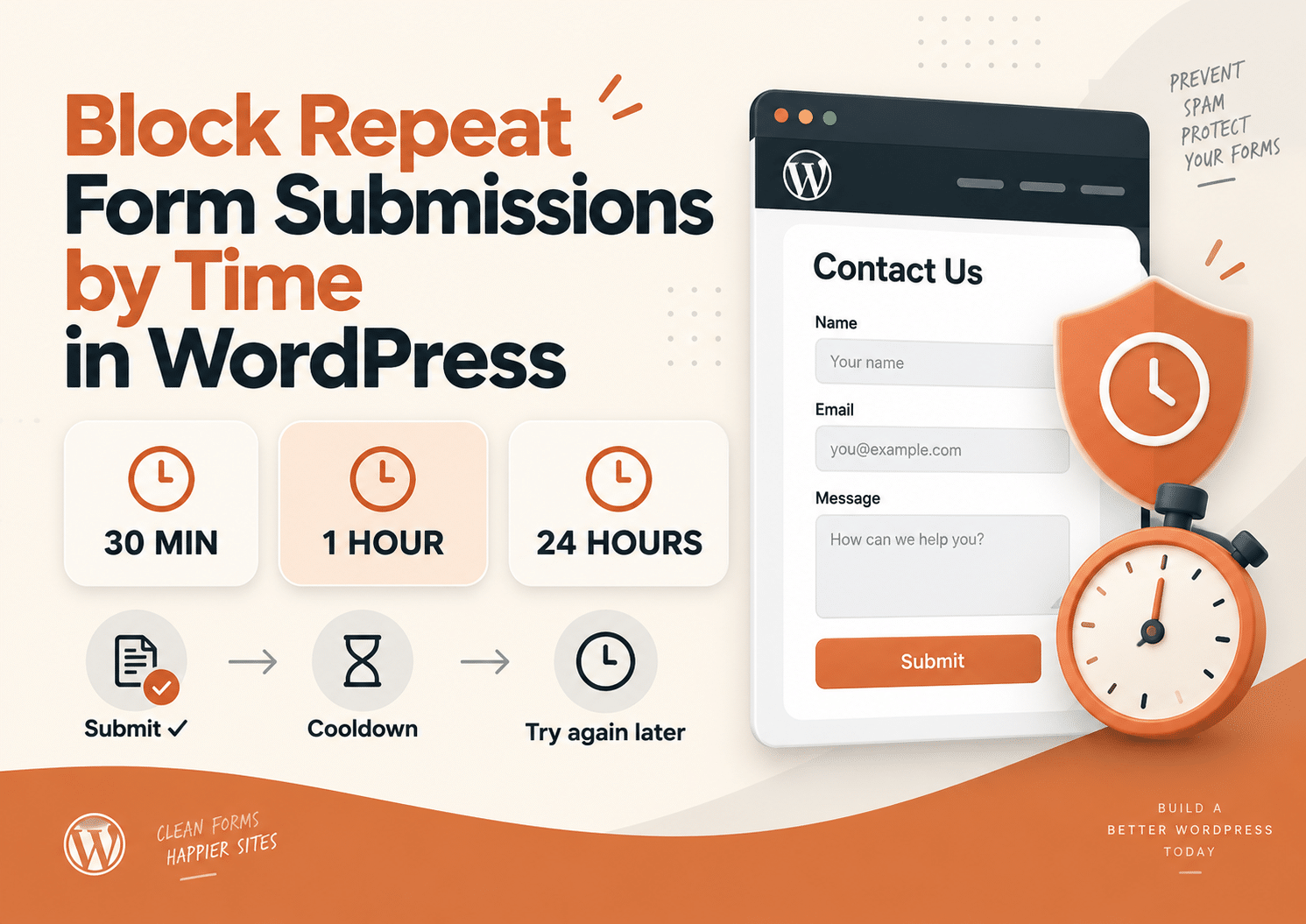
With Duplicate Killer, you can block repeat form submissions for 30 minutes, 1 hour, 24 hours, or another custom period using IP-based restrictions.
That gives you more control while keeping the form simple for legitimate visitors.
What Is a Form Submission Cooldown?
A form submission cooldown is a temporary waiting period after a successful submission.
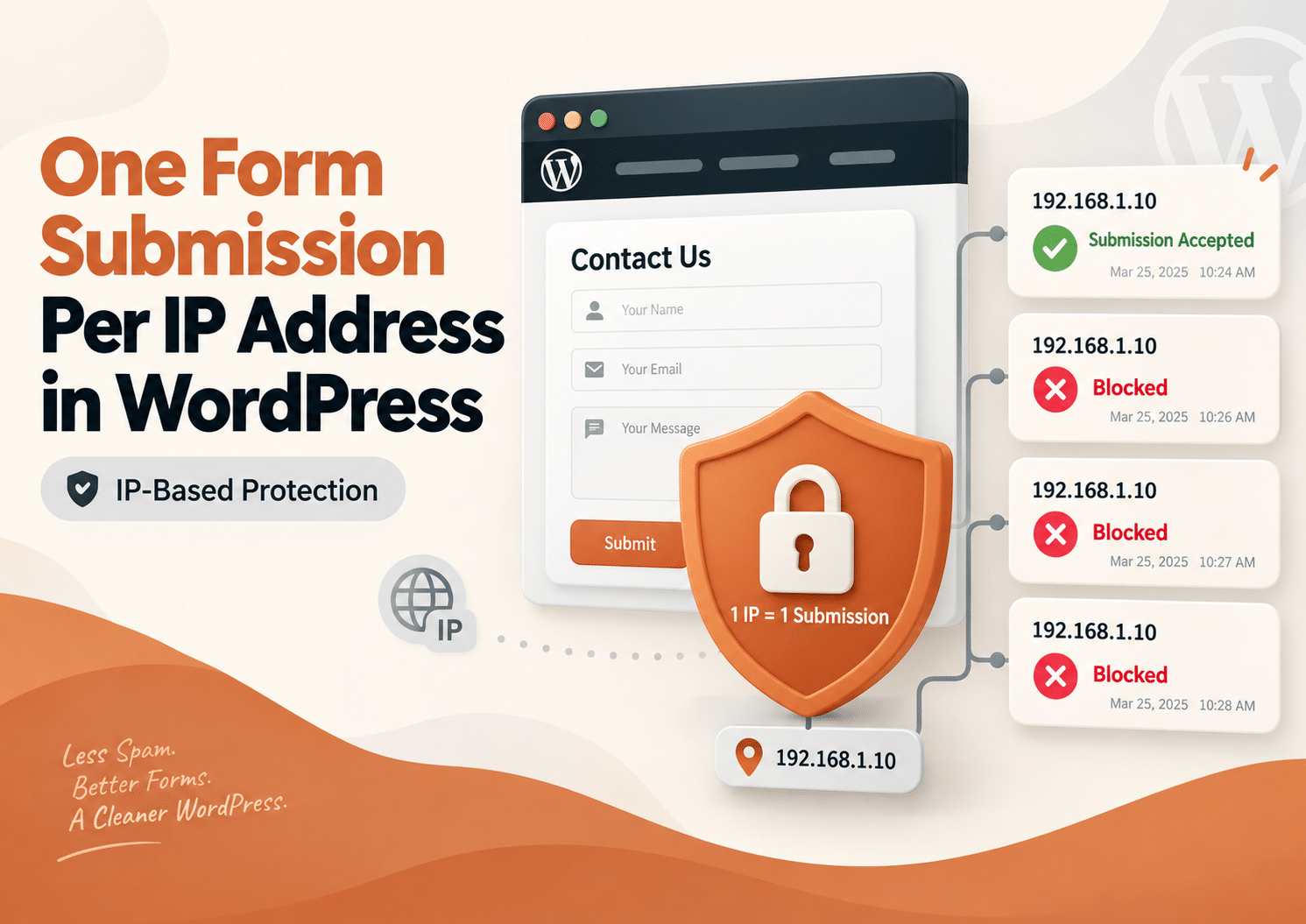
During that time, another submission from the same IP address is blocked.
For example:
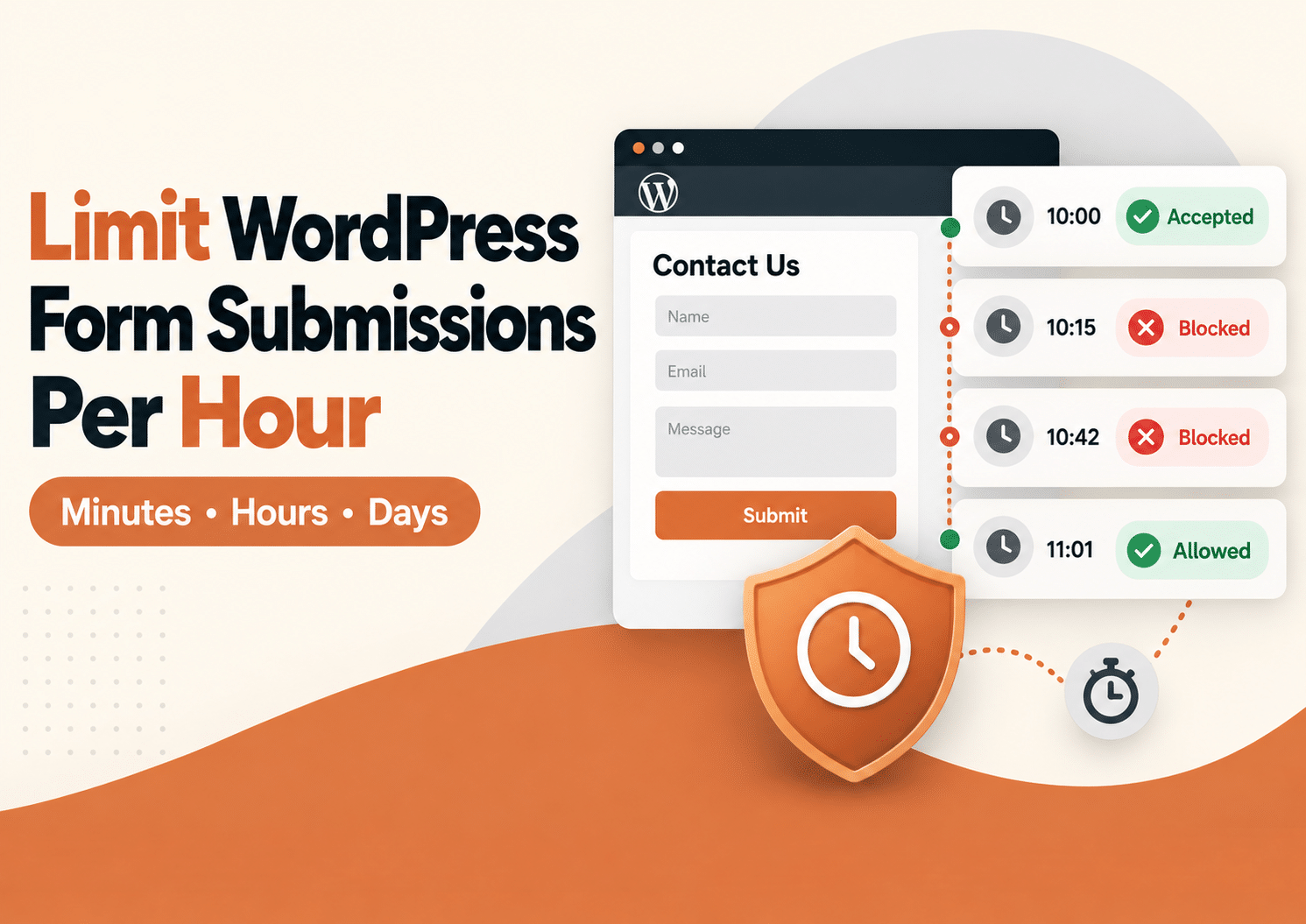
A visitor submits a form at 10:00 AM.
You have configured a 30-minute restriction.
If the same IP tries to submit again at 10:10 AM, the second attempt is blocked.
At 10:31 AM, the restriction has expired and the visitor can submit again.
The idea is simple:
Submit once, wait for the cooldown, then submit again.
Why Use a Time-Based Submission Limit?
Not every duplicate needs a permanent block.
For many websites, the real problem is rapid repeated submissions.
Examples include:
- A visitor clicking Submit several times
- A page taking longer than expected to respond
- Someone refreshing and resubmitting
- Multiple callback requests sent within minutes
- Repeated quote requests
- Duplicate support tickets
- Several identical lead entries
A short time limit can stop these problems without preventing the visitor from returning later.
Block Repeat Form Submissions for 30 Minutes
A 30-minute cooldown is useful when you mainly want to prevent accidental duplicate submissions.
Imagine someone sends a contact form.
The confirmation message appears slowly, so they click Submit again.
Then once more.
Without a restriction, you may receive several identical entries.
With a 30-minute block enabled, the first submission is accepted and the next attempts from the same IP are stopped.
After 30 minutes, the visitor can use the form again.
This works well for:
- Contact forms
- Callback requests
- Quote forms
- Simple lead forms
- Short support requests
Block Repeat Form Submissions for 1 Hour
A one-hour restriction provides stronger protection while still being flexible.
This can be useful when visitors should not normally submit the same type of request several times in one hour.
Common examples include:
- Appointment requests
- Quote requests
- Contact forms
- Support forms
- Booking inquiries
- Product requests
For example:
A visitor sends a quote request at 2:15 PM.
The same IP tries again at 2:40 PM.
The second attempt is blocked.
At 3:16 PM, the restriction has expired.
The website can accept another submission.
This helps reduce repeated entries without creating a long-term block.
Block Repeat Form Submissions for 24 Hours
Some forms should normally be submitted only once per day.
In that case, a 24-hour restriction may be more appropriate.
This works well for:
- Daily giveaways
- Polls
- Daily registrations
- Limited promotions
- Feedback forms
- Daily applications
- Voting systems
The first submission is accepted.
Another attempt from the same IP during the next 24 hours is blocked.
Once the restriction expires, submissions are allowed again.
Use Longer Restrictions When Needed
Duplicate Killer is not limited to minutes or hours.
You can also use longer periods such as:
- 2 days
- 7 days
- 14 days
- 30 days
This can be useful for:
- Competitions
- Giveaways
- Event registrations
- Applications
- Surveys
- Limited-access campaigns
The correct duration depends on what the form is designed to do.
A contact form may only need 30 minutes.
A competition may need seven days.
Duplicate Killer can temporarily restrict repeated submissions based on the visitor’s IP address.
After a successful form submission:
- The IP address is recorded.
- The selected restriction period begins.
- Another submission from the same IP is checked.
- If the cooldown is still active, the new submission is blocked.
- Once the time expires, that IP can submit again.
The form itself does not need to be redesigned.
Visitors do not need to complete extra verification steps simply because a cooldown is active.
Minutes, Hours and Days
One of the key benefits of the current IP restriction system is that the duration can be configured using:
This makes the feature much more flexible than a simple daily limit.
You can create rules such as:
15 minutes
Good for accidental repeated clicks.
30 minutes
Useful for contact and callback forms.
1 hour
Useful for quotes, support requests or inquiries.
24 hours
Useful for daily participation.
7 days
Useful for competitions or limited registrations.
Instead of forcing every form to use the same type of restriction, you can choose a duration that matches the real use case.
Free vs PRO Time-Based Restrictions
Duplicate Killer Free and PRO both provide IP-based protection, but the level of control is different.
Duplicate Killer Free
The Free version provides a global IP restriction.
You can choose how long the restriction should last using minutes, hours or days.
This works well when your website only needs one general rule.
For example:
Global IP block: 1 hour
That gives you a simple way to reduce repeated submissions across supported forms.
Duplicate Killer PRO
Duplicate Killer PRO provides more granular control.
Different forms can use different restriction periods.
For example:
- Contact form: 30 minutes
- Quote request: 2 hours
- Giveaway form: 24 hours
- Registration form: 7 days
This is useful when the website contains several forms with different purposes.
You can also use form-specific messages to explain why a repeated submission has been blocked.
What Message Should Visitors See?
The message should be simple and helpful.
Avoid technical language.
Instead of:
IP restriction active.
Use something like:
You have already submitted this form. Please try again later.
Or:
Thanks! Your previous submission was received. Please wait before sending another one.
A clear message reduces confusion and helps visitors understand that their first submission was successful.
Why a Cooldown Can Be Better Than a Permanent Block
A permanent restriction can be too strict for normal forms.
Imagine a customer who sends a contact request in the morning and genuinely needs to send another request later that day.
A permanent block would prevent that.
A cooldown gives you a middle ground.
It prevents rapid duplicate submissions while still allowing legitimate future use.
That is why short restrictions such as 30 minutes or one hour can work very well for everyday forms.
Time-Based Limits vs CAPTCHA
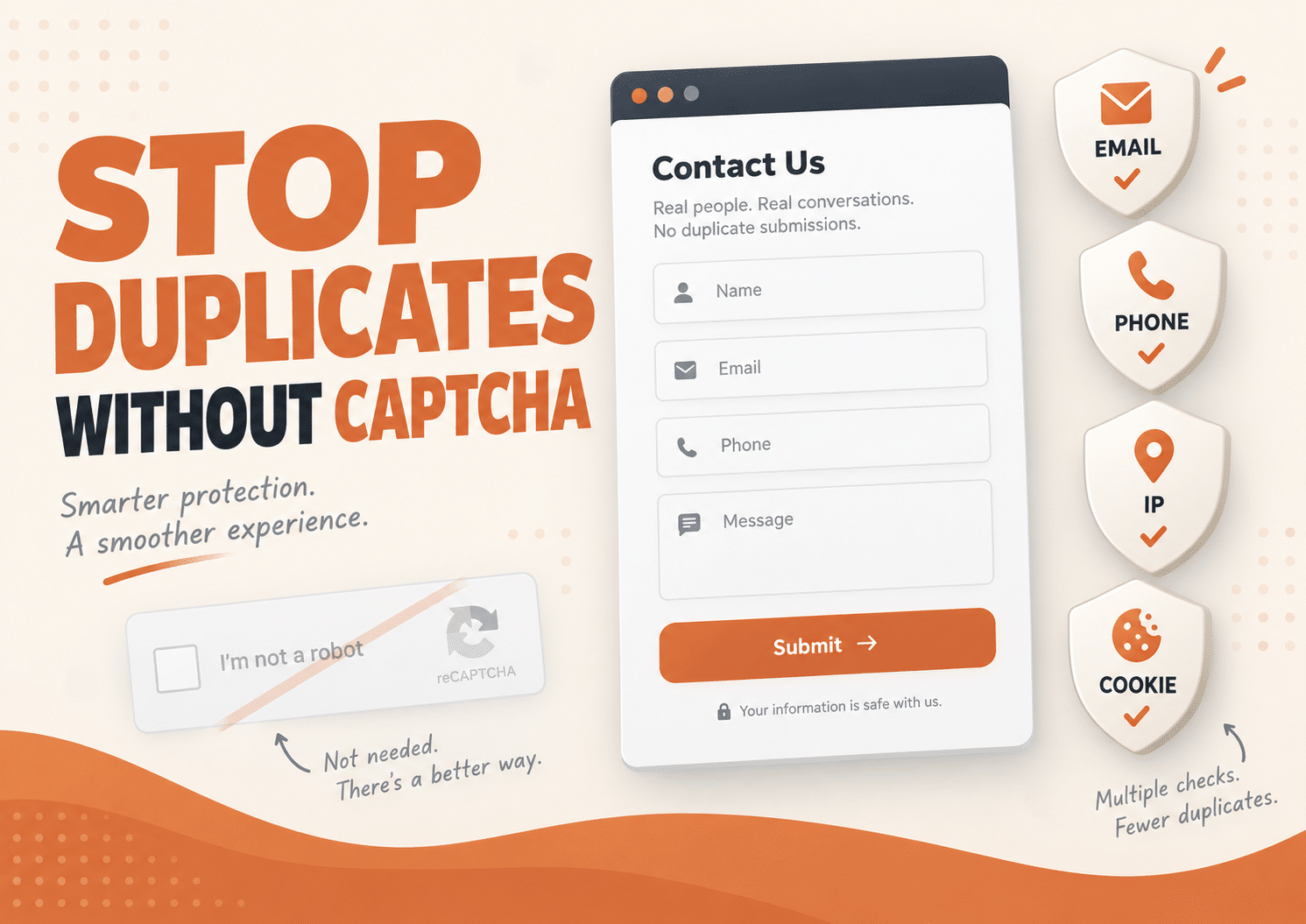
CAPTCHA and submission cooldowns solve different problems.
CAPTCHA mainly tries to determine whether the visitor is human.
A real person can pass a CAPTCHA and still click Submit several times.
A cooldown asks a different question:
Has this IP already submitted recently?
That makes time-based restrictions useful when the problem is repeated submissions rather than automated spam.
You can learn more in our guide about why CAPTCHA is not always the best way to prevent duplicate form submissions.
Time-Based Limits vs Unique Email Validation
A time-based IP restriction focuses on the network.
Unique email validation focuses on the value entered in the form.
For example:
A visitor could use the same IP but a different email address.
Or they could use the same email from a different network.
These protections solve different problems.
For stronger duplicate prevention, you can combine:
- IP-based cooldowns
- Unique email validation
- Unique phone validation
- Cookie-based restrictions
This gives you several ways to reduce repeated entries without making the form difficult to use.
Important: Shared IP Addresses
IP-based restrictions are useful, but they are not perfect identity checks.
Several people can share the same public IP address.
This often happens on:
- Office networks
- School networks
- Hotel Wi-Fi
- Public hotspots
- Home networks
- Mobile networks
If the restriction is too long, one person’s submission could temporarily affect another person using the same network.
That is why the duration should match the form.
For a normal contact form, 30 minutes may be safer than seven days.
For a controlled giveaway, a longer period may be justified.
VPN Users Can Change IP Addresses
A visitor using a VPN may appear under a different IP address.
A user may also switch from Wi-Fi to mobile data.
Because of this, IP-based restrictions should not be treated as a perfect way to identify a person.
They are best used as one layer of protection.
For stricter forms, combine them with other duplicate-prevention rules.
Improved IP Expiration Handling
Accurate expiration is especially important when using short restrictions.
A seven-day limit being slightly wrong is inconvenient.
A 30-minute limit being wrong can make the feature feel broken.
Duplicate Killer includes improved IP block expiration handling for websites that use a local WordPress time zone.
This helps ensure that short restrictions such as 15 minutes, 30 minutes or one hour expire when expected.
Active Duration Values Are Easier to See
Active duration settings are also highlighted in the plugin settings.
This makes it easier to understand which values are currently being used.
For example, you can quickly see whether the restriction is:
- 30 minutes
- 1 hour
- 24 hours
- 7 days
This becomes especially useful when you manage several forms or change restrictions regularly.
Which Time Limit Should You Choose?
There is no single correct answer.
A useful starting point is:
15–30 Minutes
Use this when you mainly want to stop accidental repeated clicks or immediate resubmissions.
Best for:
- Contact forms
- Lead forms
- Callback requests
1–2 Hours
Use this when repeated submissions within the same hour are rarely useful.
Best for:
- Quote requests
- Support requests
- Appointment inquiries
- Booking forms
24 Hours
Use this when visitors should normally submit only once per day.
Best for:
- Daily polls
- Giveaways
- Feedback forms
- Promotions
Several Days
Use this when repeated participation should be limited for a longer period.
Best for:
- Applications
- Competitions
- Event registrations
- Weekly campaigns
The best rule is usually the shortest restriction that solves the actual problem.
A Simple Example
Imagine a local service business with a quote request form.
A visitor fills it out and clicks Submit.
They wait five seconds.
Nothing appears to happen.
So they click again.
Then again.
The company receives three identical quote requests.
With a 30-minute cooldown enabled, only the first submission is accepted.
The visitor gets a clear message if they try again, and the business receives one clean request.
No manual cleanup.
No three identical notifications.
No confusion about whether there are three customers or one impatient one.
Frequently Asked Questions
Can I block form submissions for only 30 minutes in WordPress?
Yes. Duplicate Killer supports IP restriction durations using minutes, so you can create short cooldown periods.
Can I allow only one submission per hour?
Yes. You can set an IP restriction of one hour and allow another submission once the restriction expires.
Can I block repeat submissions for 24 hours?
Yes. A 24-hour restriction can be used for daily entries, polls, giveaways and similar forms.
Can I use different time limits for different forms?
With Duplicate Killer PRO, different forms can use different IP restriction periods.
Does the visitor need to solve a CAPTCHA?
No. The time-based restriction does not require CAPTCHA.
What happens after the cooldown expires?
Once the selected period expires, the IP address can submit the form again.
Can a VPN bypass an IP restriction?
Potentially. A VPN can provide another IP address, which is why IP protection should be used as one part of a broader duplicate-prevention strategy.
Should I use 30 minutes or 24 hours?
It depends on the form.
For normal contact forms, shorter periods are usually safer.
For limited campaigns or daily participation, a longer restriction may be more appropriate.
Stop Repeat Submissions Without Blocking Visitors Forever
Repeated submissions can create messy form entries, confusing notifications and inaccurate lead counts.
But the solution does not always need to be a permanent block.
A flexible cooldown lets you block repeat form submissions in WordPress for exactly as long as needed.
That could be:
30 minutes.
1 hour.
24 hours.
Or several days.
With Duplicate Killer, you can choose the duration that matches the purpose of your form and reduce repeated entries without making the experience harder for legitimate visitors.
One submission goes through.
Repeated attempts wait.
And your form stays much easier to manage.