Sometimes you do not want to block a visitor forever. You simply want to stop them from submitting the same WordPress form again for the next 30 minutes, one hour, or several hours.
That is where a WordPress form submission limit can help.
With Duplicate Killer, you can use IP-based restrictions to control how often the same IP address can submit a form. Instead of being limited to full days, you can now configure the restriction using minutes, hours, and days.
For example, you can allow one submission every hour, block repeat submissions for 30 minutes, or apply a longer restriction when the form requires stricter control.
This gives website owners much more flexibility without adding CAPTCHA challenges or changing the form design.
Why Limit WordPress Form Submissions Per Hour?
Not every repeated submission is spam.
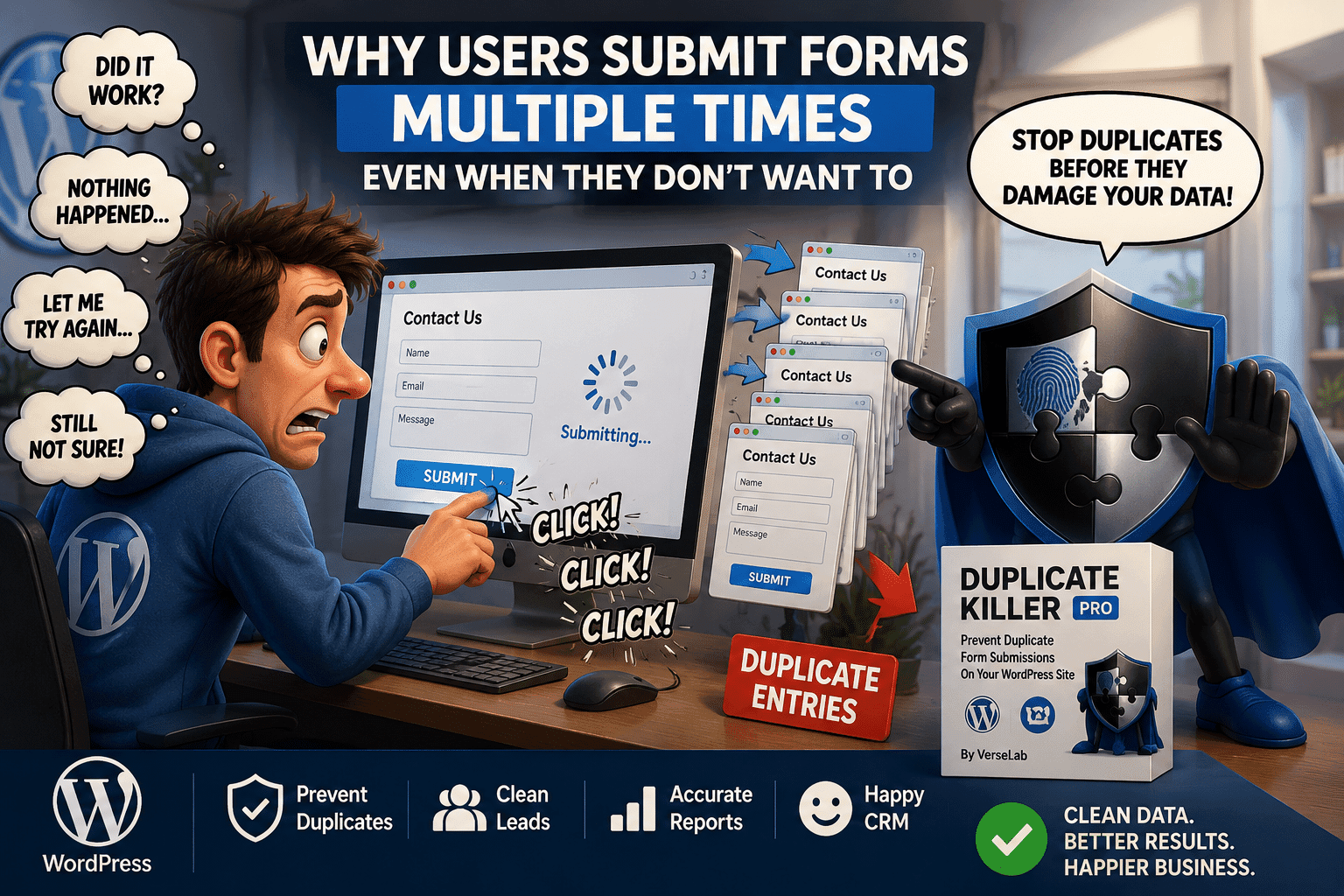
A visitor may click the Submit button several times because the page feels slow. Someone may refresh the page and try again. Another visitor may simply submit the same request repeatedly.
For some websites, permanently blocking that person would be too restrictive.
A short time-based limit is often a better solution.
For example:
- A contact request could have a 30-minute limit.
- A support form could allow one submission every hour.
- A giveaway could allow one entry every 24 hours.
- A voting form could use a longer restriction.
- A booking request could prevent rapid repeated submissions.
By limiting WordPress form submissions per hour, you can reduce repeated entries while still allowing visitors to return later.
How Does an IP-Based Form Submission Limit Work?
The idea is simple.
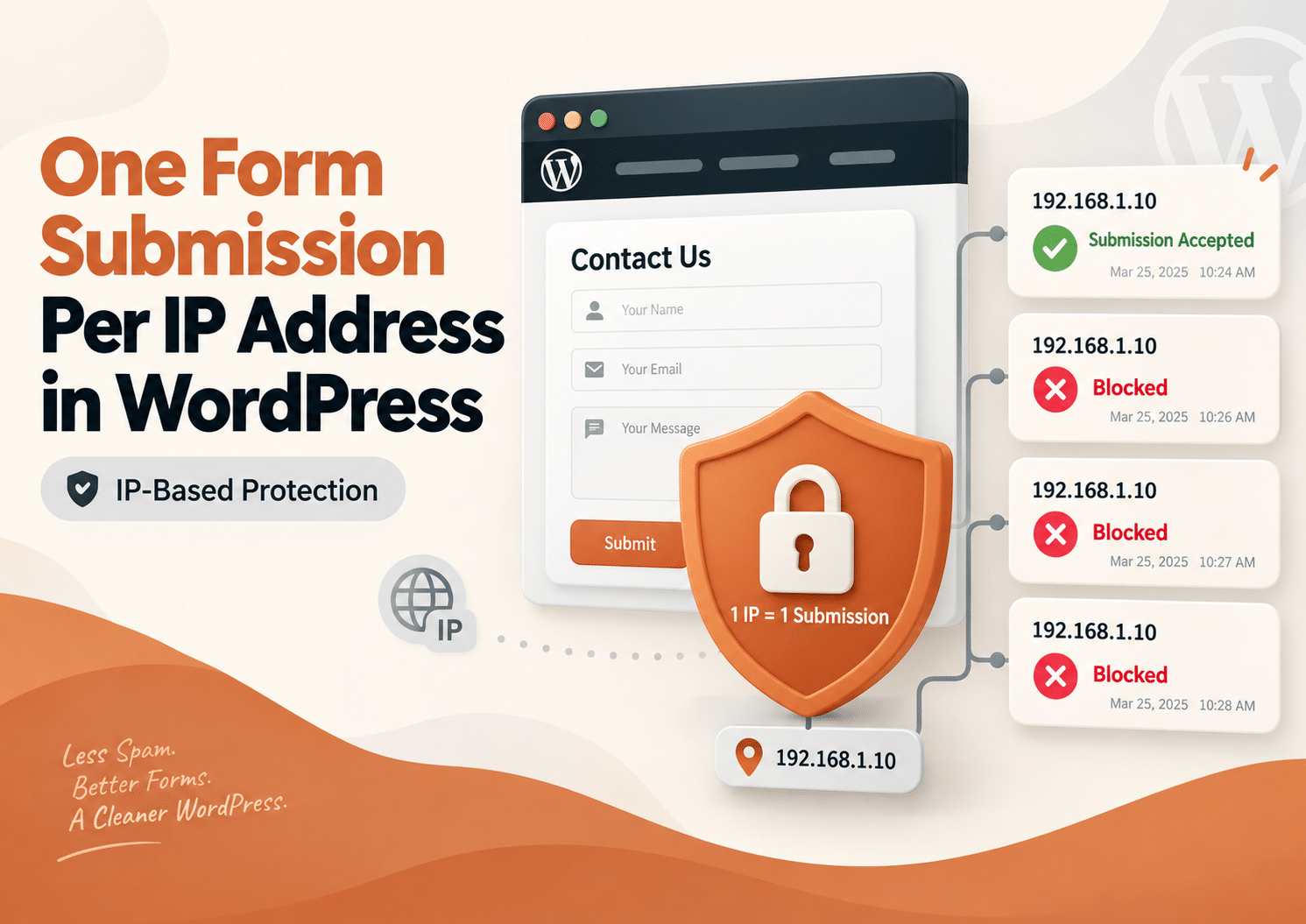
When a visitor successfully submits a protected form, Duplicate Killer records the IP address associated with that submission.
A temporary restriction is then applied to that IP.
If the same IP address tries to submit the protected form again before the restriction expires, the new submission is blocked.
Once the selected period has passed, submissions are allowed again.
For example, imagine that your form has an IP restriction of:
1 hour
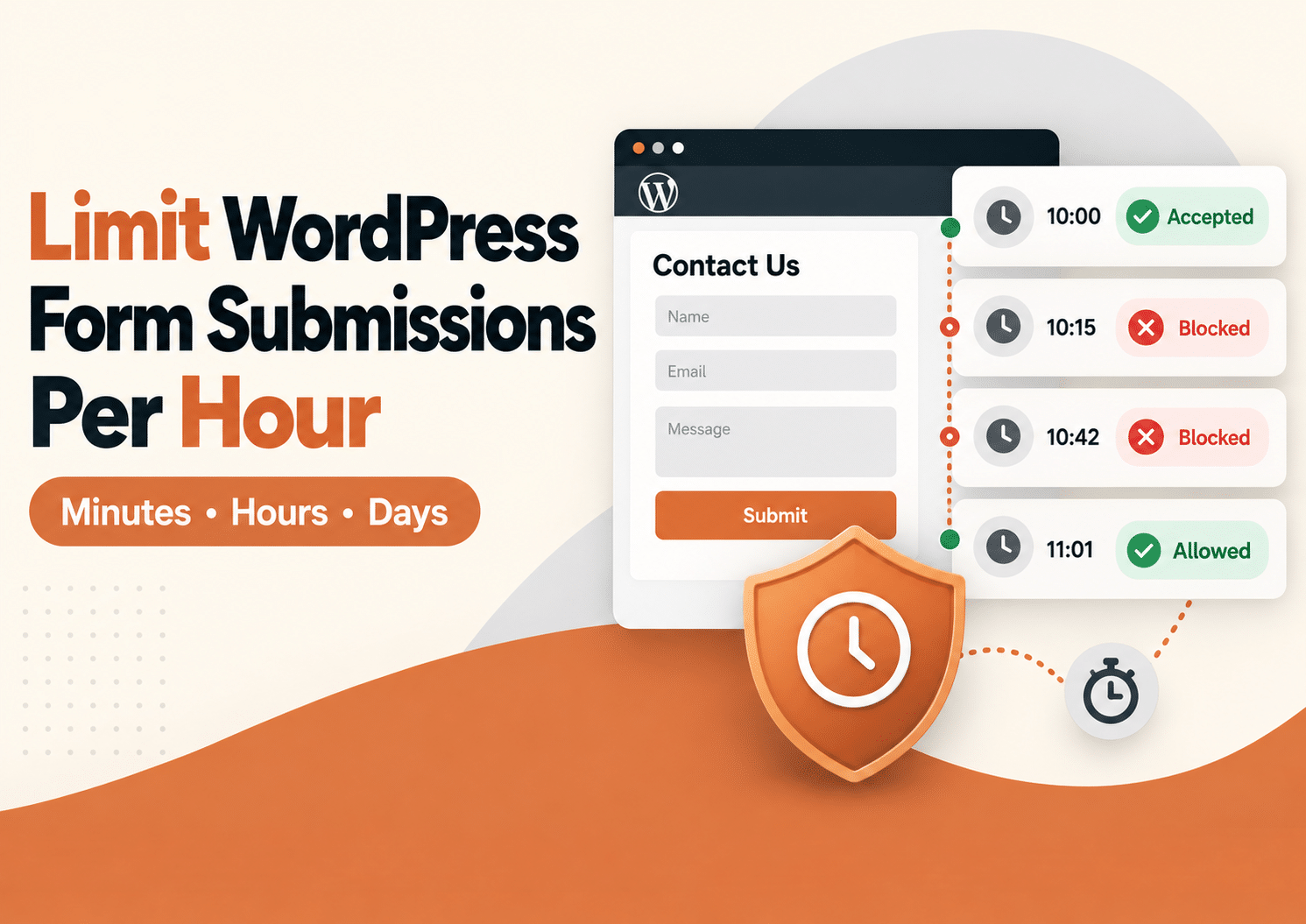
A visitor submits the form at 10:15.
The same IP address tries again at 10:30.
That submission is blocked.
At 11:16, the restriction has expired, so the visitor can submit the form again.
There is no need to manually remove the restriction.
Limit Form Submissions by Minutes, Hours or Days
Different forms need different rules.
A major advantage of time-based IP protection is that the restriction does not have to last an entire day.
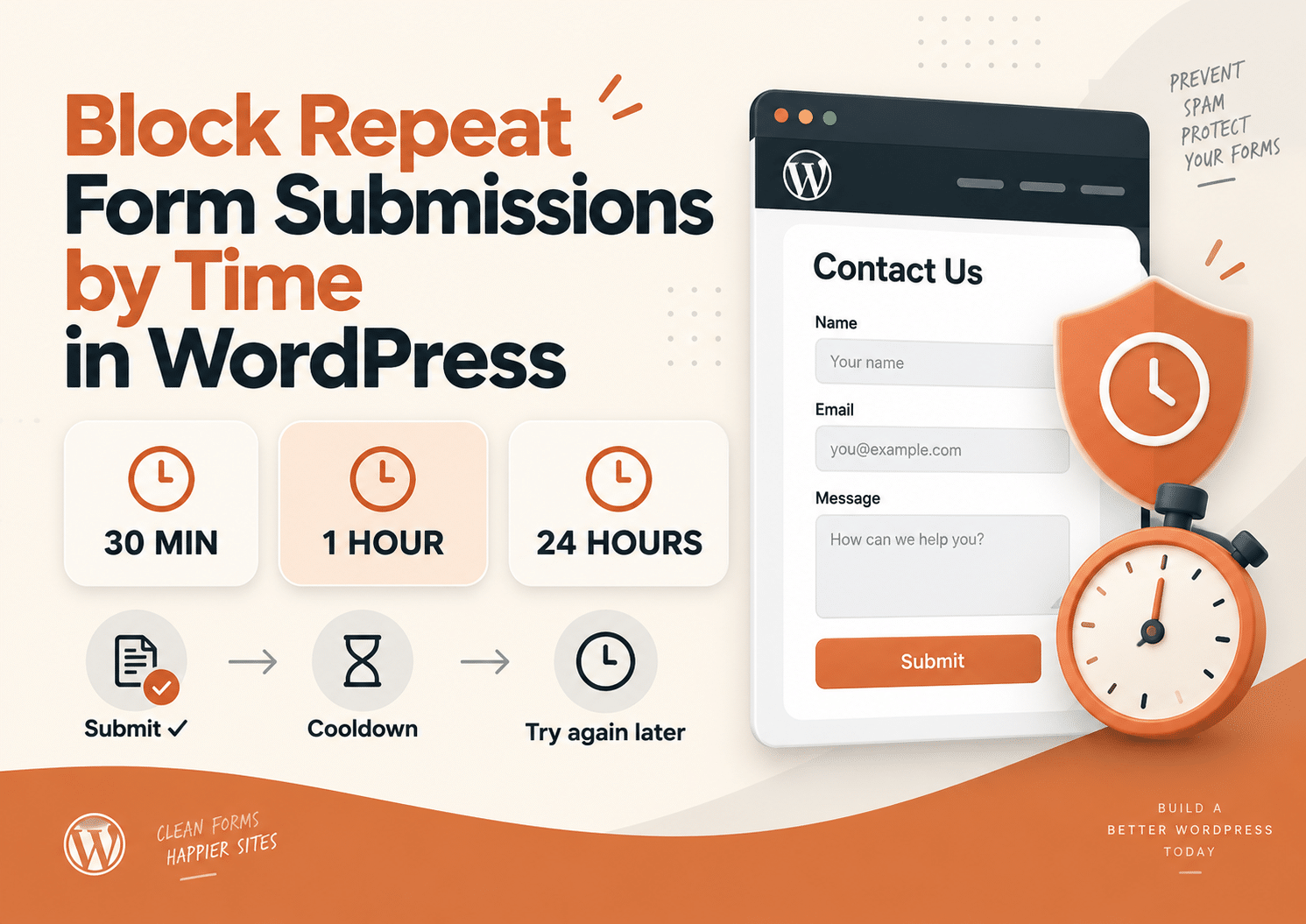
Duplicate Killer allows the IP block duration to use:
This makes it possible to create much more practical submission rules.
Block Repeat Submissions for 30 Minutes
A 30-minute restriction can be useful for forms where the main goal is preventing accidental repeated submissions.
For example, a visitor sends a quote request and immediately clicks Submit several more times because the website responds slowly.
A short restriction can stop those repeated entries without preventing the person from returning later.
Allow One Form Submission Per Hour
A one-hour restriction works well when visitors should be able to submit again, but not repeatedly within a short period.
This can be useful for:
- Support requests
- Contact forms
- Callback requests
- Appointment inquiries
- Lead generation forms
- Limited registrations
Instead of receiving several nearly identical submissions within a few minutes, the website accepts the first submission and temporarily blocks another attempt from the same IP.
Use Longer Restrictions When Needed
Some forms require stronger limits.
For example:
- 6 hours
- 12 hours
- 24 hours
- 7 days
- 30 days
A competition, poll, application form, or limited registration may need a much longer restriction than a standard contact form.
The important point is that the duration can match the purpose of the form.
How Duplicate Killer Handles IP Submission Limits
Duplicate Killer provides IP-based duplicate protection for supported WordPress forms.
After a successful submission, the visitor’s IP can be temporarily restricted according to the duration you configure.
If that IP tries to submit again before the time expires, Duplicate Killer stops the new submission and displays a validation message.
This happens without changing the appearance of the form.
Visitors do not have to complete an additional CAPTCHA challenge, and you do not need to redesign the form.
For a broader explanation of IP protection, you can also read the existing guide about limiting submissions by IP address in WordPress.
You can also learn more about Duplicate Killer on its main product page or install the Free version directly from the official WordPress plugin directory.
Free vs PRO IP Submission Limits
Both versions can help control repeated submissions, but they are designed for different types of websites.
Duplicate Killer Free
The Free version provides a simple global IP restriction.
You can enable IP-based protection and configure how long the restriction should remain active using minutes, hours, or days.
This works well when the website has a simple setup and the same restriction can be used globally.
For example:
IP block duration: 1 hour
The protected form follows that global restriction.
Duplicate Killer PRO
Duplicate Killer PRO provides more control when a website contains several forms with different purposes.
IP limits can be configured at form level.
For example:
- Contact form: 30 minutes
- Quote request: 2 hours
- Registration form: 24 hours
- Giveaway form: 7 days
You can also use different validation messages depending on the form.
This is useful for agencies, larger websites, and projects where one global rule would be too restrictive.
A Simple Real-World Example
Imagine a company website with a “Request a Callback” form.
A visitor completes the form and clicks Submit.
A few seconds later, they become unsure whether the request was sent, so they click again.
Then they refresh the page and submit once more.
Without a restriction, the company may receive three identical callback requests.
With a one-hour IP limit enabled, the first request is accepted.
The next attempts from the same IP are blocked until the one-hour period expires.
The visitor does not have to solve a CAPTCHA, and the company does not have to clean up several identical requests later.
One real request stays one real request.
Why Not Just Use CAPTCHA?
CAPTCHA is useful for detecting certain automated activity, but it solves a different problem.
A real person can successfully complete a CAPTCHA and still submit the same form several times.
Therefore, CAPTCHA does not automatically enforce a submission cooldown.
IP-based restrictions focus on a different question:
Has this IP already submitted the form recently?
That makes IP protection useful alongside other form protection methods.
For more information, read our guide about why CAPTCHA is not always the best solution for preventing duplicate form submissions.
IP Limits Are Not the Same as User Identification
It is important to understand what an IP address represents.
An IP address does not always identify one individual person.
For example, multiple people may share the same public IP when they use:
- An office network
- A school network
- A hotel Wi-Fi network
- A public hotspot
- A mobile network
VPN users may also appear under different IP addresses.
Because of this, the restriction period should match the type of form.
For a standard contact form, a short period such as 30 minutes or one hour may make more sense than blocking an IP for several days.
For a controlled voting or registration system, a longer restriction may be appropriate.
Combine IP Limits With Other Duplicate Protection
IP restrictions do not have to work alone.
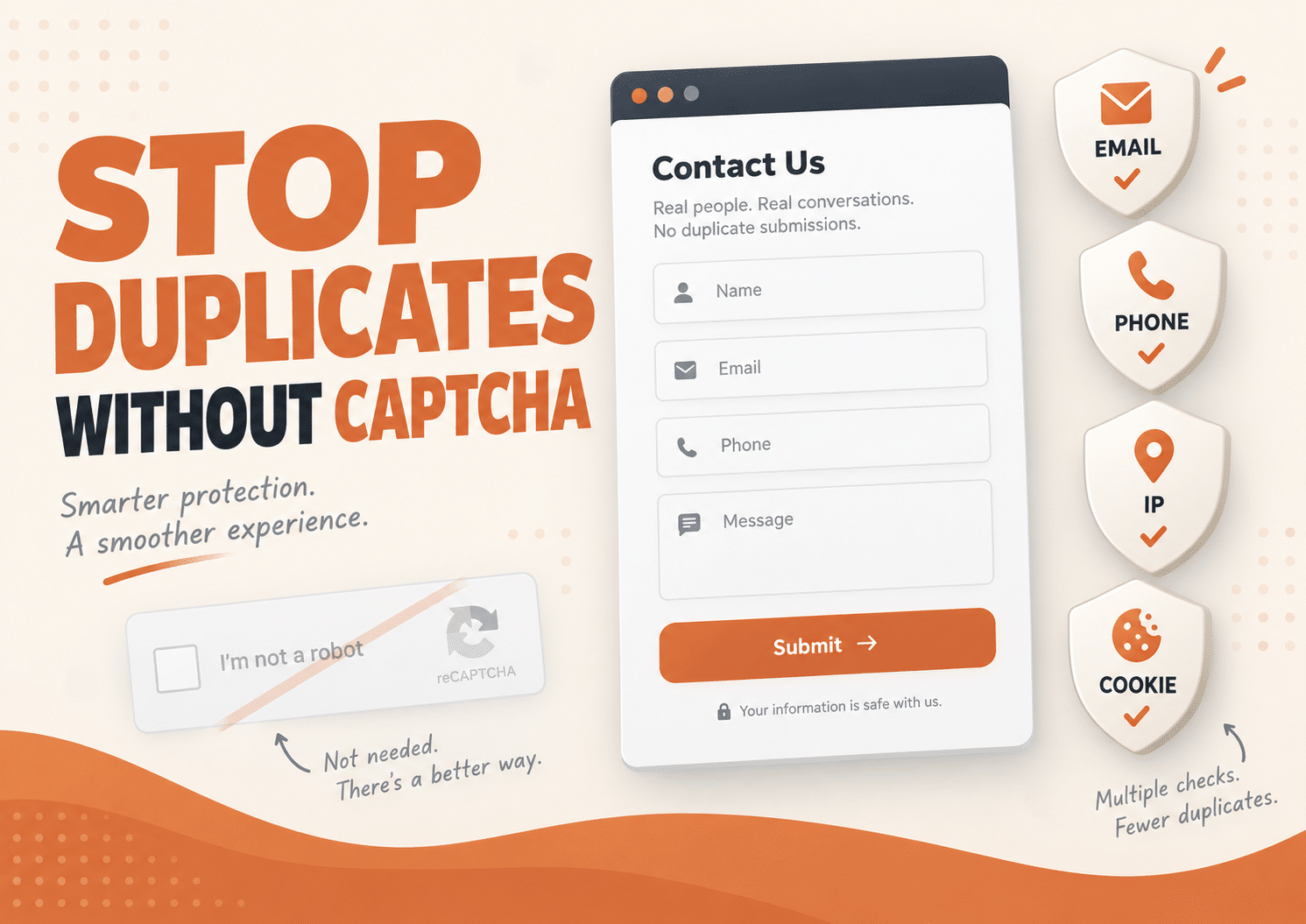
Duplicate Killer can also prevent repeated submissions using unique form values such as an email address, phone number, or text field.
Depending on the website, you can combine several methods.
For example:
IP restriction:
Prevent rapid submissions from the same network.
Unique email:
Prevent the same email address from being submitted repeatedly.
Cookie-based protection:
Prevent the same visitor from repeatedly submitting protected values.
Using more than one method can provide better control without forcing every visitor through extra verification steps.
Improved IP Block Expiration
Recent Duplicate Killer updates also improved how IP restriction expiration is calculated.
Websites often use a local WordPress time zone rather than UTC.
IP block expiration now handles the site’s configured local time correctly, helping restrictions expire when expected.
This is particularly important when using shorter limits such as:
- 15 minutes
- 30 minutes
- 1 hour
- 2 hours
With short time windows, accurate expiration matters much more than it does with a seven-day restriction.
Easier Duration Settings
Active duration values are also highlighted in the Duplicate Killer settings.
This makes it easier to see whether a restriction is using minutes, hours, or days and which duration is currently active.
For example, instead of wondering whether a form is protected for one hour or one day, the active values are easier to identify directly from the settings.
It is a small interface improvement, but it becomes useful when managing several submission rules.
When Should You Limit Form Submissions Per Hour?
An hourly restriction is useful when visitors should be allowed to submit again eventually, but repeated submissions within a short period are unnecessary.
Common examples include:
- Contact forms
- Lead generation forms
- Quote requests
- Callback requests
- Support requests
- Registration forms
- Polls
- Giveaways
- Event forms
- Application forms
The correct duration depends on what happens after someone clicks Submit.
If another submission five minutes later would serve no useful purpose, a temporary restriction may be appropriate.
How Long Should You Block Repeat Submissions?
There is no universal duration for every website.
A useful starting point is:
15–30 minutes
For accidental repeated clicks and rapid resubmissions.
1–2 hours
For contact forms, quote requests, or callback requests.
12–24 hours
For forms that should normally be submitted only once per day.
Several days
For competitions, applications, or more restrictive workflows.
Start with the shortest period that solves the problem.
Overly long IP restrictions can affect legitimate visitors using shared networks.
Frequently Asked Questions
Can I limit WordPress form submissions to once per hour?
Yes. With an IP-based time restriction, you can block another submission from the same IP address until one hour has passed.
Can I block form submissions for only 30 minutes?
Yes. Duplicate Killer supports duration settings using minutes, so the restriction does not need to last a full hour or day.
Can I limit submissions per IP address?
Yes. IP-based protection can temporarily prevent the same IP address from submitting a protected form again.
Can I use different submission limits for different forms?
With Duplicate Killer PRO, different forms can use different IP restriction settings. This allows one form to use a short cooldown while another uses a longer period.
Does an IP submission limit stop spam?
It can reduce repeated submissions from the same IP, but it is not a complete spam solution. Duplicate Killer focuses on duplicate and repeated entries and can work alongside dedicated spam protection.
Does this require CAPTCHA?
No. IP-based submission limits can work without requiring visitors to complete CAPTCHA challenges.
What happens when the IP restriction expires?
Once the configured period has passed, the IP address can submit the form again.
Should I use IP limits or unique email validation?
They solve slightly different problems.
IP limits control how often submissions can come from the same network, while unique field validation can prevent a specific email address, phone number, or other selected value from being reused.
For stronger duplicate protection, both methods can be used together.
Limit WordPress Form Submissions Without Making Forms Harder to Use
A good form should be easy for legitimate visitors to use while preventing unnecessary repeated entries.
With flexible IP restrictions, you can limit WordPress form submissions per hour, for a few minutes, or for several days depending on the purpose of the form.
Short limits can stop accidental repeated clicks. Longer limits can protect registrations, giveaways, polls, and other controlled forms.
Duplicate Killer provides these restrictions without changing your form design or forcing visitors through additional CAPTCHA challenges.
The result is simple:
fewer repeated submissions, cleaner form data, and more control over when visitors can submit again.