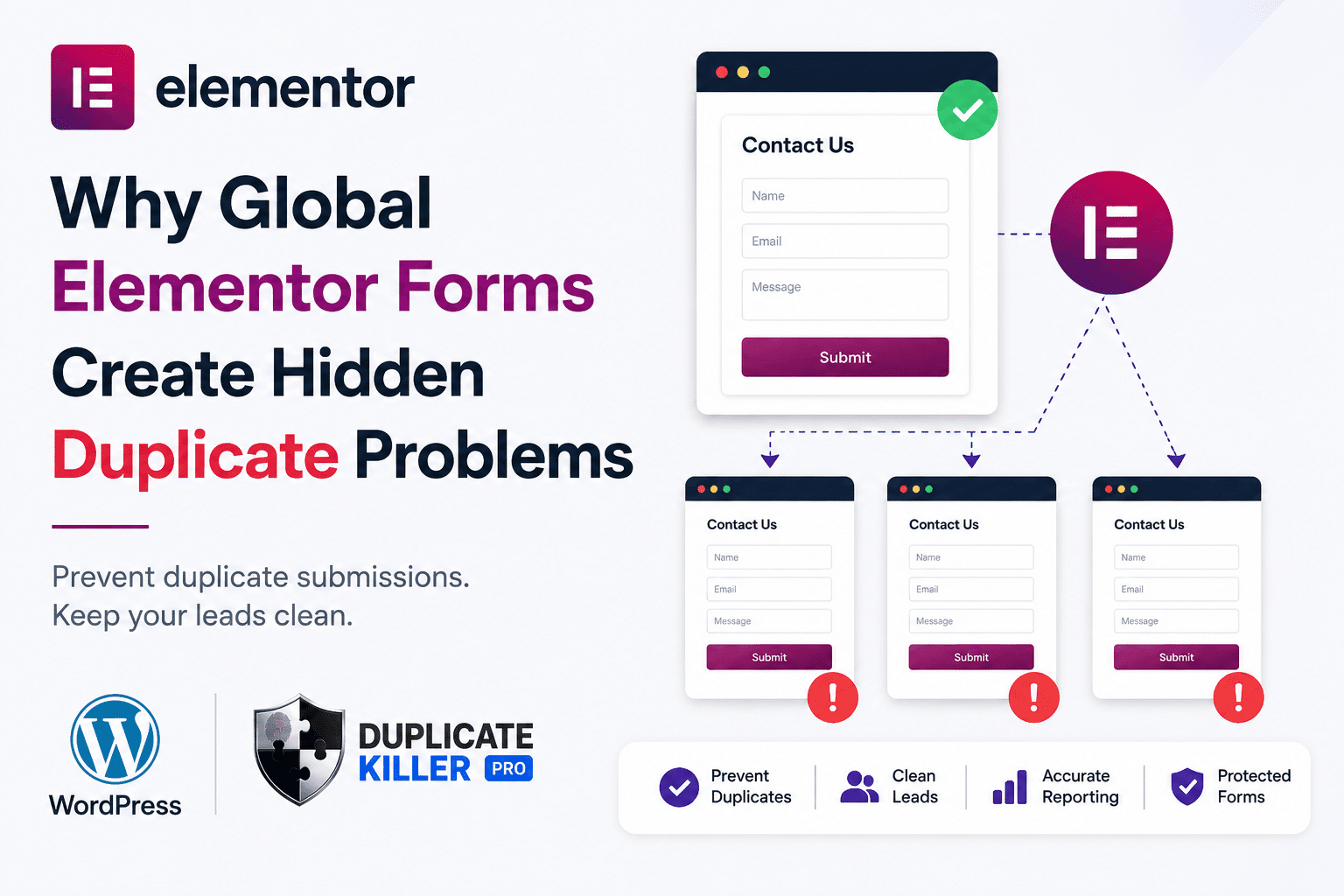
Elementor duplicate forms can become a hidden problem when the same contact form is reused across multiple pages, templates, popups, or global sections.
At first, everything looks normal.
The form appears correctly.
Leads arrive in your inbox.
Visitors can submit without issues.
But behind the scenes, your WordPress site may be treating similar forms as separate forms — even when they are meant to work as one.
That can create duplicate leads, repeated submissions, messy CRM data, and inaccurate reporting.
Why Global Elementor Forms Are So Common
Elementor makes it easy to reuse the same form design across a website.
Many businesses use the same form in:
- landing pages
- service pages
- popup forms
- global widgets
- reusable templates
- contact sections
- quote request pages
This is convenient and efficient.
For example, a business may use the same “Request a Quote” form on ten different service pages.
From the visitor’s perspective, it is the same form.
But technically, WordPress and Elementor may handle those form instances differently depending on how they are embedded, reused, or generated.
You can learn more about Elementor Forms here: https://elementor.com/help/form-widget/
The Hidden Problem With Reused Forms
The problem starts when each form instance behaves like a separate submission source.
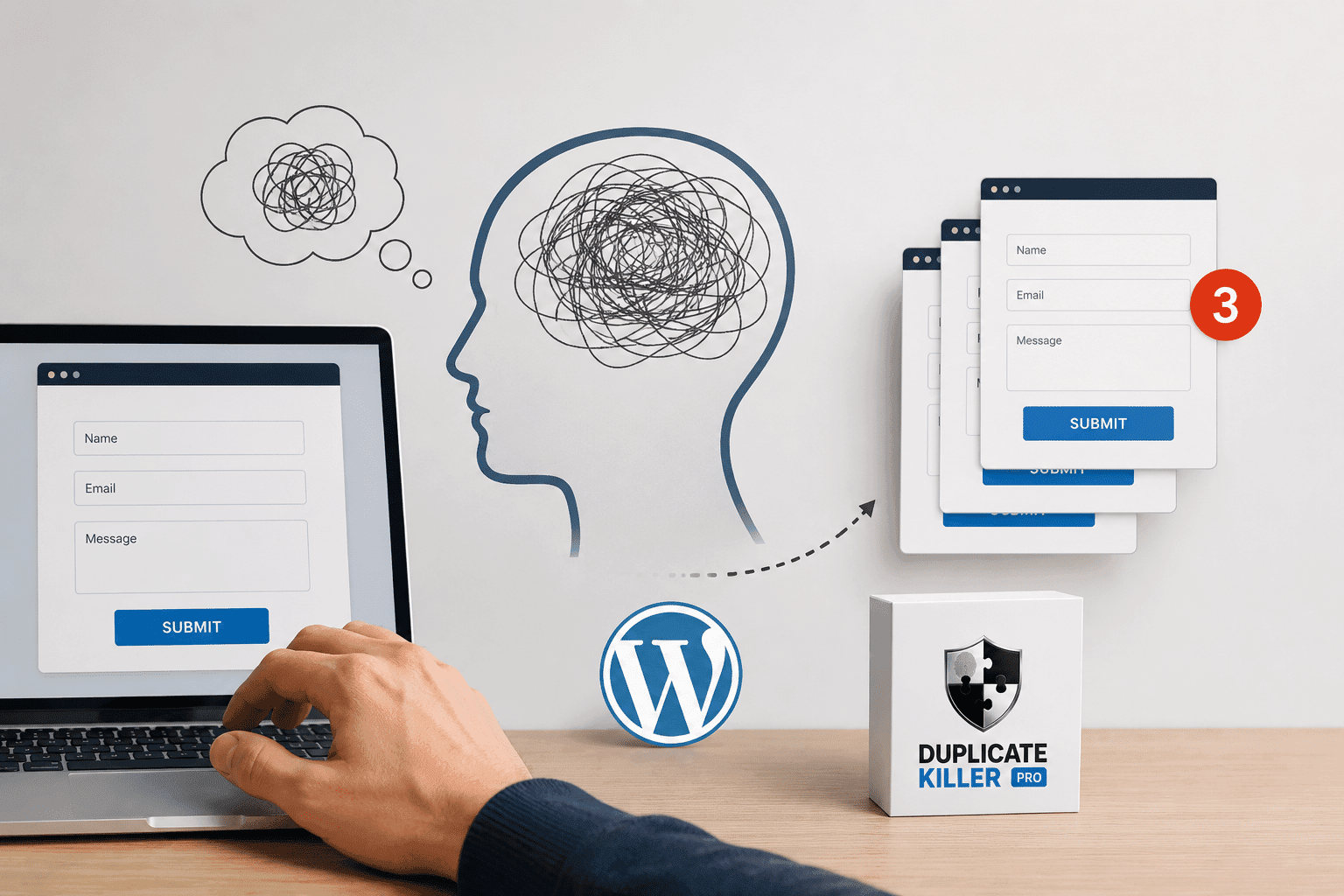
A visitor may submit the same email address on:
- the homepage popup
- a landing page
- a contact page
- a service page
Without proper duplicate validation, those entries can all be accepted.
That means your CRM or admin dashboard may show four leads when, in reality, you only have one person.
This is one of the most common Elementor duplicate forms issues on modern WordPress websites.
Why This Hurts Lead Quality
Duplicate form submissions are not just annoying.
They affect your business data.
They can create:
- repeated CRM records
- duplicate sales follow-ups
- multiple notification emails
- inaccurate conversion tracking
- inflated lead reports
- wasted time for your sales team
If you run ads, duplicate leads can also distort campaign performance.
A landing page may appear to generate more leads than it actually does.
That can make you scale the wrong campaign or misread your real cost per lead.
Related article: Why Duplicate Leads Hurt Facebook Ads Optimization
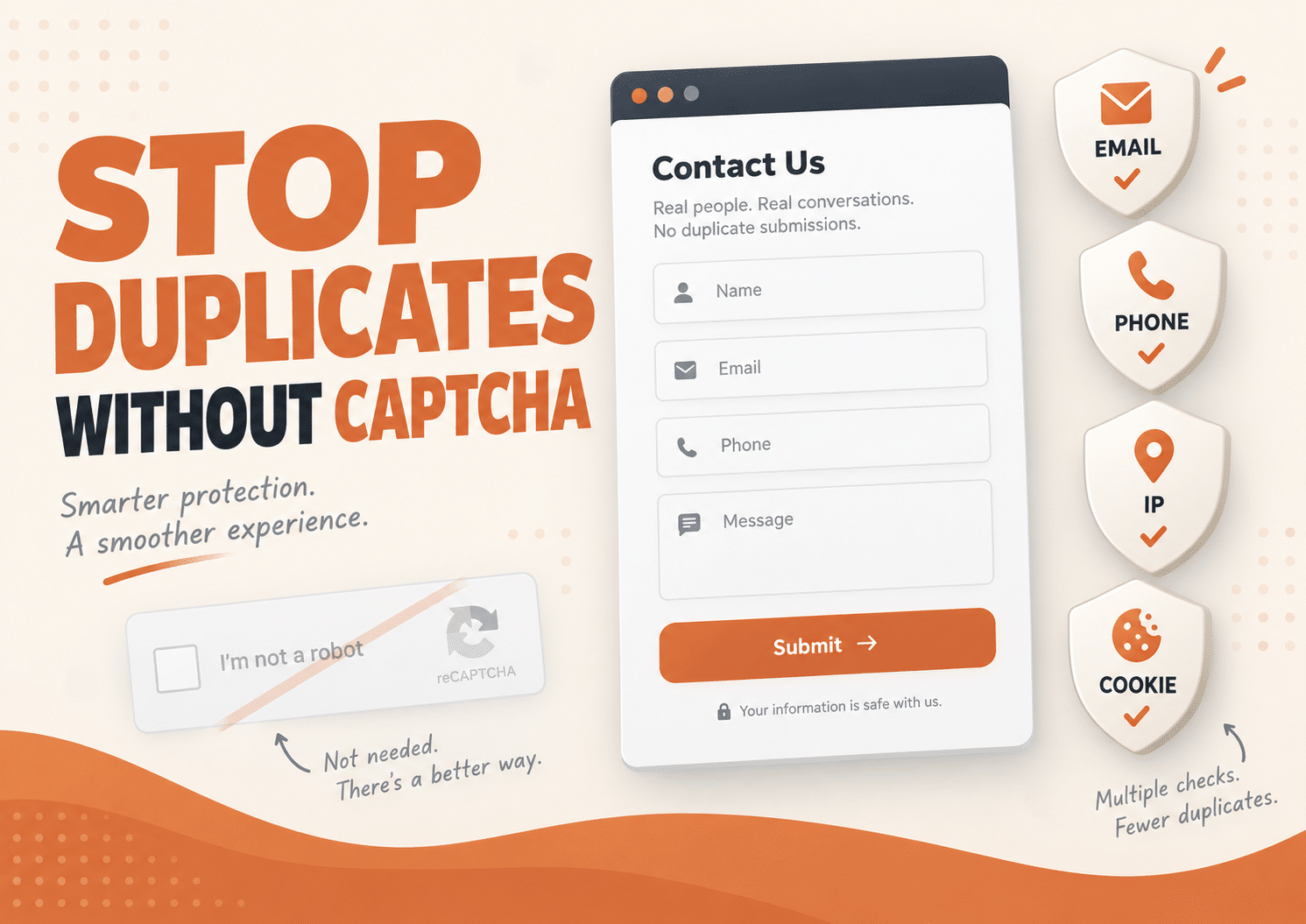
Why CAPTCHA Does Not Fix This
Many website owners install CAPTCHA and think the issue is solved.
But CAPTCHA is designed to block bots.
It does not check whether a real visitor already submitted the same email, phone number, or message.
A real user can:
- pass CAPTCHA
- submit the form successfully
- open another page
- submit the same form again
So CAPTCHA may reduce spam, but it does not solve Elementor duplicate forms problems.
You can read more about reCAPTCHA here: https://www.google.com/recaptcha/about/
Why Form Names Matter
With Elementor, the form name is extremely important.
When the same form is reused across multiple templates or global widgets, you may want those forms to be treated as one protected form.
For example:
A “Free Consultation” form used across five pages should not allow the same email address five different times just because the form appears in different places.
This is where standard duplicate protection may not be enough.
You need protection that understands reused form structures.
How Duplicate Killer Solves This
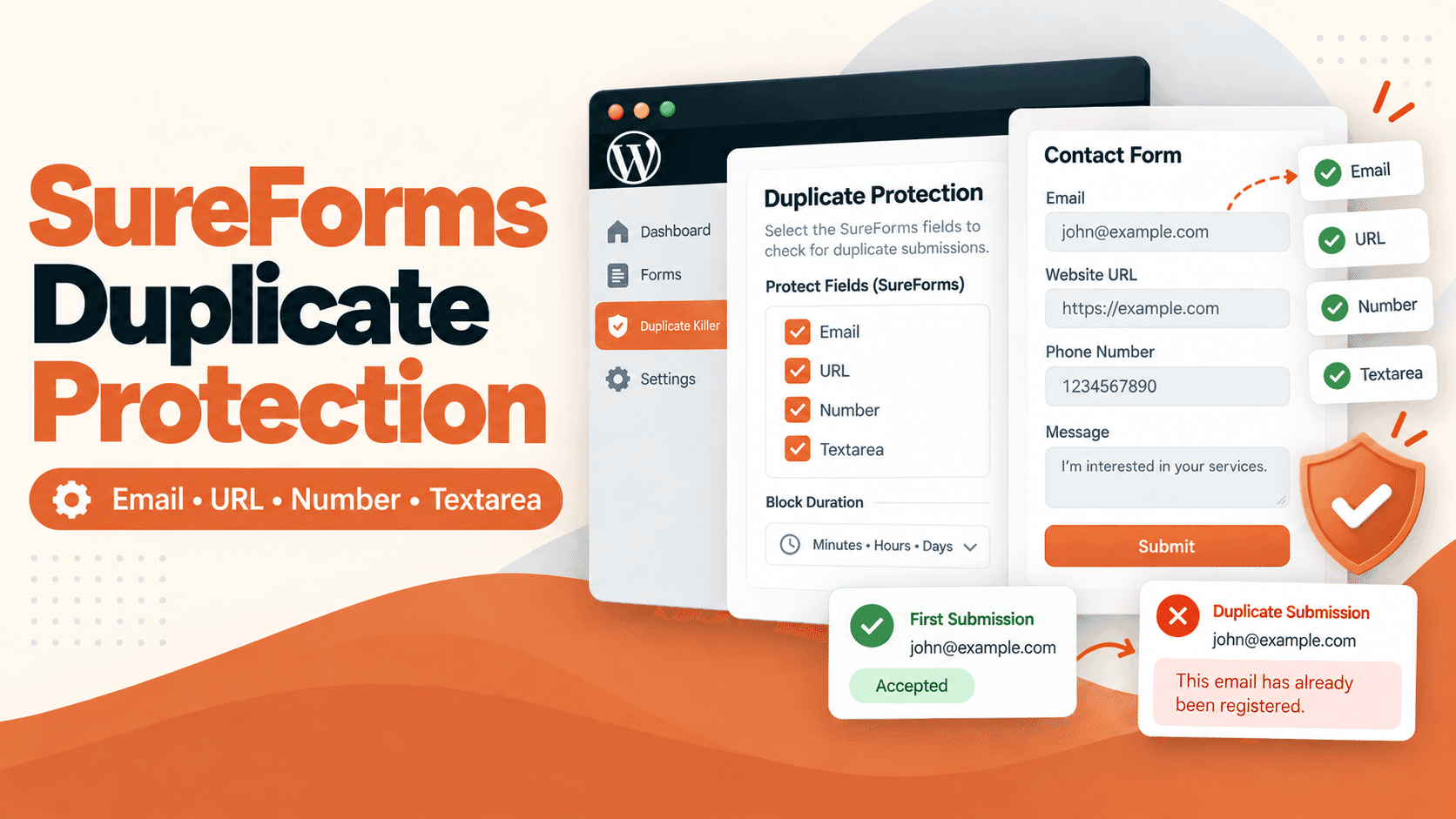
Duplicate Killer PRO includes Elementor Forms support and helps prevent duplicate submissions based on selected unique fields.
You can block duplicates for:
- email fields
- phone fields
- text fields
- number fields
The PRO version also includes Elementor Group Mode.
This allows multiple Elementor forms with the same form name to be treated as one unified protected form, even if Elementor generates different internal form IDs.
That is especially useful for:
- global widgets
- reused templates
- identical quote forms
- popups
- multi-page service funnels
Why This Is Better Than Cleaning Data Later
Many businesses only notice duplicate leads after their CRM becomes messy.
By then, the damage is already done.
Your team may have:
- contacted the same lead multiple times
- triggered duplicate automations
- reported inflated conversions
- wasted time cleaning entries manually
It is much better to prevent duplicates before they enter your system.
Duplicate Killer validates selected fields at submission time, before duplicate data damages your reports.
When You Should Use Elementor Group Mode
Elementor Group Mode is useful when:
- the same form appears on multiple pages
- one popup is used across the site
- global sections contain a contact form
- templates are reused for multiple services
- you want one unique submission per email or phone number across similar forms
This gives you cleaner lead data without changing your form design.
Thoughts?
Global Elementor forms are powerful, but they can create hidden duplicate problems if they are not protected correctly.
The issue is not always spam.
Often, the problem is repeated data from real visitors.
That is why Elementor duplicate forms need duplicate validation, not just anti-spam protection.
If your website uses reused Elementor forms, global widgets, popups, or shared templates, Duplicate Killer PRO can help keep your lead data clean, accurate, and easier to manage.