FAQ: Duplicate WooCommerce Orders
❓ Why do slow websites create duplicate WooCommerce orders?
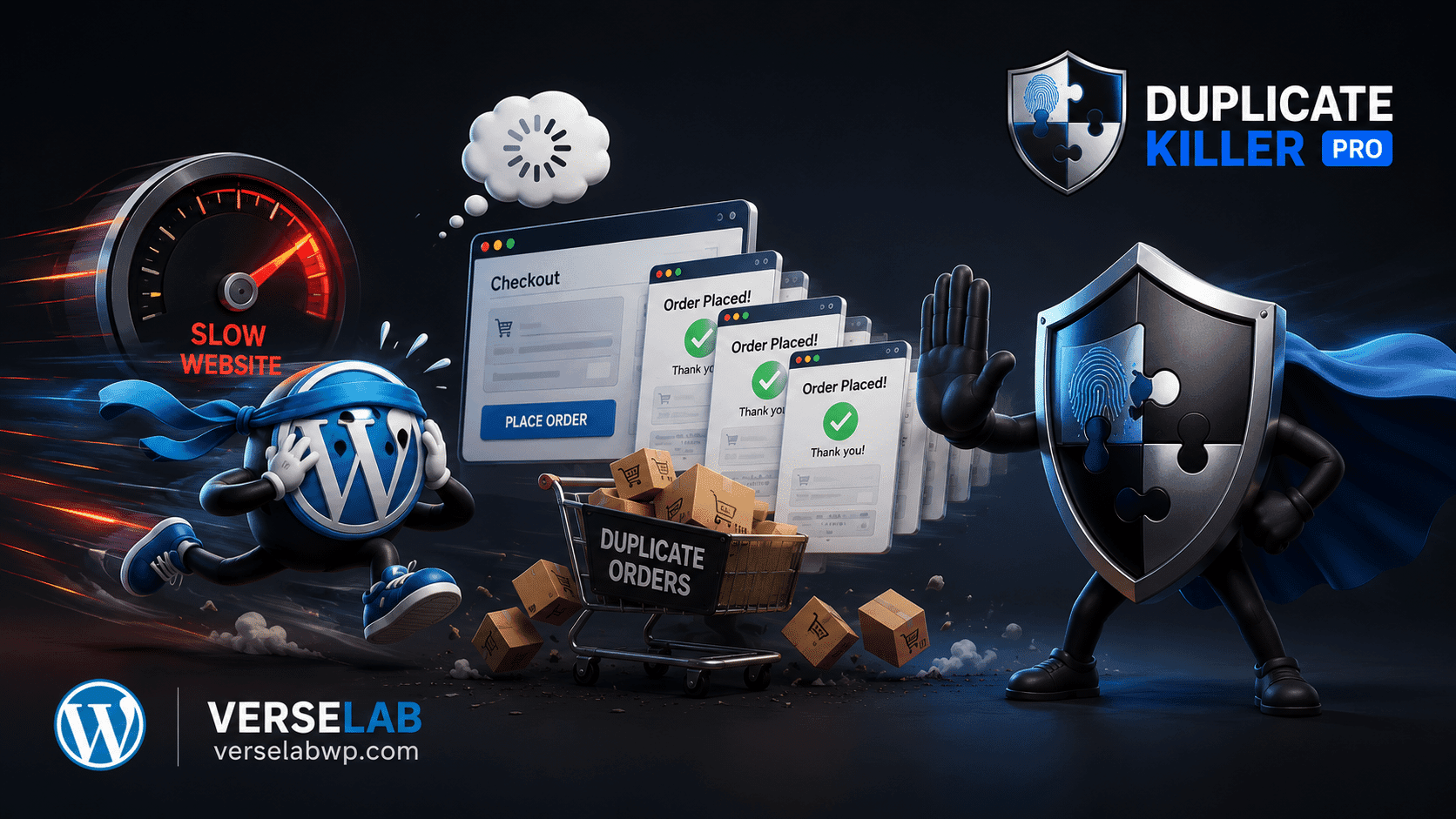
Customers often think checkout failed when pages load slowly or freeze temporarily. The natural reaction is to click the “Place Order” button again, creating repeated submissions.
❓ Does CAPTCHA stop duplicate WooCommerce orders?
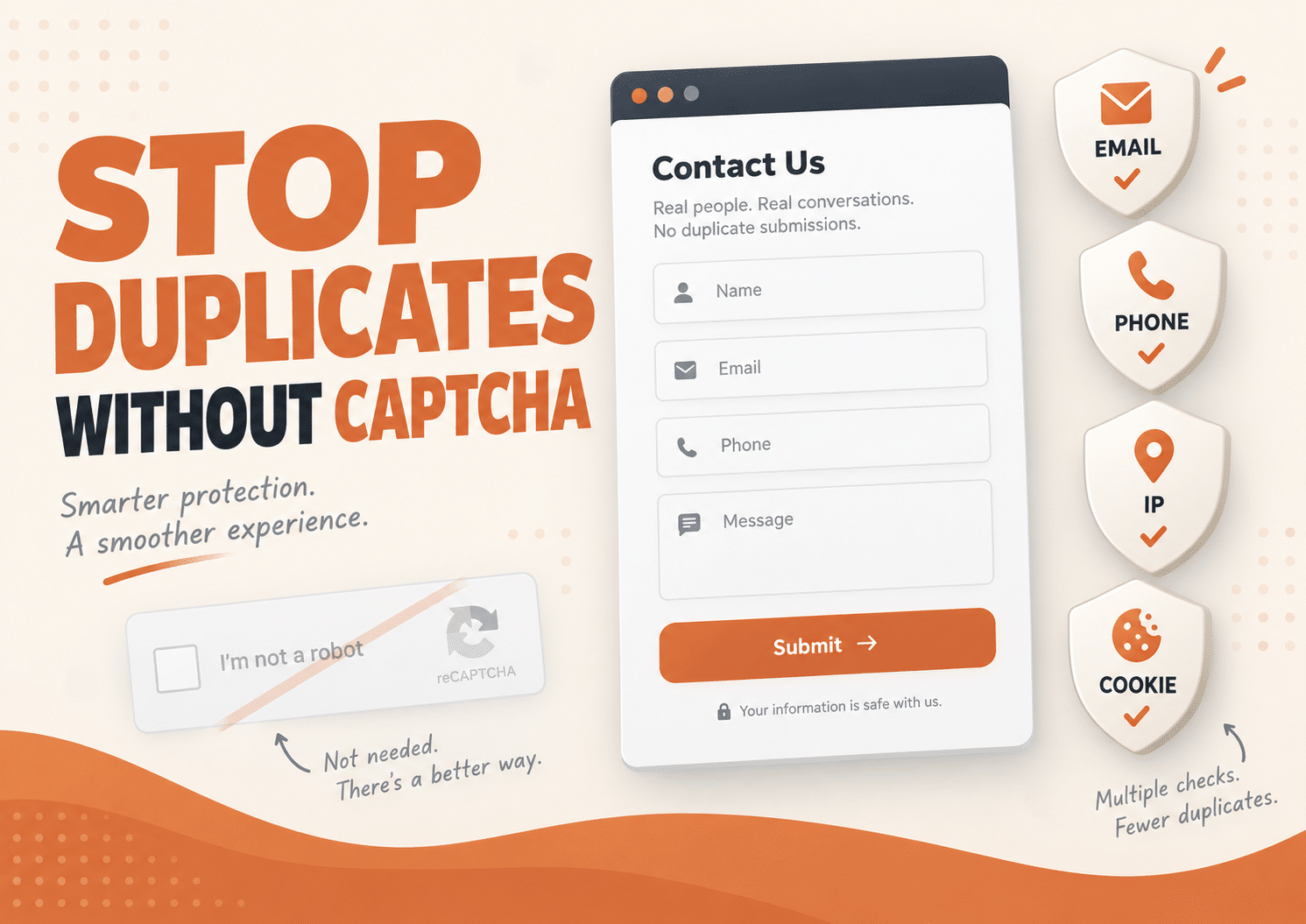
No. CAPTCHA mainly blocks bots and spam traffic. Real customers can still submit the same order multiple times if the checkout feels unresponsive.
❓ Why are duplicate orders more common on mobile devices?
Mobile users experience slower connections, delayed rendering, and accidental double taps more often. Even a small checkout delay can trigger repeated submissions.
❓ Can duplicate WooCommerce orders affect analytics?
Yes. Duplicate orders can inflate revenue reports, distort conversion tracking, and create inaccurate ecommerce analytics inside WooCommerce and advertising platforms.
❓ What is the best way to prevent duplicate WooCommerce orders?
The safest approach combines performance optimization with server-side duplicate validation that blocks repeated checkout submissions before they are processed.
Most WooCommerce store owners think website speed is only about SEO and user experience.
But slow websites create another hidden problem that quietly damages ecommerce stores every day: duplicate WooCommerce orders.
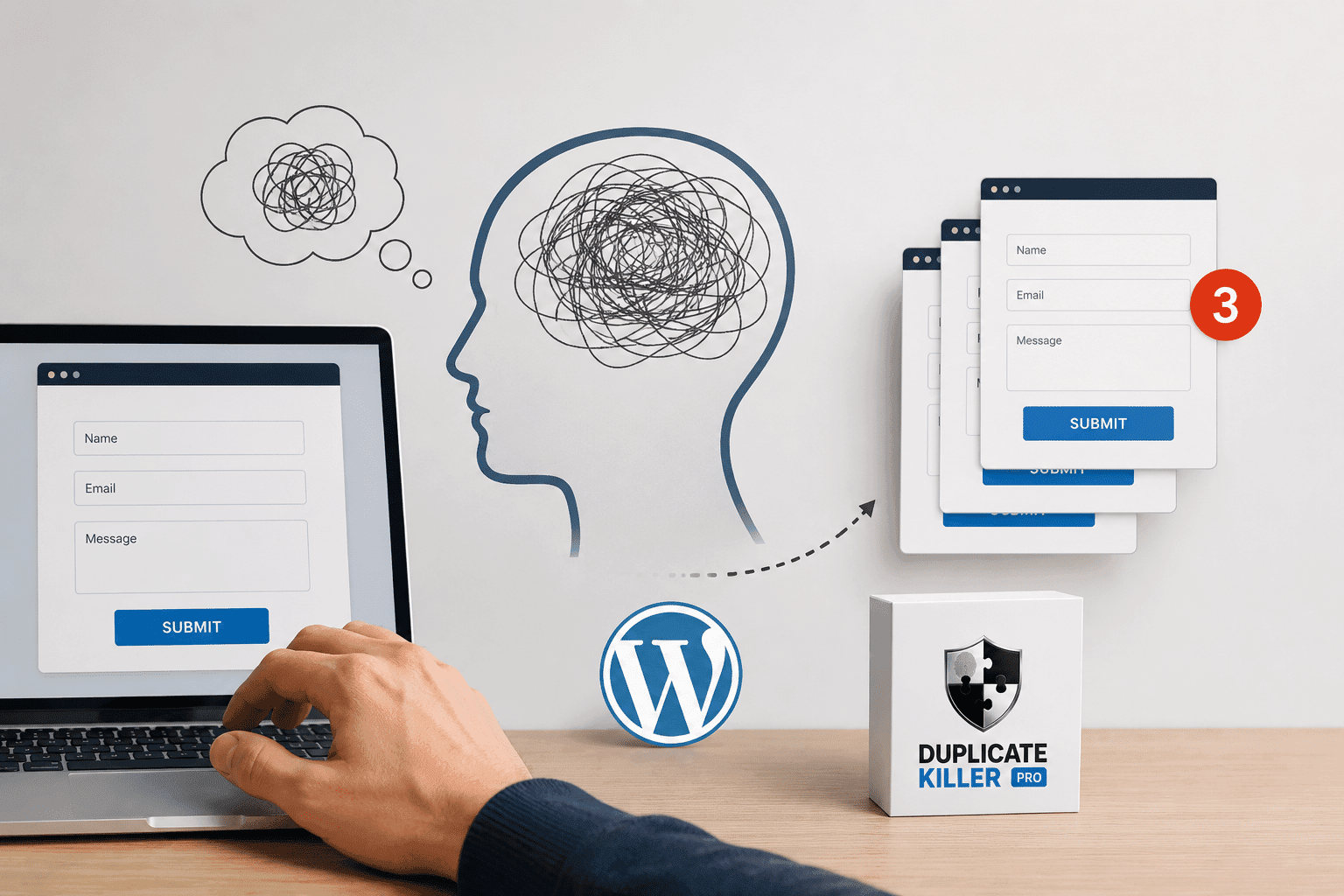
When checkout pages lag or payment confirmations take too long, customers start doubting whether the order actually went through. And the moment uncertainty appears, people click again.
Slow Checkout Pages Change User Behavior
Online shoppers expect instant reactions.
They click “Place Order” and expect:
- immediate feedback
- a loading animation
- a confirmation screen
- or at least some visible response
When none of that happens quickly, users assume something failed.
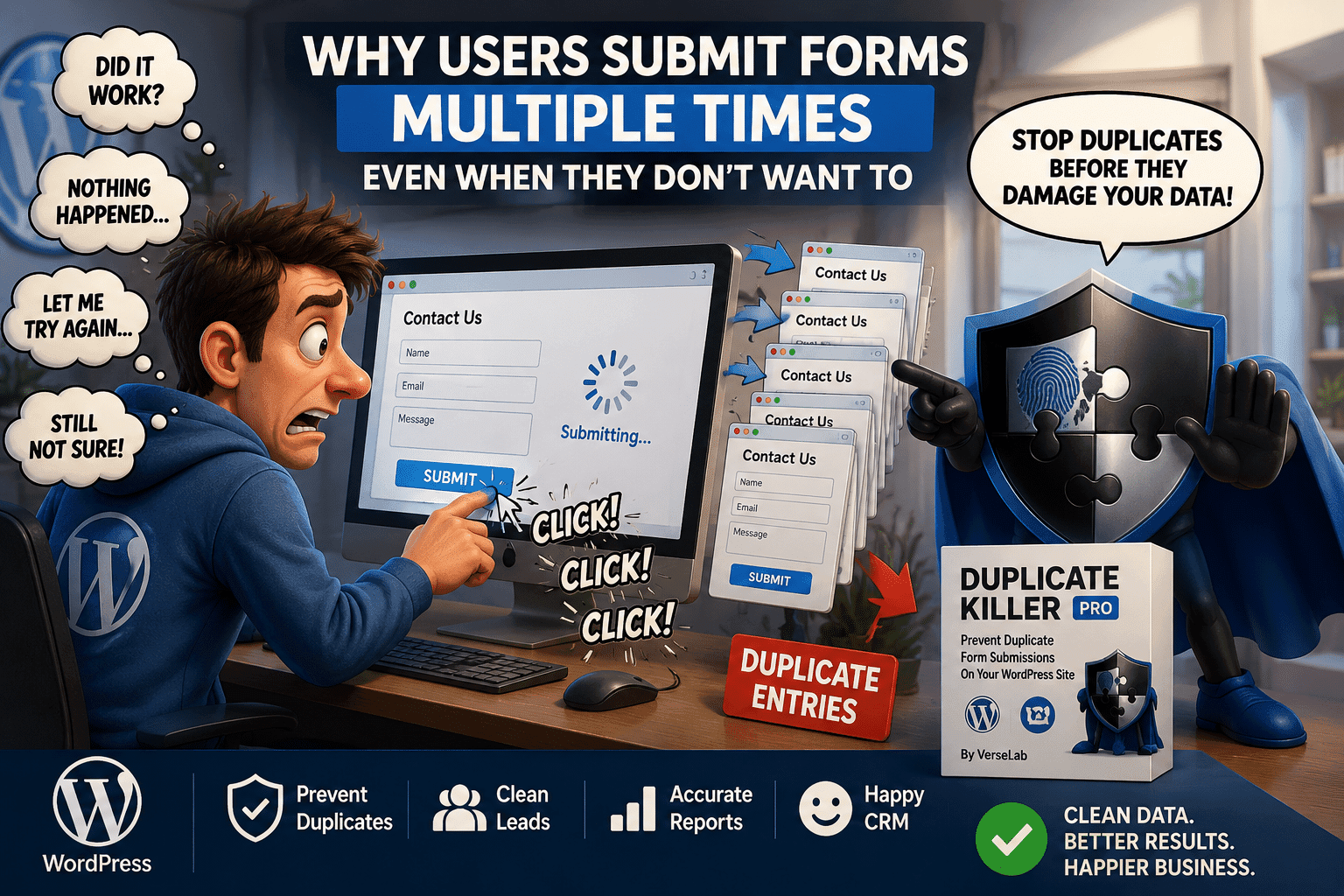
The reaction is almost automatic. They tap again, refresh the page, or reopen checkout. This is how many duplicate WooCommerce orders begin.
The Problem Gets Worse on Mobile
Mobile users generate far more repeated submissions than most businesses realize.
Connections fluctuate constantly on smartphones. Pages render slower, buttons feel less responsive, and payment redirects sometimes appear frozen for a few seconds.
That small delay is enough to trigger panic.
A customer taps once. Nothing obvious happens. So they tap again. Suddenly, the same order appears twice inside WooCommerce.
Duplicate Orders Are Usually Not Fraud
Most duplicate WooCommerce orders are not caused by malicious users.
They are caused by confusion.
Customers are trying to complete a purchase successfully, not abuse the system. The problem is psychological: uncertainty makes people repeat actions.
This is especially common during:
- Black Friday
- flash sales
- high traffic campaigns
- limited stock launches
- slow hosting periods
The more pressure users feel, the faster they start clicking repeatedly.
Why CAPTCHA Does Not Fix Duplicate WooCommerce Orders
Many stores install anti-spam systems expecting protection.
But tools like Google reCAPTCHA only focus on bots and automated traffic.
A real customer can still:
- pass CAPTCHA successfully
- think checkout failed
- submit the same order multiple times
That means duplicate WooCommerce orders can still happen even when spam protection is enabled.
Spam prevention and duplicate prevention are two completely different systems.
Related article:
The Hidden Cost of Duplicate Orders
Duplicate orders create much bigger operational problems than most stores expect.
A repeated checkout can trigger:
- duplicate payments
- refund requests
- extra payment processor fees
- repeated email notifications
- inventory inconsistencies
- inaccurate analytics
- customer support tickets
And the damage compounds during traffic spikes.
A store processing hundreds of daily orders may suddenly spend hours manually fixing issues that were caused by a few seconds of checkout lag.
Why Speed Optimization Alone Is Not Enough
Improving website speed absolutely helps.
Optimizing:
- hosting
- caching
- database queries
- WooCommerce performance
- server response time
reduces user frustration significantly.
You can learn more here:
But even fast websites occasionally experience:
- payment gateway delays
- temporary lag
- API slowdowns
- mobile rendering issues
- heavy traffic bursts
That means duplicate protection still matters.
Why WooCommerce Stores Need Duplicate Validation
Good ecommerce systems assume users will sometimes behave unpredictably.
That is why backend duplicate validation is important.
Instead of relying only on UX improvements, stores should also validate submissions server-side before duplicate orders are processed.
This protects:
- checkout systems
- analytics
- inventory
- revenue reporting
- customer experience
without adding friction to the buyer.
How Duplicate Killer Helps Prevent Duplicate WooCommerce Orders
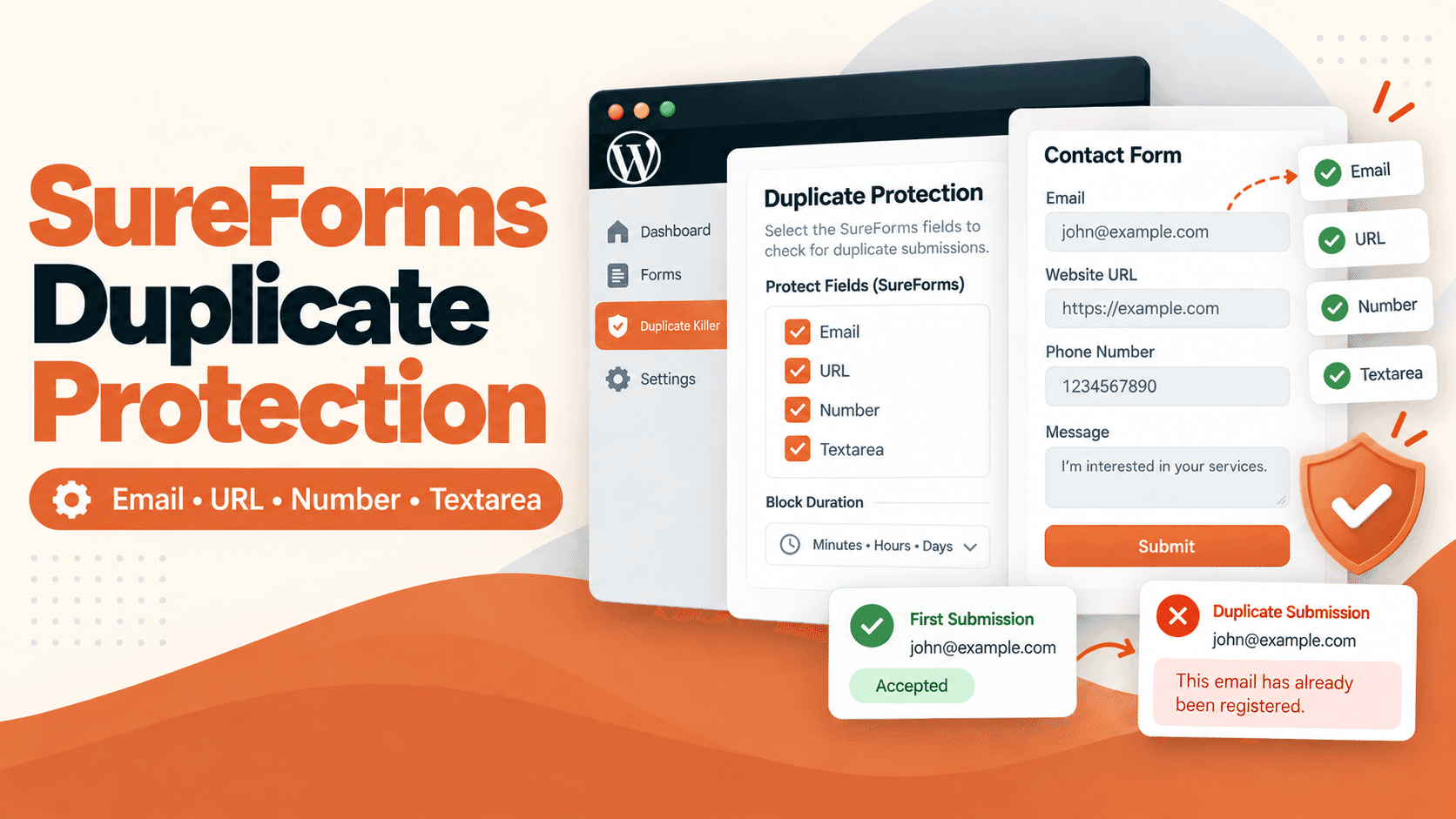
Duplicate Killer PRO helps WooCommerce stores prevent duplicate WooCommerce orders before repeated submissions create operational problems.
The plugin can:
- block repeated checkout submissions
- stop duplicate WooCommerce orders
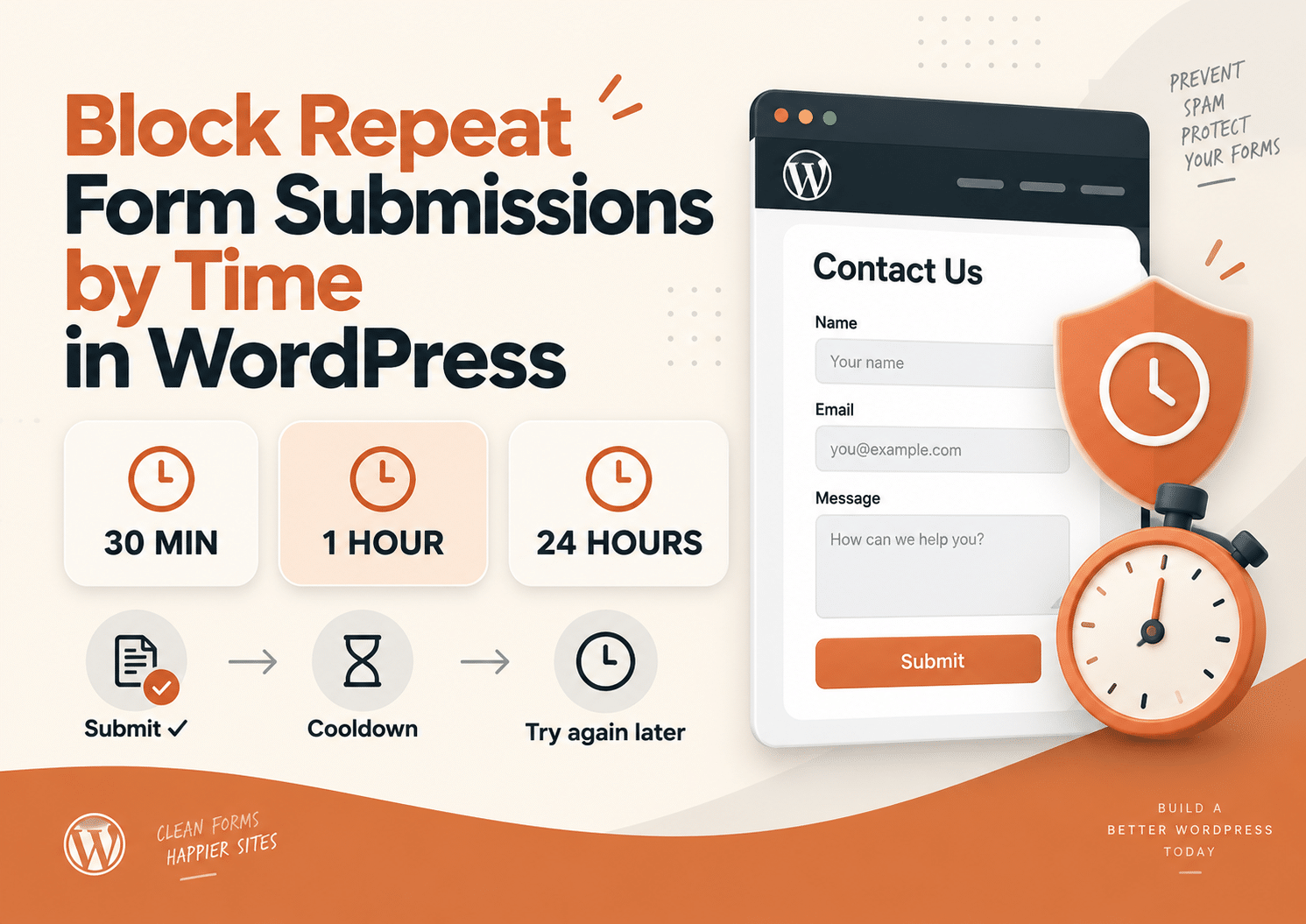
- prevent repeated submissions from the same visitor
- limit duplicate requests automatically
- protect WooCommerce checkout systems server-side
The FREE version supports WooCommerce Classic Checkout.
The PRO version adds:
- Checkout Blocks support
- advanced duplicate protection
- analytics
- smart order linking
- submission tracking
Everything works directly inside WordPress without external APIs or complicated setups.
Final Thoughts
Slow websites do more than hurt conversions.
They change human behavior.
The moment checkout feels uncertain, users start repeating actions automatically. That is why slow websites create more duplicate WooCommerce orders than most businesses realize.
Improving performance helps, but modern WooCommerce stores also need duplicate validation systems that protect checkout data before repeated submissions become refunds, support tickets, and inaccurate analytics.