Duplicate orders? Not anymore. WooCommerce protection is now included!
Upgrade to PRO for Checkout Blocks, analytics and smart order linking.

How to Limit One Form Submission Per User in WordPress

How to Limit One Form Submission Per User in WordPress

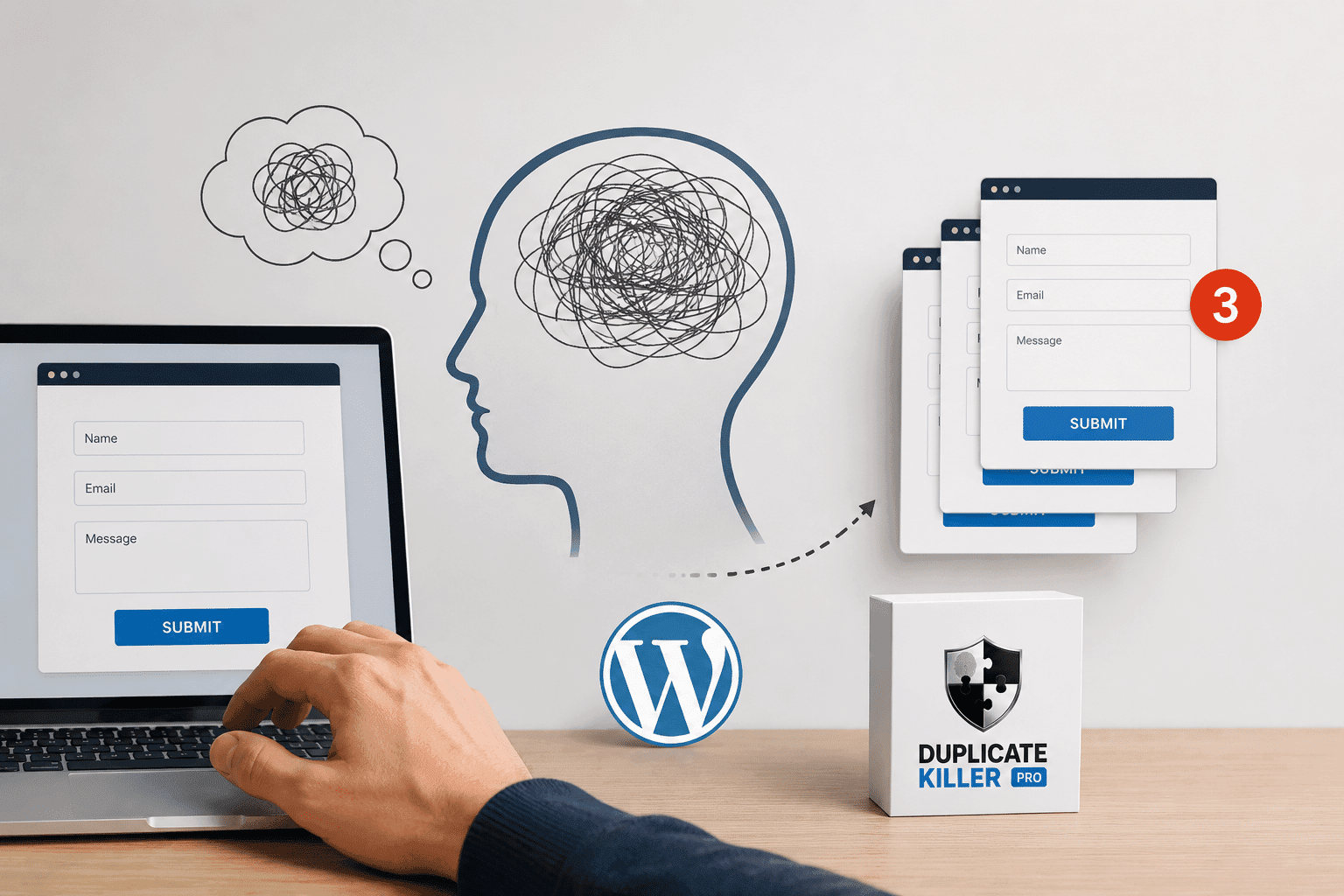
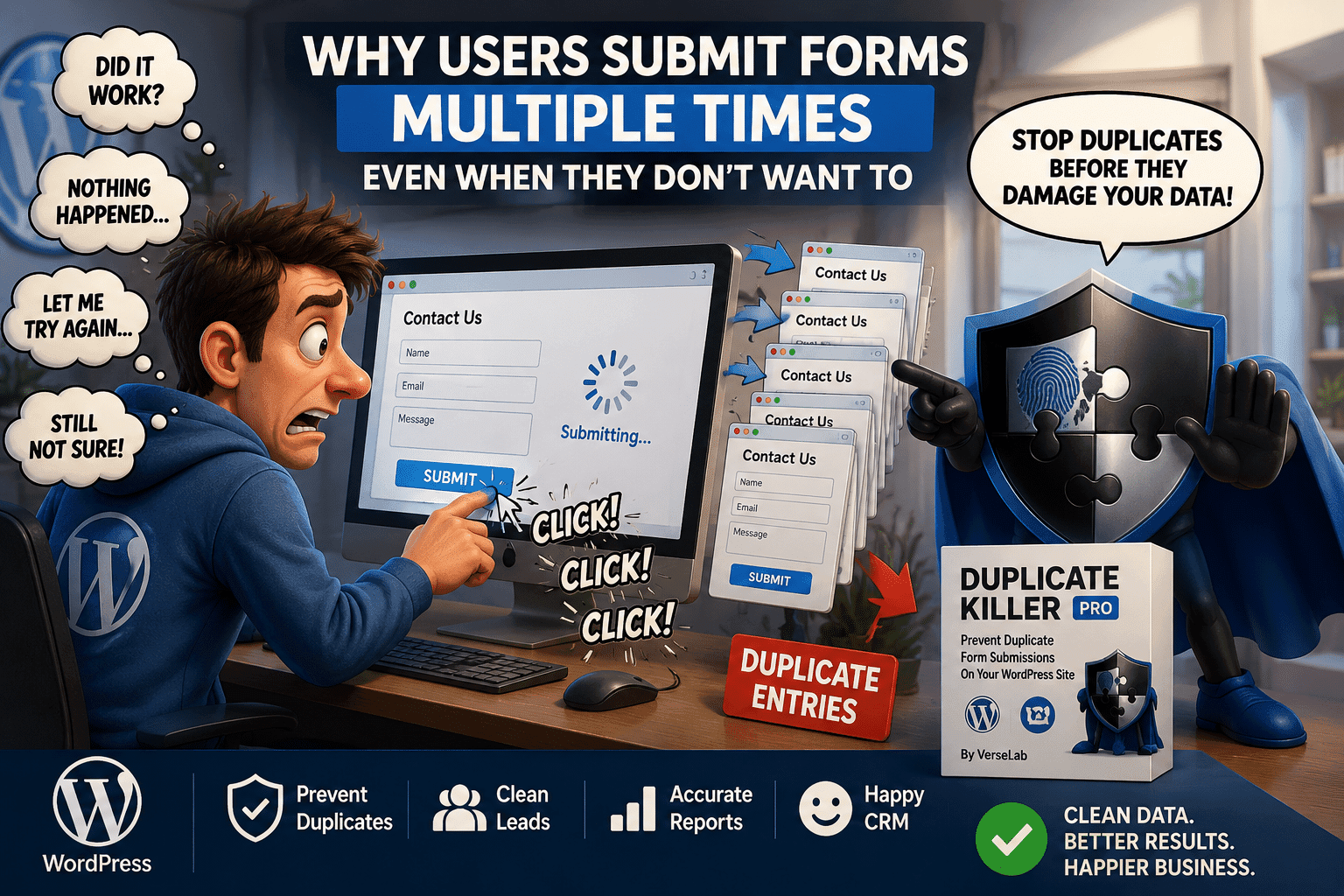
Many WordPress websites need “one submission per user” behavior for registrations, contest entries, surveys, and gated downloads. Without limits, users can submit multiple times, leading to duplicate entries and unreliable results.

This article explains common approaches and why server-side enforcement is the most dependable option.

Common Use Cases for One Submission Per User

  • Contest entries (one entry per user)
  • Event registration (prevent duplicate signups)
  • Surveys and polls (avoid skewed results)
  • Free downloads (one request per user)

What “Per User” Means in WordPress

In technical terms, “per user” can be defined in multiple ways:

  • Logged-in user ID (most reliable for membership sites)
  • Email address (common for lead forms)
  • Phone number (useful for verification-based flows)
  • Browser cookie (useful for anonymous forms, less durable)
  • IP address (not recommended due to shared networks and privacy concerns)

Why Front-End Limits Are Not Reliable

Client-side restrictions (JavaScript-based) can be bypassed and do not protect against:

  • Network retries
  • Multiple devices/browsers
  • Refresh resubmission

Server-Side Enforcement Options

A correct implementation typically uses a server-side check at submission time:

  • Check if the identifier (user ID/email/phone) already exists for the same form
  • Block duplicates immediately
  • Return a clear “already submitted” message

How Duplicate Killer Helps

Duplicate Killer can limit submissions by enforcing unique values and optional per-user restrictions (such as cookie-based limits). This approach keeps your entries clean without redesigning your forms.

Conclusion

“One submission per user” is a business rule that should be enforced on the server at submission time. When implemented correctly, it prevents duplicate entries and protects the integrity of your data.

Related Articles

Cross-Form Duplicate Protection in WordPress Forms

Cross-Form Duplicate Protection in WordPress Forms

A Complete Guide with Real-World Examples Duplicate form submissions are a common problem on WordPress websites. Most site owners focus on preventing duplicates inside a single form, but the real challenge often appears when multiple forms collect the same data across different pages. For example: If the same visitor submits their email in multiple places,…
WordPress Form POST Replay Protection: Why It Matters

WordPress Form POST Replay Protection: Why It Matters

When developers talk about duplicate form submissions in WordPress, the conversation usually focuses on users clicking the submit button twice. However, there is a less obvious technical issue that can cause the same form request to be processed multiple times: POST replay. POST replay occurs when the same HTTP request is delivered to the server…
WooCommerce Checkout Blocks vs Classic Checkout: Why Duplicate Killer FREE Works Only With Shortcodes

WooCommerce Checkout Blocks vs Classic Checkout: Why Duplicate Killer FREE Works Only With Shortcodes

If you enabled Duplicate Killer’s WooCommerce protection and it “does nothing”, you’re probably using WooCommerce Checkout Blocks. This is not a bug. It’s a technical difference between Classic Checkout (shortcode-based) and Checkout Blocks (block-based / Store API-based). Below is a simple explanation, plus examples and what you can do. Quick Summary Duplicate Killer FREE (WooCommerce)…
Choose the Unique Fields in WordPress Forms (How It Works)

Choose the Unique Fields in WordPress Forms (How It Works)

One of the most important steps in preventing duplicate submissions is choosing the right fields to validate. The Choose the unique fields in WordPress forms feature allows you to select exactly which form fields should be checked for duplicates before a submission is saved. Instead of blocking entire forms, you control which specific values must…
Limit Submissions by IP Address in WordPress (Free & PRO)

Limit Submissions by IP Address in WordPress (Free & PRO)

Repeated form submissions don’t always come from cookies or browser refreshes. Sometimes, users try to submit the same form multiple times from the same network. That’s where Limit submissions by IP address in WordPress becomes essential. This feature restricts form entries based on the visitor’s IP address for a defined number of days. What Does…
Unique Entries per User in WordPress: How to Use It

Unique Entries per User in WordPress: How to Use It

Duplicate form submissions are not always caused by multiple users.Sometimes, the same user submits the same form multiple times — intentionally or by mistake. The Unique entries per user in WordPress feature solves exactly this problem. Instead of blocking duplicate values globally, this option ensures that a single user cannot submit the same entry more…
What is the “Set Error Message” field in Duplicate Killer

What is the “Set Error Message” field in Duplicate Killer

The Set error message field allows you to define the message displayed to users when they try to submit a value that has already been submitted before. In simple terms, this message appears when Duplicate Killer detects a duplicate entry based on the unique field(s) you have configured (for example, email address, phone number, order…
WordPress Form Resubmits on Refresh: How to Prevent It

WordPress Form Resubmits on Refresh: How to Prevent It

A common WordPress forms issue is resubmission on refresh. A user submits a form, then refreshes the page (or returns using the back button) and the browser tries to submit the same POST request again. If your site accepts it, you get duplicate entries, duplicate emails, and duplicate leads. Why forms resubmit on refresh This…
Go to VerseLabWP homepage
© Copyright 2025 BITSTRUCT SRL. All Rights Reserved.