Cross-Form Duplicate Protection in WordPress Forms
A Complete Guide with Real-World Examples
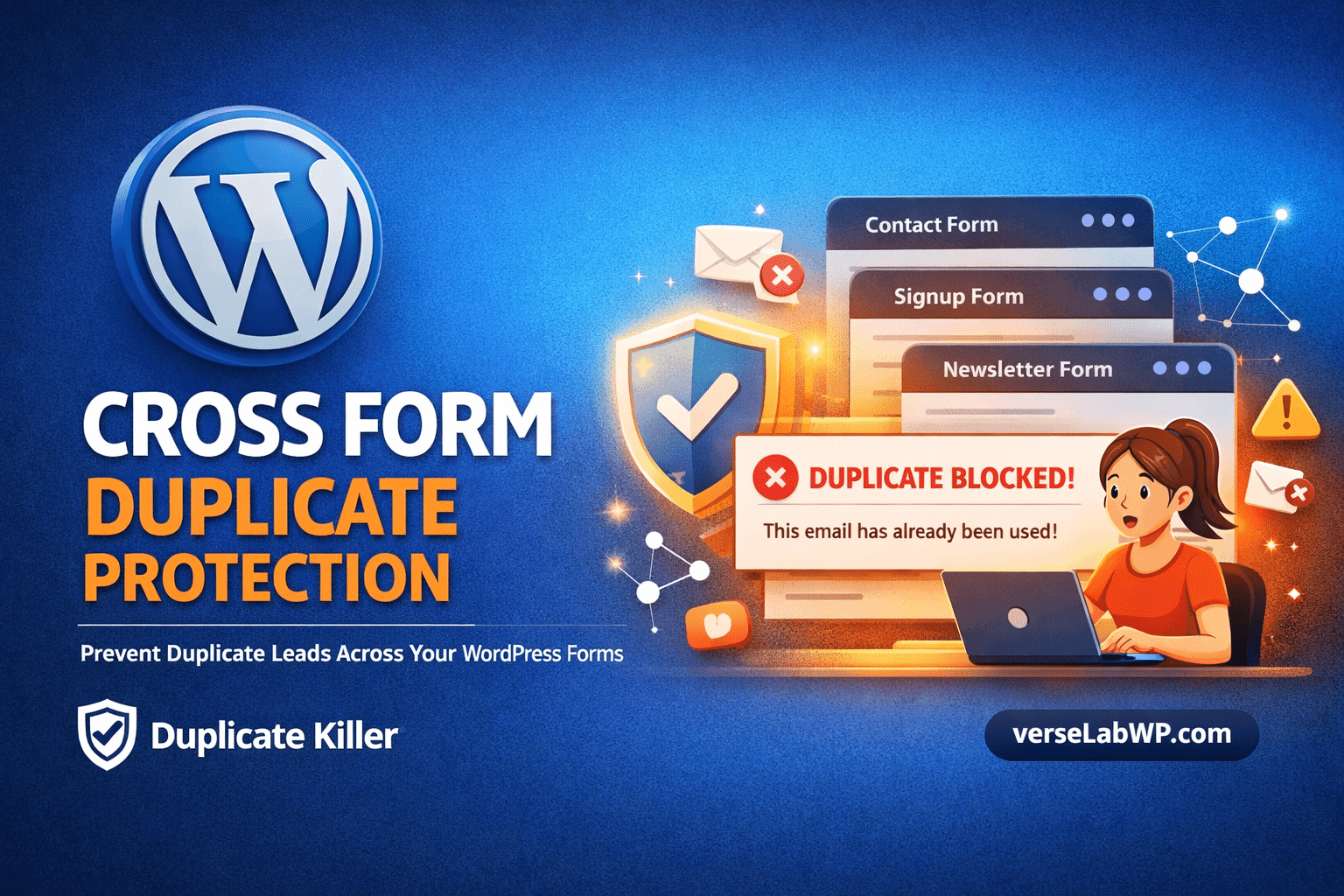
Duplicate form submissions are a common problem on WordPress websites. Most site owners focus on preventing duplicates inside a single form, but the real challenge often appears when multiple forms collect the same data across different pages.
For example:
A contact form in the footer
A lead generation form on a landing page
A newsletter signup popup
A quote request form
If the same visitor submits their email in multiple places, traditional duplicate protection does not detect the repetition. This is where Cross-Form Duplicate Protection becomes important.
This article explains how cross-form duplicate detection works, when it should be used, when it should not be used, and how the Duplicate Killer plugin helps solve this problem in both the Free and PRO versions.
The Problem: Duplicate Data Across Multiple Forms
Most WordPress websites contain several forms. Even small websites typically include:
Contact forms
Newsletter subscription forms
Product inquiry forms
Lead generation forms
Event registration forms
Each form often collects similar information, such as:
Email address
Phone number
Name
Company
Message
However, when the same user submits data through different forms, the result can be:
Duplicate leads
Repeated emails in CRM systems
Spam-like submissions
Multiple support tickets from the same request
Inflated analytics data
Traditional duplicate protection typically works per form, meaning:
The same email can be blocked twice in the same form — but not across different forms.
What Is Cross-Form Duplicate Protection?
Cross-Form Duplicate Protection allows WordPress to detect duplicate submissions across multiple forms, even when those forms are different.
Instead of validating duplicates only within one form, the system compares submissions between forms.
Lead generation campaigns often deploy many landing pages with identical forms.
Cross-form protection prevents duplicate leads.
Preventing repeated requests
Example:
quote request forms
booking forms
support request forms
Blocking duplicates ensures users cannot repeatedly submit the same request.
Avoiding email list pollution
If users subscribe multiple times using different forms, your email list becomes cluttered with duplicates.
Cross-form protection solves this.
Situations Where Cross-Form Protection Should NOT Be Used
Although powerful, cross-form duplicate protection is not suitable for every scenario.
Avoid using it when:
Different forms serve different purposes
Example:
Form A: Newsletter signup
Form B: Contact support
Even if both collect email addresses, blocking the second submission may not be desirable.
Multiple legitimate submissions are expected
Examples include:
job application forms
product review forms
support tickets
Users may need to submit multiple entries.
Shared devices are common
If many users submit forms from the same computer or network, strict duplicate rules may block legitimate entries.
Event registrations with multiple attendees
If multiple people register using the same email (e.g., corporate email), blocking duplicates may prevent valid registrations.
What Cross-Form Protection Does
The feature:
✔ Detects duplicate values across multiple forms ✔ Works with supported form plugins ✔ Uses server-side validation ✔ Prevents repeated submissions automatically ✔ Keeps form design unchanged ✔ Does not require CAPTCHA
What It Does NOT Do
Cross-Form Duplicate Protection is not a spam filter.
Instead, it focuses specifically on duplicate data prevention.
Performance Considerations
Duplicate Killer is designed to be lightweight.
Duplicate checks occur only during form submission, meaning:
no impact on page loading
no JavaScript overhead
no additional frontend scripts
All validation happens server-side using optimized database queries.
Supported Form Builders
Duplicate Killer integrates with several popular WordPress form systems:
Elementor Forms
Contact Form 7
WPForms
Forminator
Ninja Forms
Formidable Forms
Breakdance Forms
This makes it suitable for both traditional WordPress sites and modern page-builder environments.
So
Duplicate submissions can quietly damage your data quality, especially when websites use multiple forms to collect leads.
While basic duplicate protection prevents repeated entries inside a single form, Cross-Form Duplicate Protection extends this logic across your entire website.
The Duplicate Killer plugin offers:
simple duplicate protection in the FREE version
advanced multi-form validation in Duplicate Killer PRO
For websites that rely heavily on lead generation, CRM integration, or structured data collection, cross-form duplicate protection provides a powerful solution to maintain clean, reliable and consistent data.
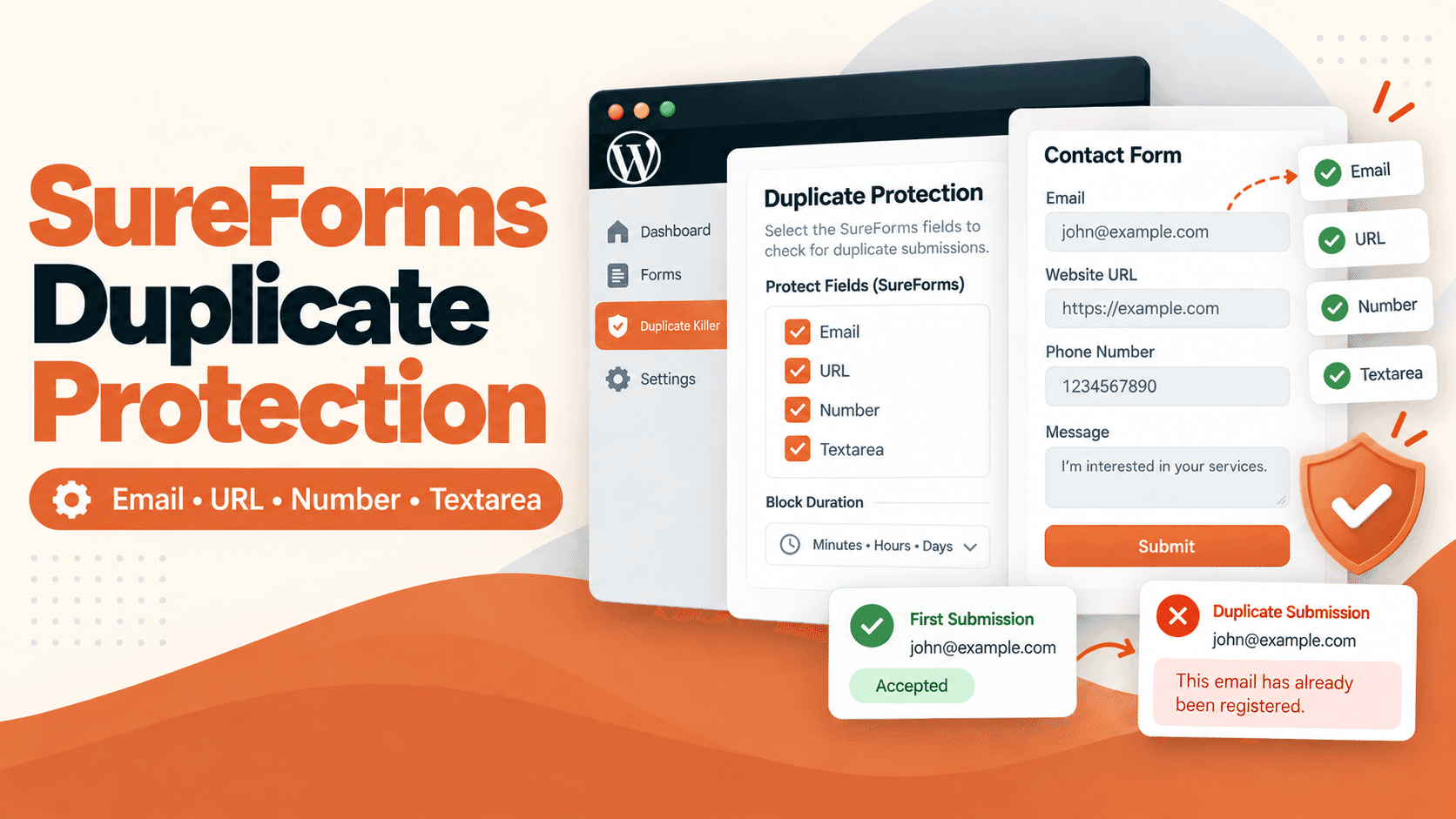
Someone submits your contact form twice. Another visitor registers for the same event using an email address you already have. Your inbox fills up with repeated requests, and your team has to sort them out. Duplicate Killer adds duplicate submission protection to SureForms. It checks selected field values against records saved by Duplicate Killer and…
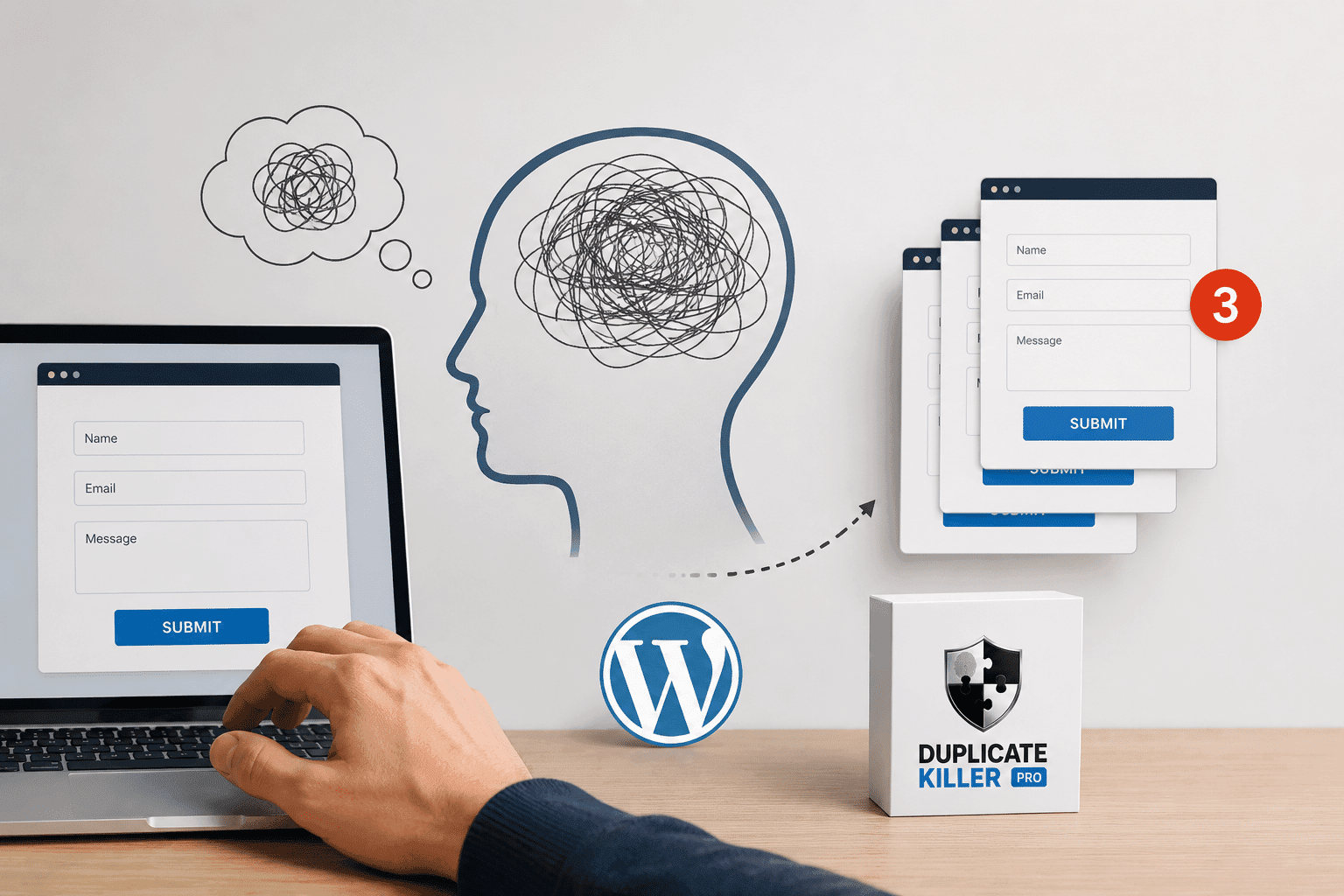
A visitor fills out your form, clicks Submit, waits a few seconds and clicks again. Then maybe one more time, just to be sure. Now your website has three entries from the same person. This is not always spam, and adding another CAPTCHA does not necessarily solve the problem. If your goal is to prevent…
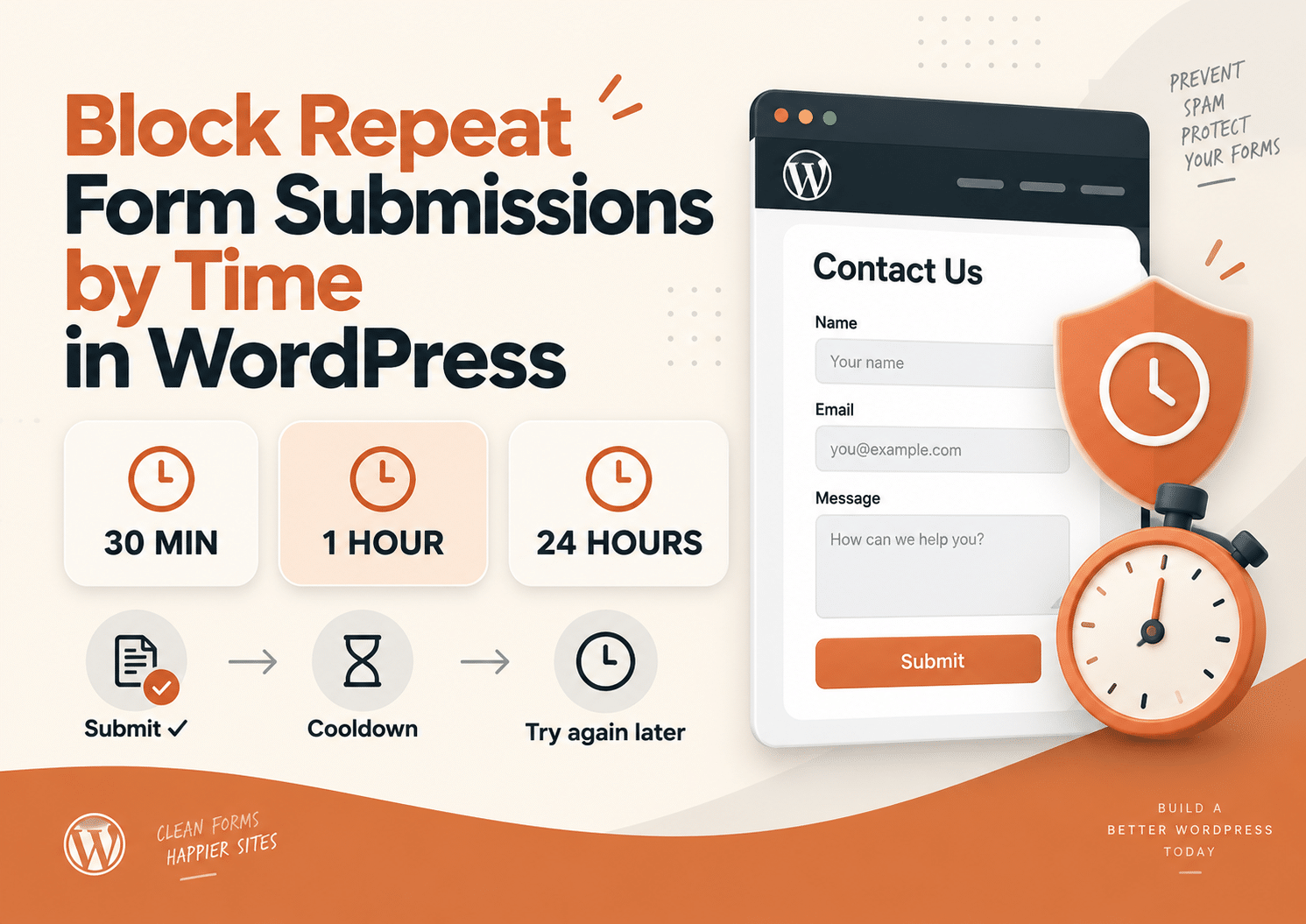
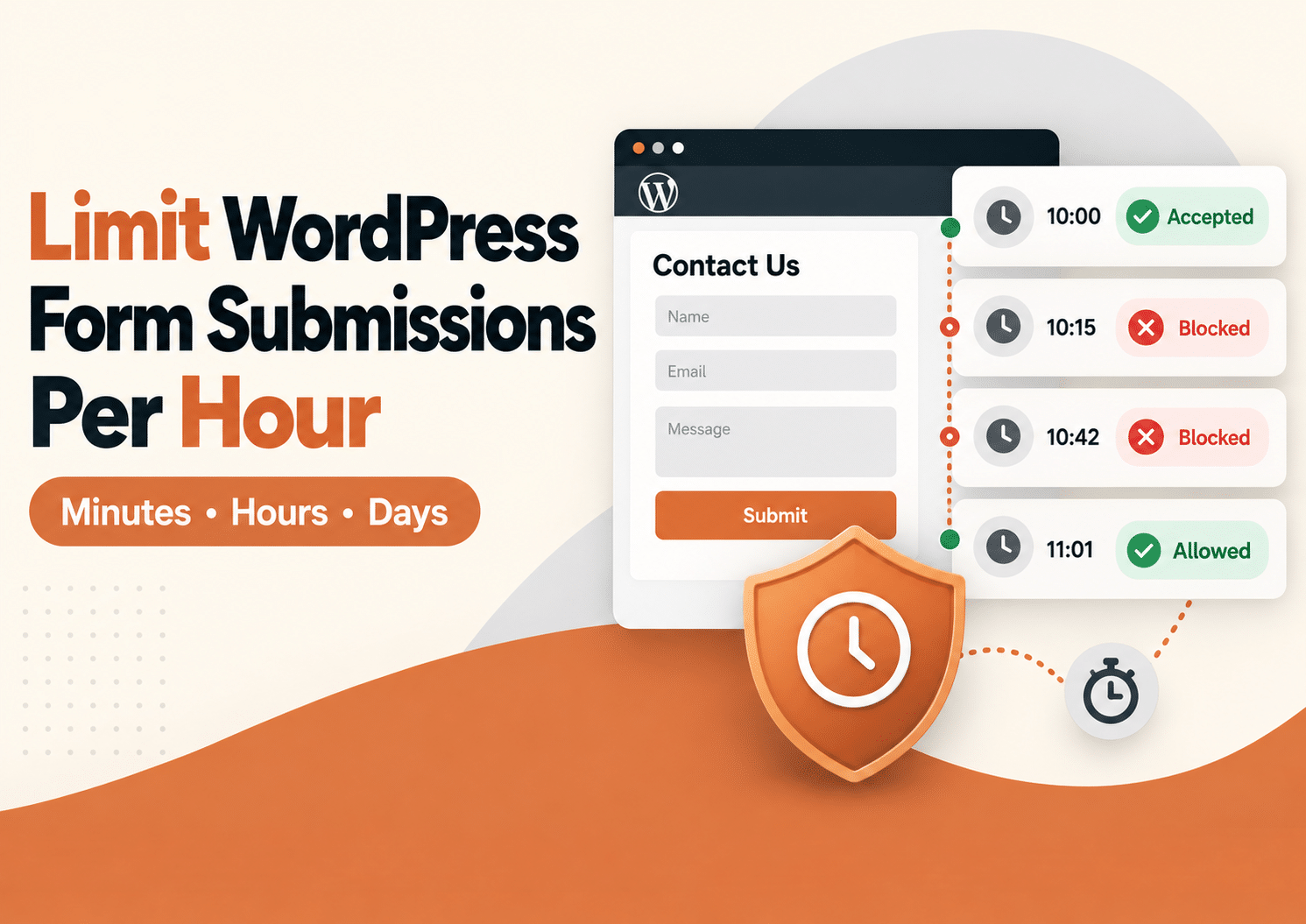
Sometimes you do not need to block a visitor permanently. You just need to stop the same form from being submitted again too soon. Maybe someone clicks Submit twice because the page feels slow. Maybe they refresh and try again. Or maybe they intentionally send the same request several times within a few minutes. In…
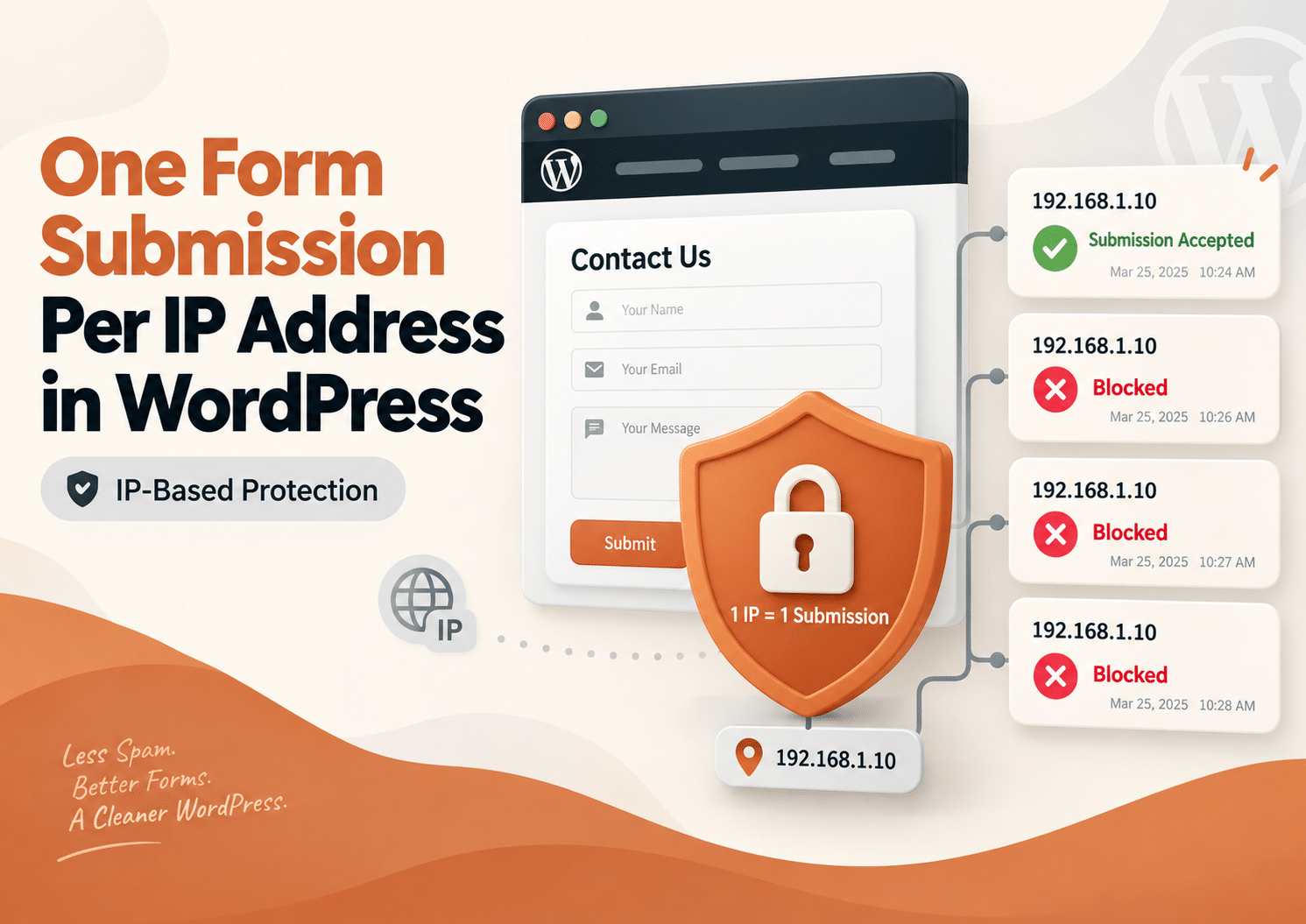
Sometimes a form should only be submitted once. Maybe you are running a giveaway, collecting registrations, accepting applications, or asking visitors to vote. In these situations, receiving several entries from the same network can create inaccurate results and unnecessary work. One simple way to reduce this problem is to allow only one form submission per…
Sometimes you do not want to block a visitor forever. You simply want to stop them from submitting the same WordPress form again for the next 30 minutes, one hour, or several hours. That is where a WordPress form submission limit can help. With Duplicate Killer, you can use IP-based restrictions to control how often…
If you’re using Fluent Forms on your WordPress website and need a reliable way to prevent duplicate submissions, Duplicate Killer now offers full support. Whether you’re collecting contact requests, quote forms, registrations, bookings, or lead generation forms, Duplicate Killer helps stop users from submitting the same information multiple times. Unlike simple unique field validation, Duplicate…
Most businesses think duplicate form submissions are caused by technical problems. But in reality, many duplicate submissions happen because of psychology. People click buttons emotionally, not logically. And when websites fail to provide reassurance, users naturally repeat actions. This is one of the biggest hidden reasons behind duplicate form submissions in WordPress. Why Human Psychology…
Contains information related to marketing campaigns of the user. These are shared with Google AdWords / Google Ads when the Google Ads and Google Analytics accounts are linked together.
90 days
__utma
ID used to identify users and sessions
2 years after last activity
__utmt
Used to monitor number of Google Analytics server requests
10 minutes
__utmb
Used to distinguish new sessions and visits. This cookie is set when the GA.js javascript library is loaded and there is no existing __utmb cookie. The cookie is updated every time data is sent to the Google Analytics server.
30 minutes after last activity
__utmc
Used only with old Urchin versions of Google Analytics and not with GA.js. Was used to distinguish between new sessions and visits at the end of a session.
End of session (browser)
__utmz
Contains information about the traffic source or campaign that directed user to the website. The cookie is set when the GA.js javascript is loaded and updated when data is sent to the Google Anaytics server
6 months after last activity
__utmv
Contains custom information set by the web developer via the _setCustomVar method in Google Analytics. This cookie is updated every time new data is sent to the Google Analytics server.
2 years after last activity
__utmx
Used to determine whether a user is included in an A / B or Multivariate test.
18 months
_ga
ID used to identify users
2 years
_gali
Used by Google Analytics to determine which links on a page are being clicked
30 seconds
_ga_
ID used to identify users
2 years
_gid
ID used to identify users for 24 hours after last activity
24 hours
_gat
Used to monitor number of Google Analytics server requests when using Google Tag Manager