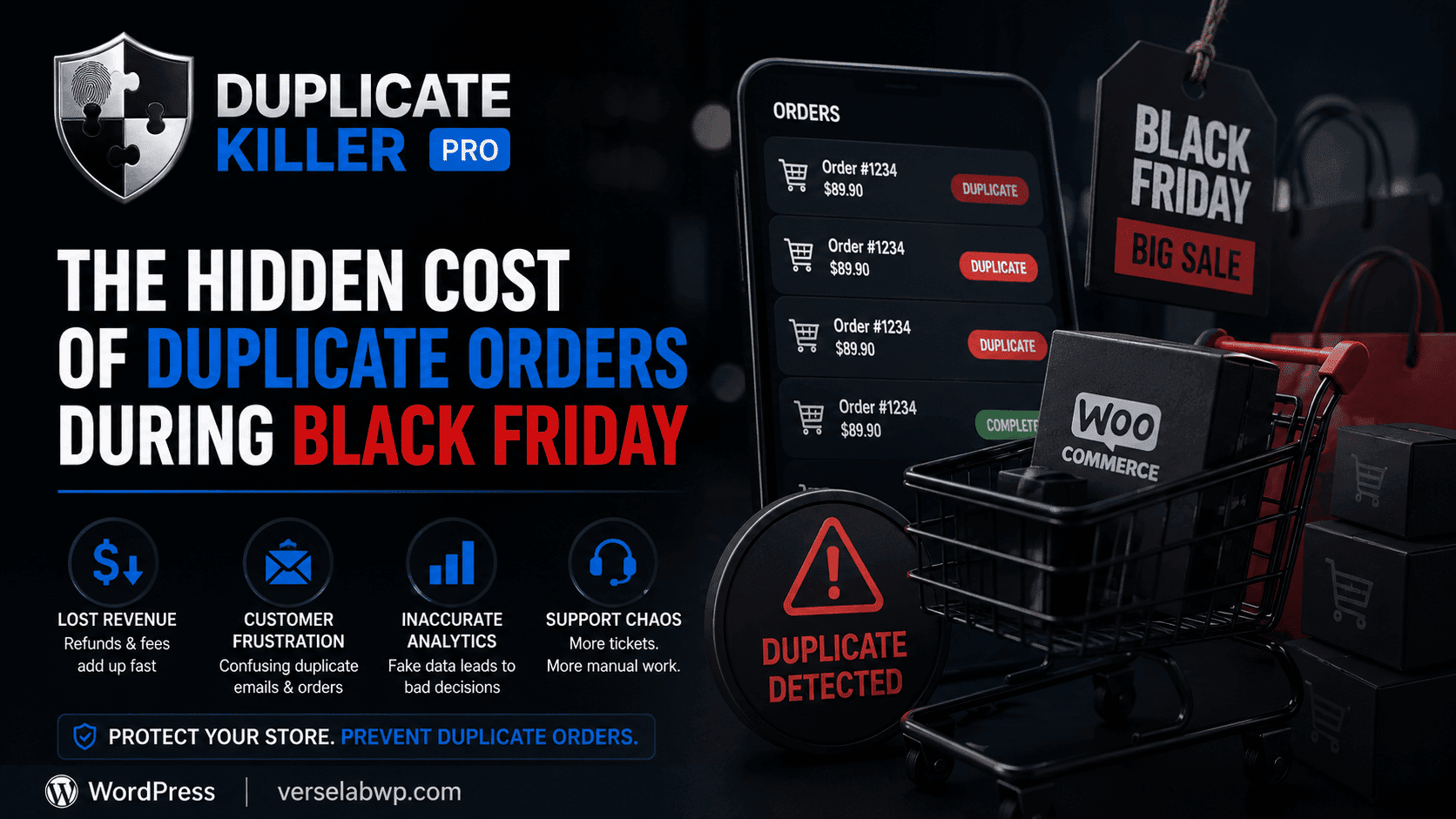
When developers talk about duplicate form submissions in WordPress, the conversation usually focuses on users clicking the submit button twice. However, there is a less obvious technical issue that can cause the same form request to be processed multiple times: POST replay.
POST replay occurs when the same HTTP request is delivered to the server more than once due to network behavior or infrastructure retries. In these situations, the user may submit the form only once, but the server receives the request multiple times.
For websites that rely on forms for leads, bookings, or support requests, this can create serious data integrity problems.
What Is a POST Replay Request
A POST replay happens when a previously sent HTTP POST request is transmitted again by the client or an intermediate system.
Unlike a normal duplicate submission, a replay request does not always involve a user action.
The request may be repeated automatically due to technical conditions such as:
- temporary network interruptions
- reverse proxy retry logic
- load balancer request retries
- browser retry behavior
- unstable mobile connections
Because the original request contains valid form data, the server may process it again as if it were a completely new submission.
Why POST Replay Is a Hidden Problem in WordPress Forms
Most WordPress form systems process incoming requests without verifying whether an identical request has already been handled.
If the same POST payload reaches the server twice, the form handler typically executes twice as well.
This can result in:
- duplicate entries stored in the database
- repeated email notifications
- duplicated leads inside CRM integrations
- incorrect analytics data
In many cases, the user is not even aware that multiple submissions occurred.
Why Front-End Protection Cannot Stop Replay Requests
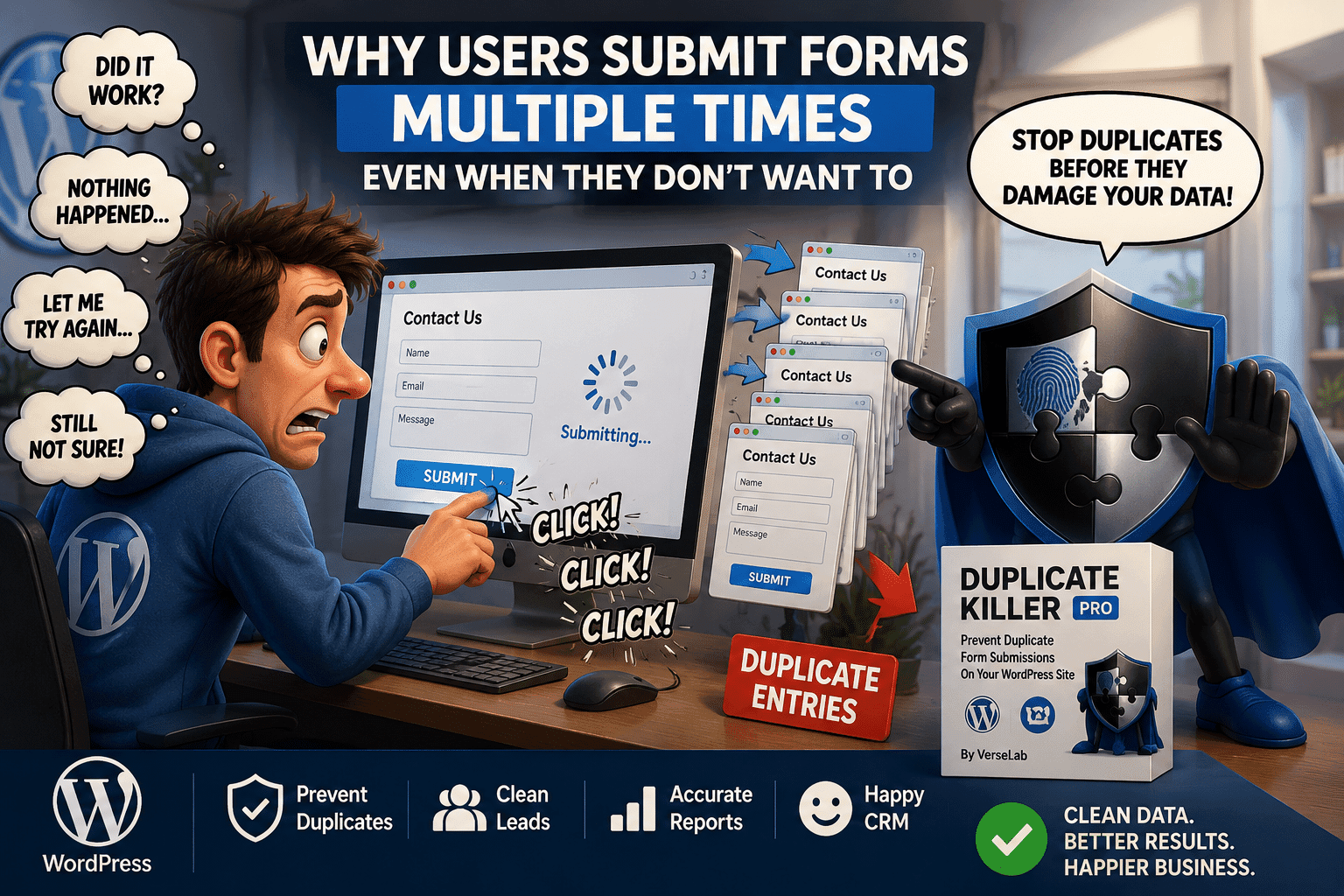
Many websites attempt to reduce duplicate submissions using front-end solutions.
Examples include:
- disabling the submit button after click
- showing loading animations
- blocking additional clicks with JavaScript
These methods improve user experience, but they cannot prevent replay requests.
Once a POST request has already been sent to the server, client-side scripts have no control over whether the request is delivered again by the network.
That is why reliable replay protection must happen on the server side.
How Replay Protection Works on the Server
Effective replay protection relies on detecting whether the server has already processed a request with identical characteristics.
This can be implemented using several strategies.
Request fingerprinting
The server analyzes submitted field values to identify identical requests.
Submission time windows
Repeated requests within a short interval may indicate a replay attempt.
Server-side validation
The form handler checks whether the request has already been processed before saving it.
By analyzing the incoming request before processing it, the system can block duplicate executions even if the same POST payload arrives again.
Implementing Replay Protection in WordPress Forms
Implementing replay protection directly inside each form handler can be complex, especially when multiple form plugins are used on the same site.
Modern WordPress websites often rely on different form builders, including:
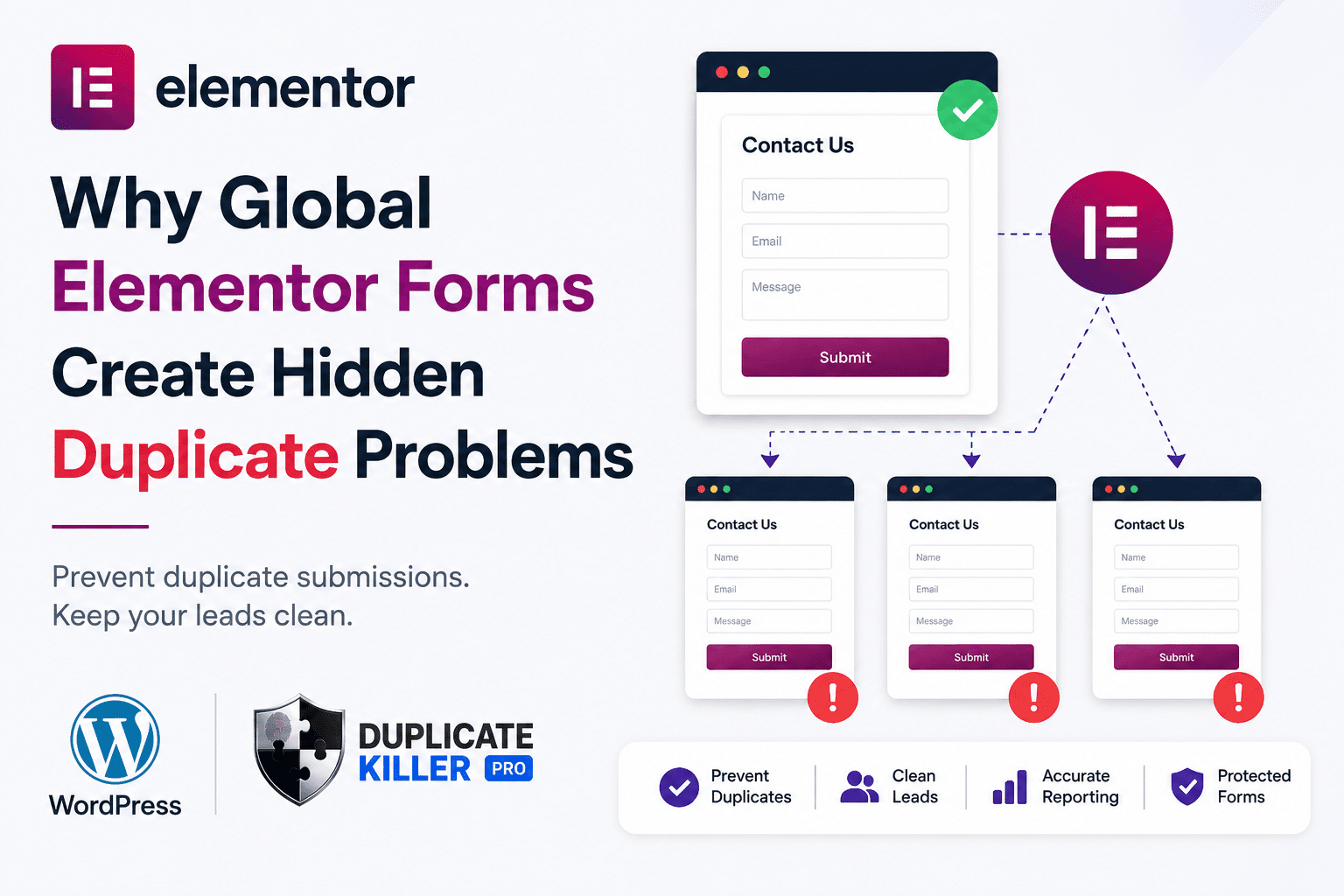
- Elementor Forms
- Contact Form 7
- WPForms
- Ninja Forms
- Forminator
- Breakdance Forms
Ensuring consistent replay protection across all of them requires a centralized validation layer.
This is where a dedicated solution becomes useful.
Using Duplicate Killer to Prevent Replay-Based Submissions
The Duplicate Killer plugin adds a server-side validation layer that detects repeated form submissions before they are stored.
Instead of relying on front-end controls, the plugin analyzes incoming form requests and prevents the same submission from being processed multiple times.
This approach helps protect WordPress forms from situations where replay requests occur due to network retries or infrastructure behavior.
By intercepting repeated submissions at the server level, Duplicate Killer ensures that each form request is processed only once.
For websites that collect leads or user data, this significantly improves data reliability and reduces unwanted duplicates.
Why Replay Protection Matters for Lead Generation Sites
Websites that depend on forms for business operations must ensure that each request is processed accurately.
Without replay protection, duplicate requests can lead to:
- duplicated CRM contacts
- repeated automation triggers
- inaccurate lead tracking
- unnecessary email notifications
Preventing replay-based submissions ensures that your data pipeline remains clean and predictable.
POST replay is a lesser-known cause of repeated form submissions in WordPress. While users clicking the submit button twice is often blamed for duplicates, infrastructure behavior and network retries can also resend the same request.
Implementing WordPress POST replay protection helps ensure that each form submission is processed only once.
By using server-side validation and request detection, websites can protect their forms from replay-based duplicates and maintain clean, reliable data.
Solutions like Duplicate Killer provide an effective way to add this protection layer across multiple WordPress form systems.