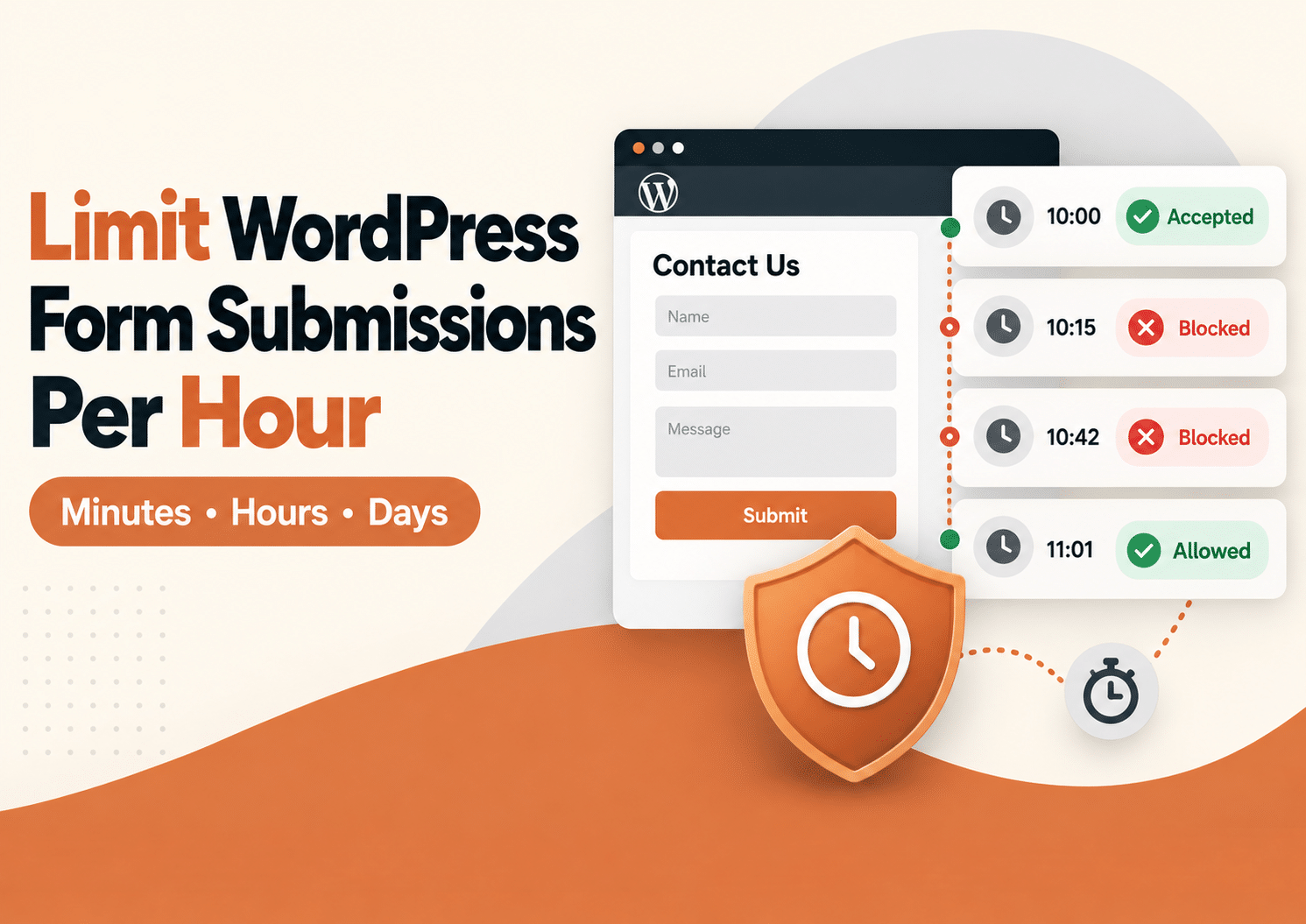
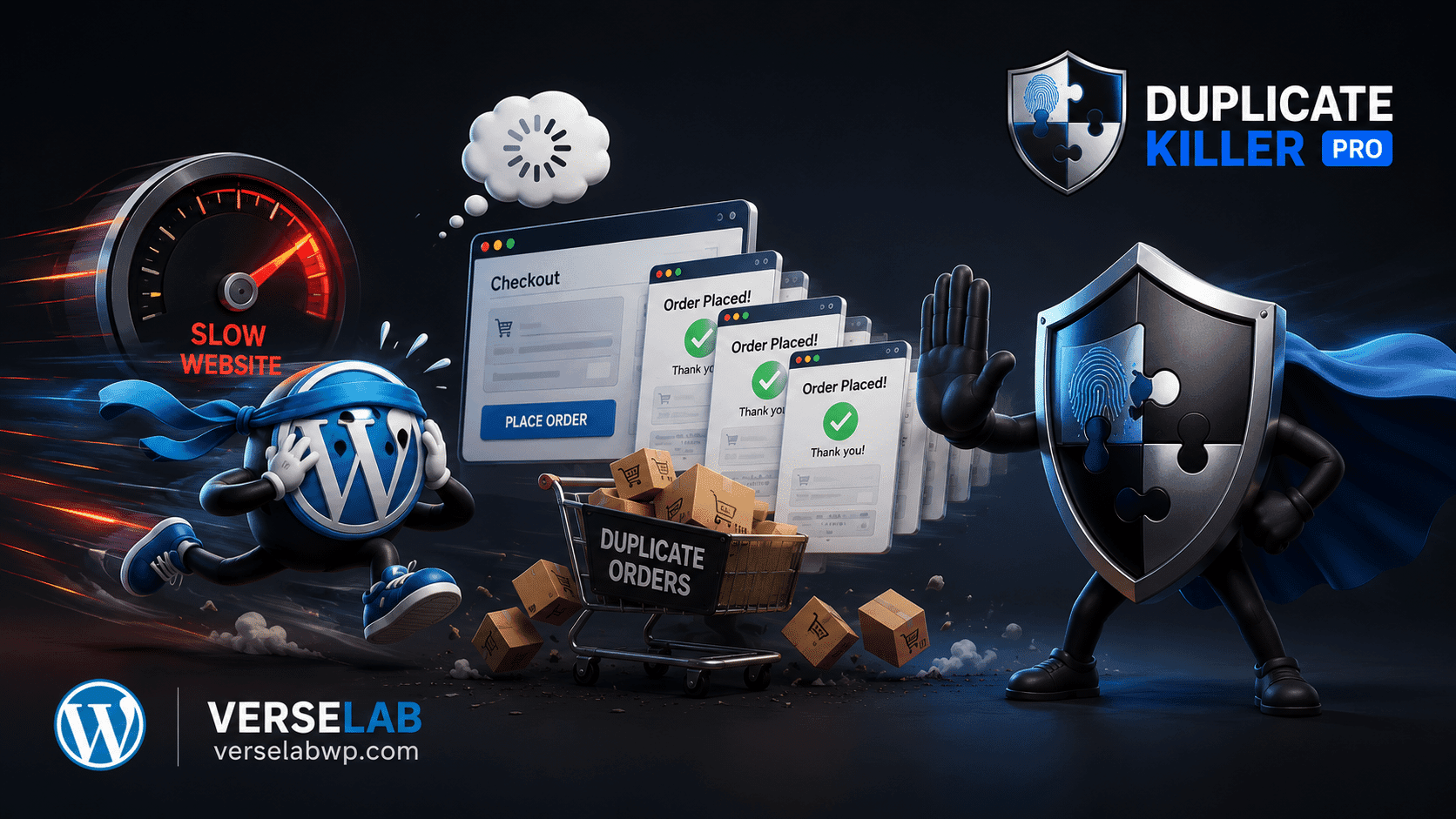
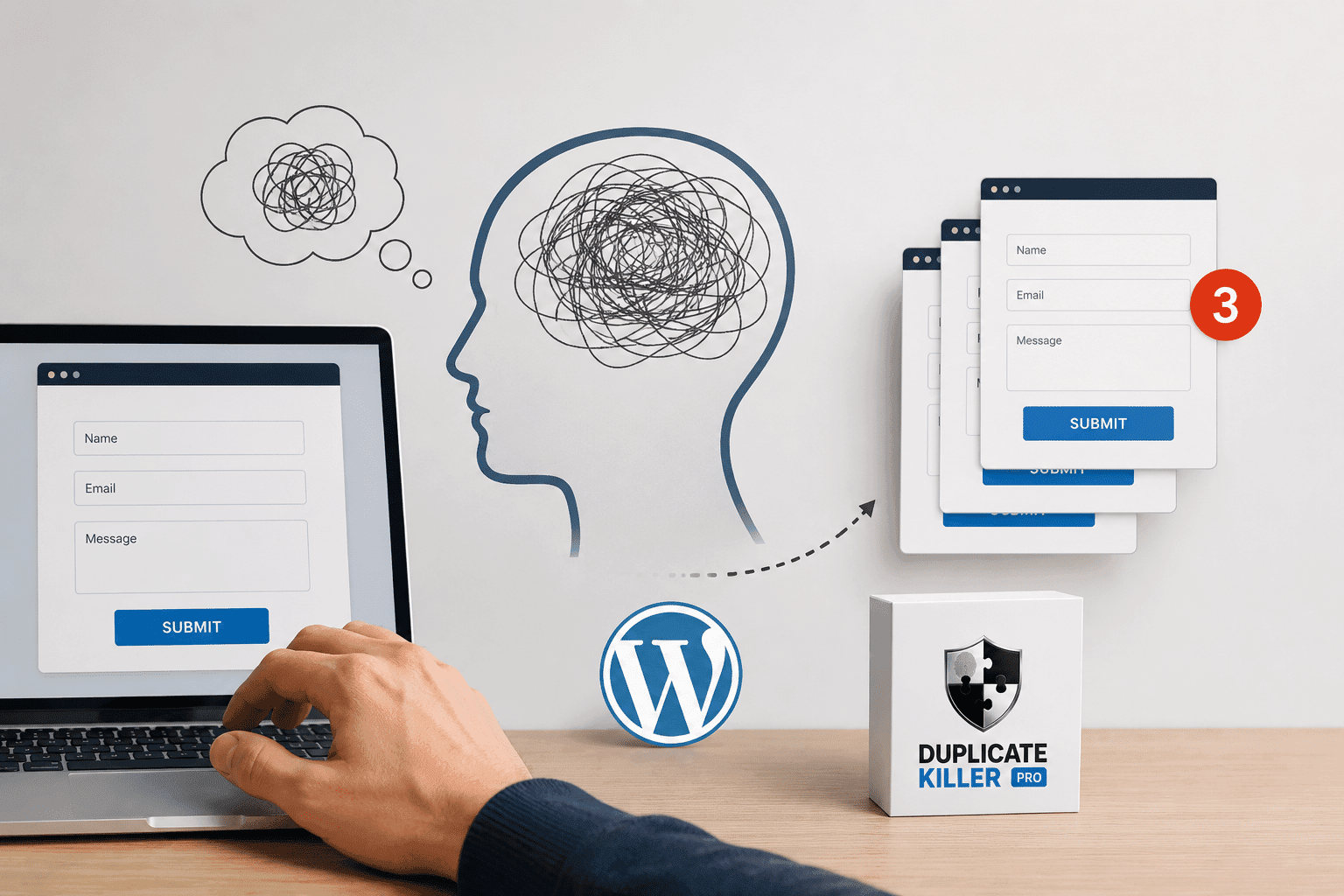
A common WordPress forms issue is resubmission on refresh. A user submits a form, then refreshes the page (or returns using the back button) and the browser tries to submit the same POST request again. If your site accepts it, you get duplicate entries, duplicate emails, and duplicate leads.
Why forms resubmit on refresh
This behavior is not “a WordPress bug”. It is how browsers handle POST requests when the page state is refreshed. Depending on the form plugin and the submit flow (AJAX vs non-AJAX), a refresh can replay the request or prompt the user to confirm resubmission.
What makes it worse on real websites
- Slow hosting: users refresh because they think nothing happened.
- Mobile connections: retries and partial loads increase confusion.
- Caching: restored pages can display old states and encourage another submit.
- Multiple tabs: the same form can be submitted again with the same data.
Why front-end fixes don’t solve refresh resubmission
Disabling the submit button with JavaScript does not survive a refresh. After reload, the script state is reset and the user can submit again.
Even worse, refresh resubmission can happen after the click, outside the control of your UI logic.
The correct technical solution: Post/Redirect/Get (PRG) + server-side uniqueness
1) PRG pattern (ideal when you control the flow)
The PRG pattern prevents POST replay by redirecting users to a GET page after a successful submission. Many form plugins implement an AJAX flow or a “thank you” state, but not all setups guarantee PRG behavior across caching and browser restore.
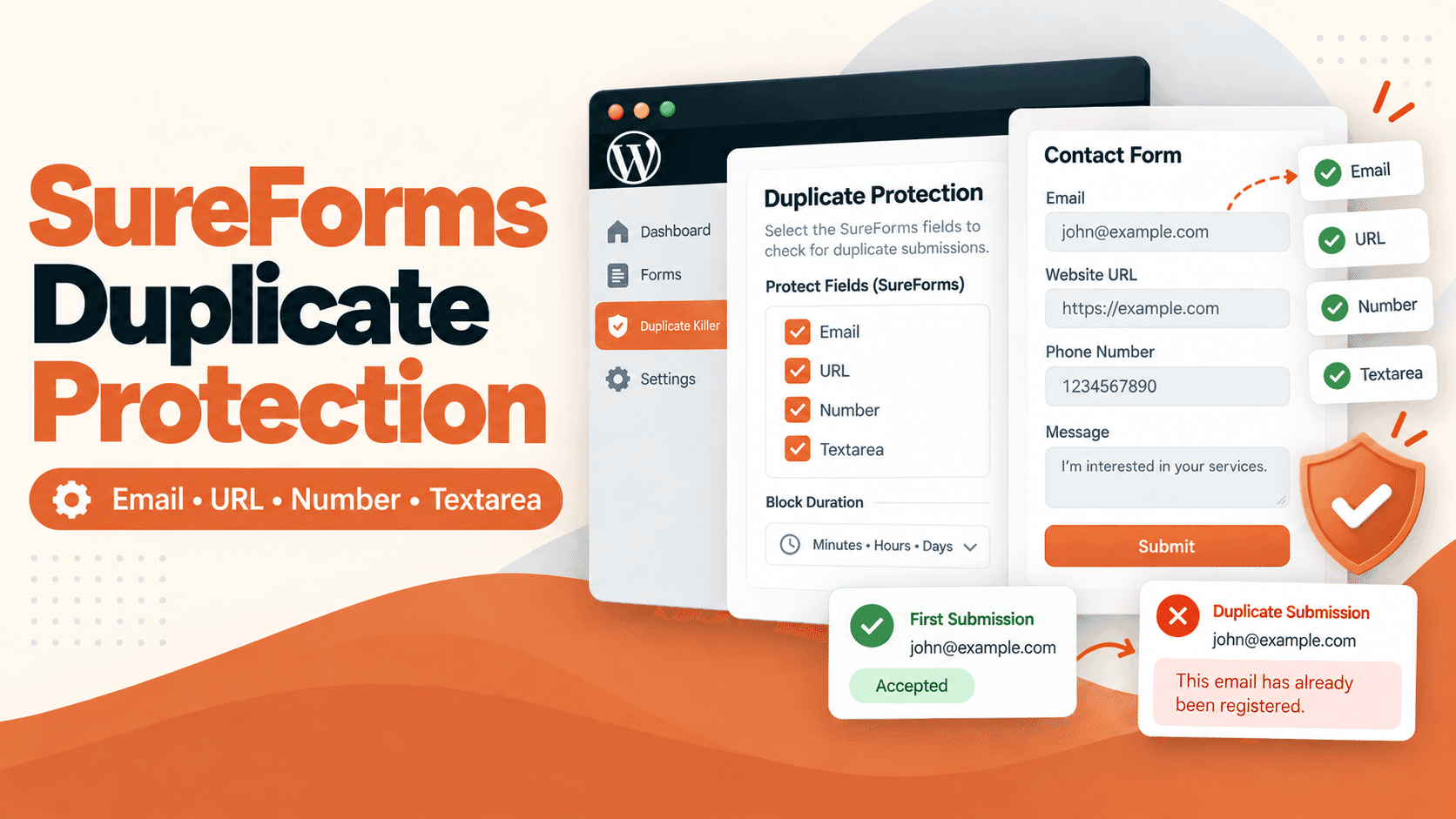
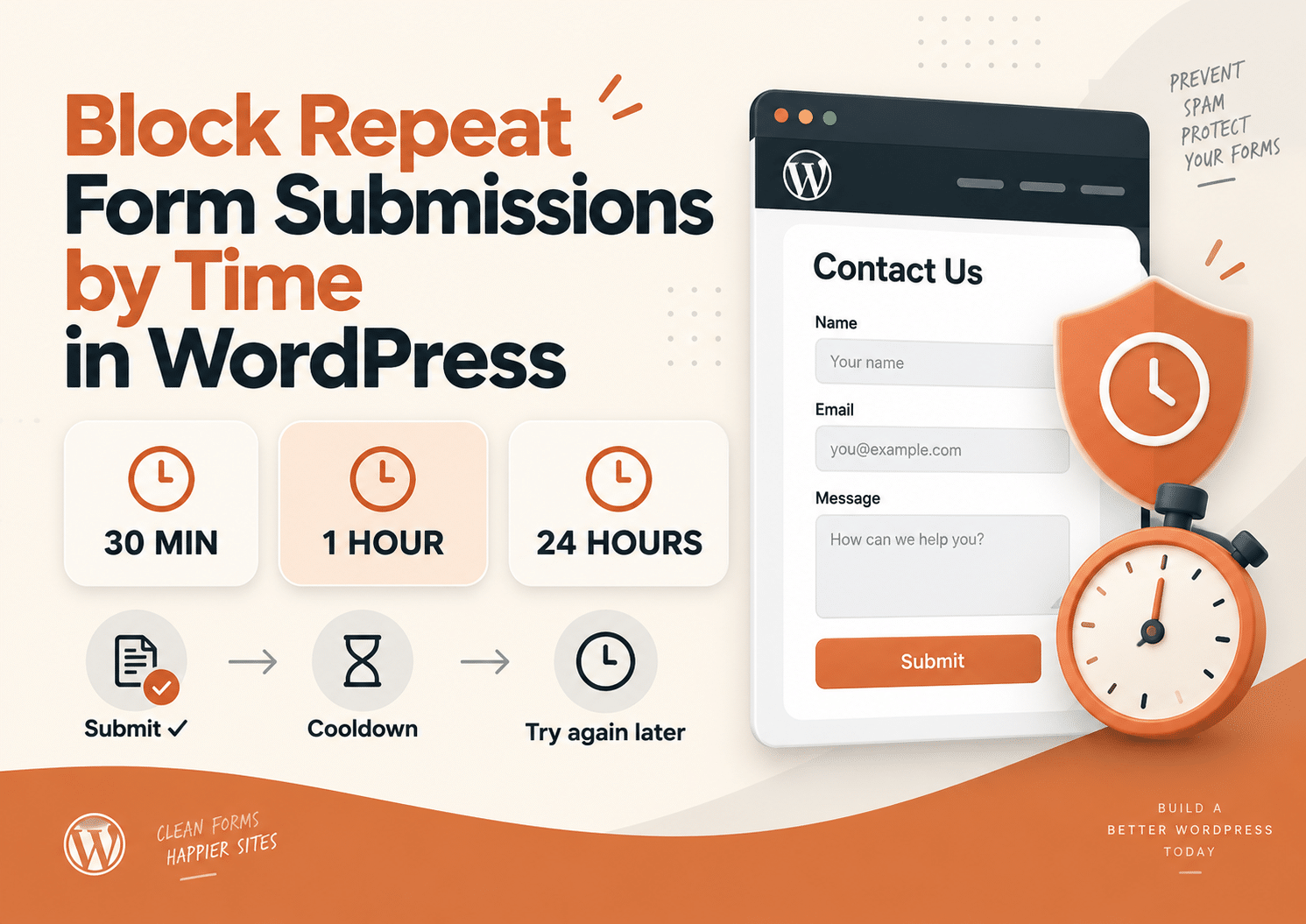
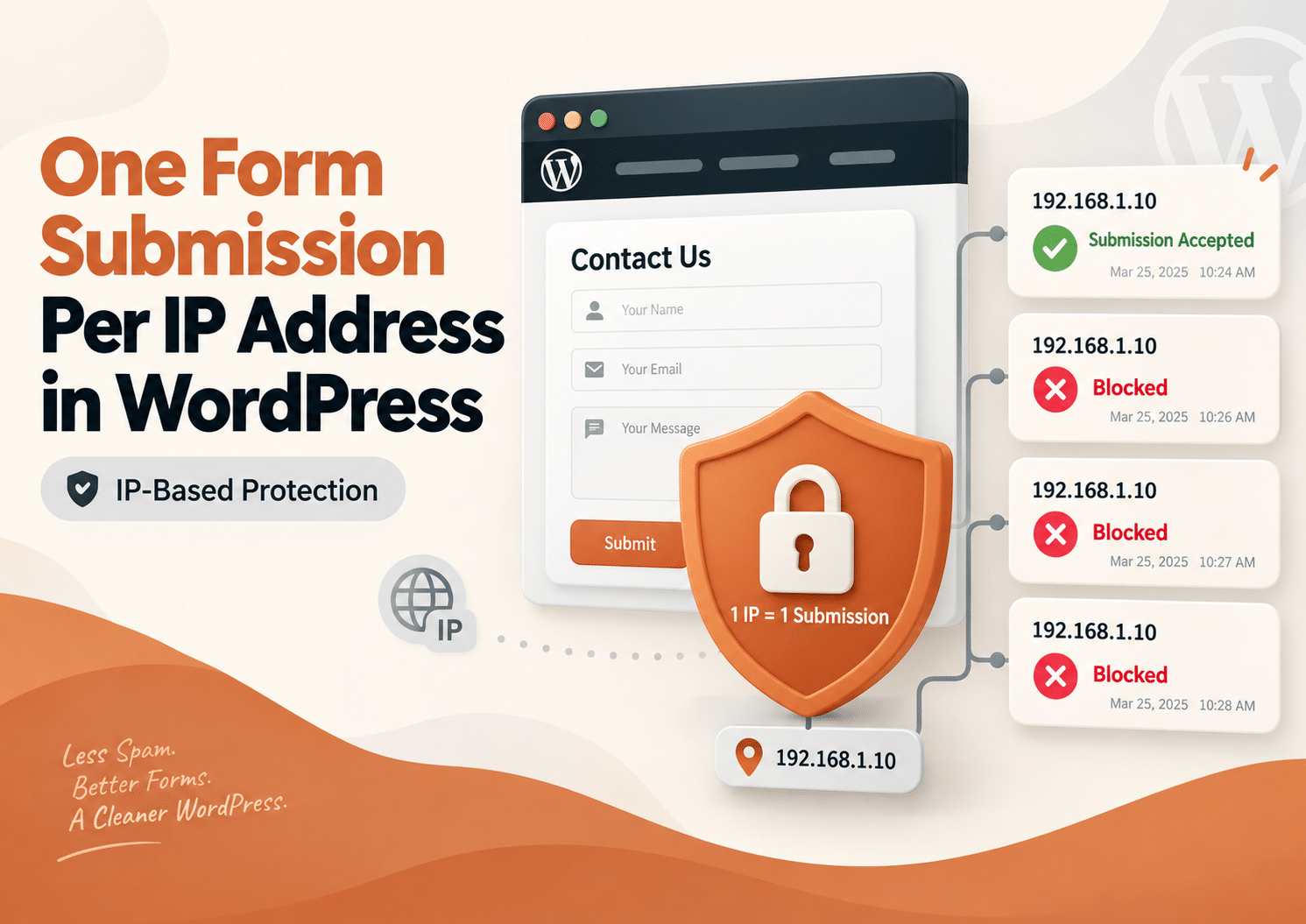
2) Server-side duplicate blocking (mandatory for clean data)
Even with PRG, users can submit again from another device, another tab, or by re-opening the page. That’s why the only reliable prevention is server-side validation.
A practical implementation includes:
- Choose a unique field (email/phone/order ID).
- Normalize the value for consistent comparisons.
- Check a server-side store (database) before accepting the entry.
- Block duplicates with a friendly error message.
Recommended uniqueness rules for “refresh duplicates”
- Contact forms: unique by email (and optionally by phone).
- Registrations: unique by email or user ID.
- Event signups: unique by email + event ID (context-based).
How to reduce user-triggered refresh duplicates
- Show a clear success message and keep it visible.
- Redirect to a dedicated thank-you page after submit (when possible).
- Improve perceived speed (reduce heavy scripts on the form page).
- Use server-side duplicate prevention so refresh never creates duplicate data.
Summary
Form resubmission on refresh is normal browser behavior. You can reduce it with PRG-style redirects, but you cannot guarantee data integrity without server-side uniqueness checks. The best setup combines clear UX, a post-submit redirect when possible, and server-side duplicate blocking to keep WordPress form entries clean.