Duplicate Killer for SureForms: Setup, Features, and Limitations
Someone submits your contact form twice. Another visitor registers for the same event using an email address you already have. Your inbox fills up with repeated requests, and your team has to sort them out.
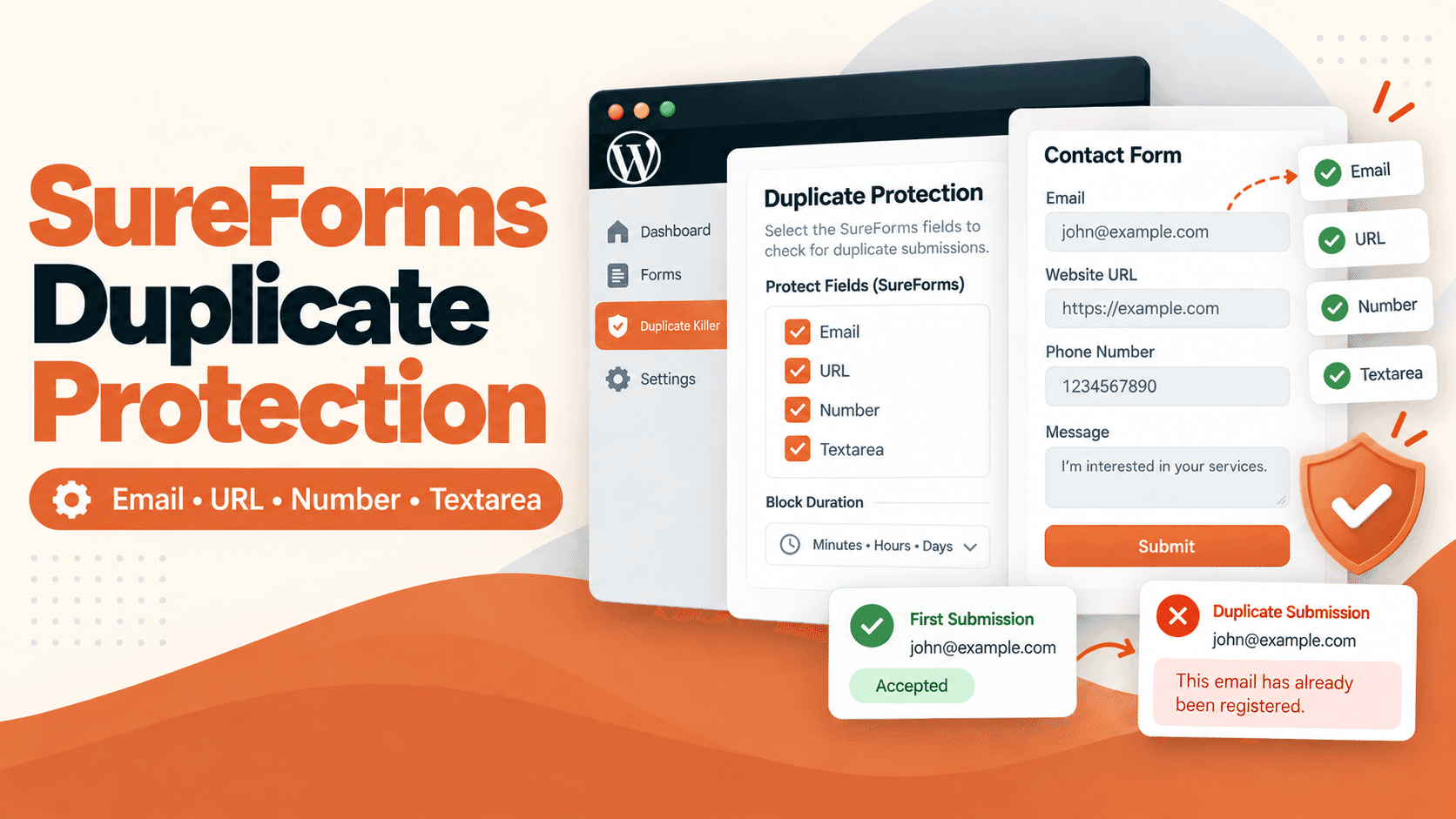
Duplicate Killer adds duplicate submission protection to SureForms. It checks selected field values against records saved by Duplicate Killer and returns an error when a matching value is found.
You choose which fields to check, how long to block repeated values, and what message visitors see.
This guide explains how the SureForms integration works, where it helps, and what to consider when using payment forms.
What Does Duplicate Killer Check in SureForms?
The SureForms integration supports these field types:
SureForms field
Example use
Text
Prevent repeated customer references or registration codes
Email
Block repeat registrations using the same email address
URL
Prevent the same website from being submitted again
Textarea
Check repeated messages or other text
Number
Check repeated numeric references
Duplicate Killer checks the fields you enable. It does not automatically compare every field or require the whole submission to be identical.
For example, if Email is protected, submitting the same email with a different name can still be blocked.
Choose fields that make sense for your form. A shared company name, common subject line, or frequently used number may not be suitable for a uniqueness rule.
How to Set Up SureForms Duplicate Protection
Start with an existing SureForms form. You do not need to rebuild its fields.
Install and activate a Duplicate Killer release that includes SureForms support.
Open Duplicate Killer in your WordPress dashboard.
Select the SureForms tab.
Find the form you want to protect.
Enable the fields that should be checked for duplicates.
Set the duplicate block duration.
Choose your duplicate message and save the settings.
Submit the form with new and repeated values to confirm the result.
If you are new to SureForms, its official documentation covers creating and publishing forms.
Start with one clear rule. For an event registration form, protecting the Email field is often easier to manage than protecting several common text values.
Set a Duplicate Block Duration
Not every repeated submission is unwanted forever.
A customer may need to send another support request tomorrow. An event registration form may need to reject the same email for the whole registration period.
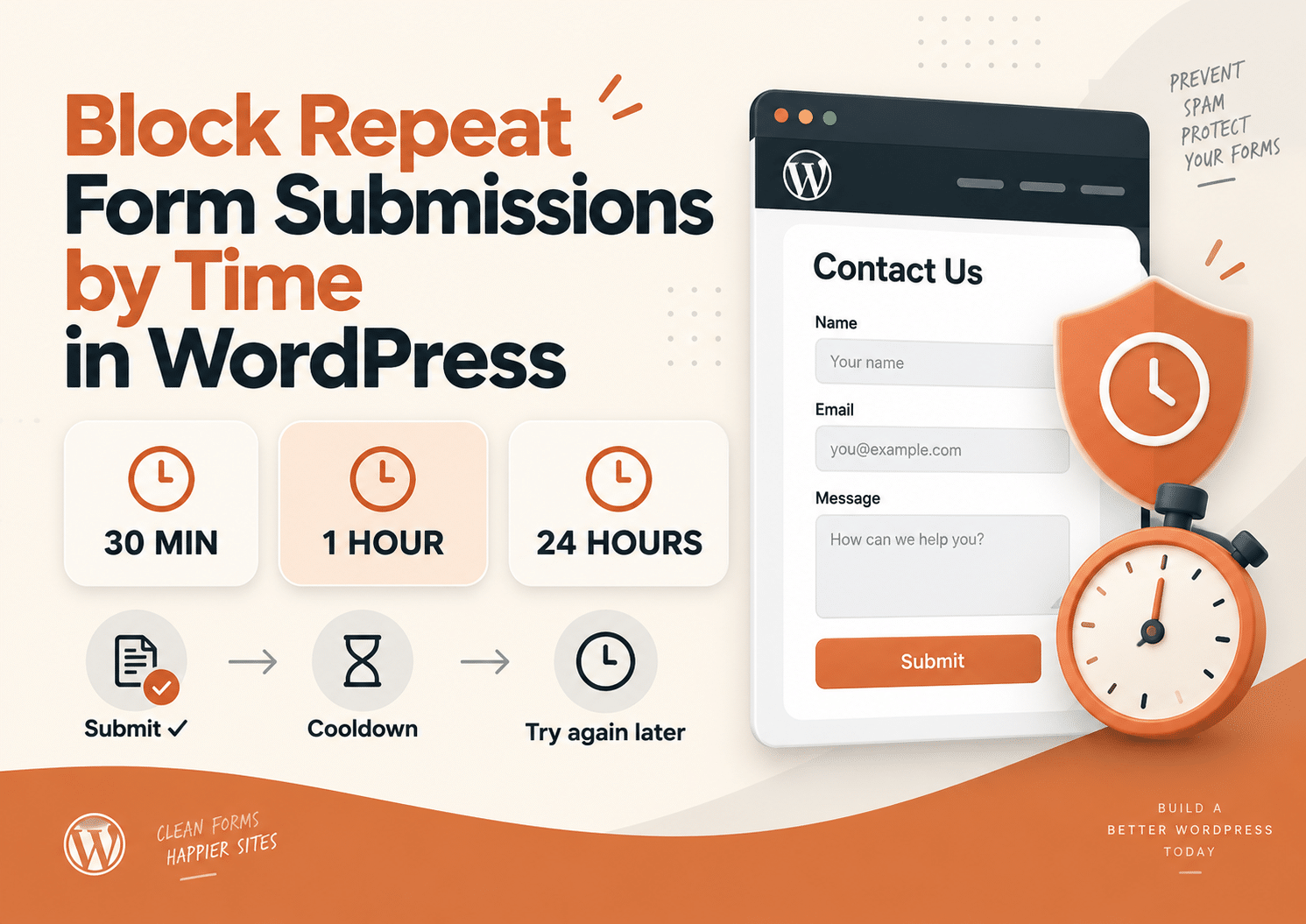
Duplicate Killer provides days, hours, and minutes for the field duplicate block duration.
Form purpose
Example duration
Intended result
Contact request
5 minutes
Reduce repeated requests sent close together
Quote request
24 hours
Avoid several requests from the same email in one day
Event registration
30 days
Restrict repeated registrations during the event campaign
Website submission
No expiry
Keep an already submitted URL from being submitted again
These examples assume field-based protection without cookie filtering. When all duration values are zero, the field duplicate check has no time cutoff.
A block duration controls which saved records are checked. It is not a data retention setting and does not automatically delete old submissions.
Test the expiry on your site before relying on it for a time-sensitive campaign.
Examples of SureForms Duplicate Rules
One Registration per Email
You have a workshop registration form with Name, Email, and a message field.
Enable duplicate checking for Email.
The first successful submission creates a Duplicate Killer record. A later submission using the same email is blocked while the applicable rule is active, even if the visitor changes their name or message.
A useful response is:
This email has already been registered. Please contact us if you need to update your details.
Reduce Repeated Quote Requests
A visitor sends a quote request and then submits it again because they are unsure whether the first attempt worked.
Protect Email and use a short block duration, such as five minutes.
This helps reduce repeated requests without preventing the customer from contacting you again later. Make sure the form’s success message is also clear; duplicate checking is not a substitute for a useful confirmation.
Prevent Duplicate Website Listings
A directory form collects a website URL.
Protect the URL field to check whether the same value has already been recorded.
Do not assume that different URLs are treated as the same website. For example, a URL with a trailing slash or a different protocol may be a different stored value. Test the URL formats your visitors are likely to submit.
Share Rules Across SureForms Forms
In Duplicate Killer PRO, cross-form protection can check configured fields across SureForms forms.
For example, two campaign pages may use separate forms but should share the same email registration rule.
Configure the email fields in the cross-form settings. Protecting Email separately on each form does not, by itself, create a shared duplicate rule.
Duplicate Killer offers Classic Message and Modern Popup Mode.
Classic Message uses the form’s normal error display.
Modern Popup Mode shows the Duplicate Killer duplicate message in a popup. You can add formatted text, colors, and links, and preview the popup in the settings.
For example:
This entry already exists. Please contact our team if you need to change your registration.
A link to your contact page gives visitors a next step instead of leaving them with a generic error.
Modern Popup Mode is intended for Duplicate Killer duplicate messages. It does not replace every SureForms validation error or the normal success message.
After changing popup settings, clear any page cache and check the public form.
Duplicate Records Are Stored Separately
Duplicate Killer uses its own records in your WordPress database.
Disabling entry storage in SureForms does not automatically disable Duplicate Killer storage. If a successful submission meets the enabled DK storage rules, DK can still save its supported field values for future checks.
This matters when configuring forms that collect personal information.
If your goal is to retain no submission data, review both plugins rather than changing only the SureForms setting. Deleting a SureForms entry also does not automatically remove the corresponding Duplicate Killer record.
SureForms Stripe Payment Protection
Payment forms need extra care because payment processing and final form submission do not happen at exactly the same point.
For the supported SureForms Stripe payment and subscription intent requests, Duplicate Killer performs an early duplicate check on the Email field linked to the payment block.
That field must also be enabled for duplicate protection in DK.
When a duplicate is found, DK stops that intent creation request before the native SureForms handler runs.
The payment behavior described here is based on the integration with SureForms 2.12.8. Verify the flow again when changing payment settings, adding extensions, or updating SureForms.
Example: An Already Registered Email
Suppose a paid registration form links its payment block to the Email field.
The email already exists in the relevant Duplicate Killer records, and its duplicate rule is still active.
The visitor submits the form again. The early email check returns the DK error instead of allowing that request to create a new payment intent.
An email that passes this check continues through SureForms. Passing the DK check does not mean the payment succeeded.
Payment Limitations
The early payment check has a specific scope:
It checks only the linked, enabled Email field.
Other field duplicate rules, IP limits, and cross-form rules run during final submission and may intervene after payment processing.
Missing or ambiguous email mappings can cause the early check to be skipped.
Other payment gateways are not covered by these Stripe intent checks.
Two simultaneous requests may both pass before a successful submission is saved.
It is not a payment reservation, refund system, or guarantee against duplicate charges.
It does not establish a payment-confirmed storage workflow based on Stripe webhooks.
Do not use final field, IP, or cross-form checks as a guarantee that payment cannot happen first.
If your form takes money, test the entire flow. SureForms explains its payment records in the Payments documentation. Stripe provides official testing instructions for simulated payments without moving real funds.
CAPTCHA, Spam Protection, and Other Integrations
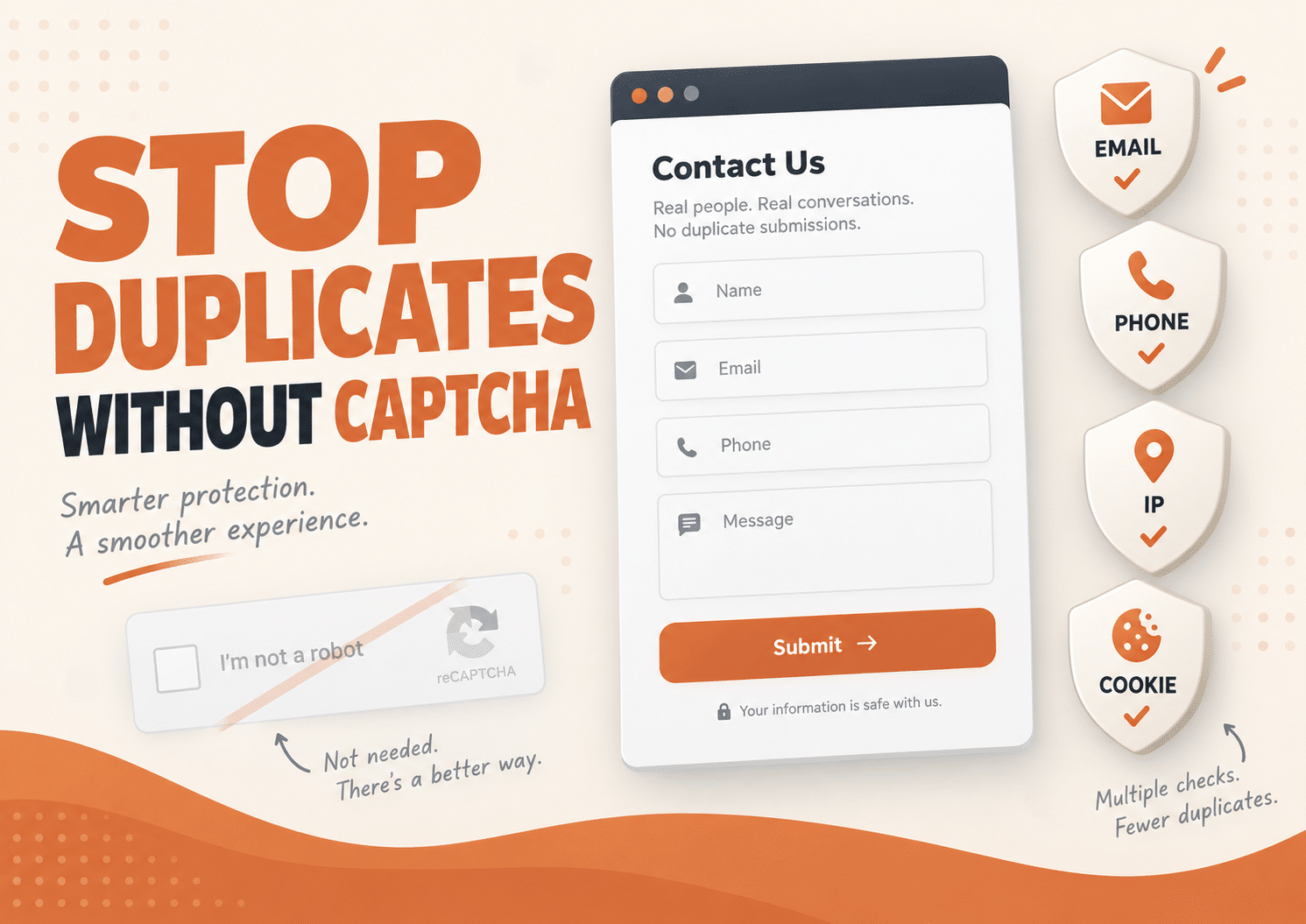
Duplicate protection and bot protection solve different problems.
A real person can submit the same email twice. A bot can submit a different email every time.
Duplicate Killer helps with repeated values. It does not prove that a visitor is human, verify ownership of an email address, or block all form spam. Keep suitable SureForms spam protection enabled, such as its honeypot protection.
For CRM, email marketing, webhook, and other connected services, test where the integration runs. A DK block stops the normal submission flow at its blocking point, but cannot undo an external action that another callback has already performed.
A duplicate error is therefore not proof that every connected service received nothing.
Test Before Going Live
Use a staging site and run these checks:
Submit a new email and confirm that the intended records are created.
Submit the same email again and confirm that DK blocks it.
Try another email and confirm that legitimate submissions still work.
Check the block duration after it expires.
Test required-field errors and the normal success message.
Check Classic Message and Modern Popup Mode on mobile.
Confirm that connected services behave as expected.
For payments, test successful, declined, and repeated attempts in Stripe test mode.
For an early payment block, inspect the Network panel in your browser. The request with action srfm_create_payment_intent or srfm_create_subscription_intent should return success: false with the DK duplicate message.
A duplicate error only in the final form submission response does not confirm an early payment block.
Enable DK diagnostics temporarily when investigating a problem. Reports may contain personal data, so avoid sharing them publicly or including payment credentials.
Frequently Asked Questions
Can I block duplicate email addresses in SureForms?
Yes. Enable duplicate protection for the Email field on the relevant form. DK checks that value against its saved records using the configured rules.
Does Duplicate Killer replace SureForms?
No. SureForms continues to build, validate, and process your forms. DK adds checks for repeated values.
Will disabling SureForms entry storage disable DK records?
No. The two plugins have separate storage behavior. Review Duplicate Killer settings as well if you do not want its records retained.
Can different visitors submit the same value?
Cookie-based protection can make duplicate checks specific to the same browser identity. Cookies are not a verified user identity, and clearing or changing them can change that behavior.
Does Duplicate Killer prevent every duplicate payment?
No. The early Stripe check covers the linked Email field in the supported intent creation requests. It does not provide complete payment idempotency or cover every gateway and retry scenario.
Should I use Free or PRO?
The Free version is intended for protecting one eligible form per supported form plugin. PRO supports multiple forms and cross-form rules. Check the current Duplicate Killer plans for the available options.
Start With the Rule Your Form Needs
A registration form may need one entry per email. A contact form may only need to reject repeats for a few minutes. A directory may need to keep the same website from being submitted again.
Start with that rule, choose a useful duplicate message, and test both accepted and blocked submissions.
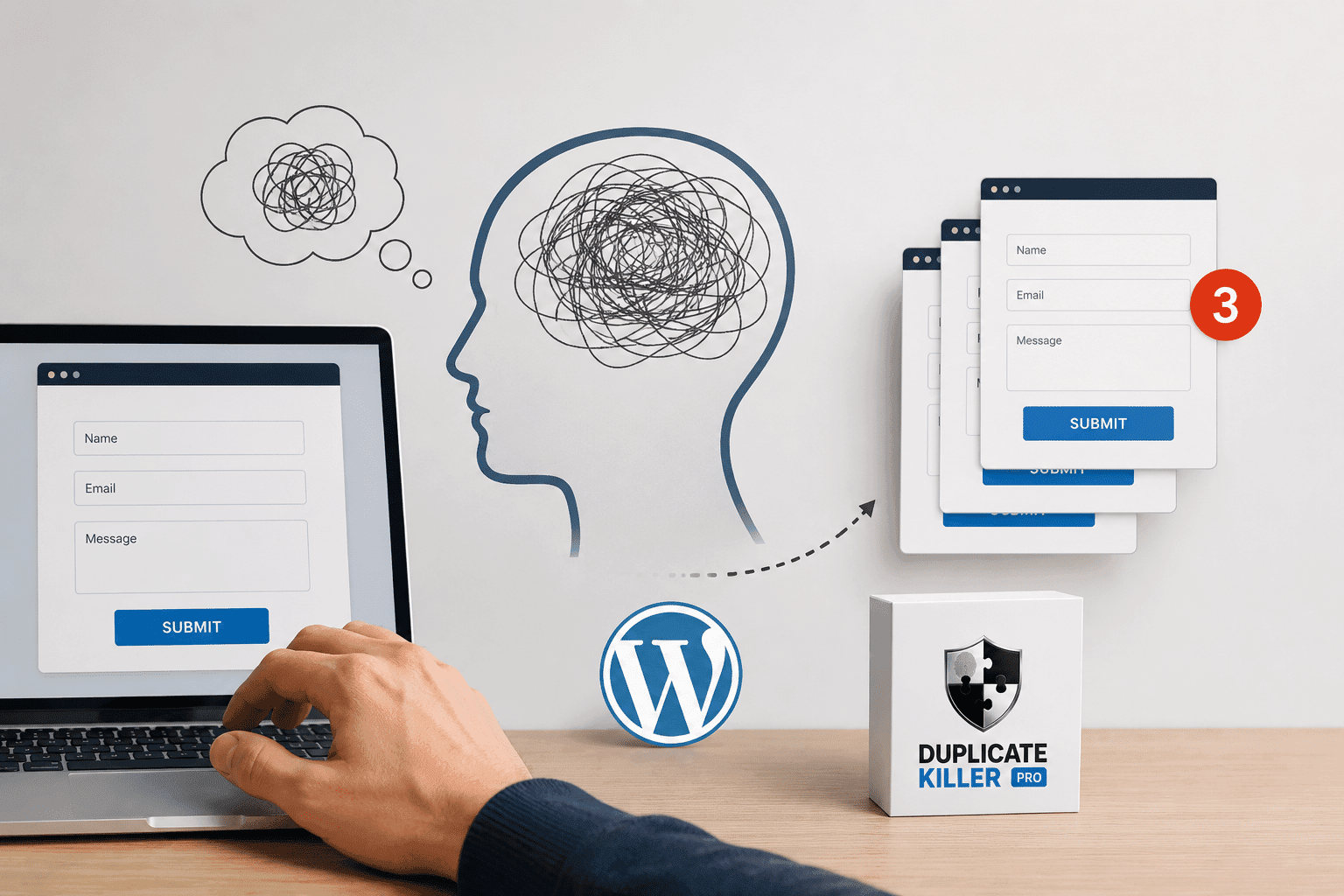
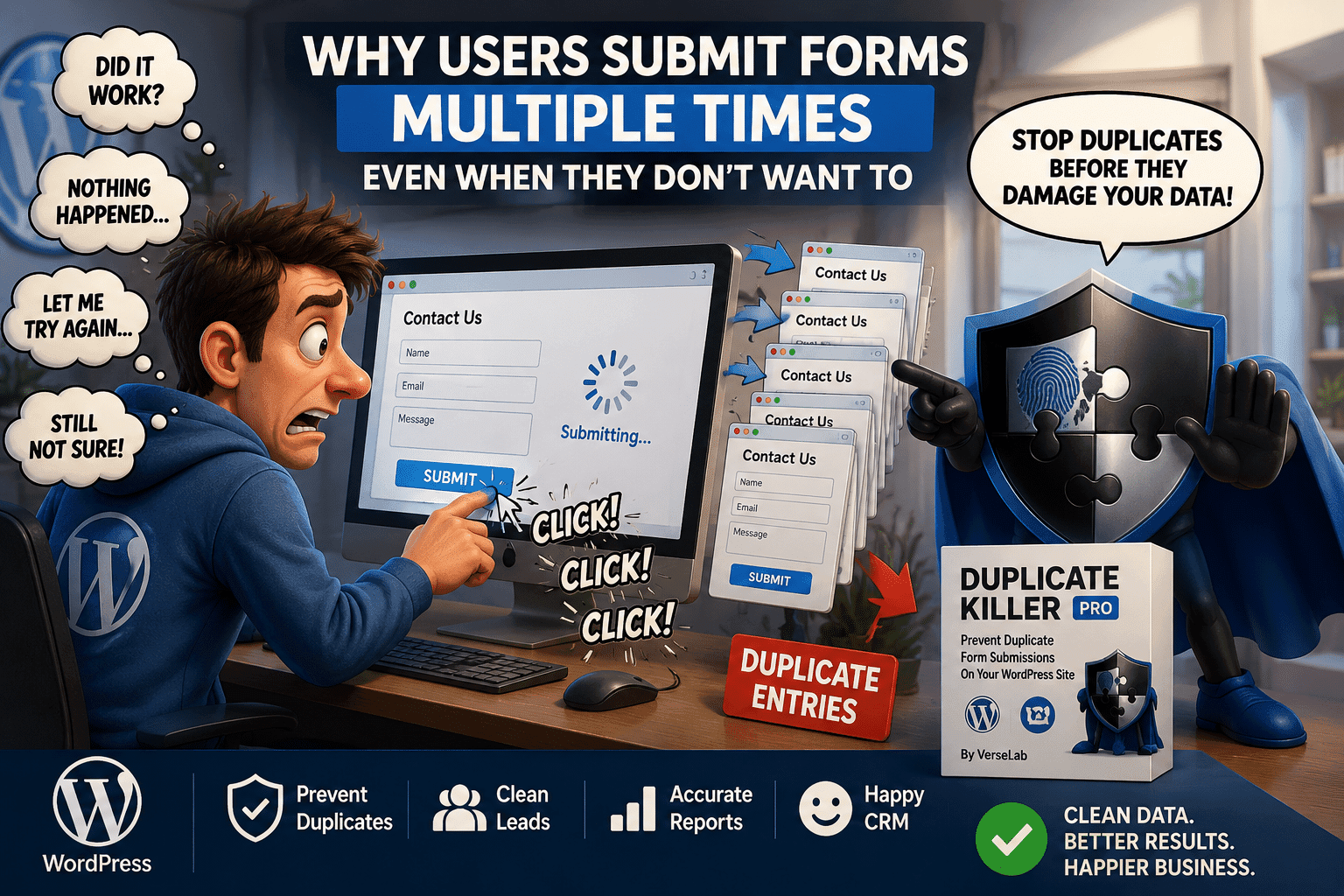
A visitor fills out your form, clicks Submit, waits a few seconds and clicks again. Then maybe one more time, just to be sure. Now your website has three entries from the same person. This is not always spam, and adding another CAPTCHA does not necessarily solve the problem. If your goal is to prevent…
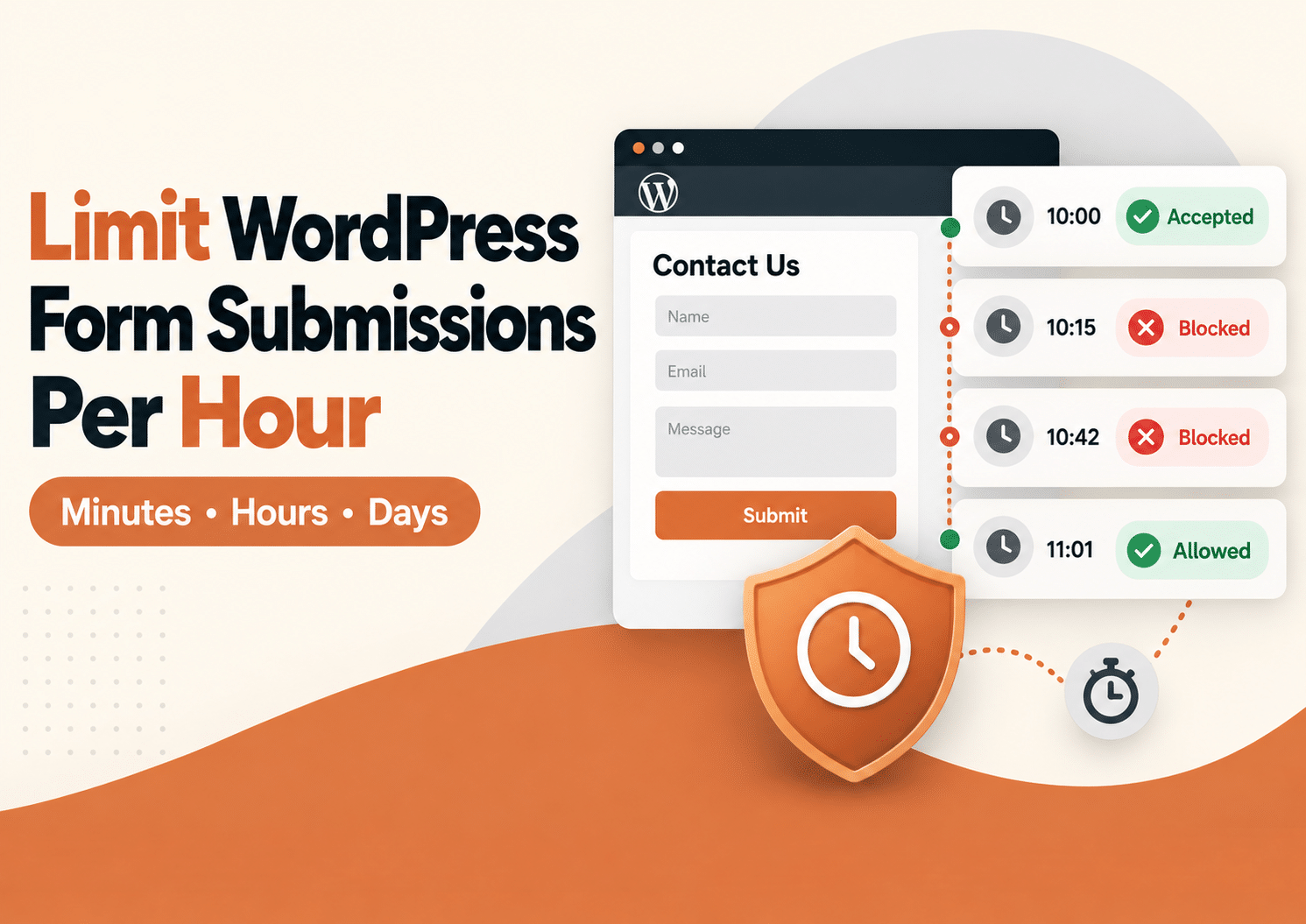
Sometimes you do not need to block a visitor permanently. You just need to stop the same form from being submitted again too soon. Maybe someone clicks Submit twice because the page feels slow. Maybe they refresh and try again. Or maybe they intentionally send the same request several times within a few minutes. In…
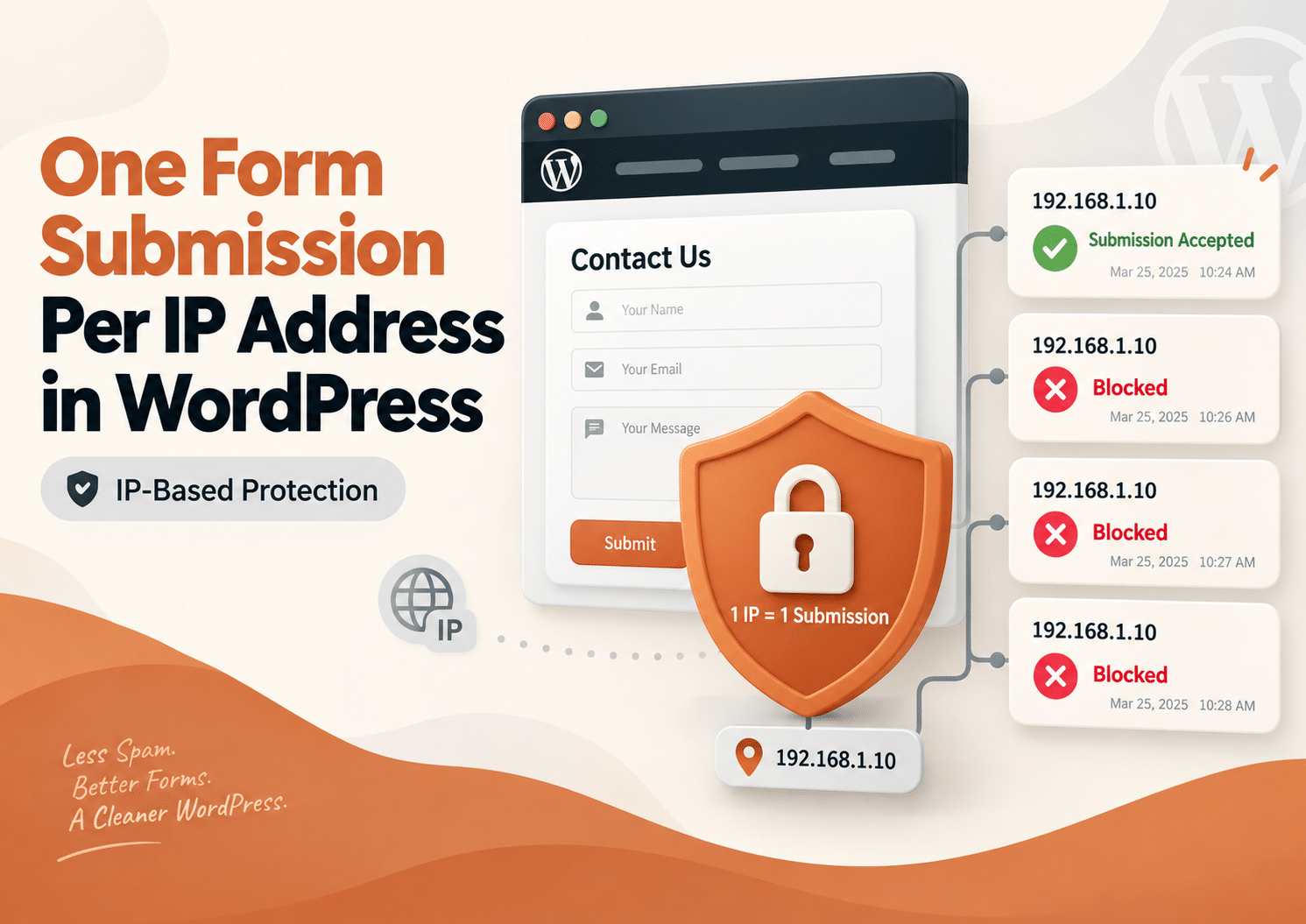
Sometimes a form should only be submitted once. Maybe you are running a giveaway, collecting registrations, accepting applications, or asking visitors to vote. In these situations, receiving several entries from the same network can create inaccurate results and unnecessary work. One simple way to reduce this problem is to allow only one form submission per…
Sometimes you do not want to block a visitor forever. You simply want to stop them from submitting the same WordPress form again for the next 30 minutes, one hour, or several hours. That is where a WordPress form submission limit can help. With Duplicate Killer, you can use IP-based restrictions to control how often…
If you’re using Fluent Forms on your WordPress website and need a reliable way to prevent duplicate submissions, Duplicate Killer now offers full support. Whether you’re collecting contact requests, quote forms, registrations, bookings, or lead generation forms, Duplicate Killer helps stop users from submitting the same information multiple times. Unlike simple unique field validation, Duplicate…
Most businesses think duplicate form submissions are caused by technical problems. But in reality, many duplicate submissions happen because of psychology. People click buttons emotionally, not logically. And when websites fail to provide reassurance, users naturally repeat actions. This is one of the biggest hidden reasons behind duplicate form submissions in WordPress. Why Human Psychology…
Duplicate form submissions are often treated as a technical problem. But in many cases, the real cause is human behavior. Most users do not intentionally submit the same form multiple times. They simply think the form did not work. This is one of the biggest reasons why duplicate form submissions happen on WordPress websites. Why…
Contains information related to marketing campaigns of the user. These are shared with Google AdWords / Google Ads when the Google Ads and Google Analytics accounts are linked together.
90 days
__utma
ID used to identify users and sessions
2 years after last activity
__utmt
Used to monitor number of Google Analytics server requests
10 minutes
__utmb
Used to distinguish new sessions and visits. This cookie is set when the GA.js javascript library is loaded and there is no existing __utmb cookie. The cookie is updated every time data is sent to the Google Analytics server.
30 minutes after last activity
__utmc
Used only with old Urchin versions of Google Analytics and not with GA.js. Was used to distinguish between new sessions and visits at the end of a session.
End of session (browser)
__utmz
Contains information about the traffic source or campaign that directed user to the website. The cookie is set when the GA.js javascript is loaded and updated when data is sent to the Google Anaytics server
6 months after last activity
__utmv
Contains custom information set by the web developer via the _setCustomVar method in Google Analytics. This cookie is updated every time new data is sent to the Google Analytics server.
2 years after last activity
__utmx
Used to determine whether a user is included in an A / B or Multivariate test.
18 months
_ga
ID used to identify users
2 years
_gali
Used by Google Analytics to determine which links on a page are being clicked
30 seconds
_ga_
ID used to identify users
2 years
_gid
ID used to identify users for 24 hours after last activity
24 hours
_gat
Used to monitor number of Google Analytics server requests when using Google Tag Manager