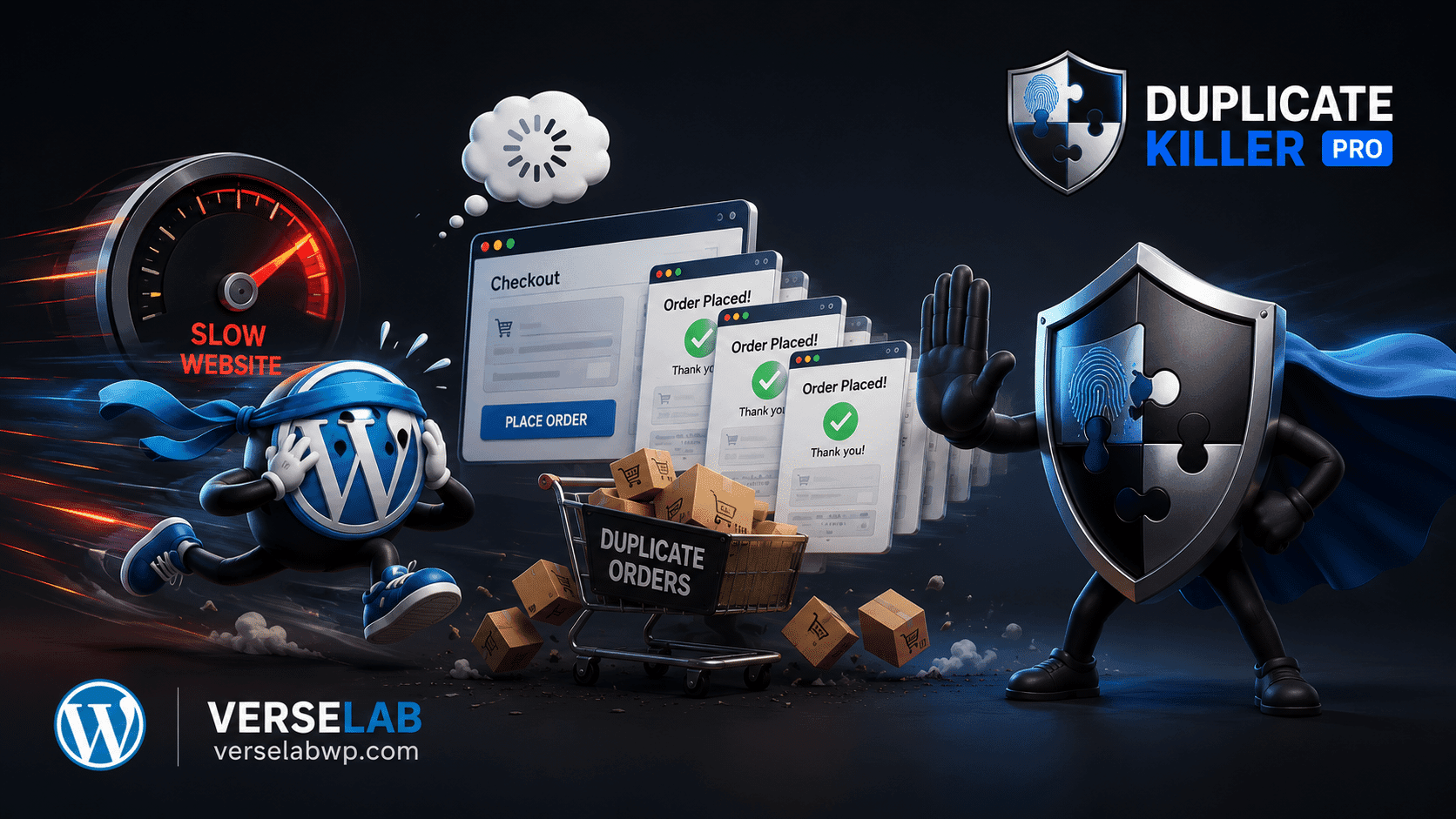
Duplicate orders? Not anymore. WooCommerce protection is now included!
Upgrade to PRO for Checkout Blocks, analytics and smart order linking.

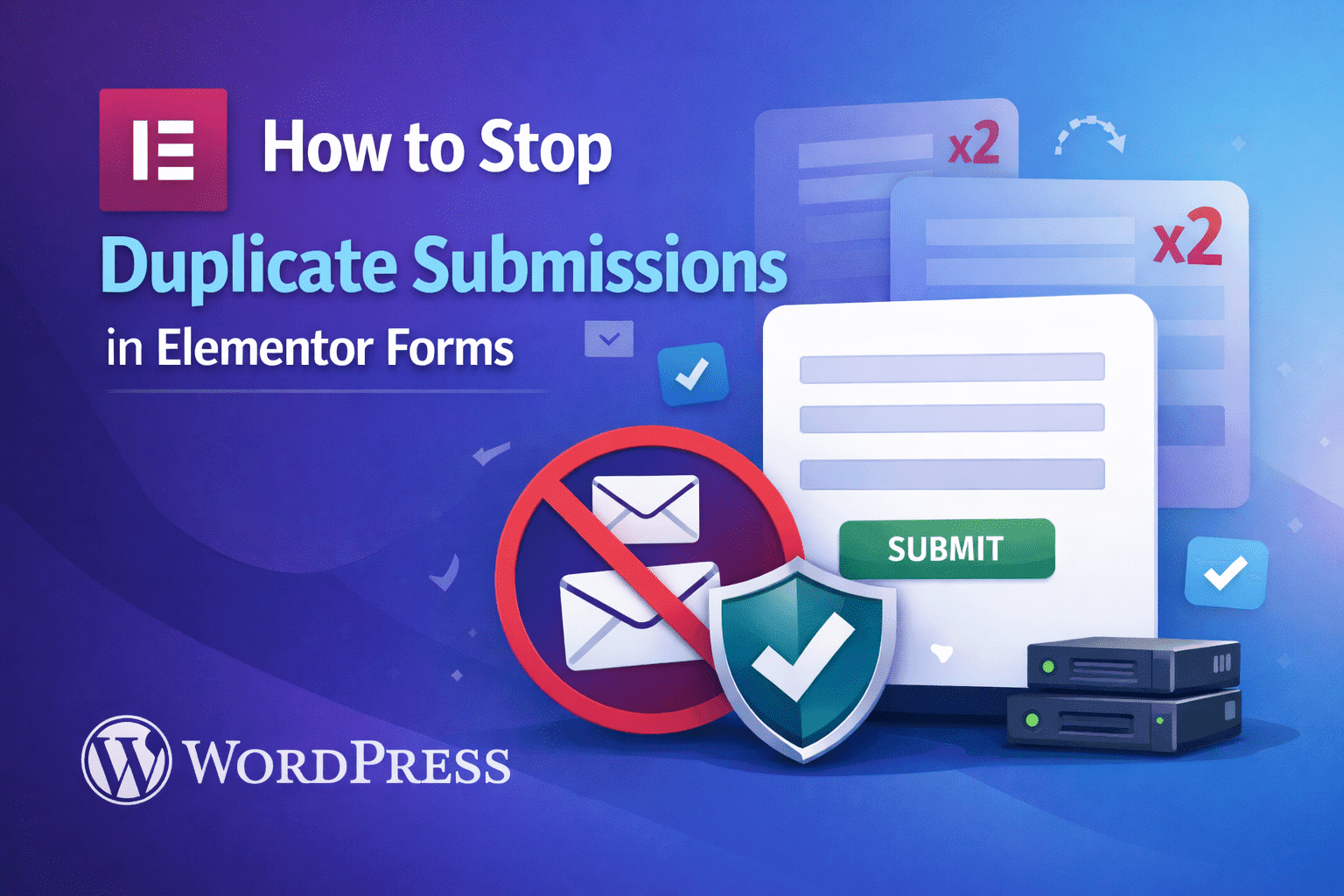
How to Stop Duplicate Submissions in Elementor Forms

How to Stop Duplicate Submissions in Elementor Forms

Elementor Forms are widely used for lead generation, contact pages, and newsletter signups. However, many website owners discover that the same user data is submitted multiple times, even when users click the submit button only once.

This article explains why duplicate submissions happen in Elementor Forms and how to prevent them properly.

Why Elementor Forms Allow Duplicate Submissions

By default, Elementor Forms:

  • Do not enforce unique field values
  • Allow page refresh resubmission
  • Accept multiple submissions with the same email
  • Rely mainly on client-side behavior

These design choices prioritize flexibility, not data integrity.

Common Elementor Duplicate Submission Scenarios

Duplicate entries usually appear when:

  • Users refresh the thank-you page
  • The submit button is clicked multiple times
  • Mobile connections retry requests
  • The same email is reused intentionally or accidentally

None of these scenarios are bugs — they are normal user actions.

Why CAPTCHA Is Not a Real Solution

Even with CAPTCHA enabled:

  • Human duplicates are still accepted
  • Email uniqueness is not enforced
  • UX friction increases
  • Conversion rates may drop

CAPTCHA does not solve the core problem.

The Correct Fix: Server-Side Uniqueness Validation

A reliable solution must:

  • Validate email, phone, or custom fields
  • Run before data is saved
  • Work independently of JavaScript
  • Prevent resubmission on refresh

This requires server-side logic.

How Duplicate Killer Works with Elementor Forms

DUPLICATE KILLER integrates directly into Elementor form processing. It:

  • Detects existing submitted values
  • Blocks duplicate submissions instantly
  • Supports unique email, phone, or text fields
  • Works without modifying the form layout

The result is clean Elementor form data by default.

Elementor Forms are powerful, but they require additional validation to prevent duplicate submissions. Server-side uniqueness checks are the most reliable and scalable solution.

Related Articles

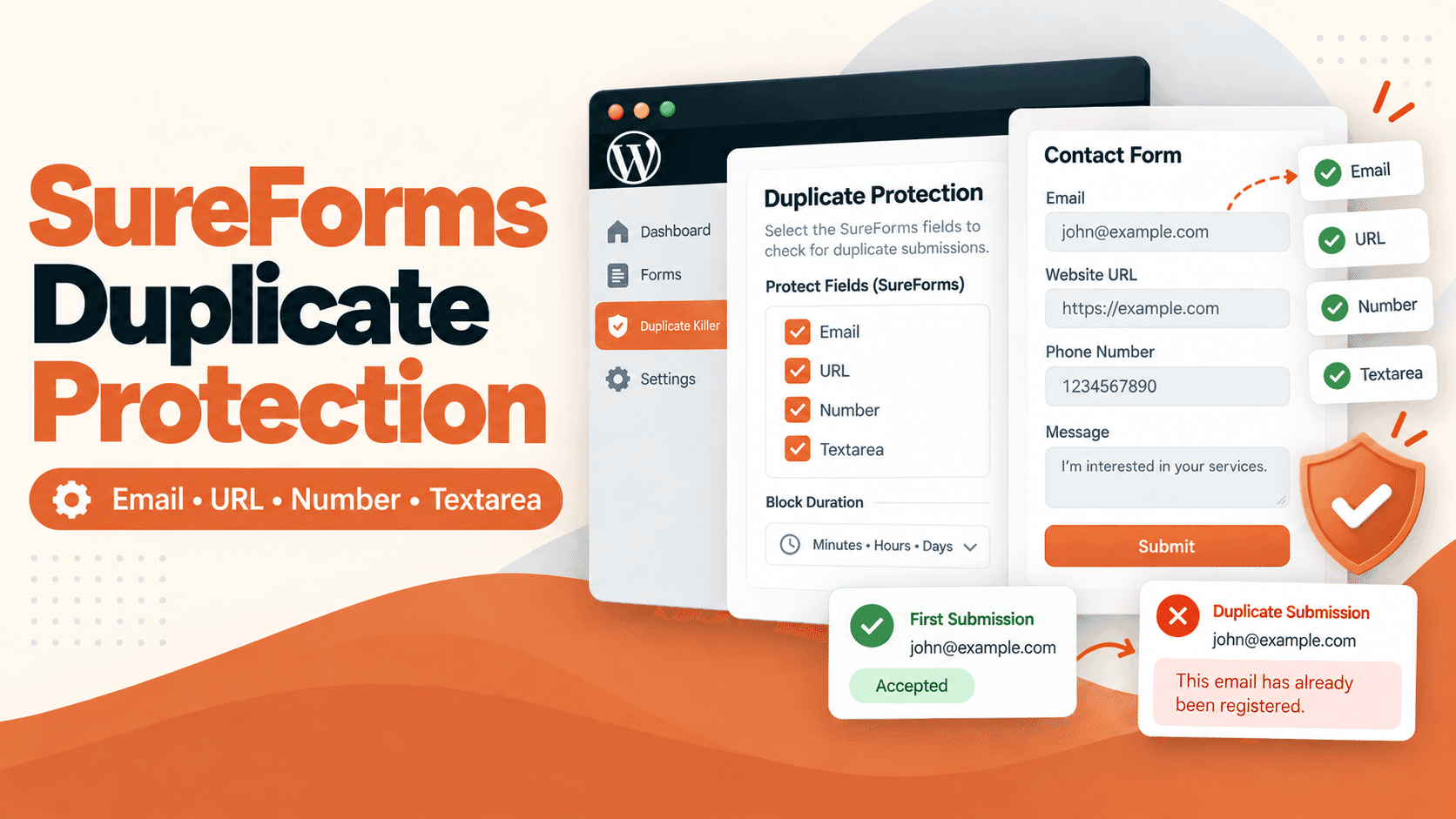
Duplicate Killer for SureForms: Setup, Features, and Limitations

Duplicate Killer for SureForms: Setup, Features, and Limitations

Someone submits your contact form twice. Another visitor registers for the same event using an email address you already have. Your inbox fills up with repeated requests, and your team has to sort them out. Duplicate Killer adds duplicate submission protection to SureForms. It checks selected field values against records saved by Duplicate Killer and…
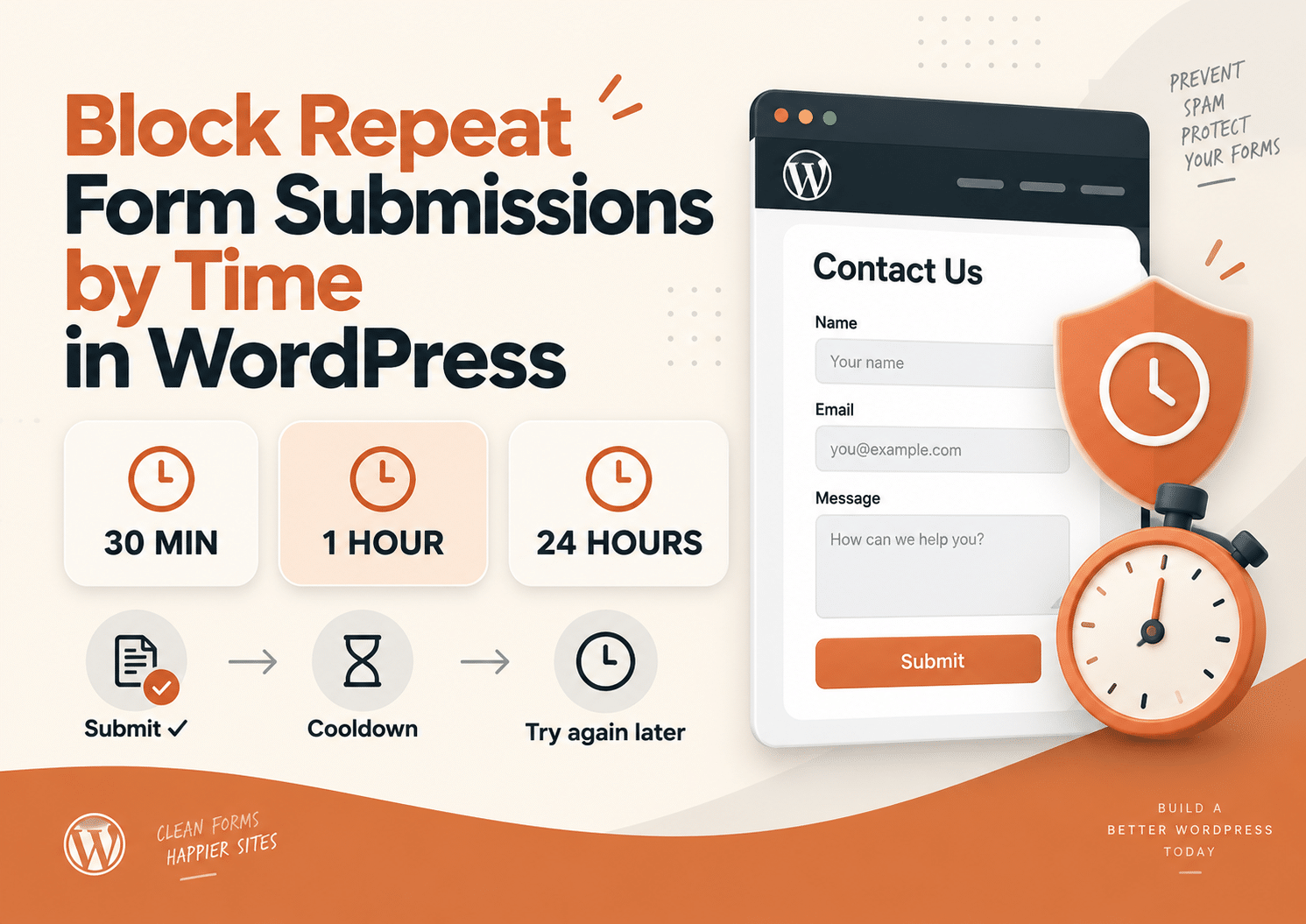
How to Prevent Duplicate Form Submissions Without CAPTCHA in WordPress

How to Prevent Duplicate Form Submissions Without CAPTCHA in WordPress

A visitor fills out your form, clicks Submit, waits a few seconds and clicks again. Then maybe one more time, just to be sure. Now your website has three entries from the same person. This is not always spam, and adding another CAPTCHA does not necessarily solve the problem. If your goal is to prevent…
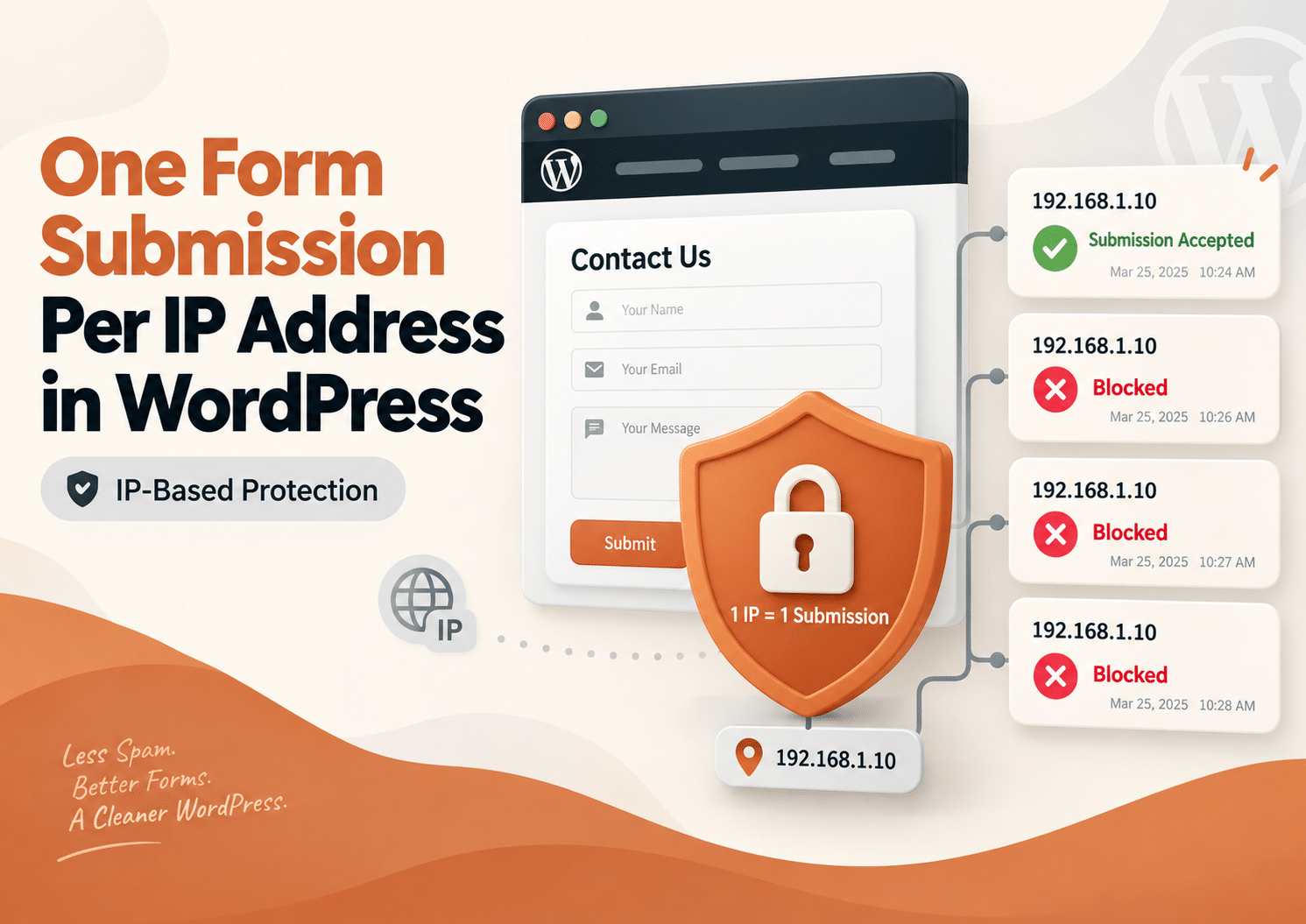
How to Allow Only One Form Submission Per IP Address in WordPress

How to Allow Only One Form Submission Per IP Address in WordPress

Sometimes a form should only be submitted once. Maybe you are running a giveaway, collecting registrations, accepting applications, or asking visitors to vote. In these situations, receiving several entries from the same network can create inaccurate results and unnecessary work. One simple way to reduce this problem is to allow only one form submission per…
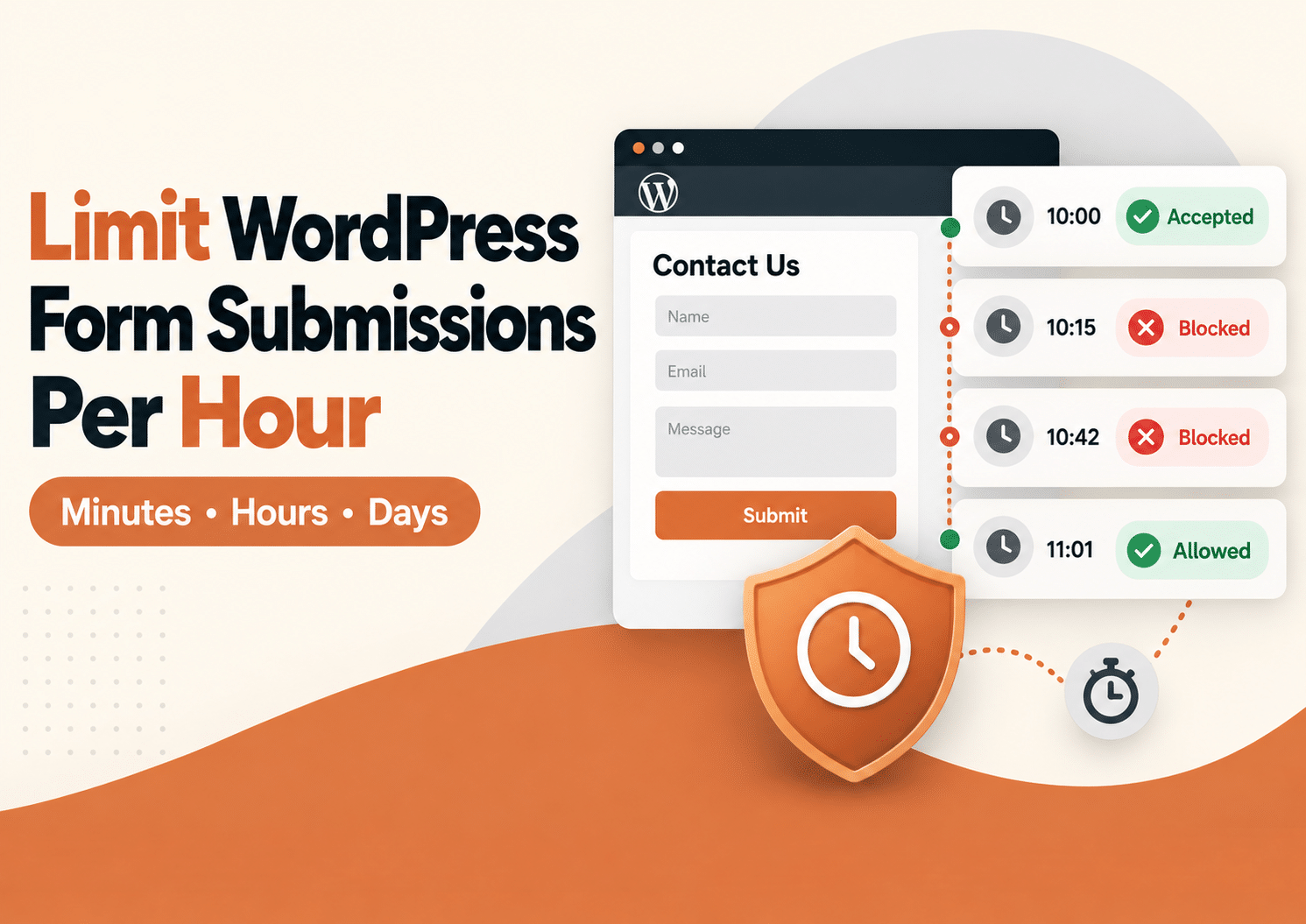
How to Limit WordPress Form Submissions Per Hour

How to Limit WordPress Form Submissions Per Hour

Sometimes you do not want to block a visitor forever. You simply want to stop them from submitting the same WordPress form again for the next 30 minutes, one hour, or several hours. That is where a WordPress form submission limit can help. With Duplicate Killer, you can use IP-based restrictions to control how often…
Duplicate Killer now supports Fluent Forms

Duplicate Killer now supports Fluent Forms

If you’re using Fluent Forms on your WordPress website and need a reliable way to prevent duplicate submissions, Duplicate Killer now offers full support. Whether you’re collecting contact requests, quote forms, registrations, bookings, or lead generation forms, Duplicate Killer helps stop users from submitting the same information multiple times. Unlike simple unique field validation, Duplicate…
Slow websites create more Duplicate Orders than you think

Slow websites create more Duplicate Orders than you think

FAQ: Duplicate WooCommerce Orders ❓ Why do slow websites create duplicate WooCommerce orders? Customers often think checkout failed when pages load slowly or freeze temporarily. The natural reaction is to click the “Place Order” button again, creating repeated submissions. ❓ Does CAPTCHA stop duplicate WooCommerce orders? No. CAPTCHA mainly blocks bots and spam traffic. Real…
The Psychology Behind Duplicate Form Submissions

The Psychology Behind Duplicate Form Submissions

Most businesses think duplicate form submissions are caused by technical problems. But in reality, many duplicate submissions happen because of psychology. People click buttons emotionally, not logically. And when websites fail to provide reassurance, users naturally repeat actions. This is one of the biggest hidden reasons behind duplicate form submissions in WordPress. Why Human Psychology…
Go to VerseLabWP homepage
© Copyright 2025 BITSTRUCT SRL. All Rights Reserved.