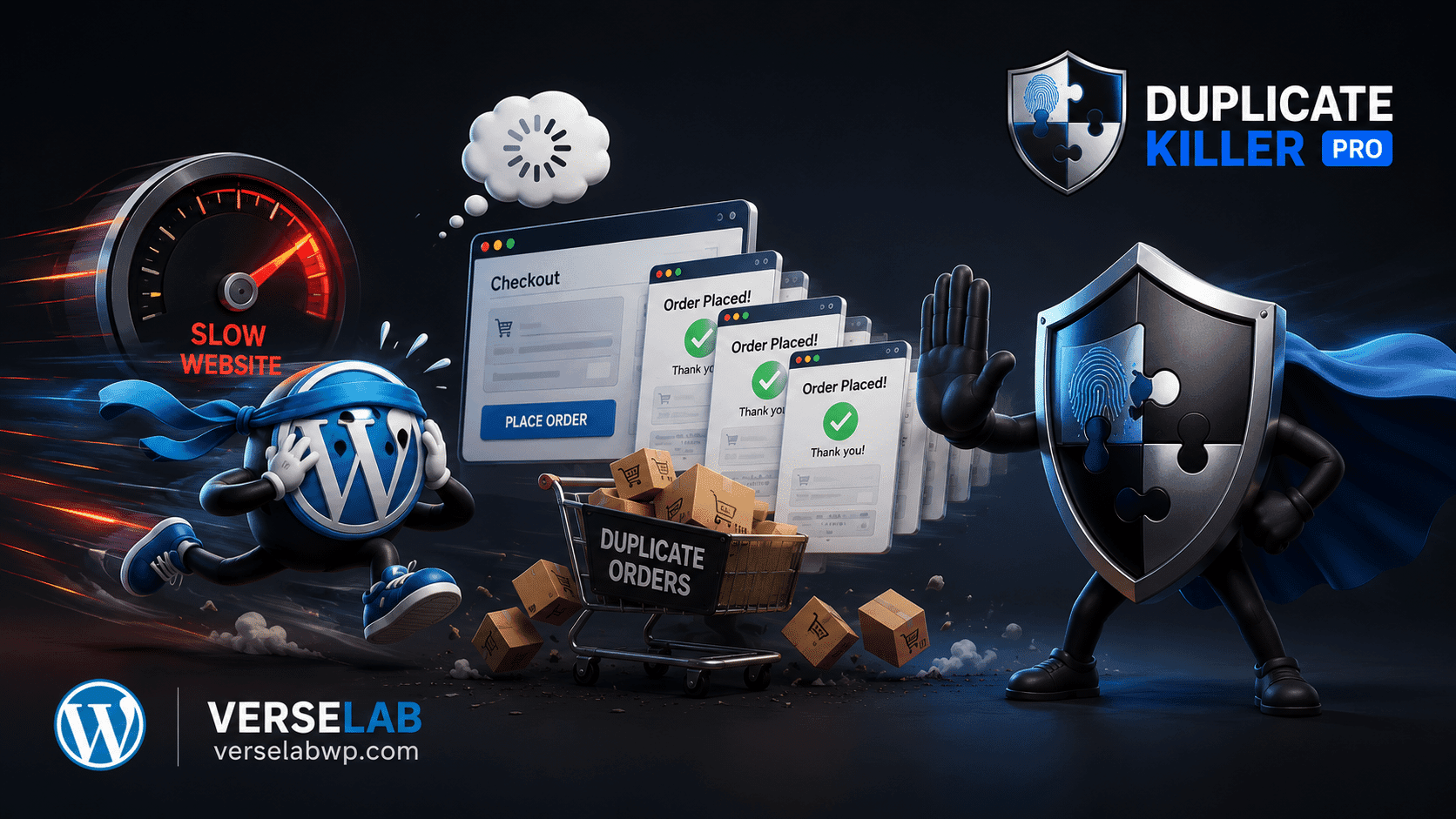
Modern WordPress websites rely heavily on forms: contact forms, lead generation, support requests, registrations, and onboarding workflows. One of the most common and costly issues agencies face is duplicate form submissions.
To address this problem at a technical level, many solutions rely on functional cookies. This article explains how functional cookies work in WordPress, how Duplicate Killer uses them, and what agencies must understand from a GDPR and ePrivacy compliance perspective.
What Are Functional Cookies?
Functional cookies (also referred to as strictly necessary cookies) are cookies required for a website or feature to function correctly when explicitly requested by the user.
Examples include:
- Session cookies
- Security and fraud prevention cookies
- Load balancing cookies
- Cookies that prevent technical errors, such as duplicate form submissions
These cookies do not exist for tracking, profiling, analytics, or marketing purposes.
Why Duplicate Form Submissions Are a Technical Problem
Duplicate submissions are not a user behavior problem — they are a technical reliability issue. They commonly occur due to:
- Double-clicking submit buttons
- Network retries or slow responses
- Browser back/refresh actions
- AJAX race conditions
- Form resubmissions after validation errors
For agencies, this results in:
- Polluted CRM and databases
- Broken automation workflows
- Incorrect analytics and reporting
- Increased support costs
How Duplicate Killer Uses Functional Cookies
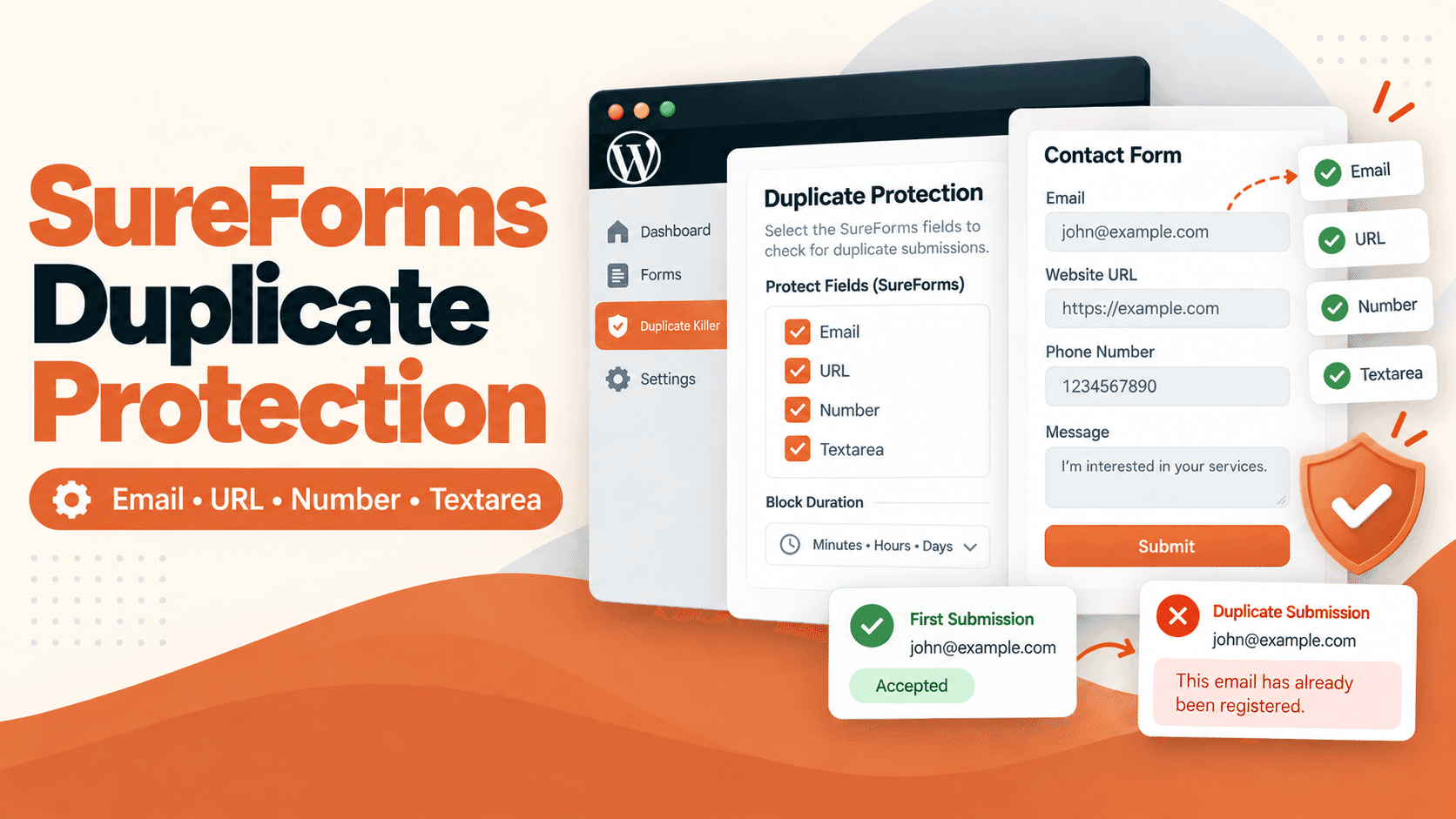
Duplicate Killer is a WordPress plugin designed to prevent duplicate submissions at the data level.
Test free version
Its cookie system follows strict principles:
- Cookies are created per form, not per user profile
- Cookies are only set if the form explicitly enables cookie protection
- Cookies contain non-identifying random tokens
- No personal data is stored inside cookies
- No third-party access or cross-site tracking exists
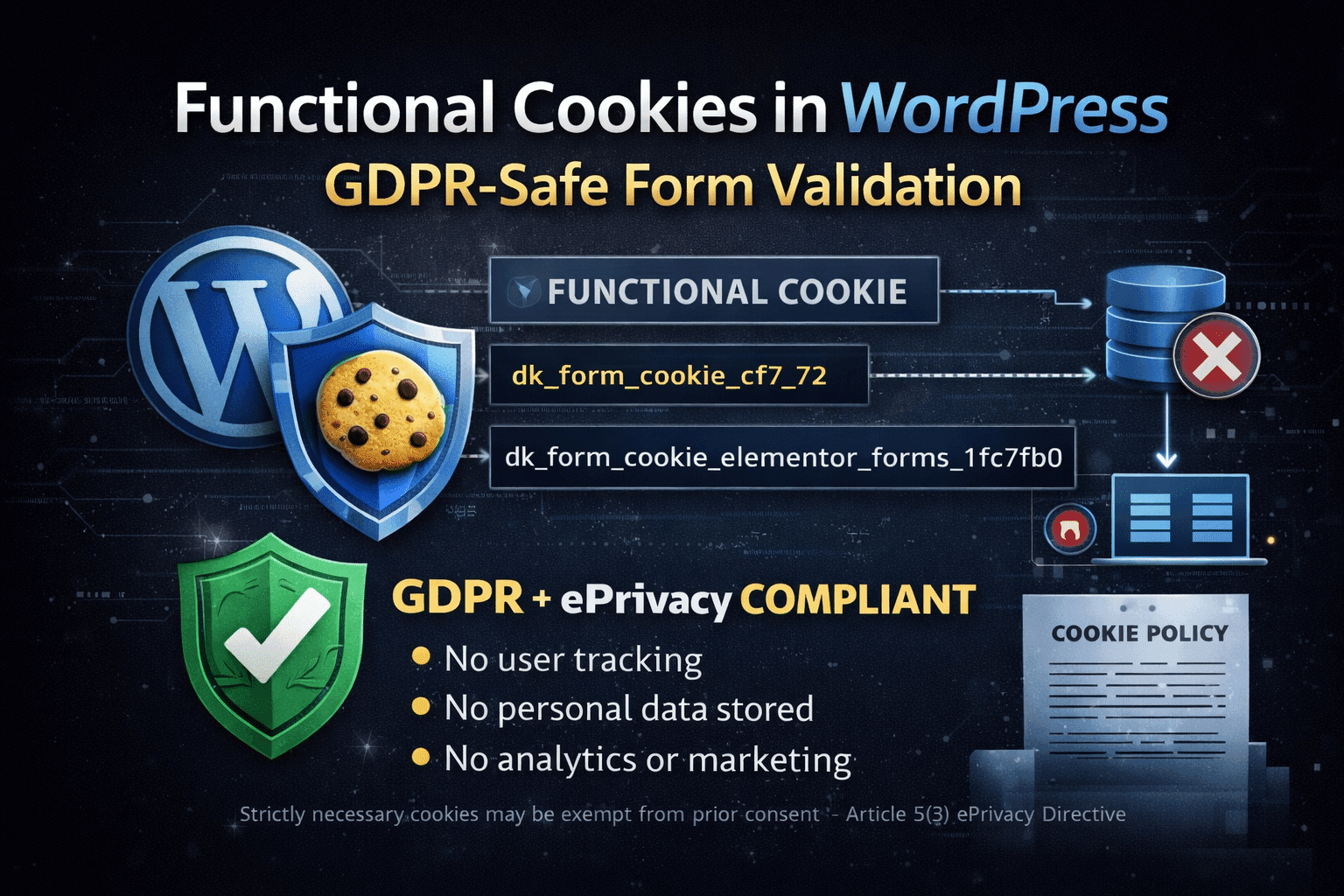
Example cookie naming pattern:
dk_form_cookie_cf7_72
dk_form_cookie_elementor_forms_1fc7fb0
dk_form_cookie_formidable_contact-us-2
Each cookie acts as a short-lived technical flag to prevent accidental resubmissions of the same form.
What Duplicate Killer Does NOT Do
This distinction is critical for compliance.
Duplicate Killer does not:
- Track users across pages or sessions
- Create user profiles or behavioral fingerprints
- Store IP addresses inside cookies
- Share data with third parties
- Use cookies for analytics or advertising
The cookie exists only to ensure technical integrity of a form submission.
GDPR and ePrivacy Compliance Explained
Under the EU ePrivacy Directive and GDPR guidelines, cookies that are strictly necessary for a service explicitly requested by the user are exempt from prior consent requirements.
In this case:
- The user explicitly submits a form
- The cookie is required to ensure correct processing of that submission
- The cookie does not introduce tracking or profiling
For these reasons, a functional anti-duplicate cookie can be considered strictly necessary.
Important: While prior consent is not required, transparency is mandatory.
What Agencies Must Still Do
Even when using strictly necessary cookies, agencies should:
- Document the cookie in the site’s Cookie Policy
- Explain its technical purpose clearly
- State that no personal data is stored or shared
- Differentiate it from analytics or marketing cookies
Example safe wording:
“This website uses strictly necessary functional cookies to prevent duplicate form submissions and ensure correct processing of user requests. These cookies do not store personal data and are not used for tracking or marketing purposes.”
Why This Matters for WordPress Agencies
Agencies managing multiple WordPress sites must balance:
- Technical reliability
- Client trust
- Legal safety
Using a purpose-built plugin like Duplicate Killer allows agencies to solve real-world form issues without introducing tracking risk or GDPR exposure.
Clean data, predictable workflows, and compliant technical safeguards are no longer optional — they are foundational.
Final Notes for Developers
This article does not constitute legal advice. Agencies and site owners should always review their implementations with their legal or compliance advisors, especially when operating in regulated jurisdictions.
Duplicate Killer is designed to support compliant technical implementations, but final responsibility for disclosure and policy configuration remains with the site owner.
“Do we need cookie consent for this?”
When using Duplicate Killer, the short technical answer is: no, not by default. The longer answer—and the one that matters for agencies and compliance teams—is explained below.
What Duplicate Killer Actually Does
Duplicate Killer is a WordPress plugin designed to prevent duplicate form submissions across multiple form builders (Contact Form 7, Elementor Forms, Ninja Forms, Forminator, WPForms, Breakdance, Formidable).
Its goal is data integrity, not user tracking.
At a technical level, Duplicate Killer:
- detects duplicate submissions at the data level
- optionally uses a per-form functional cookie to prevent accidental resubmits
- does not profile users
- does not track behavior across pages or websites
- does not communicate with third-party services
The Cookie Used by Duplicate Killer (Explained)
When enabled, Duplicate Killer may set a cookie with a structure similar to:
dk_form_cookie_{provider}_{form_id}
Key technical characteristics:
- Per-form scoped (each form has its own cookie)
- Random token (not derived from user data)
- No personal data (no email, IP, name, or identifier)
- Short lifetime (configured by the site owner)
- Same-site only (not accessible cross-domain)
The cookie exists purely to answer one technical question:
“Has this specific form already been submitted from this browser within a short time window?”
Why This Cookie Is Considered Functional
Under GDPR and the ePrivacy Directive, cookies are typically classified by purpose—not by technology.
The cookie used by Duplicate Killer is considered functional / strictly necessary because:
- it supports a core website function (reliable form submissions)
- it prevents technical abuse (duplicate entries, refresh resubmits)
- it does not enable tracking or profiling
- it is not used for marketing, analytics, or advertising
This places it in the same category as session cookies, CSRF tokens, or anti-replay protections.
What Duplicate Killer Does NOT Do
It is equally important to be explicit about what the plugin does not do:
- ❌ no cross-site tracking
- ❌ no user fingerprinting
- ❌ no analytics or behavioral profiling
- ❌ no sharing data with third parties
- ❌ no long-term user identification
Because of this, Duplicate Killer does not fall into the category of cookies that typically require prior consent.
Free vs PRO: Cookie Usage Differences
Free Version
- relies primarily on server-side duplicate detection
- no per-form cookie logic
- minimal client-side state
PRO Version
- optional per-form functional cookies
- granular control per form
- improved UX for high-traffic or automation-heavy sites
Importantly, even in PRO, cookies are:
- opt-in by the site owner
- scoped per form
- not global or tracking-oriented
Do Site Owners Need to Disclose This?
Best practice for agencies is transparency, not overblocking.
Recommended wording for privacy policies:
“This website uses strictly necessary functional cookies to ensure reliable form submissions and prevent duplicate entries. These cookies do not track users or store personal data.”
This approach protects both the site owner and the agency without harming UX.
Why Overusing Consent Banners Is a Mistake
Blocking functional cookies behind consent banners often leads to:
- broken form flows
- duplicate CRM entries
- lost leads
- misattributed compliance risk
Consent should be applied where it is legally required—not as a blanket technical solution.
Conclusion
Duplicate Killer uses functional, per-form cookies strictly for data integrity and UX stability.
It does not track users, profile behavior, or introduce third-party dependencies. For WordPress agencies, this makes it a safe, scalable solution for preventing duplicate submissions without introducing unnecessary consent friction.
In short: Duplicate prevention is a technical necessity—not a tracking mechanism.