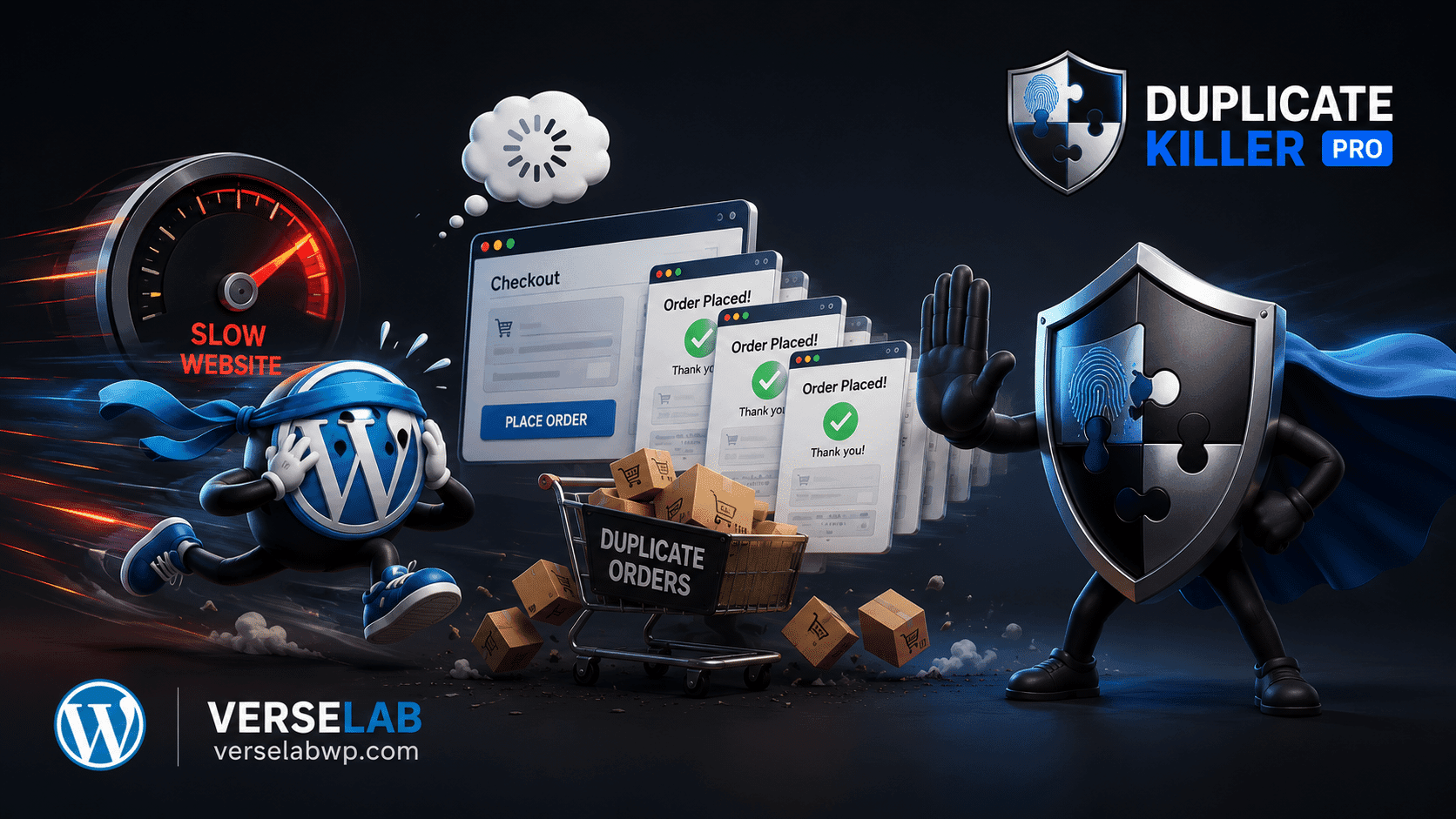
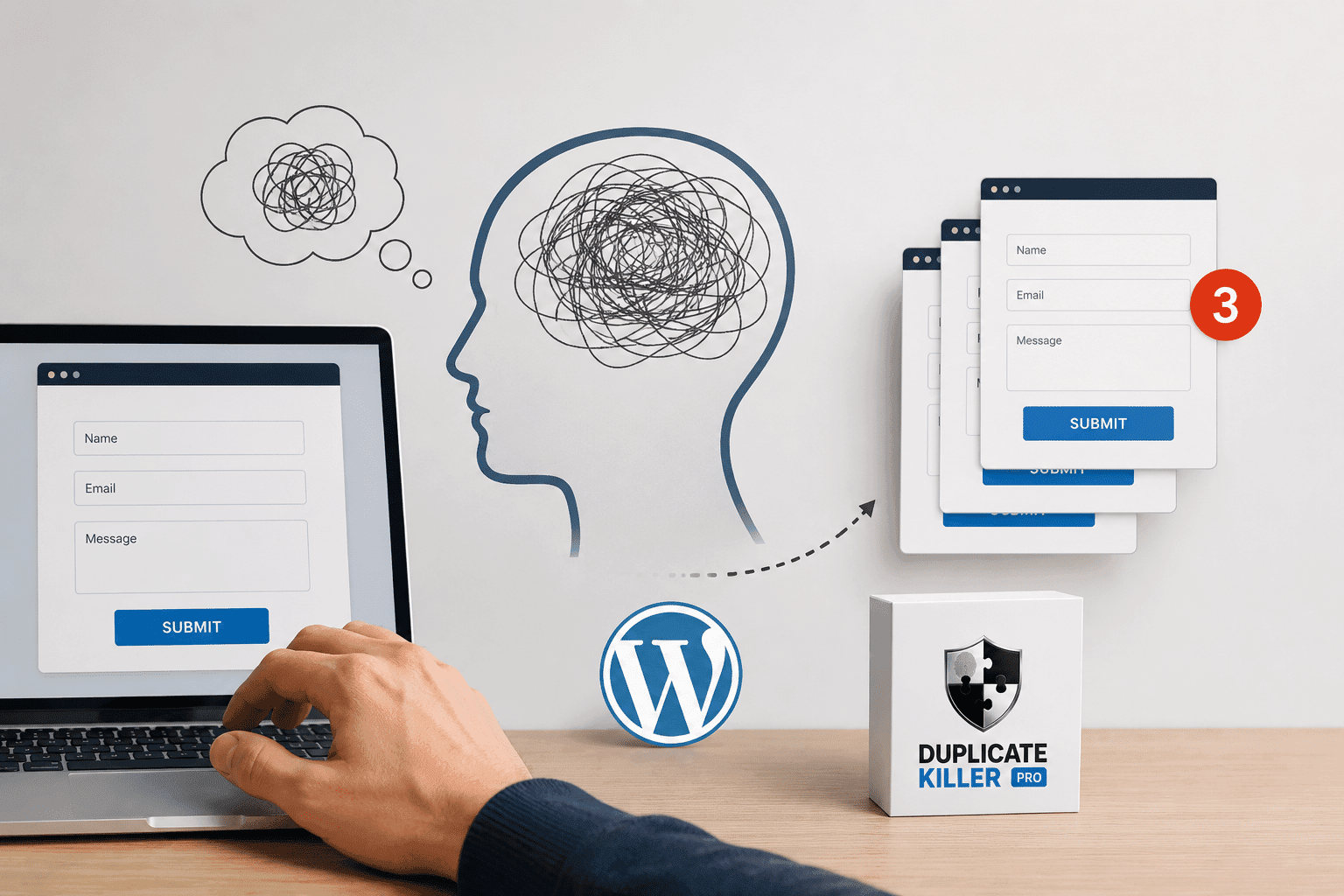
Duplicate WooCommerce orders become a massive problem during Black Friday sales. Customers click checkout buttons multiple times, pages freeze under heavy traffic, and stores suddenly face duplicate payments, refunds, and inaccurate analytics.
But for many WooCommerce stores, it also creates a hidden problem that quietly damages operations behind the scenes:
duplicate orders.
Most store owners focus on:
- traffic spikes
- conversion rates
- ad campaigns
- server load
- abandoned carts
Very few think about what happens when thousands of stressed, impatient shoppers start clicking the checkout button multiple times.
And during Black Friday, that happens constantly.
Why Duplicate Orders Increase During Black Friday
Black Friday creates the perfect environment for duplicate submissions.
Customers are:
- rushing to secure deals
- using overloaded mobile networks
- refreshing slow checkout pages
- clicking buttons repeatedly
- panicking when pages freeze for a second
Even a tiny checkout delay can cause users to think:
“Did my order go through?”
So they click again.
Sometimes twice.
Sometimes five times.
The result?
Multiple WooCommerce orders for the same customer.
The Problem Is Bigger Than Most Stores Realize
A duplicate order is not just an extra row in WooCommerce.
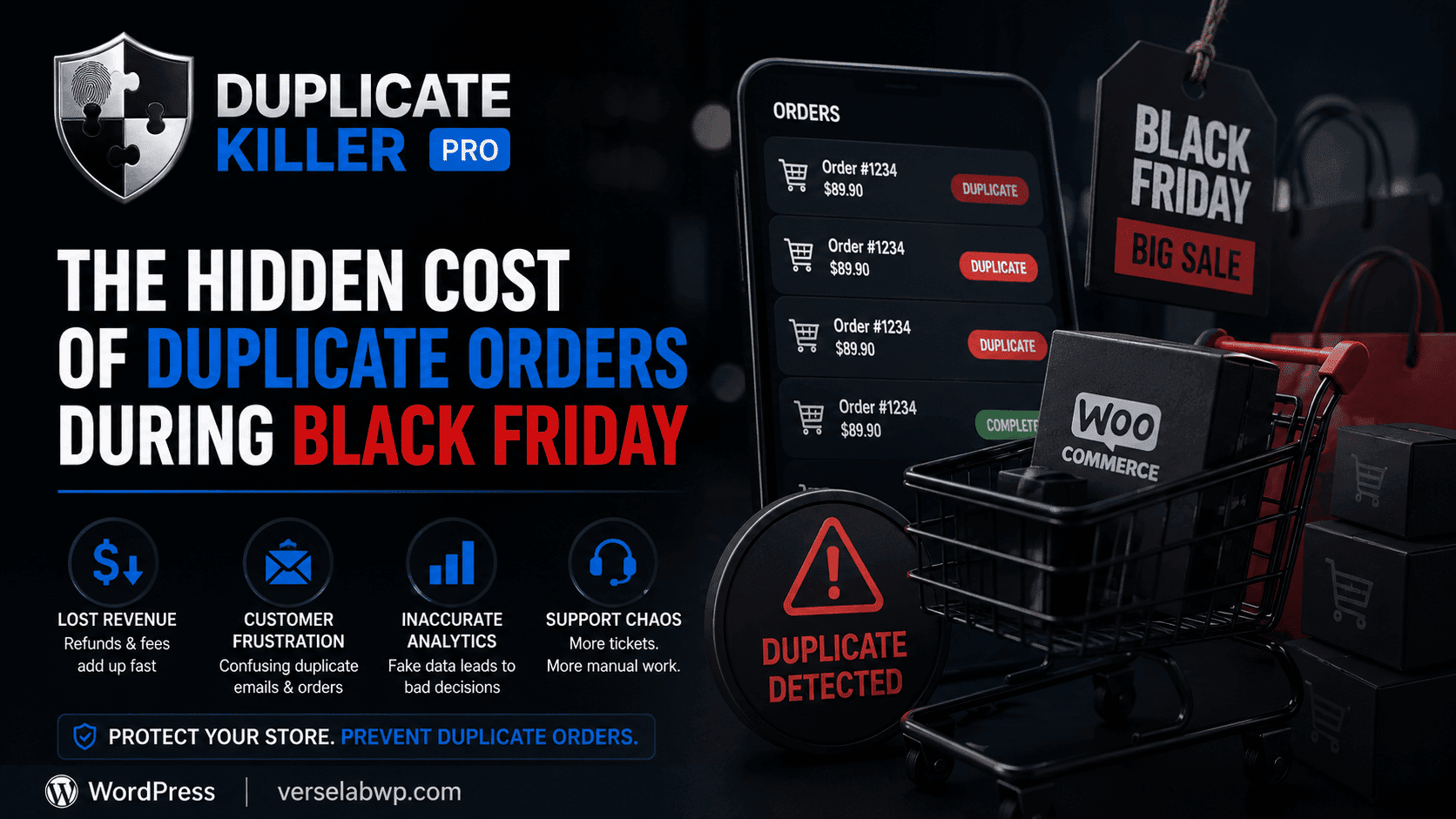
It can trigger:
- duplicate payments
- repeated inventory reductions
- multiple confirmation emails
- shipping confusion
- support tickets
- refund requests
- inaccurate analytics
During Black Friday, even a small percentage of duplicate orders can create massive operational problems.
For example:
- 1,000 orders
- only 2% duplicated
- suddenly 20 problematic orders need manual intervention
That quickly becomes expensive.
Why Black Friday Makes Checkout Behavior Worse
During normal shopping periods, users are more patient.
Black Friday changes behavior completely.
People expect:
- instant responses
- fast checkout
- immediate confirmations
When checkout slows down because of:
- traffic spikes
- overloaded hosting
- payment gateway delays
- caching conflicts
- mobile latency
users naturally start clicking again.
This is especially common on smartphones, where visual feedback may appear delayed.
CAPTCHA Does Not Stop Duplicate Orders
Many WooCommerce store owners believe CAPTCHA solves this issue.
It does not.
CAPTCHA blocks automated bots.
Duplicate orders during Black Friday are usually caused by legitimate human customers.
That means:
- the user passes CAPTCHA successfully
- the duplicate order still happens
So while CAPTCHA helps reduce spam, it does not protect order integrity.
The Hidden Financial Cost
Duplicate orders create hidden losses most businesses never calculate properly.
These include:
- payment processor fees
- refund processing time
- customer support workload
- inventory synchronization issues
- inaccurate advertising reports
- distorted revenue analytics
Your dashboard may temporarily show inflated sales numbers that are not real revenue.
This creates bad business decisions during one of the most important sales periods of the year.
Why Prevention Matters More Than Cleanup
Many stores only react after customers complain.
But by then:
- payments were already processed
- emails already sent
- support tickets already opened
Cleaning up duplicate orders manually during Black Friday is extremely inefficient.
Preventing them before they happen is far safer.
How Duplicate Killer Protects WooCommerce Stores
Duplicate Killer PRO adds duplicate protection directly into WooCommerce.
The plugin helps prevent:
- accidental repeated checkout submissions
- rapid duplicate orders
- repeated customer submissions
- duplicate requests caused by double-clicking
The FREE version protects WooCommerce Classic Checkout.
The PRO version adds:
- WooCommerce Checkout Blocks support
- advanced duplicate detection
- analytics
- smart order linking
- submission tracking
- export tools
Most importantly, the protection works invisibly.
Customers do not need to:
- solve CAPTCHAs
- complete extra steps
- verify manually
The validation happens automatically in the background.
Black Friday Is About Stability
The stores that perform best during Black Friday are not always the ones with the biggest discounts.
They are the stores with:
- stable checkout systems
- reliable order processing
- clean analytics
- fewer operational problems
Protecting your WooCommerce checkout from duplicate orders is part of maintaining that stability.
Final Thoughts
Black Friday traffic amplifies every weakness inside a WooCommerce store.
Duplicate orders are one of the most overlooked problems because they often look harmless at first.
But under heavy traffic, they quickly become:
- financial losses
- support chaos
- inaccurate reporting
- customer frustration
Preventing duplicate orders before they happen is far easier than fixing them manually during your busiest sales period.
If your WooCommerce store handles large seasonal traffic spikes, duplicate protection is no longer optional — it becomes part of maintaining a reliable checkout experience.