If you’re using Fluent Forms on your WordPress website and need a reliable way to prevent duplicate submissions, Duplicate Killer now offers full support. Whether you’re collecting contact requests, quote forms, registrations, bookings, or lead generation forms, Duplicate Killer helps stop users from submitting the same information multiple times. Unlike simple unique field validation, Duplicate…
Most businesses think duplicate form submissions are caused by technical problems. But in reality, many duplicate submissions happen because of psychology. People click buttons emotionally, not logically. And when websites fail to provide reassurance, users naturally repeat actions. This is one of the biggest hidden reasons behind duplicate form submissions in WordPress. Why Human Psychology…
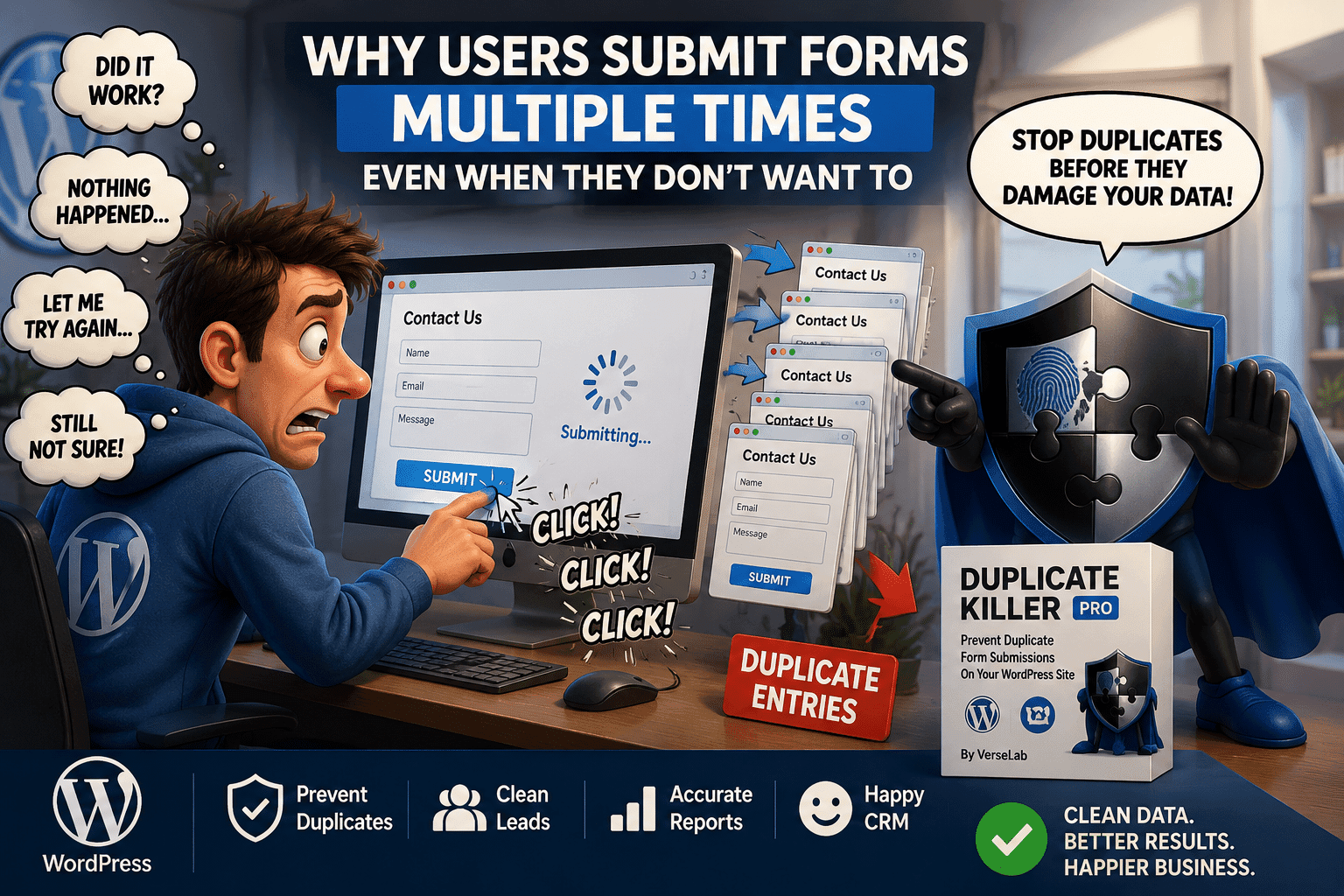
Duplicate form submissions are often treated as a technical problem. But in many cases, the real cause is human behavior. Most users do not intentionally submit the same form multiple times. They simply think the form did not work. This is one of the biggest reasons why duplicate form submissions happen on WordPress websites. Why…
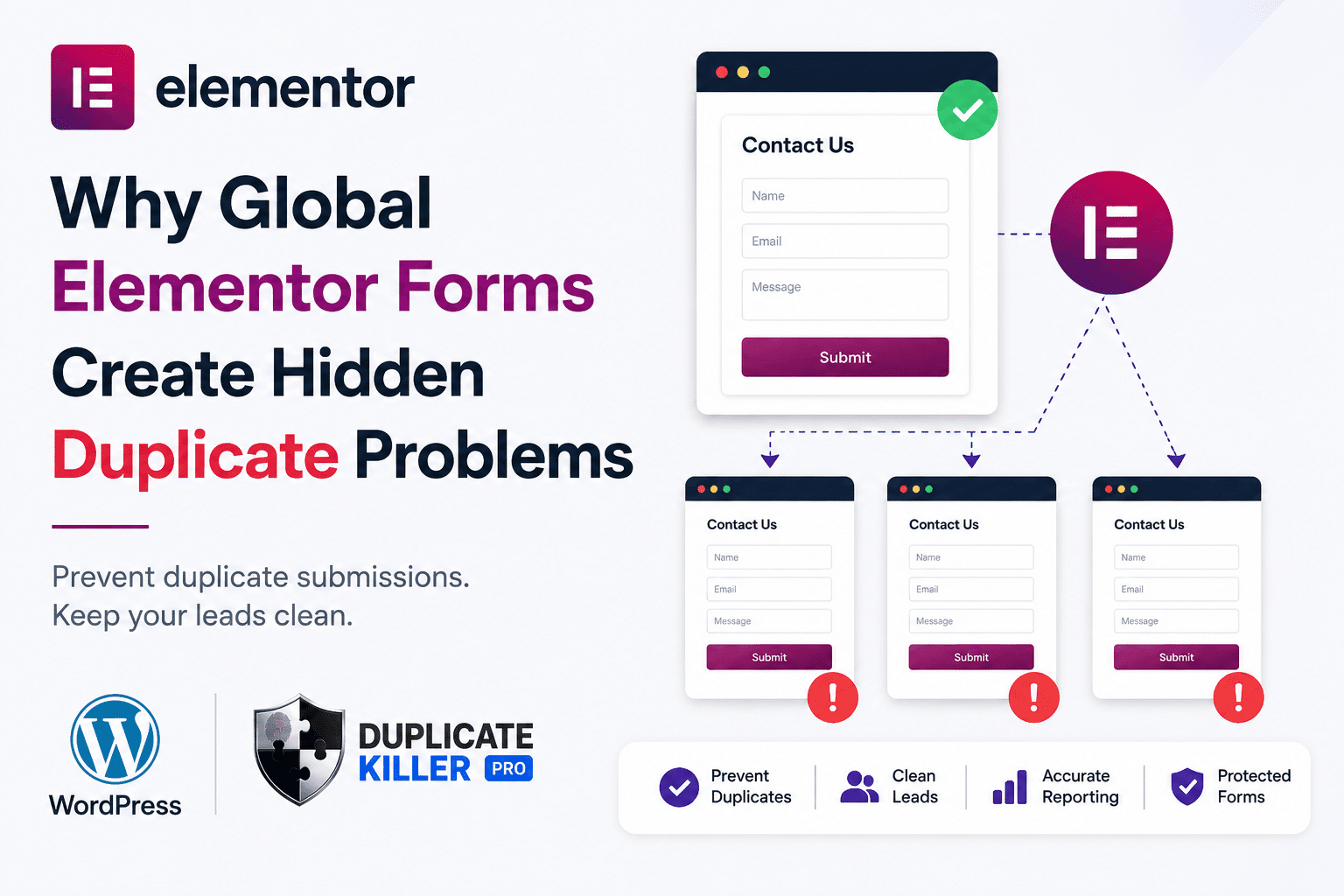
Elementor duplicate forms can become a hidden problem when the same contact form is reused across multiple pages, templates, popups, or global sections. At first, everything looks normal. The form appears correctly.Leads arrive in your inbox.Visitors can submit without issues. But behind the scenes, your WordPress site may be treating similar forms as separate forms…
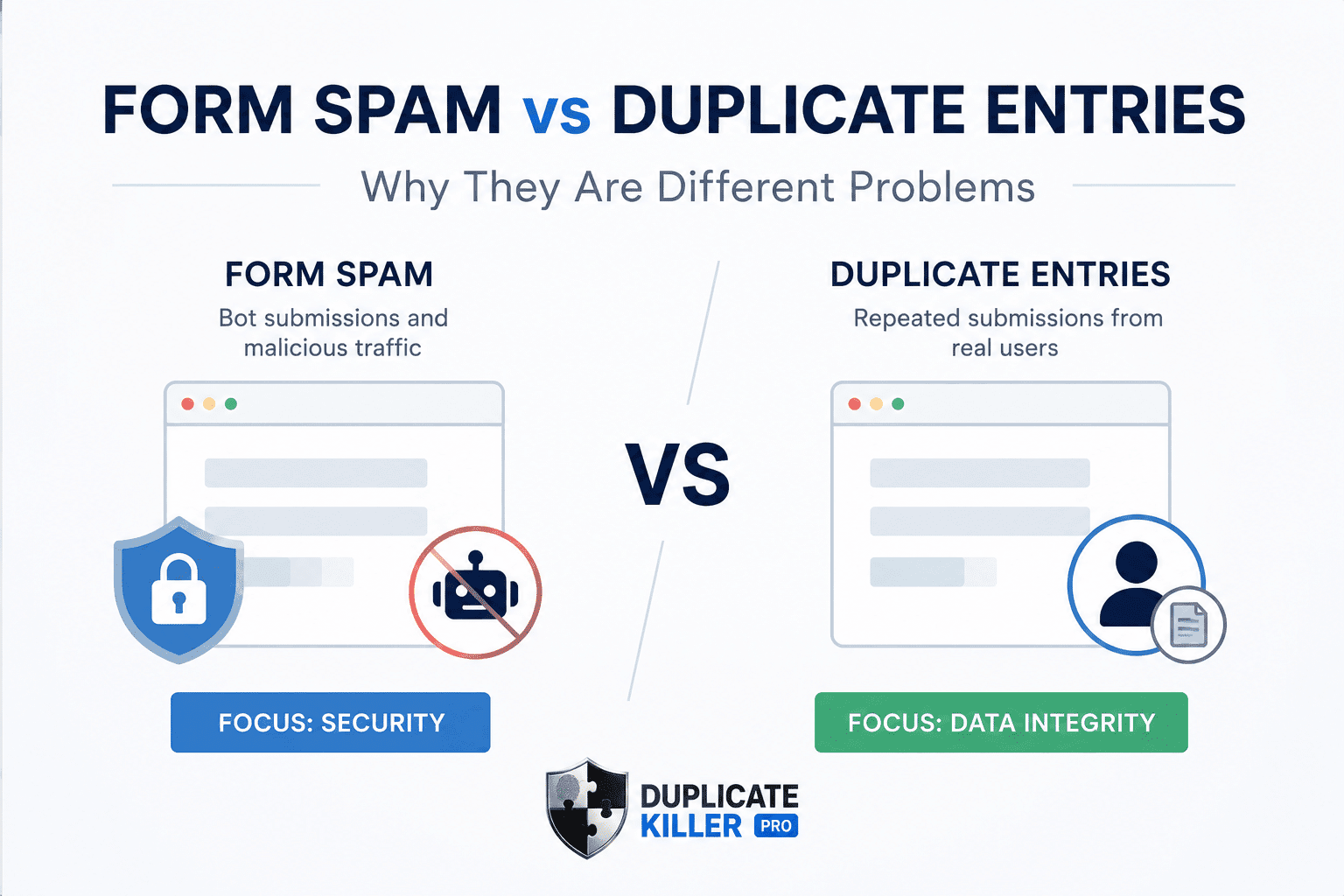
Duplicate entries and form spam are often confused by WordPress website owners. Many businesses install anti-spam plugins successfully, but duplicate entries can still damage CRM systems, analytics, and lead quality. And misunderstanding the difference often leads businesses to install the wrong type of protection. A CAPTCHA plugin may reduce bots successfully, but your CRM can…
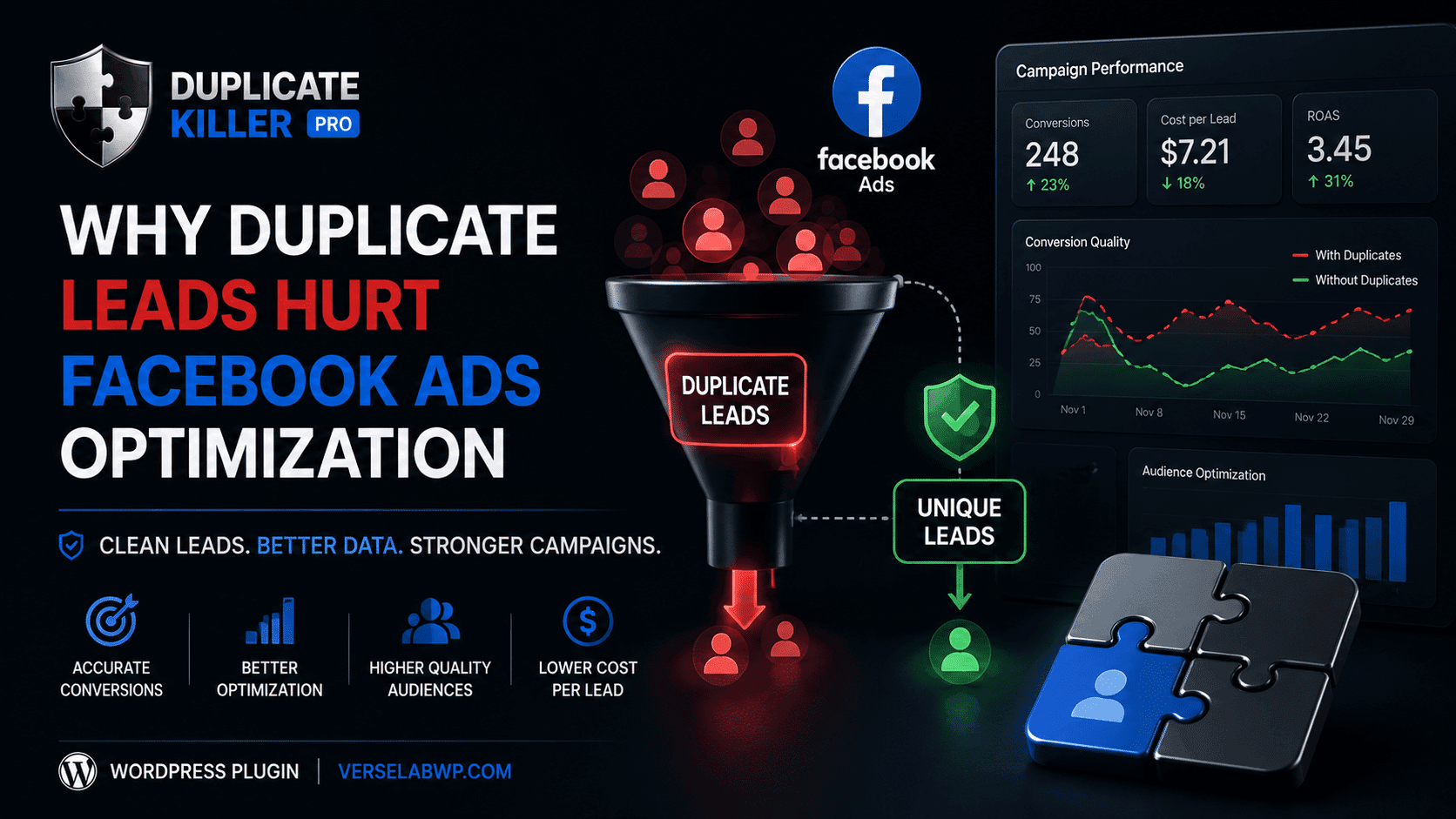
Duplicate leads can seriously damage Facebook Ads optimization without most advertisers realizing it. When duplicate leads enter your CRM repeatedly, your campaigns may start optimizing using inaccurate conversion data and misleading audience signals. They change creatives.They increase budgets.They test new audiences. But many never realize the real problem is hidden inside their lead data. Duplicate…
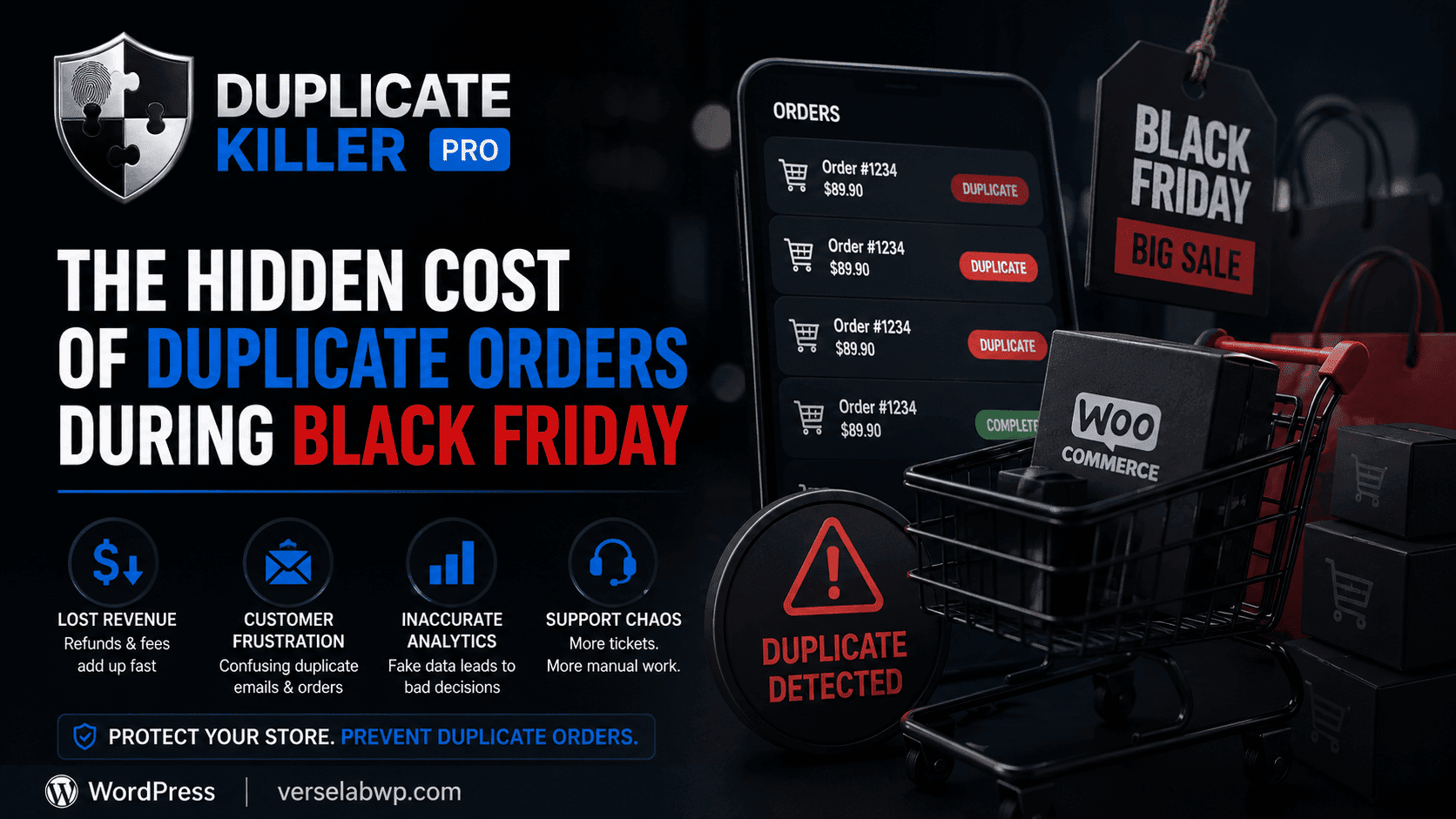
Duplicate WooCommerce orders become a massive problem during Black Friday sales. Customers click checkout buttons multiple times, pages freeze under heavy traffic, and stores suddenly face duplicate payments, refunds, and inaccurate analytics. But for many WooCommerce stores, it also creates a hidden problem that quietly damages operations behind the scenes: duplicate orders. Most store owners…
Contains information related to marketing campaigns of the user. These are shared with Google AdWords / Google Ads when the Google Ads and Google Analytics accounts are linked together.
90 days
__utma
ID used to identify users and sessions
2 years after last activity
__utmt
Used to monitor number of Google Analytics server requests
10 minutes
__utmb
Used to distinguish new sessions and visits. This cookie is set when the GA.js javascript library is loaded and there is no existing __utmb cookie. The cookie is updated every time data is sent to the Google Analytics server.
30 minutes after last activity
__utmc
Used only with old Urchin versions of Google Analytics and not with GA.js. Was used to distinguish between new sessions and visits at the end of a session.
End of session (browser)
__utmz
Contains information about the traffic source or campaign that directed user to the website. The cookie is set when the GA.js javascript is loaded and updated when data is sent to the Google Anaytics server
6 months after last activity
__utmv
Contains custom information set by the web developer via the _setCustomVar method in Google Analytics. This cookie is updated every time new data is sent to the Google Analytics server.
2 years after last activity
__utmx
Used to determine whether a user is included in an A / B or Multivariate test.
18 months
_ga
ID used to identify users
2 years
_gali
Used by Google Analytics to determine which links on a page are being clicked
30 seconds
_ga_
ID used to identify users
2 years
_gid
ID used to identify users for 24 hours after last activity
24 hours
_gat
Used to monitor number of Google Analytics server requests when using Google Tag Manager