Elementor Forms are popular because they’re easy to build and look good out of the box.
But many site owners eventually notice the same problem:
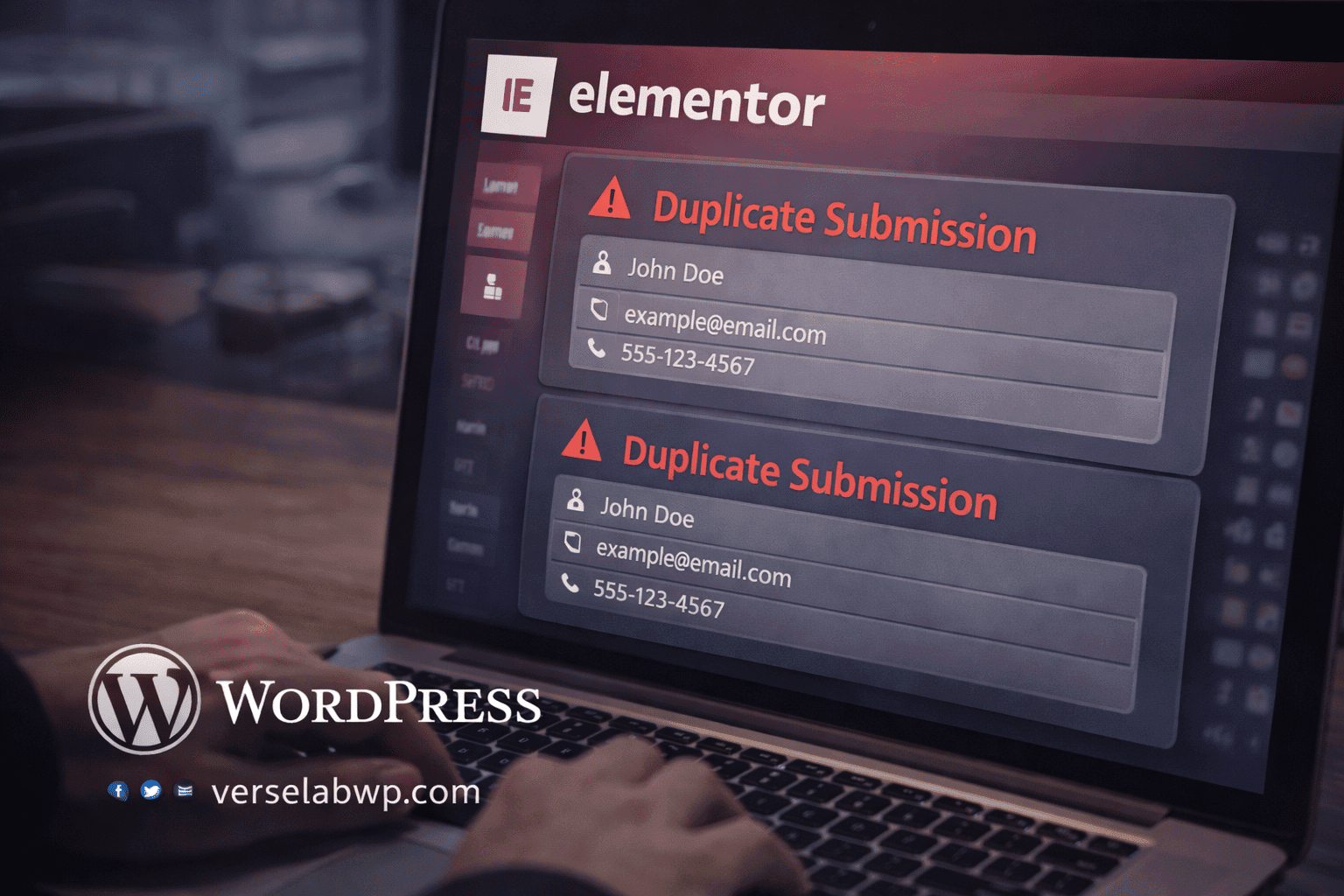
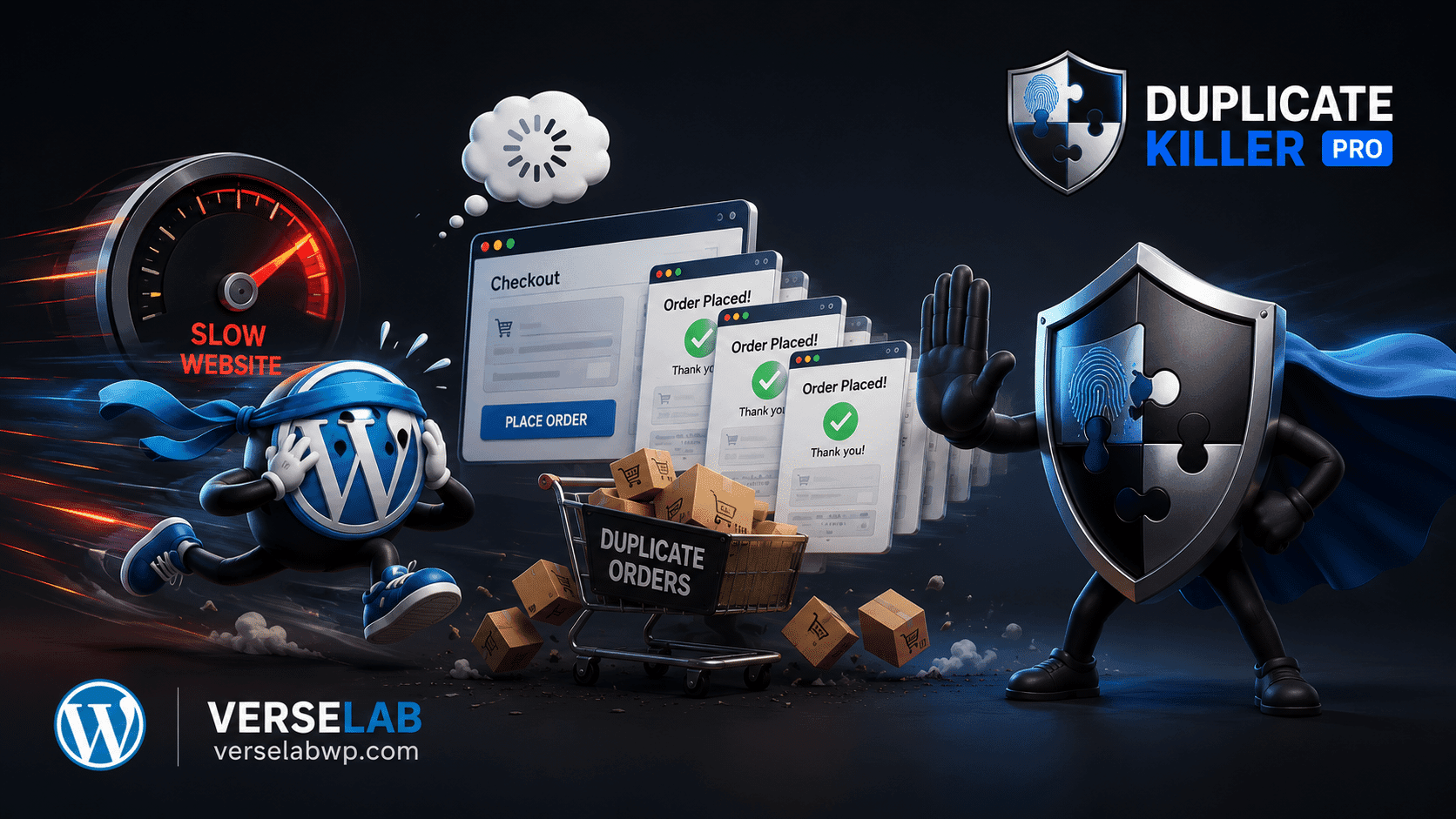
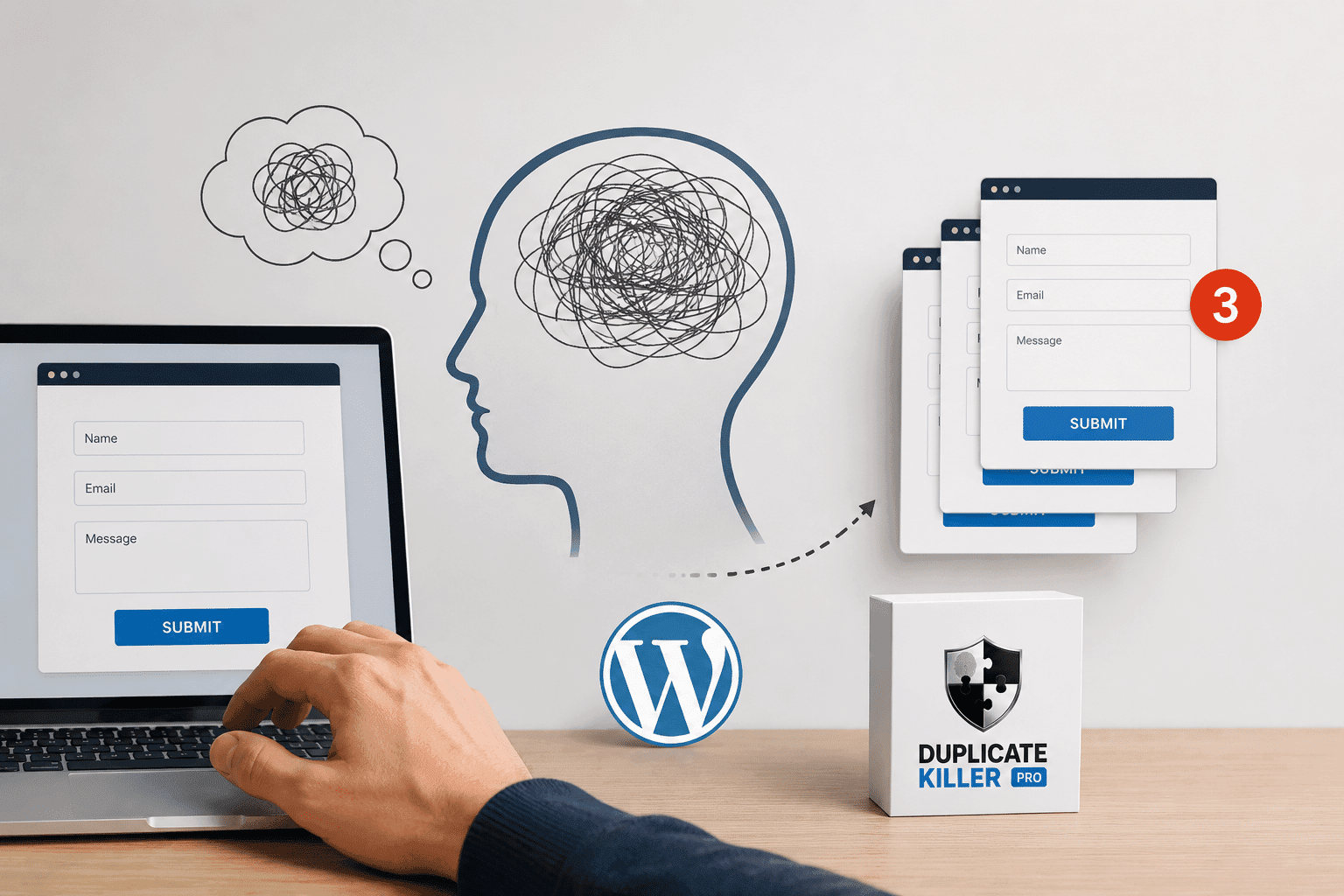
The same lead appears multiple times.
Same email. Same phone number. Same form.
This isn’t an Elementor bug. It’s a validation gap.
Why Elementor Forms allow duplicate submissions
By default, Elementor Forms don’t enforce uniqueness.
That means:
- the same email address can be submitted multiple times
- the same user can resend the form by refreshing the page
- clicking “Submit” twice sends two entries
Elementor assumes that every submission is valid and new.
It doesn’t check if the data already exists.
Common situations that create duplicates
Duplicate submissions usually happen when:
- the submit button is clicked twice
- the page reloads after submission
- the user navigates back and resubmits
- mobile connections retry requests
- forms are embedded inside popups
None of these are rare scenarios.
And none of them are stopped by default Elementor settings.
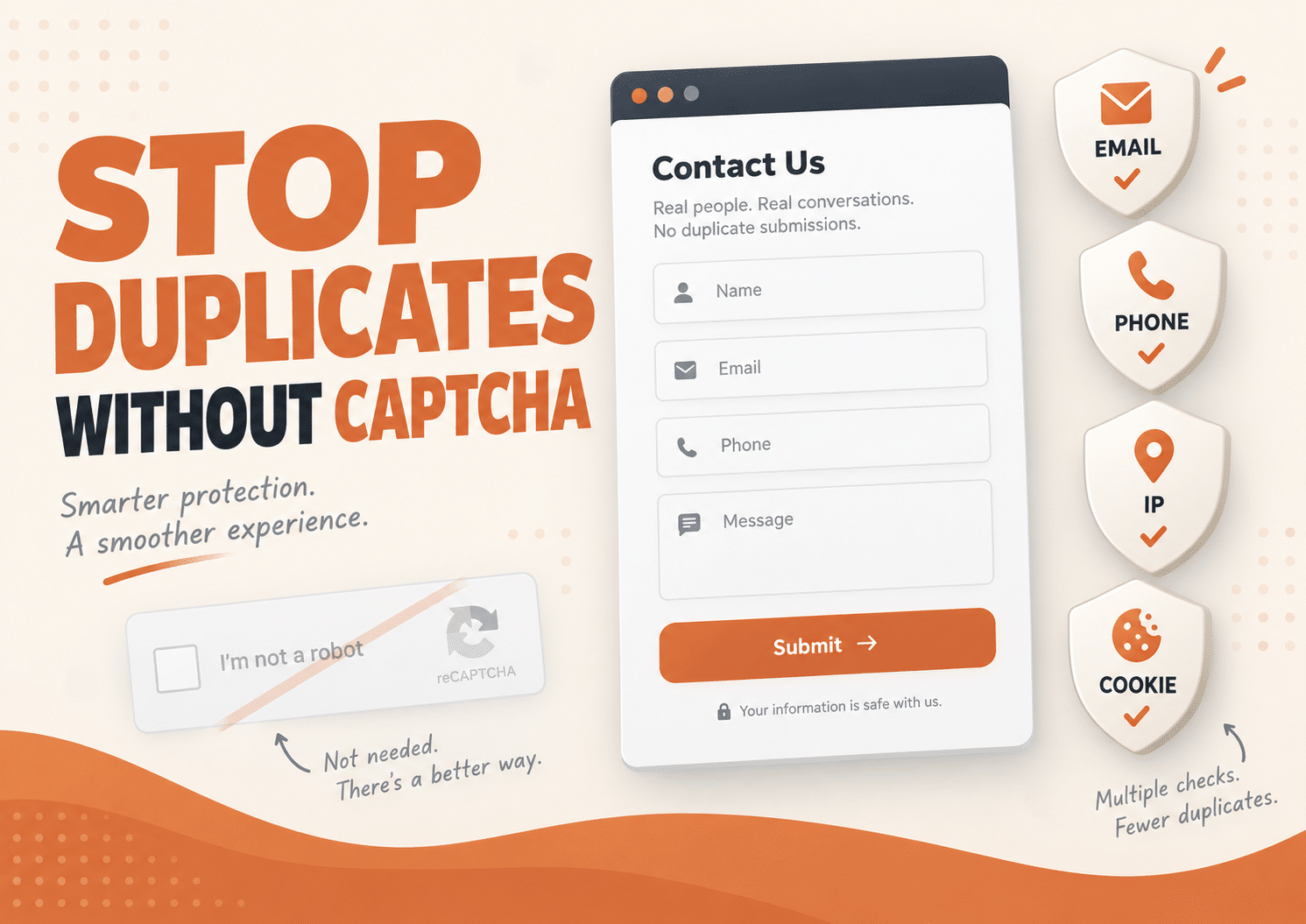
Why CAPTCHA doesn’t solve this problem
Many people add CAPTCHA as a quick fix.
But CAPTCHA:
- blocks bots, not real users
- increases friction
- does not check if an email already exists
A real user can pass CAPTCHA and still submit the same data again.
So CAPTCHA helps with spam, not with duplicates.
What actually fixes duplicate submissions in Elementor Forms
To stop duplicates, you need server-side validation.
In simple terms:
- when a form is submitted, check if the value already exists
- if it exists, block the submission
- show a clear message to the user
This logic must run after submission, not in the browser.
How to prevent duplicate submissions in Elementor Forms (no coding)
You could write custom PHP validation for Elementor Forms.
But for most site owners, that’s unnecessary and fragile.
A cleaner approach is using a plugin designed specifically to handle duplicate submissions across WordPress forms.
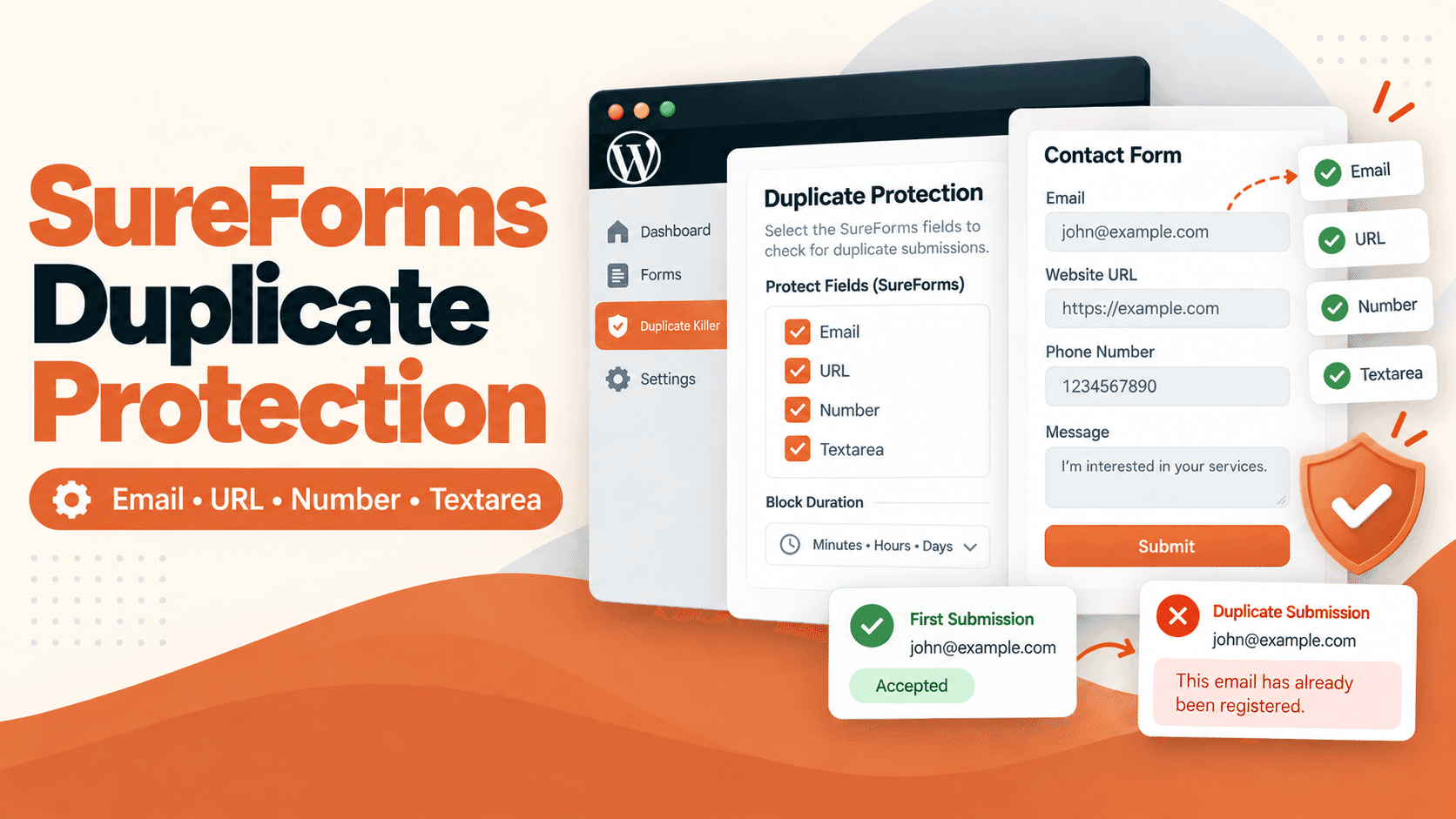
Duplicate Killer integrates with Elementor Forms and allows you to:
- prevent duplicate email submissions
- block repeated phone numbers
- stop the same user from submitting the same data again
- keep your forms exactly as they are
No changes to your form layout.
No custom code.
Why clean data matters
Duplicate leads cause more problems than most people realize:
- CRM systems get polluted
- automations trigger multiple times
- analytics become unreliable
- sales teams waste time on fake or repeated leads
Stopping duplicates at the form level prevents these issues before they happen.
Elementor Forms work well for building forms, but they don’t handle data uniqueness by default.
If your site depends on clean leads, uniqueness matters just as much as design.
Fixing duplicate submissions once is better than cleaning them forever.