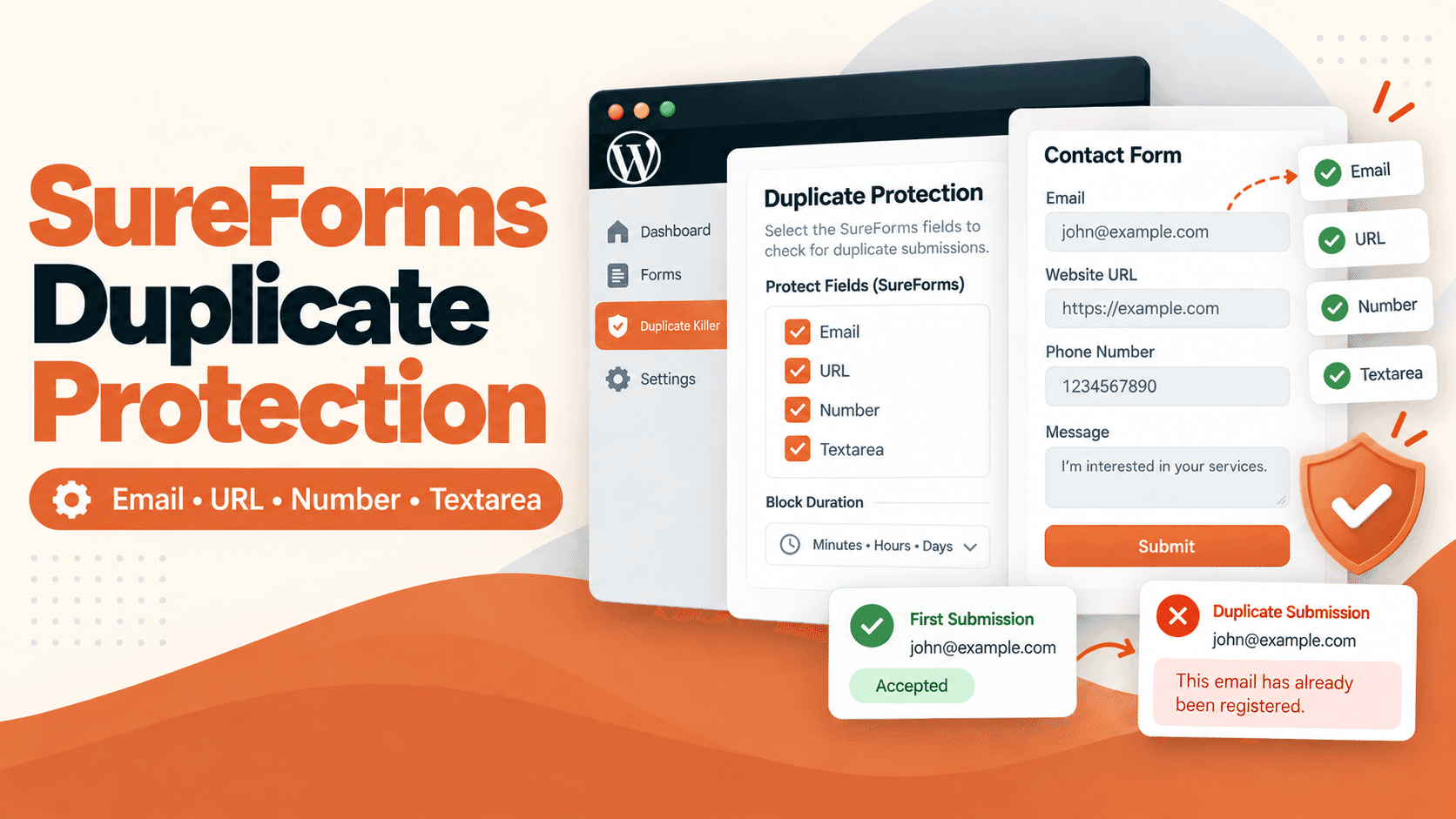
This document provides a deep technical explanation of how the Duplicate Killer WordPress plugin implements cookie-based logic to assist with duplicate form submission prevention.
It is written for developers, agencies, and advanced WordPress users who want to understand exactly how the system behaves at runtime.
Problem Statement: Duplicate Submissions in WordPress
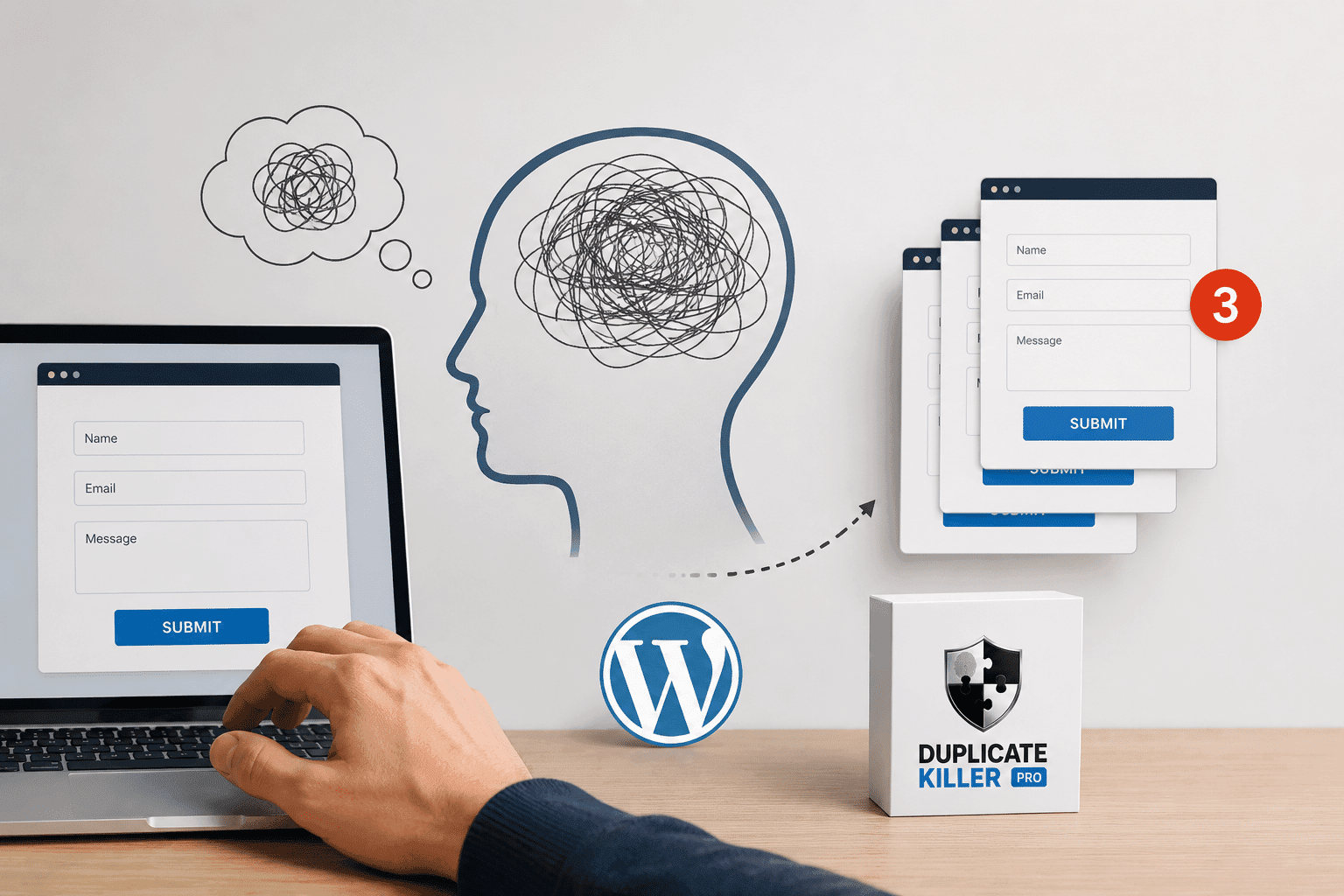
WordPress form plugins do not enforce uniqueness constraints. The same browser can submit identical values multiple times, intentionally or accidentally.
Duplicate Killer addresses this problem using a multi-layered strategy:
- Server-side database duplicate checks
- Optional client-side cookies (PRO only)
- Per-field, per-form, per-plugin scoping
The cookie system is not a security feature. It is a context signal.
Cookie Design Philosophy
The cookie system follows these strict rules:
- No personal data
- No cross-form leakage
- No global tracking
- No assumptions about user identity
Each cookie answers only one question:
“Has this browser already submitted this exact form?”
Cookie Naming Convention (Critical for Isolation)
Cookies are generated using a deterministic naming scheme:
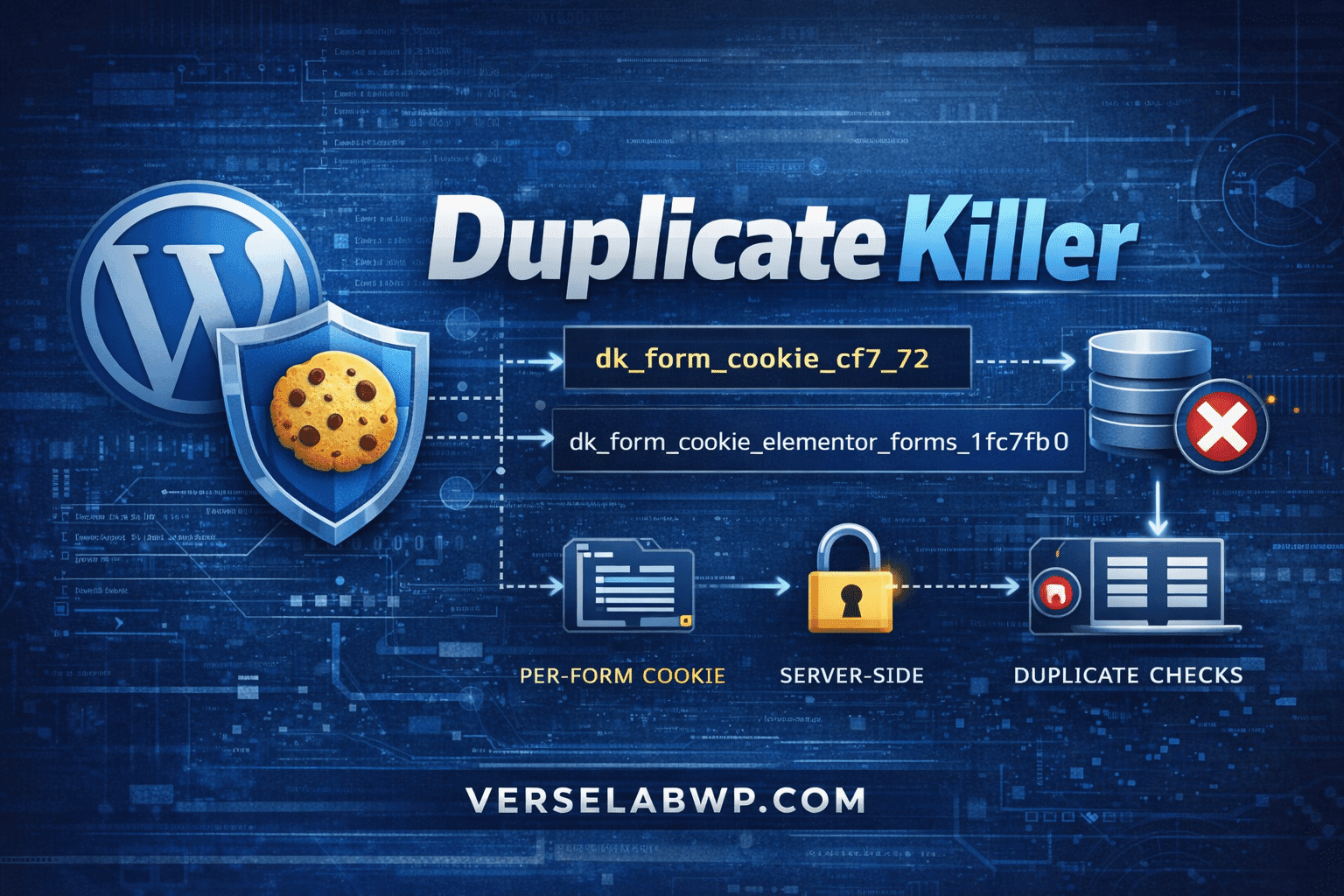
dk_form_cookie_{provider}_{form_id}
Examples:
dk_form_cookie_cf7_72
dk_form_cookie_elementor_forms_1fc7fb0
dk_form_cookie_forminator_92
dk_form_cookie_wpforms_96
dk_form_cookie_formidable_contact-us_2
This guarantees:
- One cookie per form
- One cookie per plugin
- No collisions between providers
Frontend Cookie Creation Flow (JavaScript)
Duplicate Killer injects a single external JavaScript file. No inline scripts are used (CSP-safe).
High-Level Flow
DOM Ready
  ↓
Scan for supported form selectors
  ↓
Extract provider-specific form identifier
  ↓
Check allowlist (PRO configuration)
  ↓
Set cookie if allowed
Key JavaScript Logic (Simplified)
function setCookie(name, days) {
    if (document.cookie.includes(name + '=')) return;

    const token = Date.now().toString(36) + Math.random().toString(36).slice(2);
    const expires = new Date(Date.now() + days * 86400000).toUTCString();

    document.cookie =
        name + '=' + encodeURIComponent(token) +
        '; expires=' + expires +
        '; path=/; SameSite=Lax';
}
Important details:
- The value is a random token (not meaningful)
- The cookie is first-party
- No HttpOnly flag (JS must read it)
Provider-Specific Form Identification
Each WordPress form plugin exposes form identifiers differently. Duplicate Killer handles this explicitly.
Contact Form 7
var cf7 = formEl.querySelector('input[name="_wpcf7"]');
return cf7 ? parseInt(cf7.value, 10) : null;
Elementor Forms
var ef = formEl.querySelector('input[name="form_id"]');
return ef ? ef.value.toLowerCase() : null;
Formidable Forms
var hidden = formEl.querySelector('input[name="form_id"]');
return hidden ? hidden.value.toLowerCase() : null;
Notice:
- Numeric IDs are not assumed
- String IDs are normalized and sanitized
PRO Allowlist: Why Cookies Are Not Global
Cookies are created only if the form is explicitly enabled in the database.
PHP Configuration Structure (Example)
$providers['cf7'] = [
    'enabled'       => true,
    'cookie_prefix' => 'dk_form_cookie_cf7_',
    'per_form_days' => [
        72 => 7,
        71 => 3,
    ],
];
If a form ID is missing from per_form_days, no cookie is created.
This prevents:
- Accidental cookie creation
- Unexpected behavior on unrelated forms
Backend Cookie Consumption (PHP)
Cookies are read during validation and save hooks.
Example: Cookie Reader Function
function dk_get_form_cookie_simple(array $options, string $form_name, string $cookie_prefix): array {

    $form_cookie = 'NULL';
    $checked_cookie = false;

    if (!isset($options[$form_name]['cookie_option']) ||
        $options[$form_name]['cookie_option'] !== '1') {
        return compact('form_cookie', 'checked_cookie');
    }

    $form_id = (string) $options[$form_name]['form_id'];
    $cookie_name = $cookie_prefix . sanitize_key($form_id);

    if (!empty($_COOKIE[$cookie_name])) {
        $form_cookie = sanitize_text_field(wp_unslash($_COOKIE[$cookie_name]));
        $checked_cookie = true;
    }

    return compact('form_cookie', 'checked_cookie');
}
This ensures:
- Exact form matching
- No false positives
- Safe sanitization
How Cookies Interact With Duplicate Detection
The cookie value is passed into database checks:
duplicateKiller_check_duplicate_by_key_value(
    'elementor',
    $form_name,
    $field_key,
    $submitted_value,
    $form_cookie,
    $checked_cookie
);
The database layer can then decide:
- Same value + same cookie → duplicate
- Same value + different cookie → contextual decision
What the Cookie System Explicitly Does NOT Do
- ❌ It does not replace database validation
- ❌ It does not block submissions by itself
- ❌ It does not track users across the site
- ❌ It does not identify real people
Deleting cookies does not disable Duplicate Killer.
FREE vs PRO: Architectural Differences
FREE
- No per-form cookie allowlist
- No per-form expiration
- Database-only duplicate logic
PRO
- Explicit cookie enable per form
- Custom expiration per form
- Per-provider cookie isolation
- Full cookie + database correlation
Performance Considerations
- Single JS file
- No polling beyond initial detection window
- No AJAX
- No external requests
Cookie creation happens once per form per browser. Runtime cost is negligible.
Conclusion
The Duplicate Killer cookie system is intentionally minimal, explicit, and deterministic. It exists to support duplicate submission prevention, not to replace proper backend validation.
This architecture ensures predictable behavior across WordPress form plugins while remaining privacy-conscious and performant.