Duplicate orders? Not anymore. WooCommerce protection is now included!
Upgrade to PRO for Checkout Blocks, analytics and smart order linking.

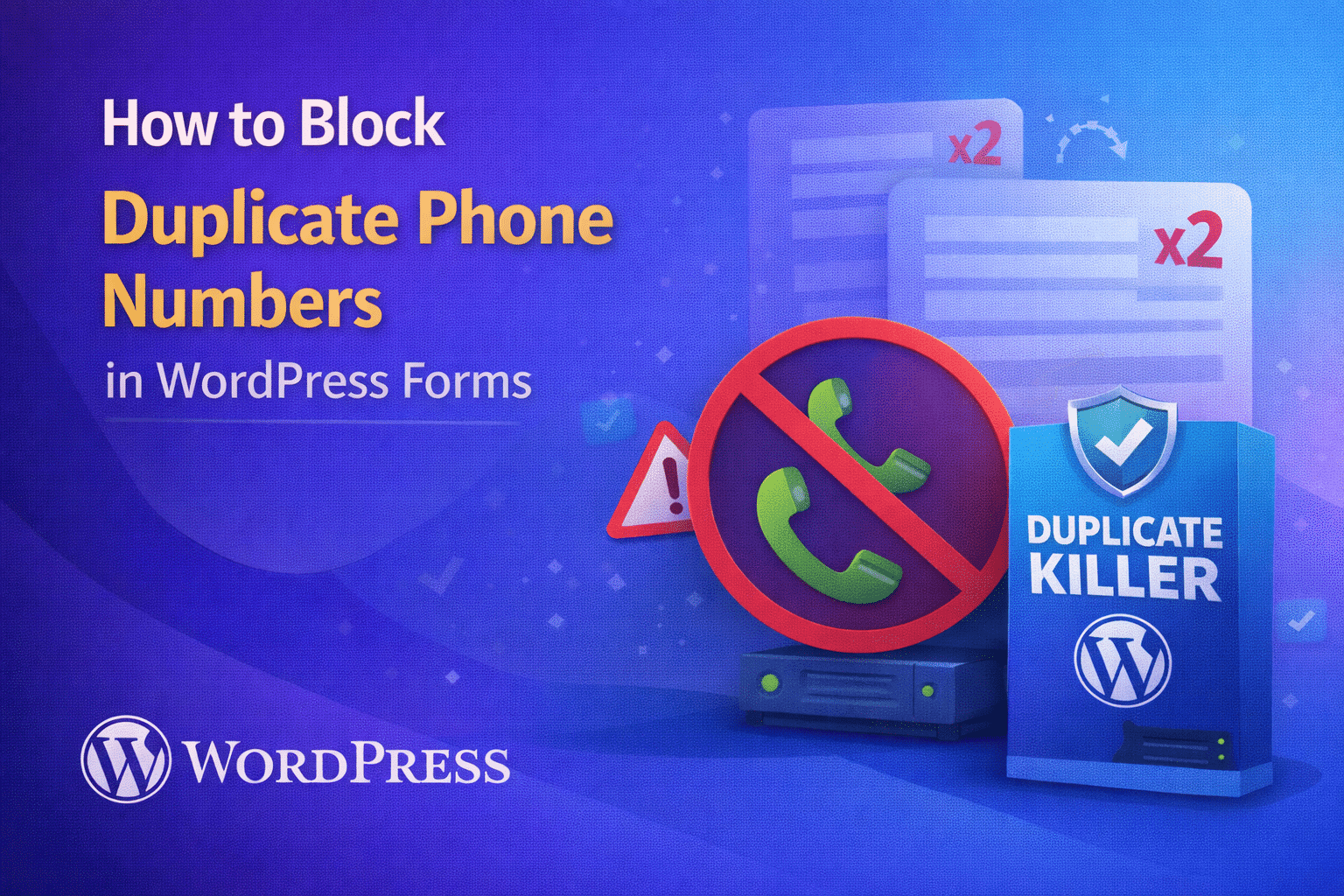
How to Block Duplicate Phone Numbers in WordPress Forms

How to Block Duplicate Phone Numbers in WordPress Forms

Phone numbers are often used as a unique identifier for lead qualification, event registrations, and customer support. If your WordPress forms accept the same phone number multiple times, you can end up with duplicated leads, wasted follow-ups, and inconsistent records.

This article explains the technical reasons duplicate phone entries occur and the best practice for enforcing phone number uniqueness.

Why Phone Numbers Create Duplicate Data Faster Than Emails

Phone fields are especially prone to duplication because:

  • Users repeat submissions when they do not receive immediate feedback
  • Formatting differs (spaces, dashes, country codes)
  • Multiple team members submit the same contact details

Normalize Phone Numbers Before Checking Uniqueness

Technically, uniqueness requires a consistent comparison. A good strategy is to normalize phone input before validation, such as:

  • Removing spaces and dashes
  • Converting to an international format when possible
  • Storing a standardized value for comparisons

If you do not normalize, “+1 555-1234” and “15551234” may be treated as different values.

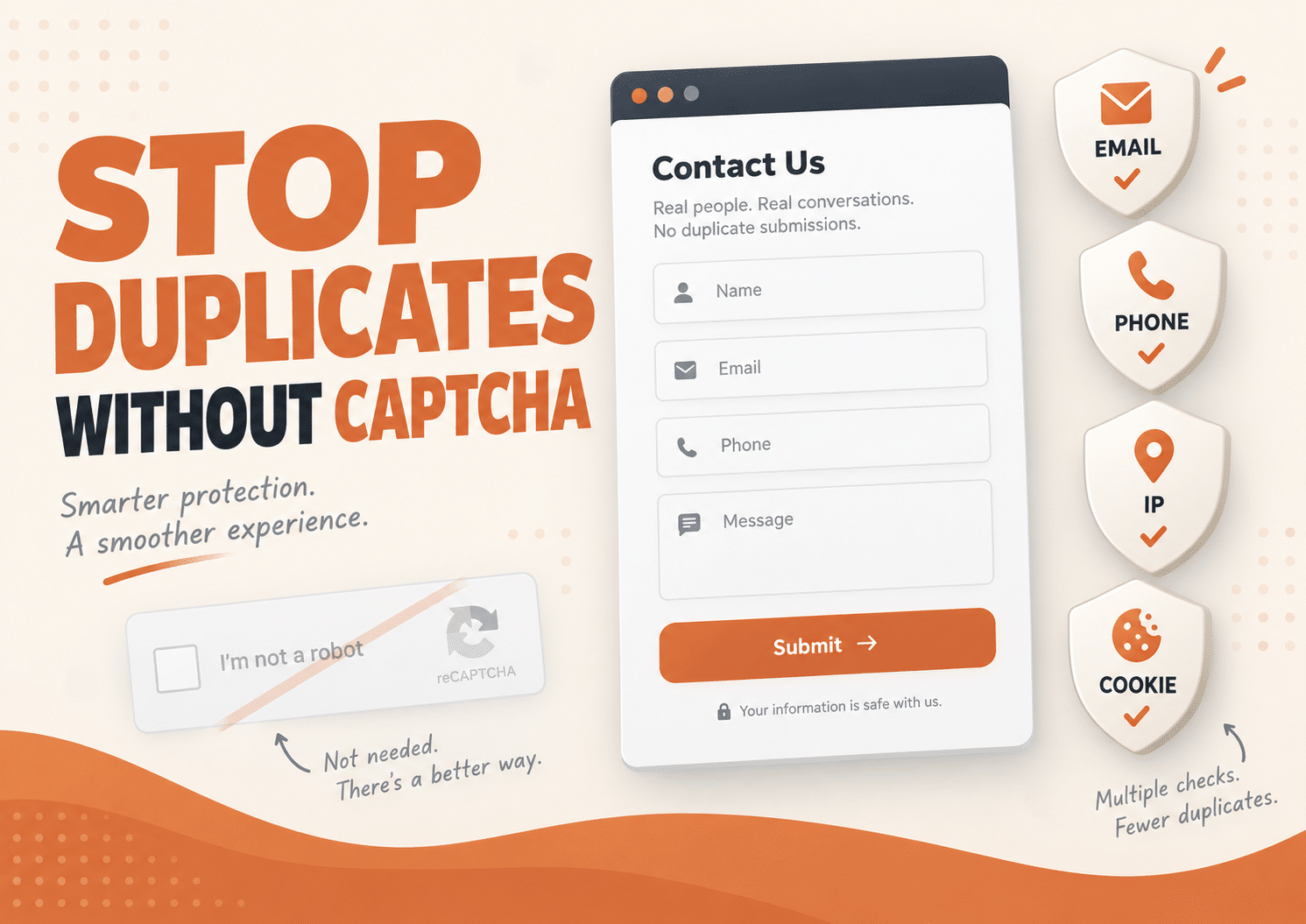
Why CAPTCHA and Anti-Spam Filters Don’t Help

Anti-spam features focus on bot patterns. They do not apply business logic like “one phone number per form.” Duplicate phone entries can still come from real users and normal browser behavior.

Server-Side Phone Uniqueness Validation

The best way to block duplicates is to validate the submitted phone number on the server before saving. A reliable solution should:

  • Run server-side (not only front-end checks)
  • Compare normalized phone numbers
  • Scope checks by form ID or context
  • Block duplicates with a clear validation message

How Duplicate Killer Helps

Duplicate Killer can enforce unique field values such as phone numbers. This prevents repeat submissions from polluting your entries and improves lead quality at the source.

Conclusion

Blocking duplicate phone numbers is a data hygiene requirement, not an optional feature. If phone is used for follow-ups or qualification, enforce uniqueness at submission time with server-side validation.

Related Articles

Slow websites create more Duplicate Orders than you think

Slow websites create more Duplicate Orders than you think

FAQ: Duplicate WooCommerce Orders ❓ Why do slow websites create duplicate WooCommerce orders? Customers often think checkout failed when pages load slowly or freeze temporarily. The natural reaction is to click the “Place Order” button again, creating repeated submissions. ❓ Does CAPTCHA stop duplicate WooCommerce orders? No. CAPTCHA mainly blocks bots and spam traffic. Real…
The Psychology Behind Duplicate Form Submissions

The Psychology Behind Duplicate Form Submissions

Most businesses think duplicate form submissions are caused by technical problems. But in reality, many duplicate submissions happen because of psychology. People click buttons emotionally, not logically. And when websites fail to provide reassurance, users naturally repeat actions. This is one of the biggest hidden reasons behind duplicate form submissions in WordPress. Why Human Psychology…
Why Users Submit Forms Multiple Times Even When They Don’t Want To

Why Users Submit Forms Multiple Times Even When They Don’t Want To

Duplicate form submissions are often treated as a technical problem. But in many cases, the real cause is human behavior. Most users do not intentionally submit the same form multiple times. They simply think the form did not work. This is one of the biggest reasons why duplicate form submissions happen on WordPress websites. Why…
Why Global Elementor Forms Create Hidden Duplicate Problems

Why Global Elementor Forms Create Hidden Duplicate Problems

Elementor duplicate forms can become a hidden problem when the same contact form is reused across multiple pages, templates, popups, or global sections. At first, everything looks normal. The form appears correctly.Leads arrive in your inbox.Visitors can submit without issues. But behind the scenes, your WordPress site may be treating similar forms as separate forms…
Why Form Spam and Duplicate Entries Are Different Problems

Why Form Spam and Duplicate Entries Are Different Problems

Duplicate entries and form spam are often confused by WordPress website owners. Many businesses install anti-spam plugins successfully, but duplicate entries can still damage CRM systems, analytics, and lead quality. And misunderstanding the difference often leads businesses to install the wrong type of protection. A CAPTCHA plugin may reduce bots successfully, but your CRM can…
Why Duplicate Leads Hurt Facebook Ads Optimization

Why Duplicate Leads Hurt Facebook Ads Optimization

Duplicate leads can seriously damage Facebook Ads optimization without most advertisers realizing it. When duplicate leads enter your CRM repeatedly, your campaigns may start optimizing using inaccurate conversion data and misleading audience signals. They change creatives.They increase budgets.They test new audiences. But many never realize the real problem is hidden inside their lead data. Duplicate…
The Hidden Cost of Duplicate Orders During Black Friday

The Hidden Cost of Duplicate Orders During Black Friday

Duplicate WooCommerce orders become a massive problem during Black Friday sales. Customers click checkout buttons multiple times, pages freeze under heavy traffic, and stores suddenly face duplicate payments, refunds, and inaccurate analytics. But for many WooCommerce stores, it also creates a hidden problem that quietly damages operations behind the scenes: duplicate orders. Most store owners…
How to Stop Duplicate WooCommerce Orders (Without Annoying Your Customers)

How to Stop Duplicate WooCommerce Orders (Without Annoying Your Customers)

Duplicate WooCommerce orders are more common than most store owners realize. A customer clicks the “Place Order” button twice because the page freezes for a second.Another refreshes the checkout page after payment.Someone on mobile taps repeatedly because they think nothing happened. Suddenly, you have: And the worst part? Most store owners don’t notice the problem…
Go to VerseLabWP homepage
© Copyright 2025 BITSTRUCT SRL. All Rights Reserved.