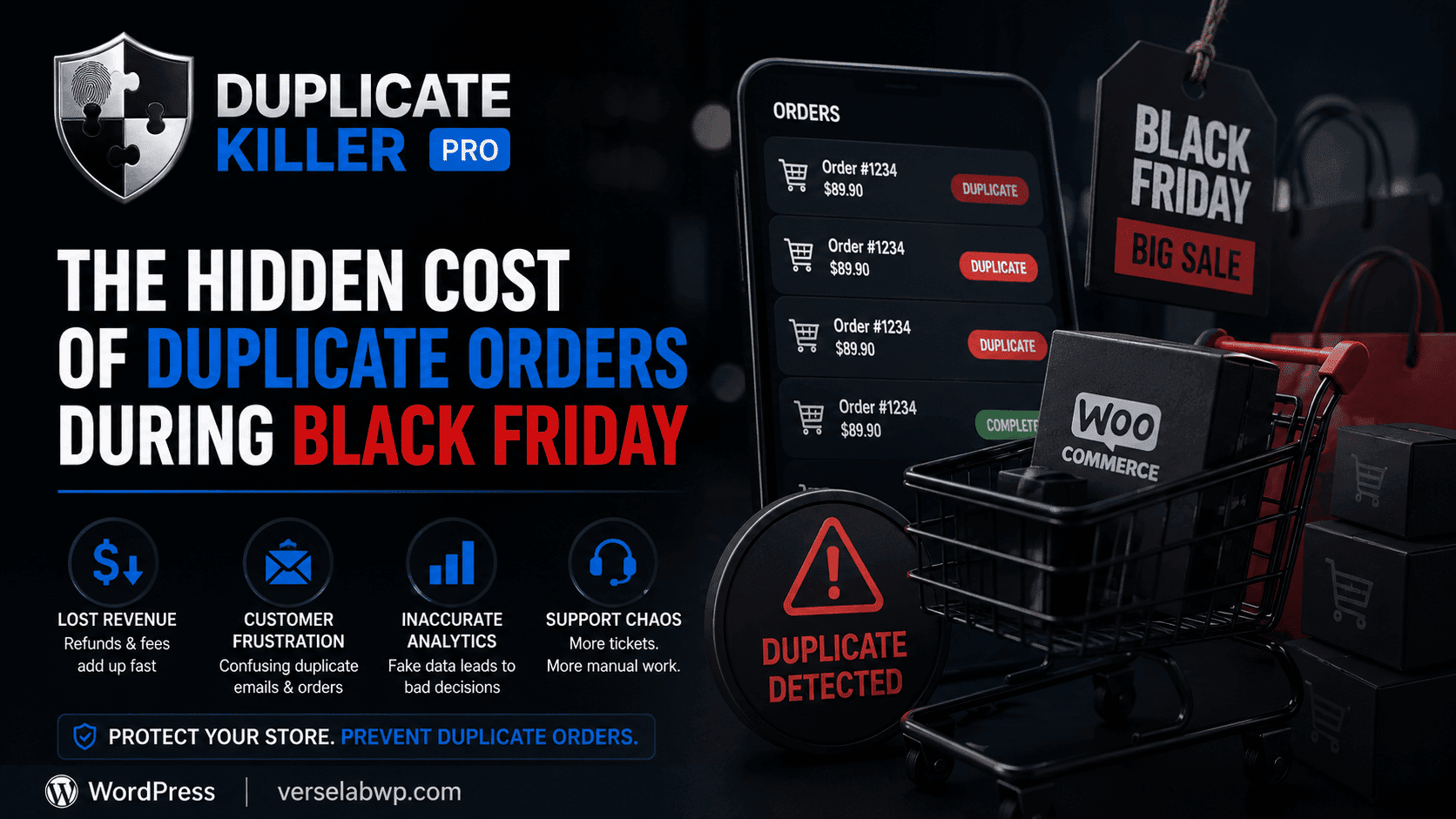
If you enabled Duplicate Killer’s WooCommerce protection and it “does nothing”, you’re probably using WooCommerce Checkout Blocks.
This is not a bug. It’s a technical difference between Classic Checkout (shortcode-based) and Checkout Blocks (block-based / Store API-based). Below is a simple explanation, plus examples and what you can do.
Quick Summary
Duplicate Killer FREE (WooCommerce) supports Classic Checkout only:
- ✅ Works when your Checkout page uses
[woocommerce_checkout] - ❌ Does not work on Checkout Blocks (
woocommerce/checkout block)
Why? Checkout Blocks submit orders differently (via Store API) and bypass the classic validation flow where FREE hooks in.
What Is “Classic Checkout”?
Classic Checkout is the traditional WooCommerce checkout page built with a shortcode.
Classic Checkout page content looks like this
[woocommerce_checkout]
Classic Checkout behavior
- WooCommerce runs the standard checkout process
- Extensions can hook into classic checkout validation/actions
- Duplicate Killer FREE can reliably detect and block accidental duplicate submissions
Result: FREE protection works as expected.
What Are “Checkout Blocks”?
Checkout Blocks are the newer WooCommerce checkout system built with Gutenberg blocks.
Checkout Blocks page content often contains something like
<!-- wp:woocommerce/checkout -->
Or you’ll see the Checkout block in the editor.
Checkout Blocks behavior (simplified)
- Uses a different flow based on WooCommerce Blocks / Store API
- The request path and lifecycle differs from Classic Checkout
- Some classic hooks do not fire the same way (or at all)
Result: The FREE integration (Classic hook-based) cannot guarantee blocking duplicates here.
How to Check Which One You Use
Option A: Open your Checkout page in WordPress editor
Go to:
Pages → Checkout → Edit
- If you see a single shortcode:
[woocommerce_checkout] → you are on Classic Checkout - If you see blocks like “Checkout” in the editor → you are on Checkout Blocks
Option B: If you use Breakdance (or another builder)
Many builders replace block-based pages with shortcodes.
For example, replacing Checkout Blocks with:
[woocommerce_checkout]
usually switches you back to Classic Checkout.
Why This Matters for Duplicate Orders
WooCommerce already disables the “Place order” button after a click, but duplicates can still happen in edge cases:
- slow networks (mobile / 3G)
- gateway delays
- browser retries
- server latency
- aggressive caching or reverse proxies
- users submitting from multiple tabs/devices
Duplicate Killer focuses on server-side duplicate prevention, so those edge cases are handled even when the UI behaves well.
But the FREE version can only attach to the classic checkout lifecycle.
Example Scenario (Classic Checkout)
Situation: Customer clicks “Place order”, network lags, they click again.
With Classic Checkout:
- Duplicate Killer creates a short lock window
- If an identical checkout is submitted again within the window:
- it logs the duplicate attempt
- it shows your message (customizable)
- it prevents accidental re-submission
Example Scenario (Checkout Blocks)
Situation: Same customer, same network lag, but you use Checkout Blocks.
Because Blocks use a different flow:
- the classic hook-based protection may not run consistently
- the FREE version can’t guarantee detection and blocking
So you might see:
- no Duplicate Killer message
- or inconsistent behavior depending on theme/plugins
What You Can Do (Two Options)
Option 1: Use Classic Checkout (Shortcode)
If you want FREE protection, the simplest approach is:
- Edit the Checkout page
- Replace Blocks content with: [woocommerce_checkout]
- Save
This is the recommended path for users who want a stable, shortcode-based checkout.
Option 2: Use PRO For Checkout Blocks Support
If you want to keep Checkout Blocks (recommended by WooCommerce for modern block-based stores), you need protection that integrates with the Blocks flow.
That’s what Duplicate Killer PRO is for:
- Checkout Blocks support
- more advanced fingerprinting options
- deeper analytics and smarter behaviors (optional redirect, richer logging)
FAQ
“But my store has multiple checkout pages. Which one is protected?”
WooCommerce has one official Checkout page, but many sites create additional checkout pages (funnels, multilingual pages, landing pages).
In FREE:
- support is designed around the Classic Checkout shortcode
In PRO:
- support can be extended to block-based checkout flows and more complex setups.
“Is WooCommerce already preventing duplicates?”
WooCommerce helps (e.g., disabling the button), but it cannot control:
- retries
- gateway behavior
- server-side timing
- slow networks and double submits
A server-side duplicate prevention layer is still valuable.
Final Notes
If your WooCommerce checkout page uses:
[woocommerce_checkout] → Duplicate Killer FREE works- Checkout Blocks → Duplicate Killer FREE is not enough
If you’re unsure which setup you have, open the Checkout page in the editor and look for either the shortcode or the Checkout block.