Duplicate orders? Not anymore. WooCommerce protection is now included!
Upgrade to PRO for Checkout Blocks, analytics and smart order linking.

Choose the Unique Fields in WordPress Forms (How It Works)

Choose the Unique Fields in WordPress Forms (Duplicate Check)

One of the most important steps in preventing duplicate submissions is choosing the right fields to validate.

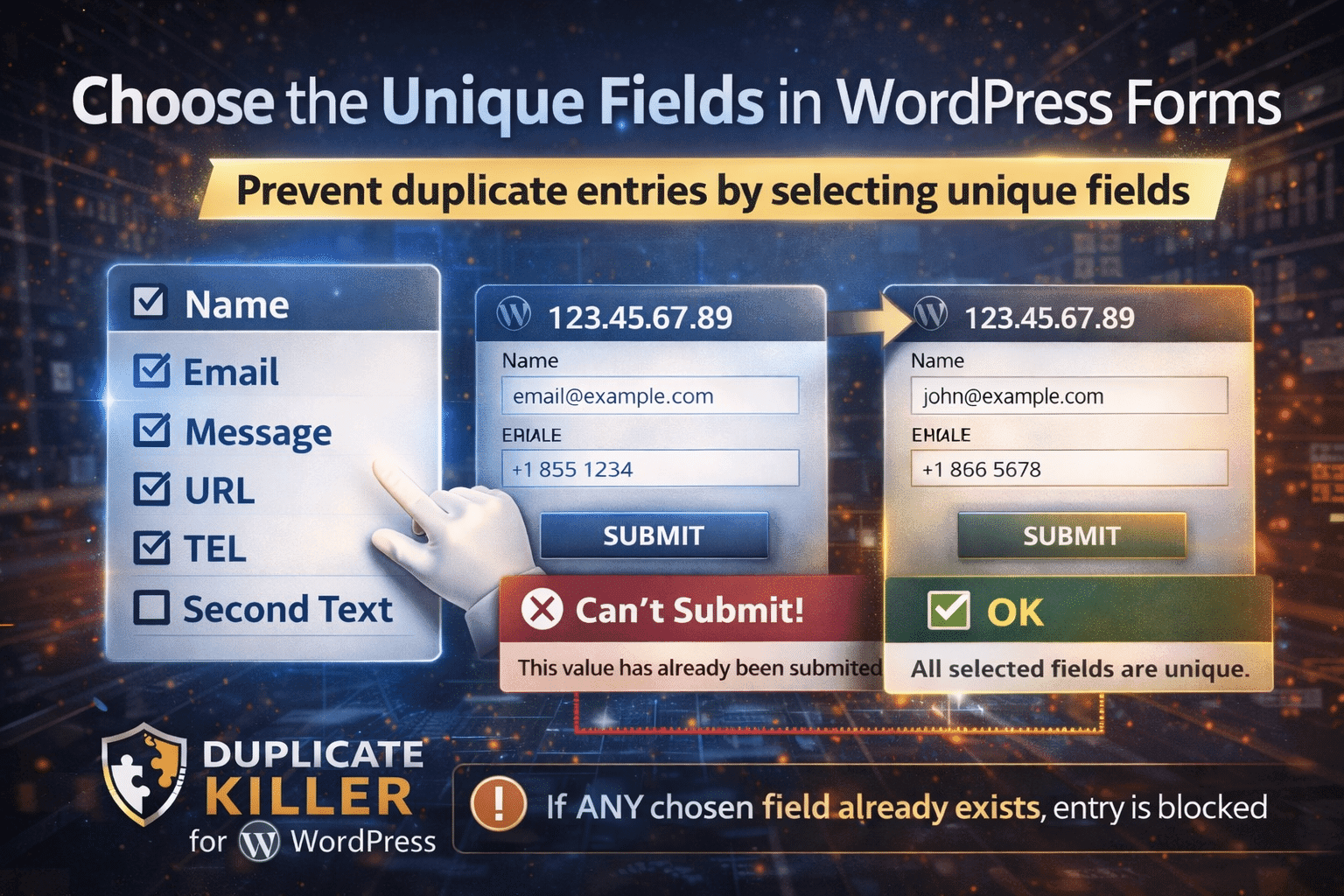
The Choose the unique fields in WordPress forms feature allows you to select exactly which form fields should be checked for duplicates before a submission is saved.

Instead of blocking entire forms, you control which specific values must remain unique.


What Does “Choose the Unique Fields” Mean?

When you use Choose the unique fields in WordPress forms, you decide which input fields should not allow duplicate values.

This means:

  • If a selected field value already exists, the submission is blocked.
  • If the value is new, the submission is allowed.
  • You can select one or multiple fields.

This gives you full flexibility and precision.


Available Field Types You Can Make Unique

You can apply duplicate validation to different types of fields, including:

  • Name (text)
  • Email (email)
  • Message (textarea)
  • URL (url)
  • TEL (tel)
  • Second Text (text)

The user selects the field or fields that should not accept duplicate entries.

Example: Name + Email Selected

If you select both Name and Email, the rule becomes:

  • Name must not exist already
    AND
  • Email must not exist already

So:

  • Same email, different name → blocked (because Email already exists)
  • Same name, different email → blocked (because Name already exists)
  • Both new → allowed

How Duplicate Validation Works

Once you choose the unique fields in WordPress forms, the system checks the database before saving a new submission.

If a duplicate is detected:

  • The submission is stopped.
  • A validation error message appears.
  • The entry is not stored.

If no duplicate is found:

  • The submission proceeds normally.

This happens instantly during form validation.


Choosing One Field vs Multiple Fields

You can select:

Single Field Validation

Example:

  • Email must be unique.

If the email already exists, the submission is blocked.


Multiple Field Combination Validation

Example:

  • Name + Email must match exactly to be considered duplicate.

This means:

  • Same email but different name → allowed.
  • Same name and same email → blocked.

This gives you more advanced duplicate control.


Best Practices: What Should You Choose?

Here are recommended strategies:

✔ Use Email for contact forms
✔ Use Email or Username for registration forms
✔ Use TEL for lead generation forms
✔ Use combinations for advanced filtering
✔ Avoid making large textarea fields unique unless necessary

Choosing the correct unique fields ensures:

  • Clean data
  • Accurate reporting
  • Better CRM integration
  • Fewer duplicate leads

When Should You Avoid Making a Field Unique?

Do not make a field unique if:

  • The field naturally repeats (e.g., common names)
  • You expect multiple legitimate submissions
  • The field does not identify the user

The goal is smart validation, not over-restriction.


Why Choosing the Right Unique Fields Matters

If you select the wrong fields:

  • You may block legitimate submissions.
  • You may allow unwanted duplicates.
  • You may distort reporting.

That’s why the Choose the unique fields in WordPress forms feature gives you precise control.

You decide what matters.

Related Articles

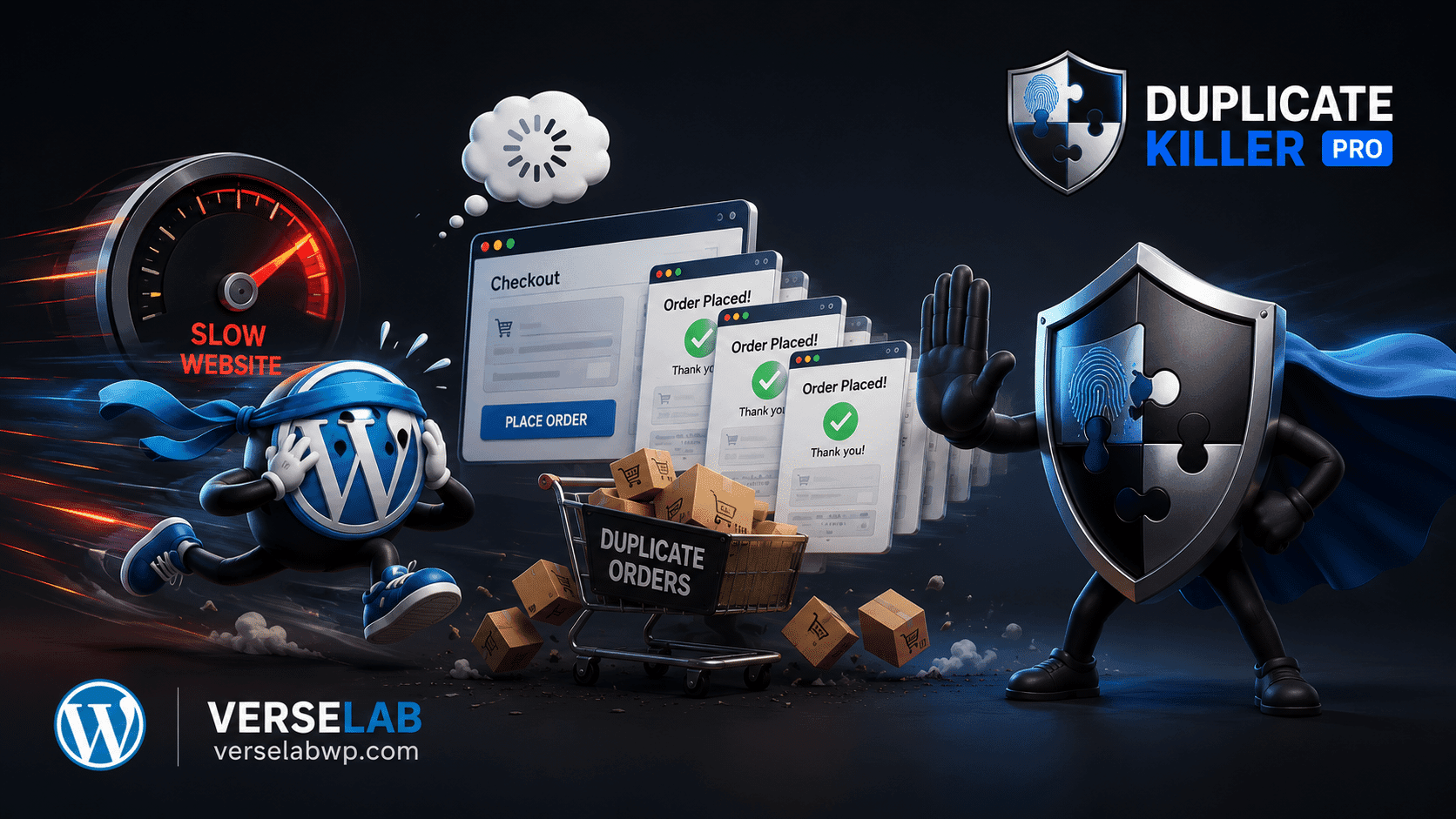
Slow websites create more Duplicate Orders than you think

Slow websites create more Duplicate Orders than you think

FAQ: Duplicate WooCommerce Orders ❓ Why do slow websites create duplicate WooCommerce orders? Customers often think checkout failed when pages load slowly or freeze temporarily. The natural reaction is to click the “Place Order” button again, creating repeated submissions. ❓ Does CAPTCHA stop duplicate WooCommerce orders? No. CAPTCHA mainly blocks bots and spam traffic. Real…
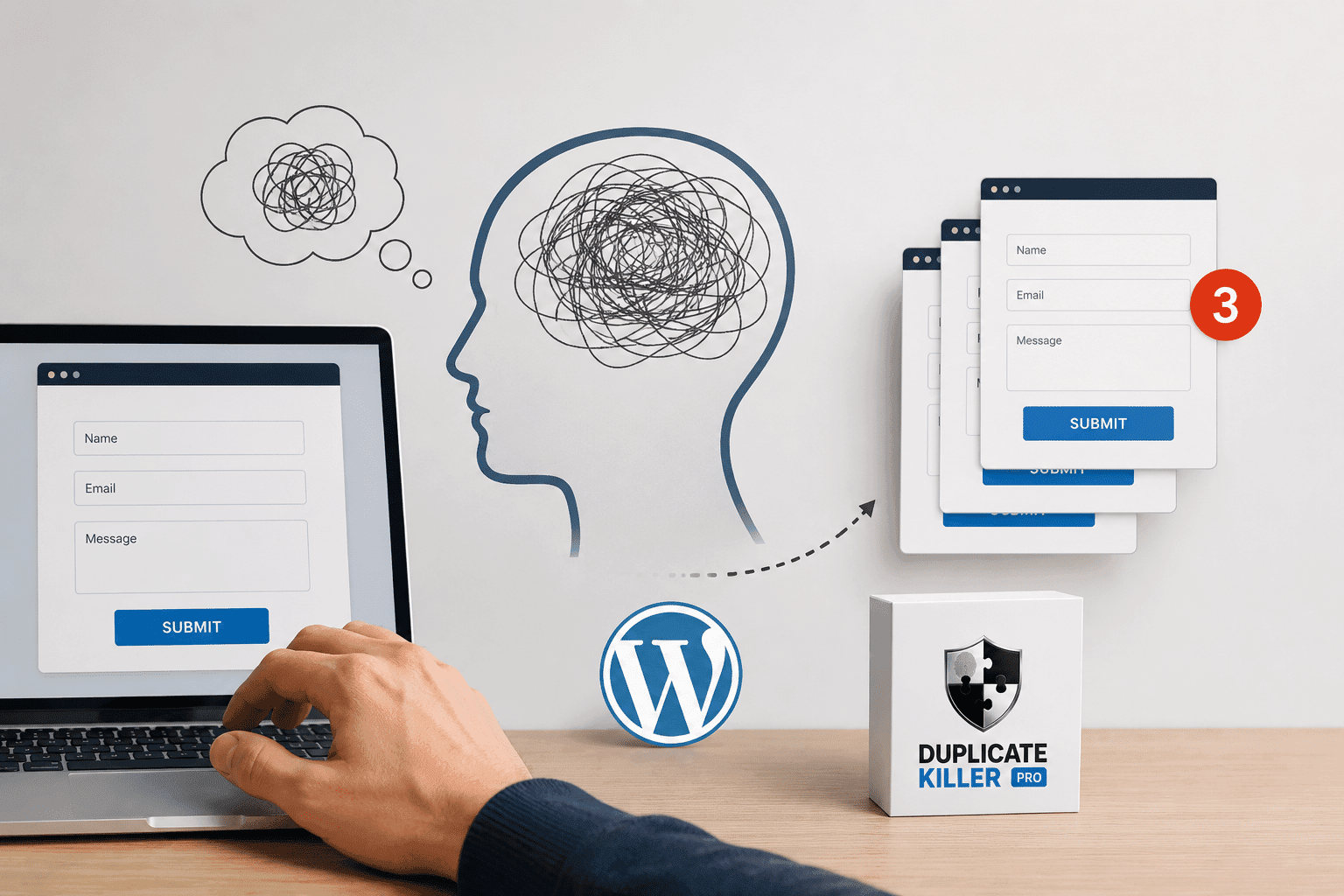
The Psychology Behind Duplicate Form Submissions

The Psychology Behind Duplicate Form Submissions

Most businesses think duplicate form submissions are caused by technical problems. But in reality, many duplicate submissions happen because of psychology. People click buttons emotionally, not logically. And when websites fail to provide reassurance, users naturally repeat actions. This is one of the biggest hidden reasons behind duplicate form submissions in WordPress. Why Human Psychology…
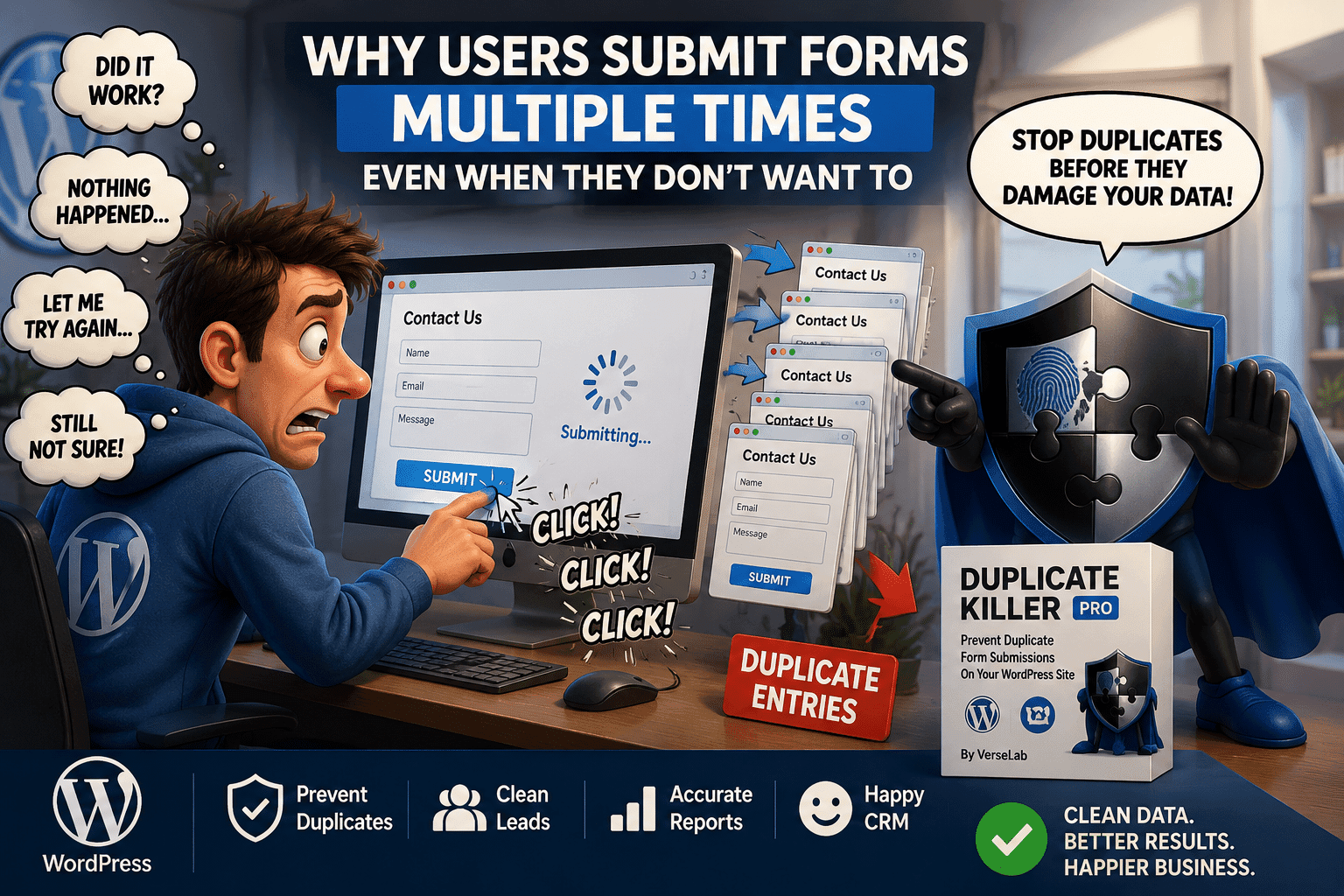
Why Users Submit Forms Multiple Times Even When They Don’t Want To

Why Users Submit Forms Multiple Times Even When They Don’t Want To

Duplicate form submissions are often treated as a technical problem. But in many cases, the real cause is human behavior. Most users do not intentionally submit the same form multiple times. They simply think the form did not work. This is one of the biggest reasons why duplicate form submissions happen on WordPress websites. Why…
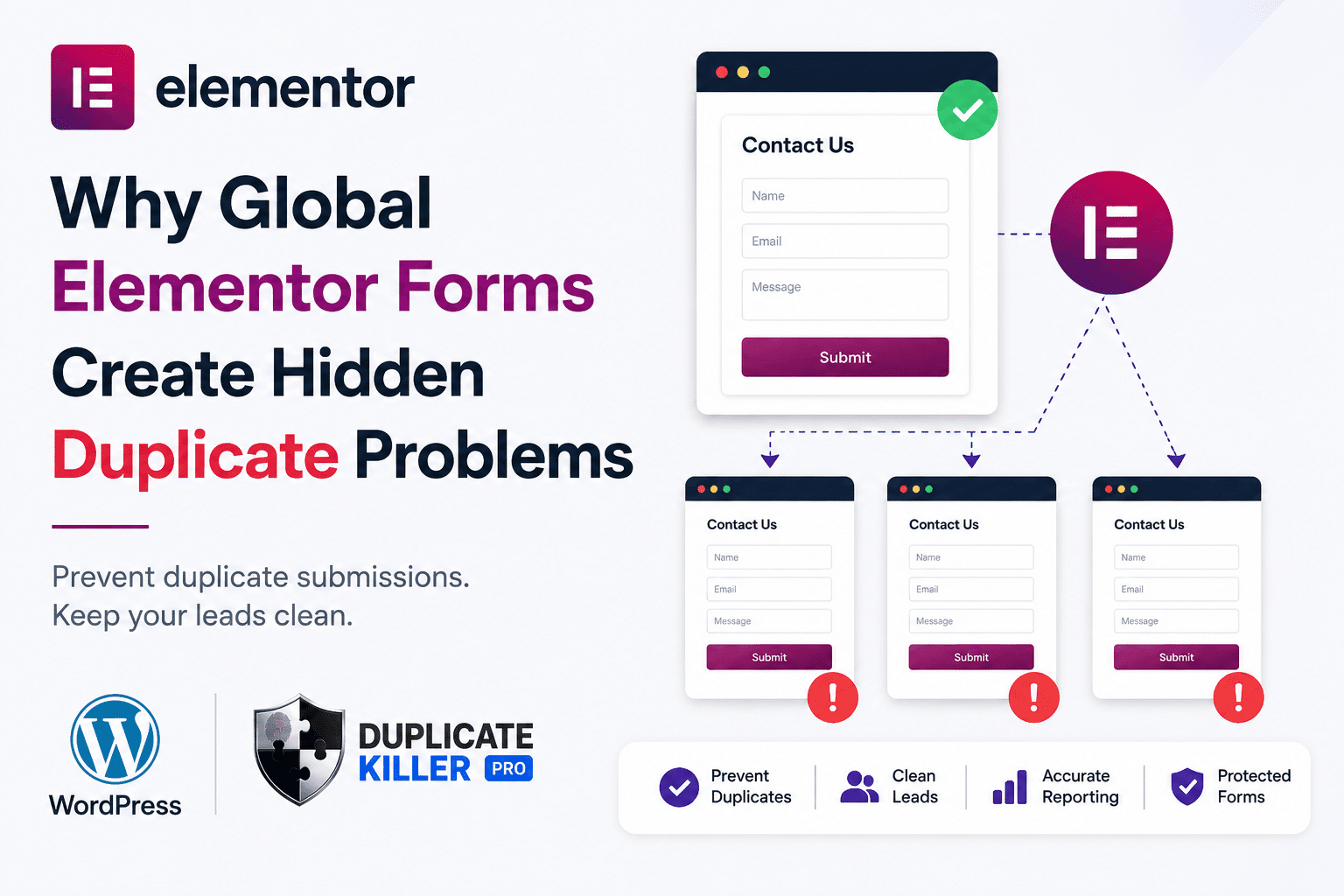
Why Global Elementor Forms Create Hidden Duplicate Problems

Why Global Elementor Forms Create Hidden Duplicate Problems

Elementor duplicate forms can become a hidden problem when the same contact form is reused across multiple pages, templates, popups, or global sections. At first, everything looks normal. The form appears correctly.Leads arrive in your inbox.Visitors can submit without issues. But behind the scenes, your WordPress site may be treating similar forms as separate forms…
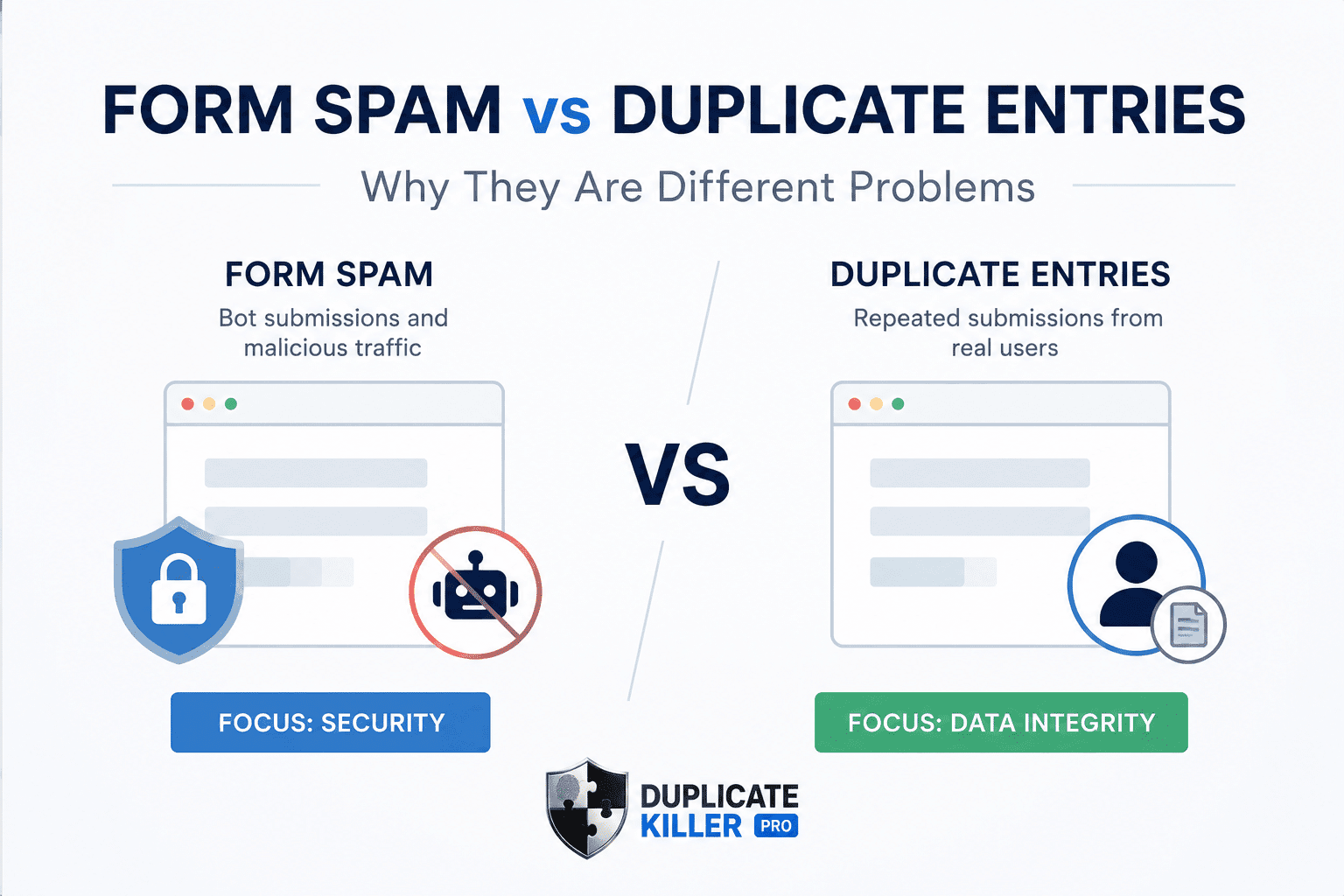
Why Form Spam and Duplicate Entries Are Different Problems

Why Form Spam and Duplicate Entries Are Different Problems

Duplicate entries and form spam are often confused by WordPress website owners. Many businesses install anti-spam plugins successfully, but duplicate entries can still damage CRM systems, analytics, and lead quality. And misunderstanding the difference often leads businesses to install the wrong type of protection. A CAPTCHA plugin may reduce bots successfully, but your CRM can…
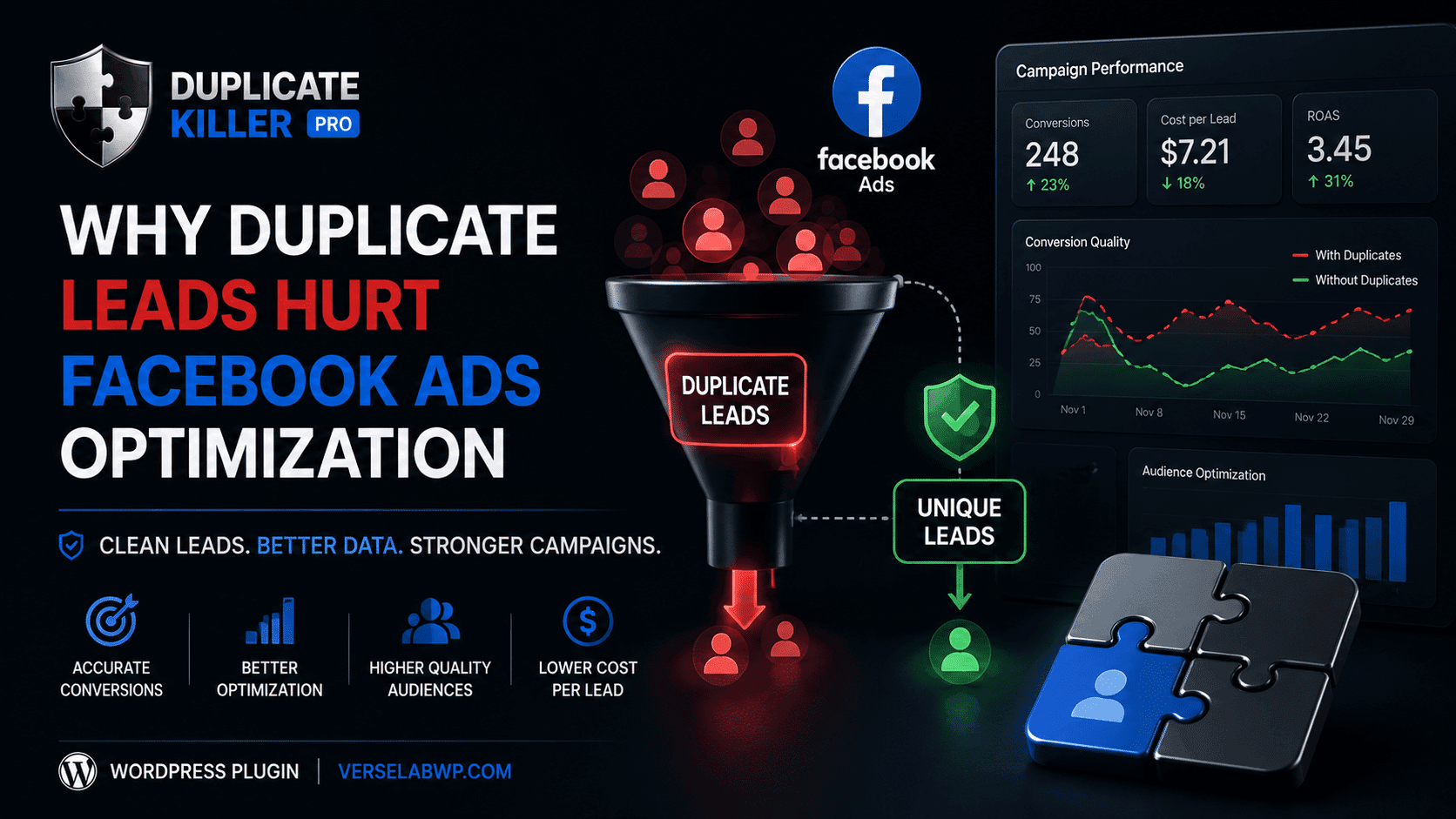
Why Duplicate Leads Hurt Facebook Ads Optimization

Why Duplicate Leads Hurt Facebook Ads Optimization

Duplicate leads can seriously damage Facebook Ads optimization without most advertisers realizing it. When duplicate leads enter your CRM repeatedly, your campaigns may start optimizing using inaccurate conversion data and misleading audience signals. They change creatives.They increase budgets.They test new audiences. But many never realize the real problem is hidden inside their lead data. Duplicate…
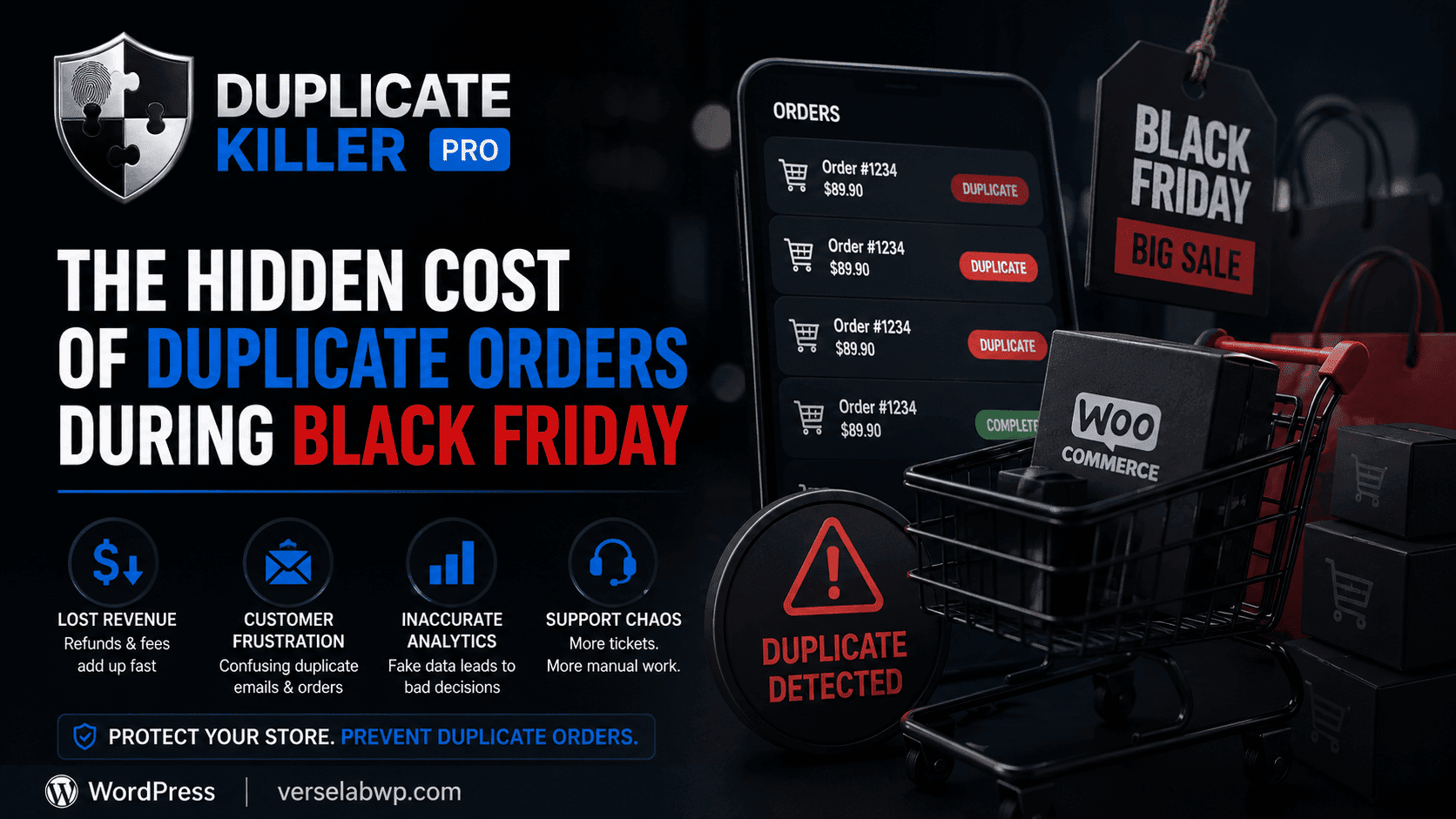
The Hidden Cost of Duplicate Orders During Black Friday

The Hidden Cost of Duplicate Orders During Black Friday

Duplicate WooCommerce orders become a massive problem during Black Friday sales. Customers click checkout buttons multiple times, pages freeze under heavy traffic, and stores suddenly face duplicate payments, refunds, and inaccurate analytics. But for many WooCommerce stores, it also creates a hidden problem that quietly damages operations behind the scenes: duplicate orders. Most store owners…
How to Stop Duplicate WooCommerce Orders (Without Annoying Your Customers)

How to Stop Duplicate WooCommerce Orders (Without Annoying Your Customers)

Duplicate WooCommerce orders are more common than most store owners realize. A customer clicks the “Place Order” button twice because the page freezes for a second.Another refreshes the checkout page after payment.Someone on mobile taps repeatedly because they think nothing happened. Suddenly, you have: And the worst part? Most store owners don’t notice the problem…
Go to VerseLabWP homepage
© Copyright 2025 BITSTRUCT SRL. All Rights Reserved.