Quick FAQ
What happens when Duplicate Killer detects a duplicate?
The plugin blocks the submission and displays a message to the user.
Can I customize that message?
Yes. You can fully change the text shown to users.
Can different forms have different messages?
Yes — this is available in Duplicate Killer PRO.
What is the new “Block Duration” feature?
It lets you decide how long duplicate values should stay blocked.
Does Browser Protection work across devices?
No. Browser Protection uses cookies, so it only works inside the same browser/device.
Understanding the “Set Error Message” field
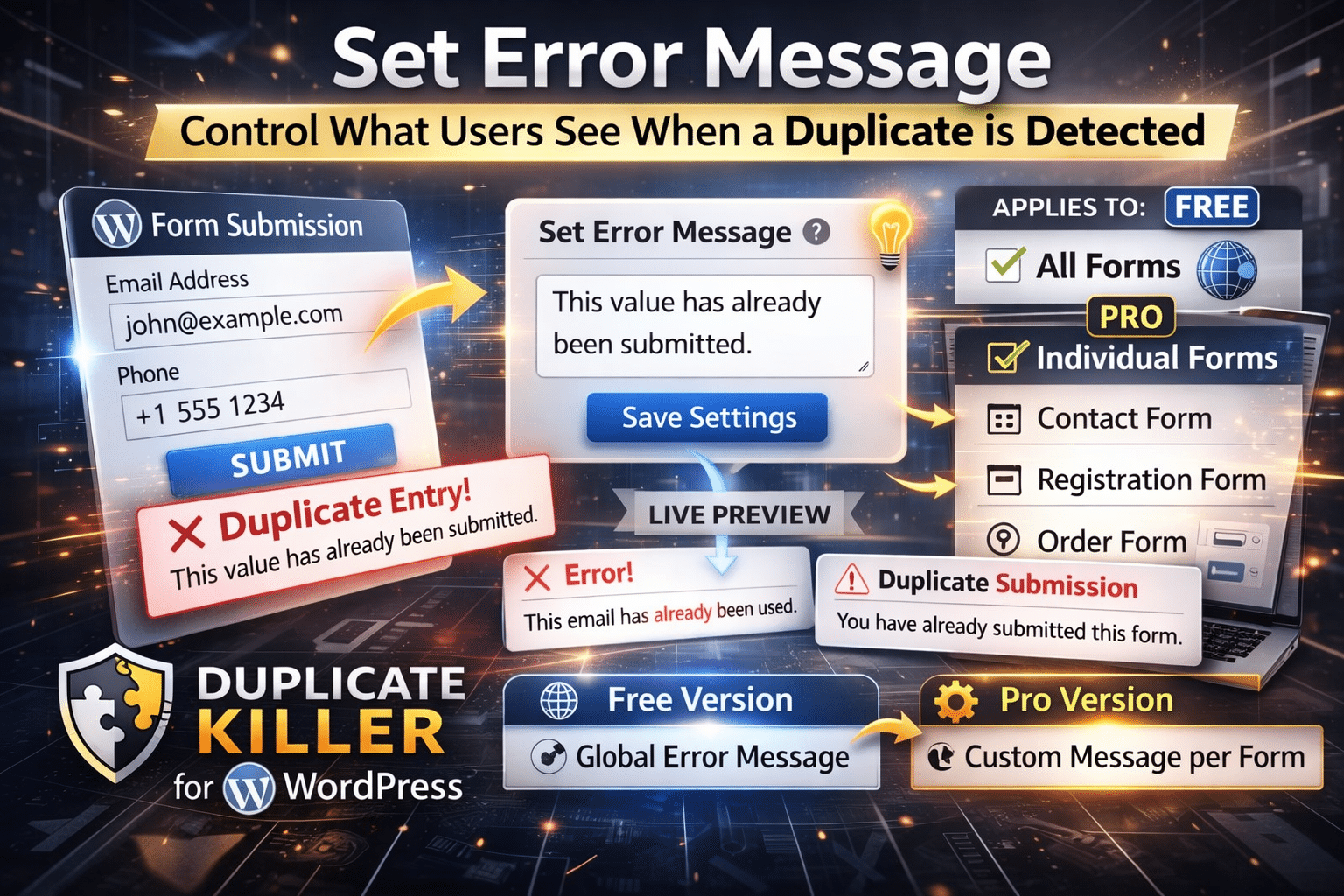
The Set Error Message field allows you to define the message displayed when Duplicate Killer blocks a duplicate submission.
In simple terms:
If someone tries to submit a value that has already been submitted before (such as an email address, phone number, order ID, etc.), Duplicate Killer can stop the submission and show your custom message.
Instead of silently failing or confusing the user, the plugin explains what happened.
Example messages:
- “This email address has already been used.”
- “You have already submitted this form.”
- “A submission with these values already exists.”
- “Please wait before submitting this form again.”
You are fully in control of the wording.
Why this field matters
A good error message improves user experience.
Without a clear message, users may think:
- The form is broken
- The submit button did not work
- The page froze
- Their submission was lost
A simple message immediately explains the situation and reduces confusion.
This can also reduce unnecessary support requests.
How duplicate protection works
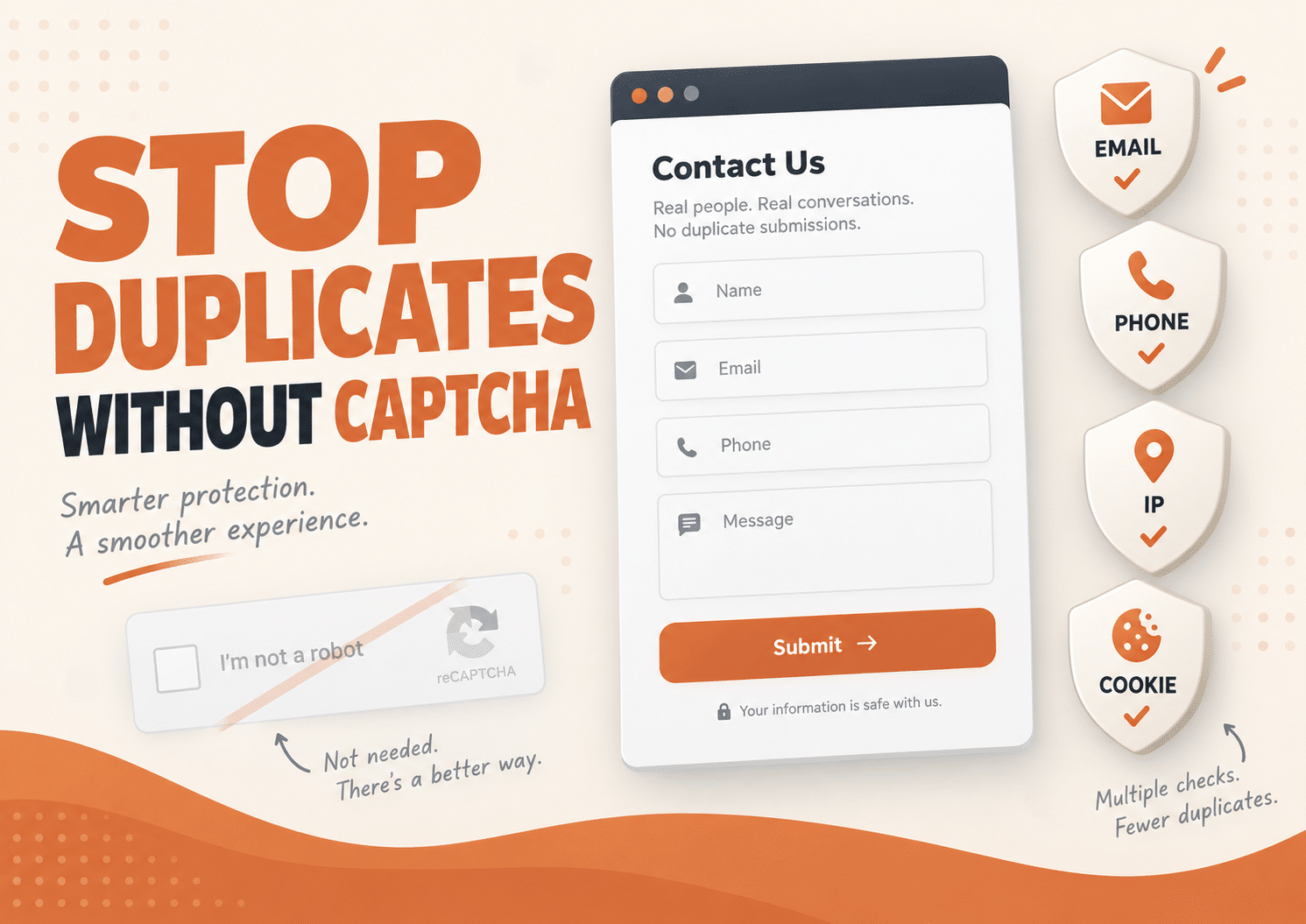
Duplicate Killer can protect forms using multiple methods.
Depending on your settings, the plugin can check:
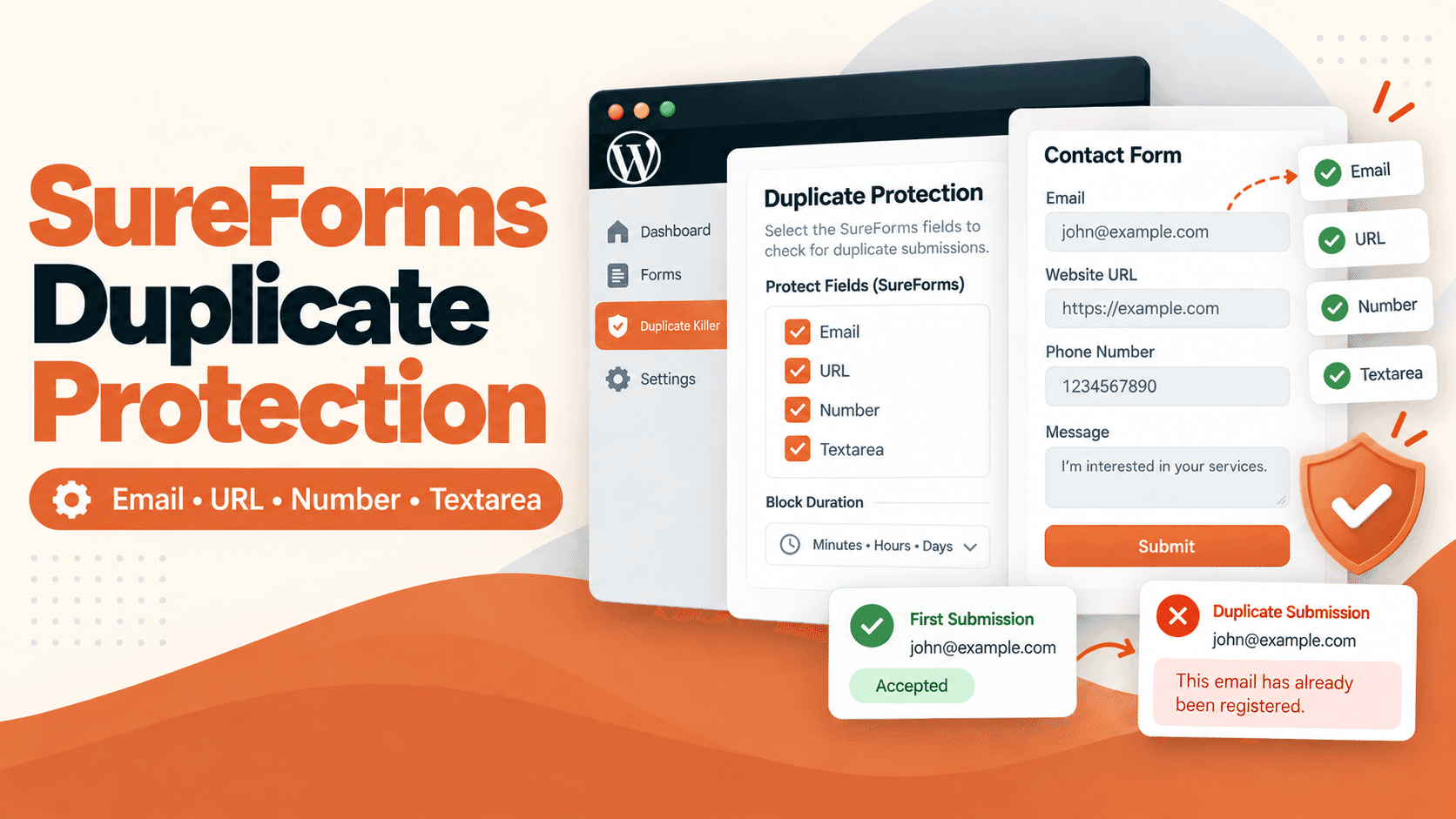
- Unique field values (email, phone, text fields, etc.)
- Browser Protection (cookies)
- Cross Form Protection
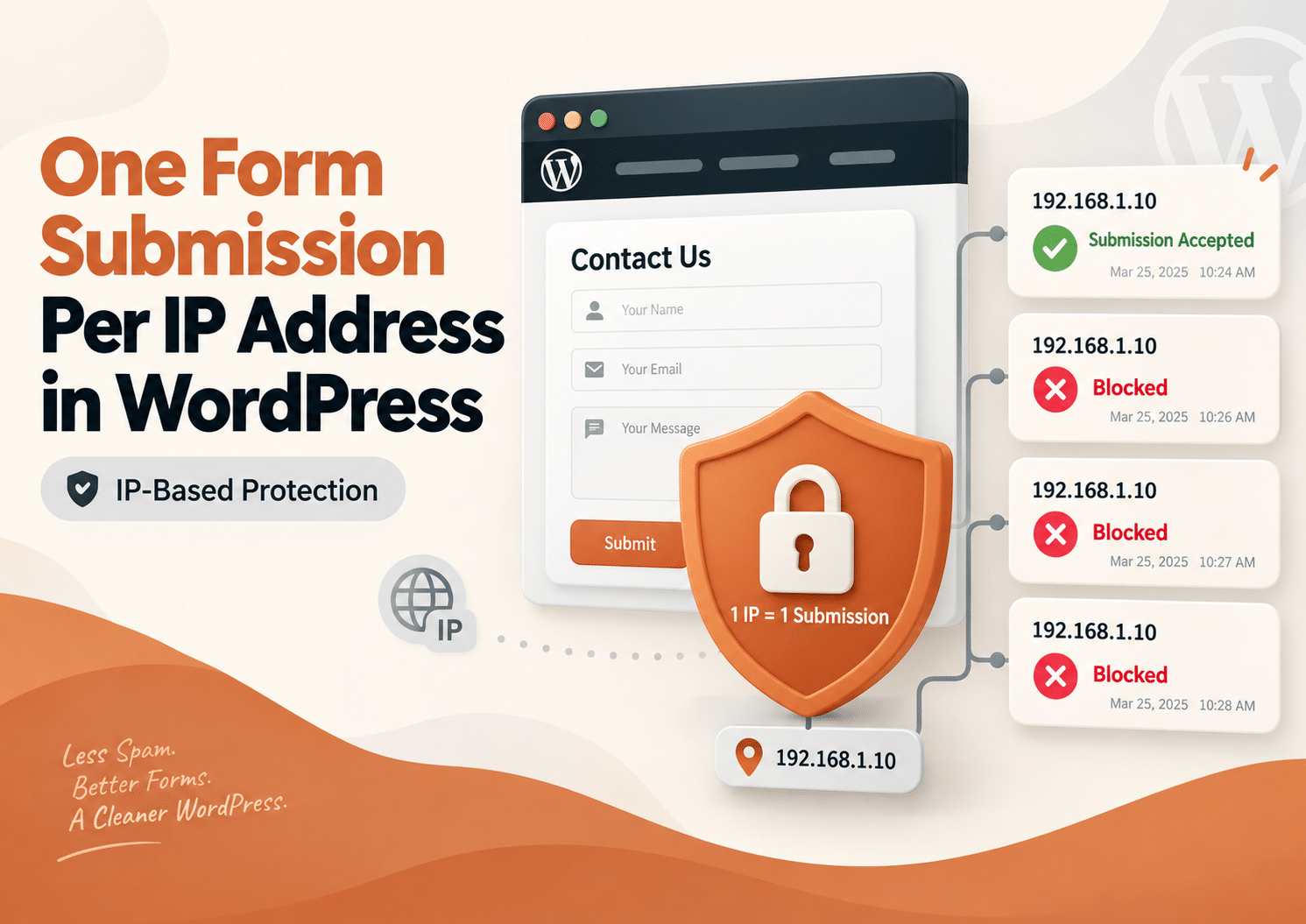
- IP-based protection
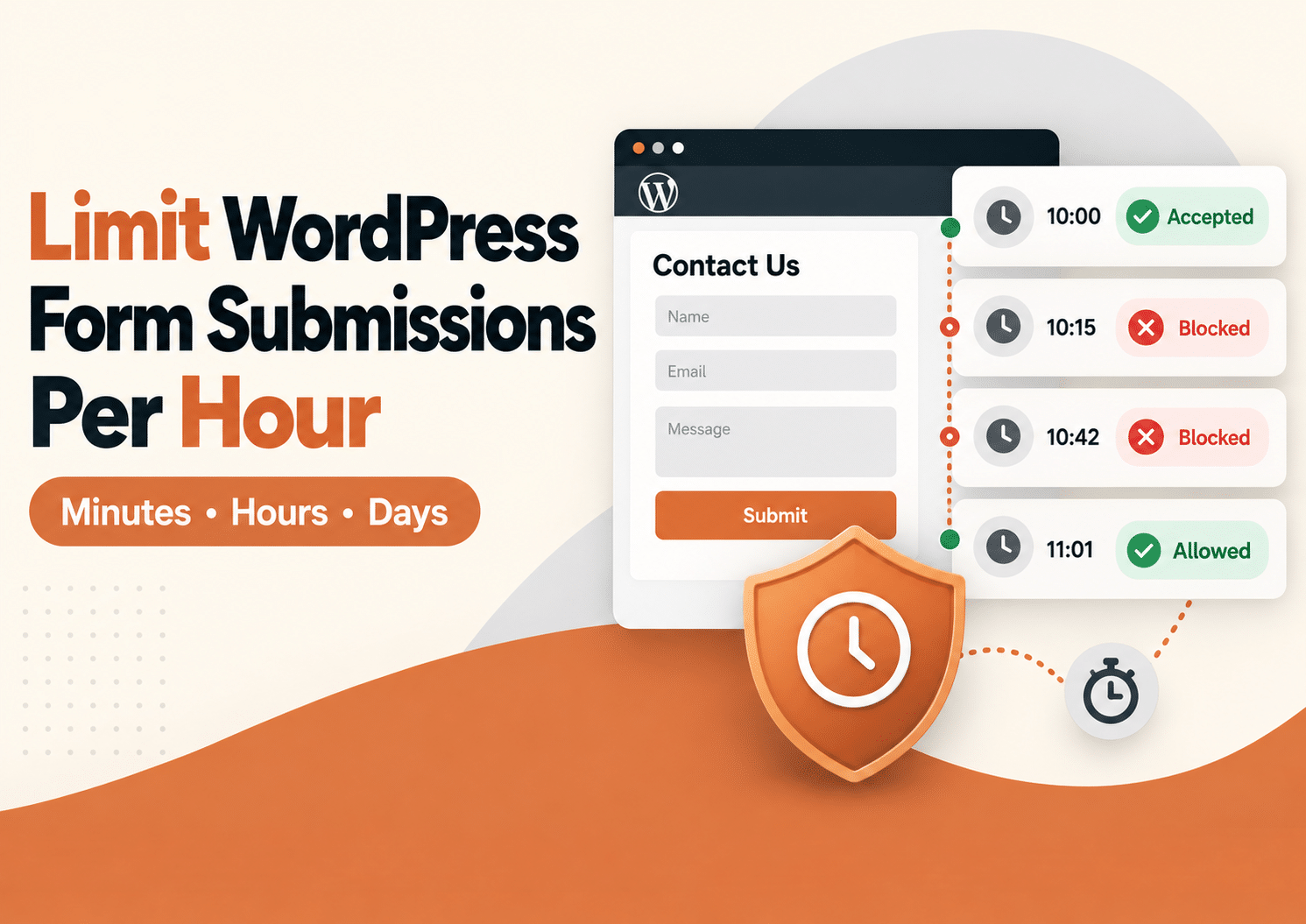
- Time-based duplicate blocking
These features can work together.
New Feature: Block Duration
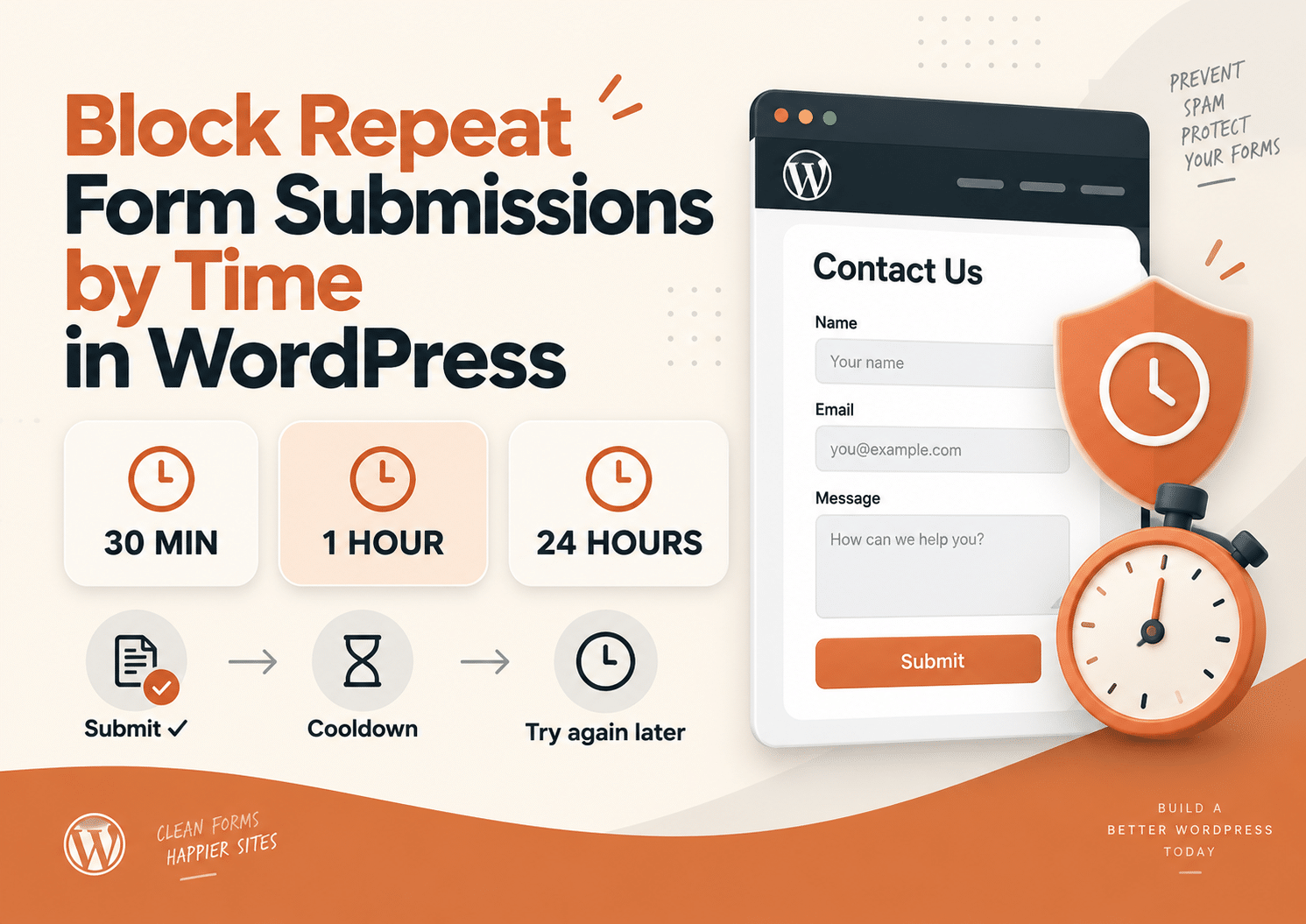
Duplicate Killer now includes a Block Duration setting.
This feature allows you to control how long duplicate values remain blocked.
How Block Duration works
Block Duration = 0
If the value is set to 0, duplicate protection is permanent.
Example:
- A user submits
[email protected] - The email is stored
- Any future submission using the same email will always be blocked
This is the strictest mode.
Block Duration = 1 day
If the value is set to 1, duplicates are blocked for 1 day only.
Example:
- Monday → user submits
[email protected] - Monday evening → duplicate blocked
- Tuesday morning → duplicate blocked
- Wednesday → submission allowed again
This is useful for:
- Contact forms
- Temporary registrations
- Daily lead forms
- Preventing accidental spam submissions
Block Duration = 7 days
Example:
- A customer submits a form today
- The same values cannot be submitted again for 7 days
- After 7 days, the same values become valid again
This is ideal when you want temporary protection instead of permanent blocking.
How Block Duration works with Browser Protection
Browser Protection and Block Duration are different systems.
Browser Protection
Browser Protection uses cookies stored inside the visitor’s browser.
This means:
- Same browser → protection works
- Different browser/device → cookie does not exist
Example:
- User submits form on Chrome desktop
- Same user opens Safari on iPhone
- Browser Protection cannot recognize them anymore
This is normal behavior and not a bug.
Browser Protection is designed to prevent accidental resubmissions from the same browser session.
Block Duration
Block Duration works at the duplicate-value level.
It checks the submitted values themselves.
Example:
- Email address
- Phone number
- Order number
This means protection still works even if:
- The user changes browser
- The user changes device
- The user clears cookies
Because the plugin checks the actual submitted data.
Recommended setup
For most websites, the recommended configuration is:
- Cross Form Protection → Enabled
- Browser Protection → Disabled
- Block Duration → 1 day
Why?
Because this setup:
- Prevents duplicate submissions across forms
- Works across multiple devices/browsers
- Stops most accidental duplicate submissions
- Avoids cookie-related limitations
How Cross Form Protection works with Block Duration
Cross Form Protection allows Duplicate Killer to compare values between different forms.
Example:
You have:
- Contact Form
- Quote Request Form
- Registration Form
If the same email address is submitted across those forms, Duplicate Killer can detect it.
Example
Contact Form
Block Duration: 1 day
Quote Form
Block Duration: 3 days
If the same value exists in both forms, the system uses the longest active protection period.
In this example:
- The duplicate remains blocked for 3 days
This prevents conflicts between forms and ensures consistent protection.
Free vs PRO
Free Version
The Free version uses a global duplicate message.
That means:
- One message
- Used across all supported forms
- Simple setup
PRO Version
Duplicate Killer PRO allows:
- Custom message per form
- Different wording for different forms
- Cross Form Protection
- Advanced duplicate control
- Flexible Block Duration behavior
This gives much more control over the user experience.
Best practices
Keep your duplicate messages:
- Short
- Clear
- Friendly
- Easy to understand
Avoid technical wording.
The goal is to explain the situation — not confuse users with system details.
Final thoughts
Duplicate Killer helps keep your form submissions clean and unique.
The Set Error Message field helps users understand exactly why a submission was blocked.
The new Block Duration feature gives you even more flexibility by allowing temporary duplicate protection instead of permanent blocking.