Duplicate orders? Not anymore. WooCommerce protection is now included!
Upgrade to PRO for Checkout Blocks, analytics and smart order linking.

WordPress Form Resubmits on Refresh: How to Prevent It

WordPress form resubmits on refresh

A common WordPress forms issue is resubmission on refresh. A user submits a form, then refreshes the page (or returns using the back button) and the browser tries to submit the same POST request again. If your site accepts it, you get duplicate entries, duplicate emails, and duplicate leads.

Why forms resubmit on refresh

This behavior is not “a WordPress bug”. It is how browsers handle POST requests when the page state is refreshed. Depending on the form plugin and the submit flow (AJAX vs non-AJAX), a refresh can replay the request or prompt the user to confirm resubmission.

What makes it worse on real websites

  • Slow hosting: users refresh because they think nothing happened.
  • Mobile connections: retries and partial loads increase confusion.
  • Caching: restored pages can display old states and encourage another submit.
  • Multiple tabs: the same form can be submitted again with the same data.

Why front-end fixes don’t solve refresh resubmission

Disabling the submit button with JavaScript does not survive a refresh. After reload, the script state is reset and the user can submit again.

Even worse, refresh resubmission can happen after the click, outside the control of your UI logic.

The correct technical solution: Post/Redirect/Get (PRG) + server-side uniqueness

1) PRG pattern (ideal when you control the flow)

The PRG pattern prevents POST replay by redirecting users to a GET page after a successful submission. Many form plugins implement an AJAX flow or a “thank you” state, but not all setups guarantee PRG behavior across caching and browser restore.

2) Server-side duplicate blocking (mandatory for clean data)

Even with PRG, users can submit again from another device, another tab, or by re-opening the page. That’s why the only reliable prevention is server-side validation.

A practical implementation includes:

  1. Choose a unique field (email/phone/order ID).
  2. Normalize the value for consistent comparisons.
  3. Check a server-side store (database) before accepting the entry.
  4. Block duplicates with a friendly error message.

Recommended uniqueness rules for “refresh duplicates”

  • Contact forms: unique by email (and optionally by phone).
  • Registrations: unique by email or user ID.
  • Event signups: unique by email + event ID (context-based).

How to reduce user-triggered refresh duplicates

  • Show a clear success message and keep it visible.
  • Redirect to a dedicated thank-you page after submit (when possible).
  • Improve perceived speed (reduce heavy scripts on the form page).
  • Use server-side duplicate prevention so refresh never creates duplicate data.

Summary

Form resubmission on refresh is normal browser behavior. You can reduce it with PRG-style redirects, but you cannot guarantee data integrity without server-side uniqueness checks. The best setup combines clear UX, a post-submit redirect when possible, and server-side duplicate blocking to keep WordPress form entries clean.

Related Articles

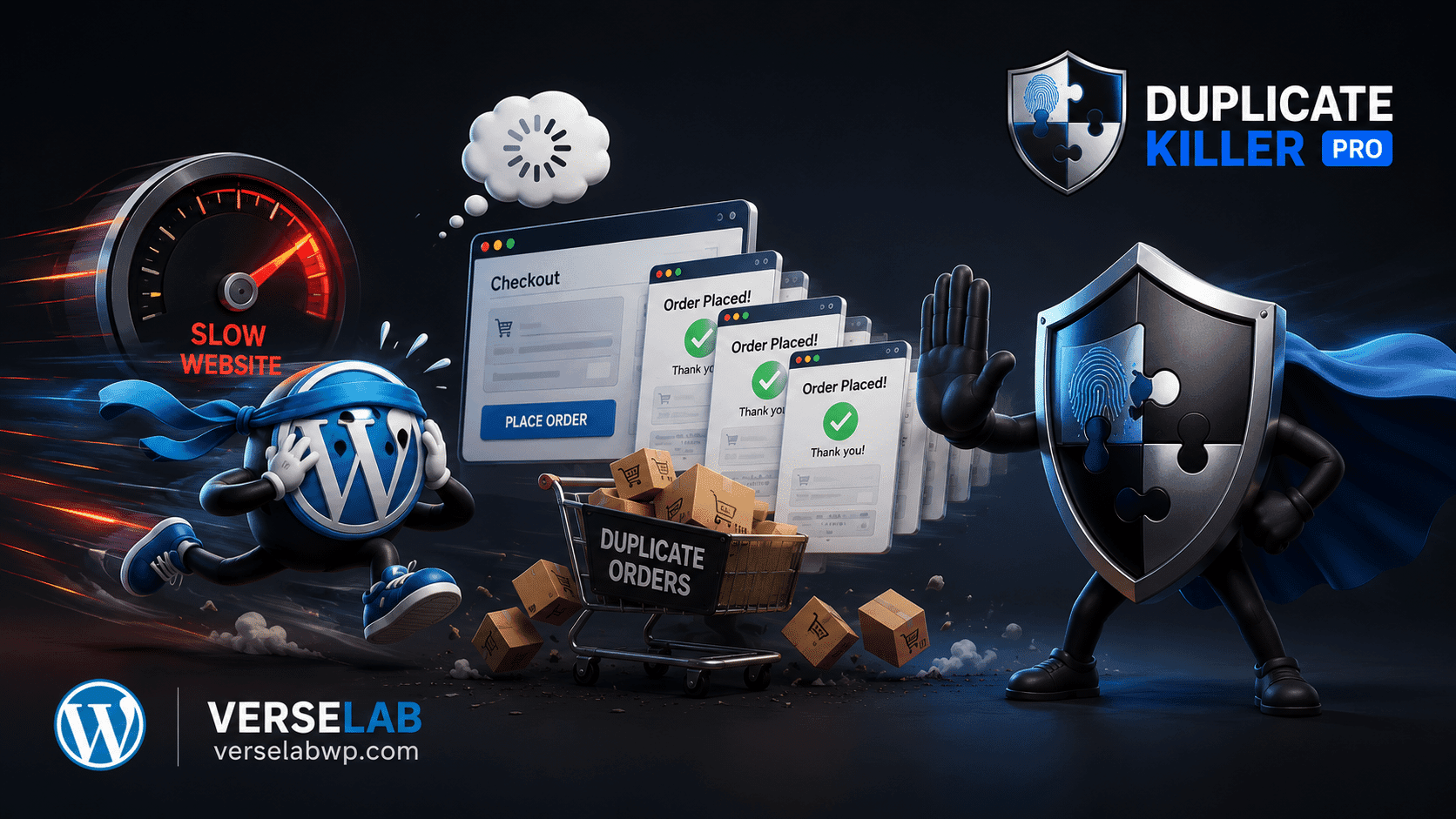
Slow websites create more Duplicate Orders than you think

Slow websites create more Duplicate Orders than you think

FAQ: Duplicate WooCommerce Orders ❓ Why do slow websites create duplicate WooCommerce orders? Customers often think checkout failed when pages load slowly or freeze temporarily. The natural reaction is to click the “Place Order” button again, creating repeated submissions. ❓ Does CAPTCHA stop duplicate WooCommerce orders? No. CAPTCHA mainly blocks bots and spam traffic. Real…
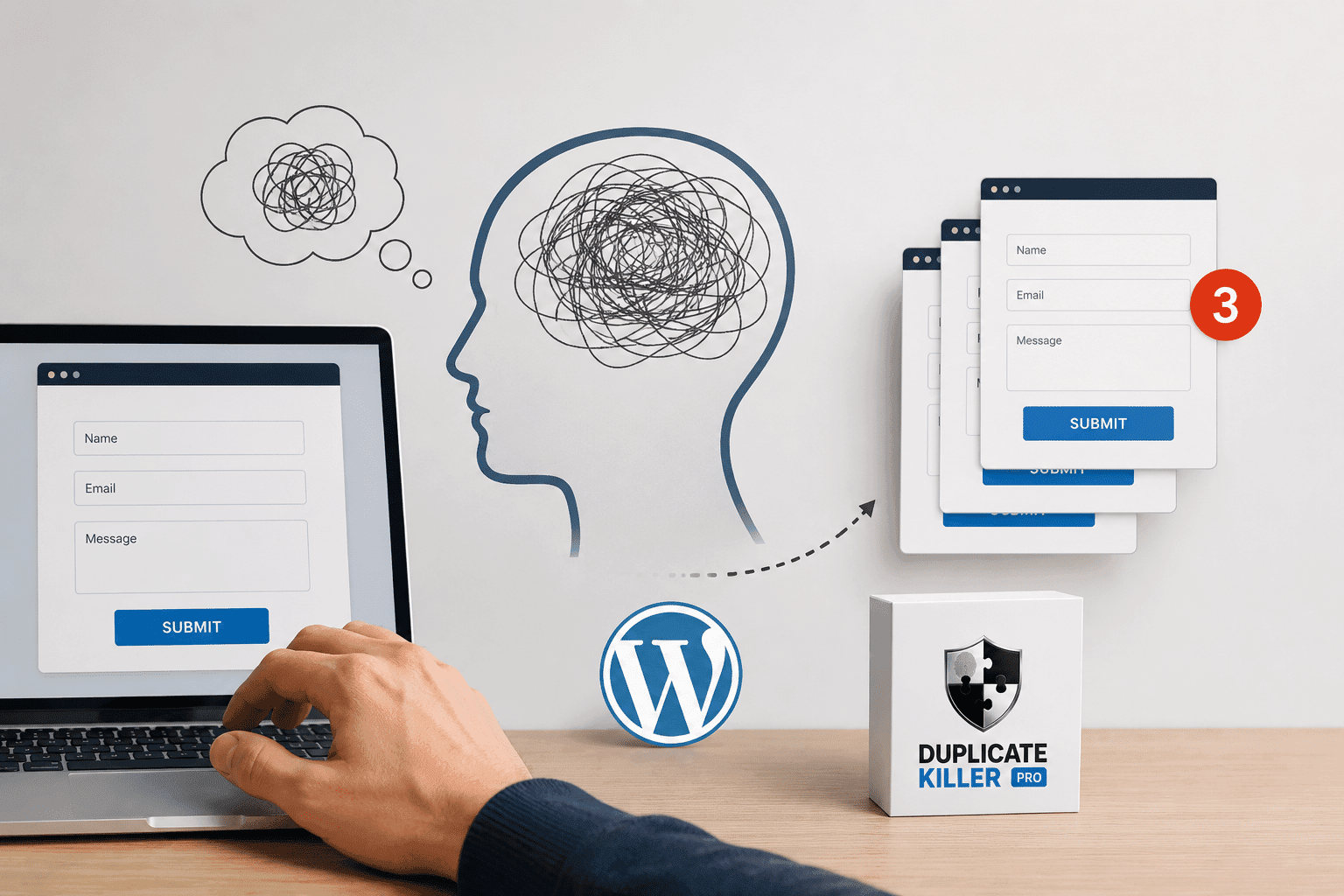
The Psychology Behind Duplicate Form Submissions

The Psychology Behind Duplicate Form Submissions

Most businesses think duplicate form submissions are caused by technical problems. But in reality, many duplicate submissions happen because of psychology. People click buttons emotionally, not logically. And when websites fail to provide reassurance, users naturally repeat actions. This is one of the biggest hidden reasons behind duplicate form submissions in WordPress. Why Human Psychology…
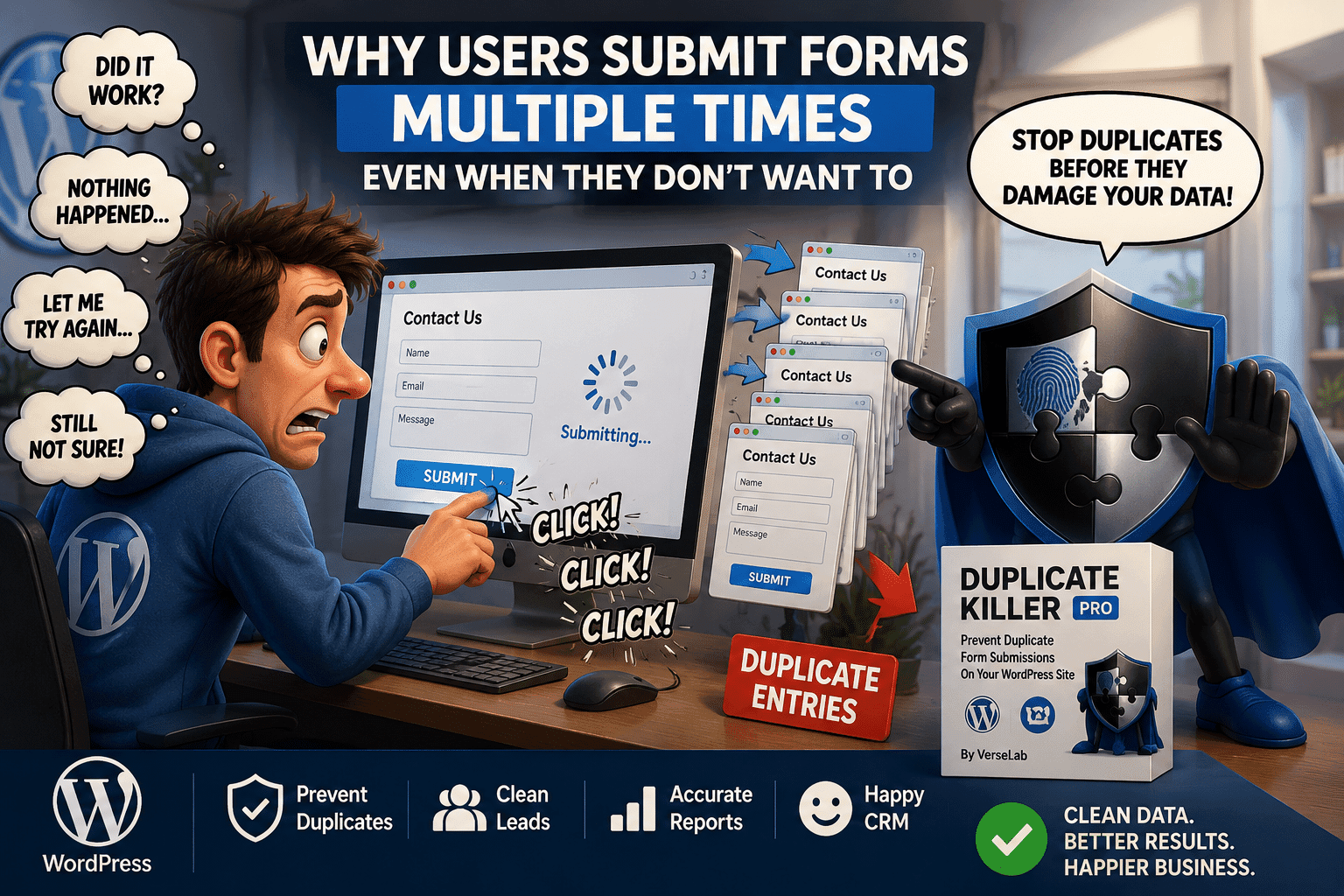
Why Users Submit Forms Multiple Times Even When They Don’t Want To

Why Users Submit Forms Multiple Times Even When They Don’t Want To

Duplicate form submissions are often treated as a technical problem. But in many cases, the real cause is human behavior. Most users do not intentionally submit the same form multiple times. They simply think the form did not work. This is one of the biggest reasons why duplicate form submissions happen on WordPress websites. Why…
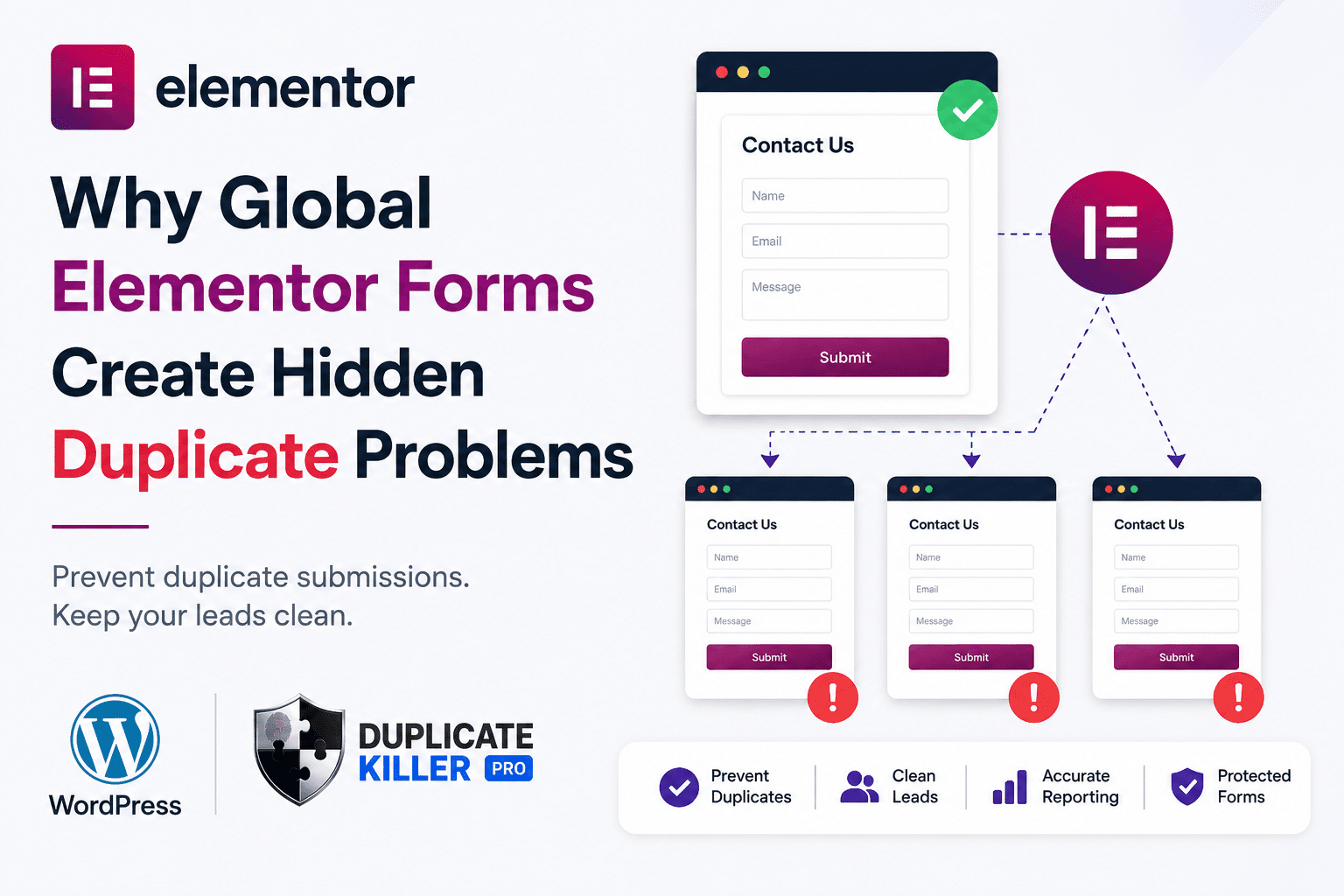
Why Global Elementor Forms Create Hidden Duplicate Problems

Why Global Elementor Forms Create Hidden Duplicate Problems

Elementor duplicate forms can become a hidden problem when the same contact form is reused across multiple pages, templates, popups, or global sections. At first, everything looks normal. The form appears correctly.Leads arrive in your inbox.Visitors can submit without issues. But behind the scenes, your WordPress site may be treating similar forms as separate forms…
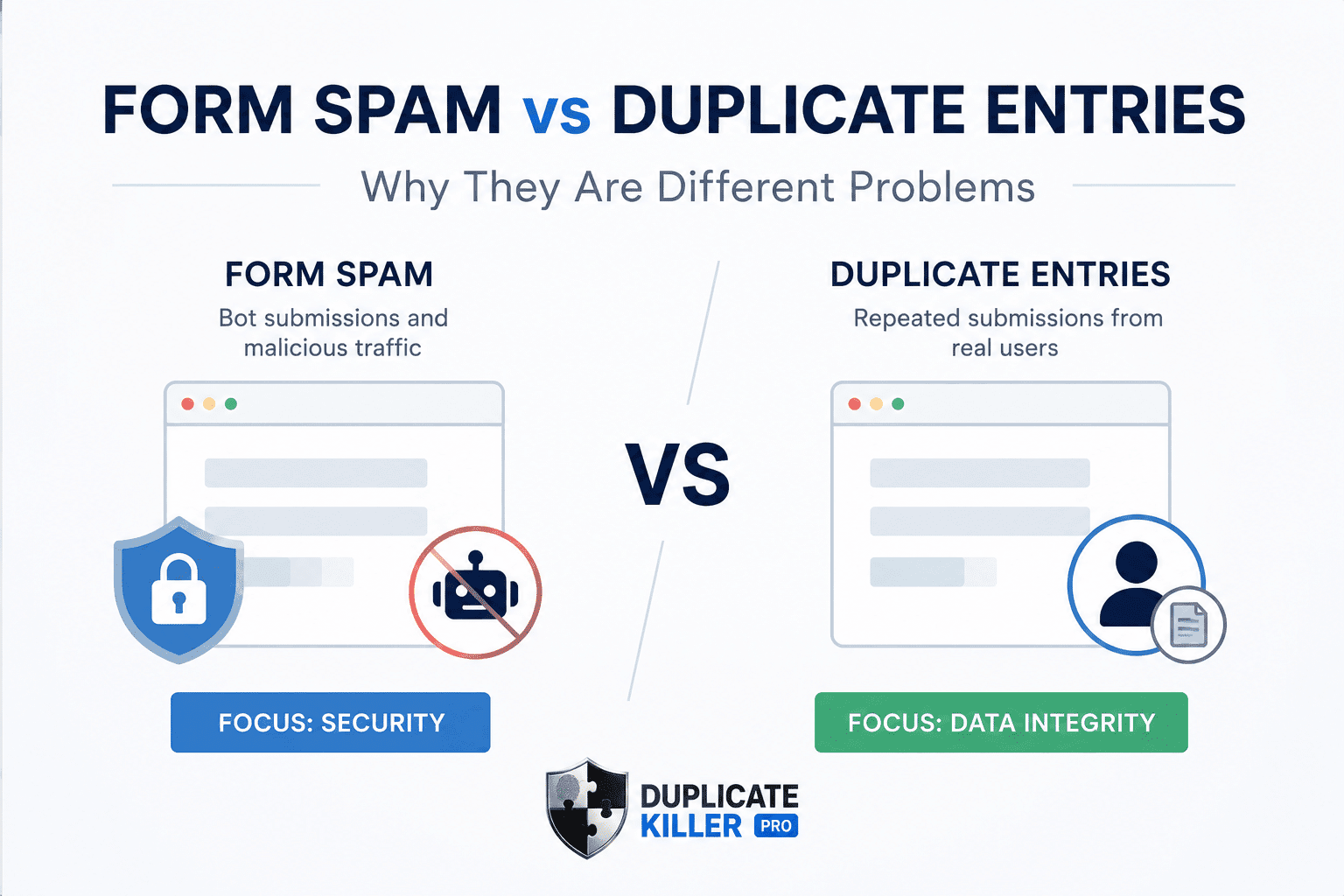
Why Form Spam and Duplicate Entries Are Different Problems

Why Form Spam and Duplicate Entries Are Different Problems

Duplicate entries and form spam are often confused by WordPress website owners. Many businesses install anti-spam plugins successfully, but duplicate entries can still damage CRM systems, analytics, and lead quality. And misunderstanding the difference often leads businesses to install the wrong type of protection. A CAPTCHA plugin may reduce bots successfully, but your CRM can…
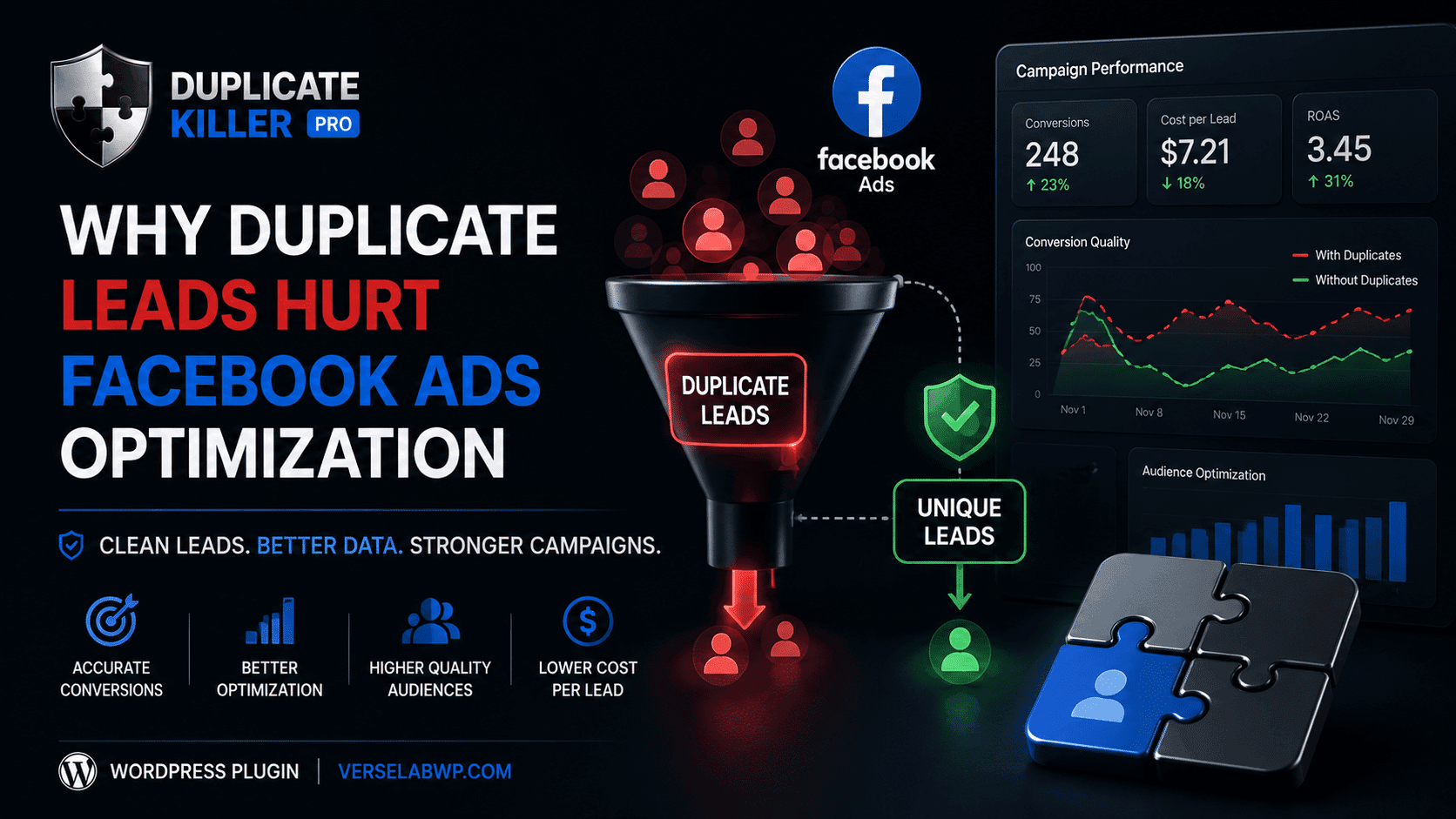
Why Duplicate Leads Hurt Facebook Ads Optimization

Why Duplicate Leads Hurt Facebook Ads Optimization

Duplicate leads can seriously damage Facebook Ads optimization without most advertisers realizing it. When duplicate leads enter your CRM repeatedly, your campaigns may start optimizing using inaccurate conversion data and misleading audience signals. They change creatives.They increase budgets.They test new audiences. But many never realize the real problem is hidden inside their lead data. Duplicate…
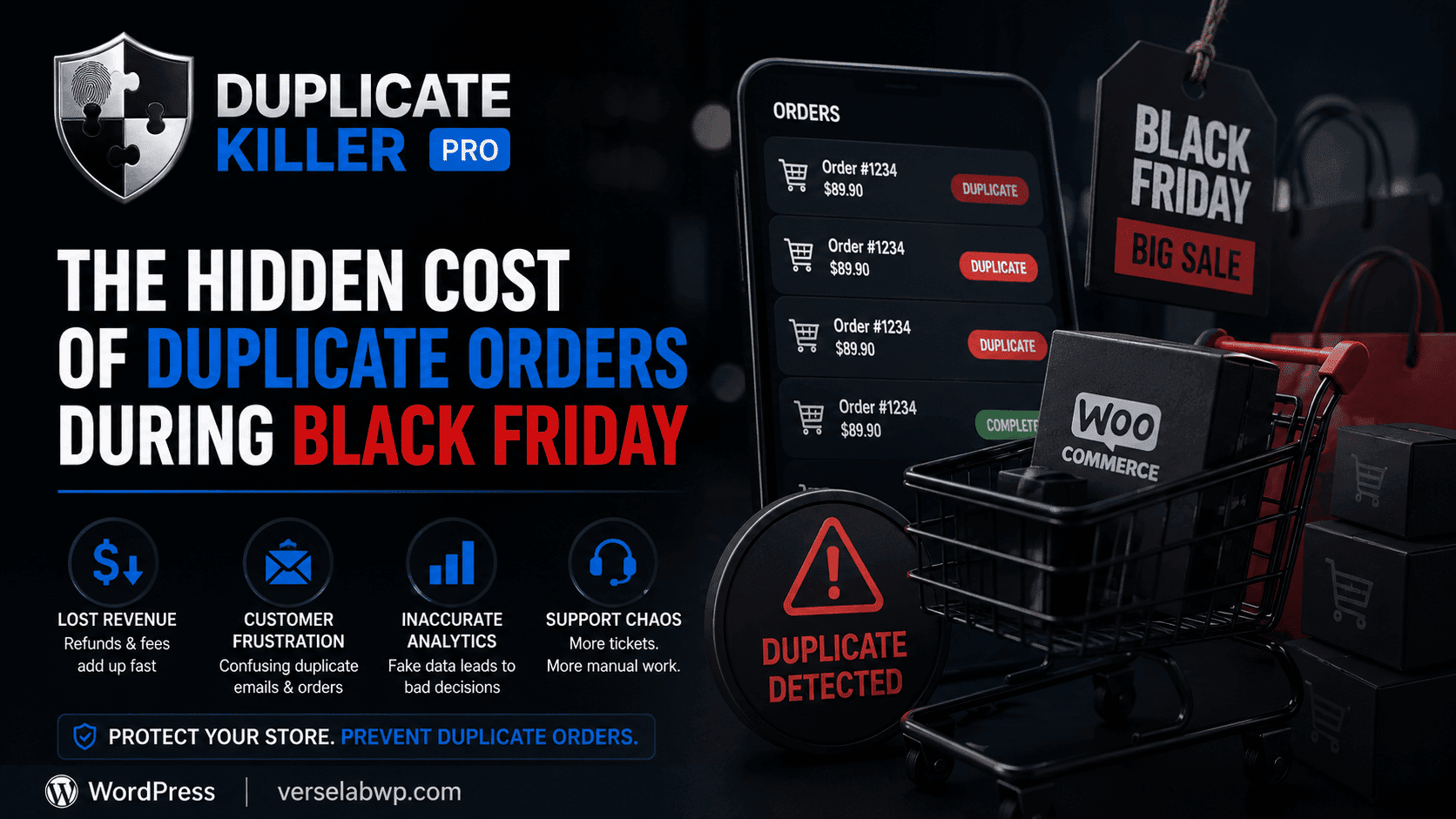
The Hidden Cost of Duplicate Orders During Black Friday

The Hidden Cost of Duplicate Orders During Black Friday

Duplicate WooCommerce orders become a massive problem during Black Friday sales. Customers click checkout buttons multiple times, pages freeze under heavy traffic, and stores suddenly face duplicate payments, refunds, and inaccurate analytics. But for many WooCommerce stores, it also creates a hidden problem that quietly damages operations behind the scenes: duplicate orders. Most store owners…
How to Stop Duplicate WooCommerce Orders (Without Annoying Your Customers)

How to Stop Duplicate WooCommerce Orders (Without Annoying Your Customers)

Duplicate WooCommerce orders are more common than most store owners realize. A customer clicks the “Place Order” button twice because the page freezes for a second.Another refreshes the checkout page after payment.Someone on mobile taps repeatedly because they think nothing happened. Suddenly, you have: And the worst part? Most store owners don’t notice the problem…
Go to VerseLabWP homepage
© Copyright 2025 BITSTRUCT SRL. All Rights Reserved.