If your Contact Form 7 emails are being sent twice, you’re not alone. This issue is common on WordPress sites with caching, optimization plugins, unstable networks, or multiple integrations firing on submit. The key is to stop guessing and identify the real trigger that creates the duplicate send.
What “sending twice” usually means
There are two different problems that look the same:
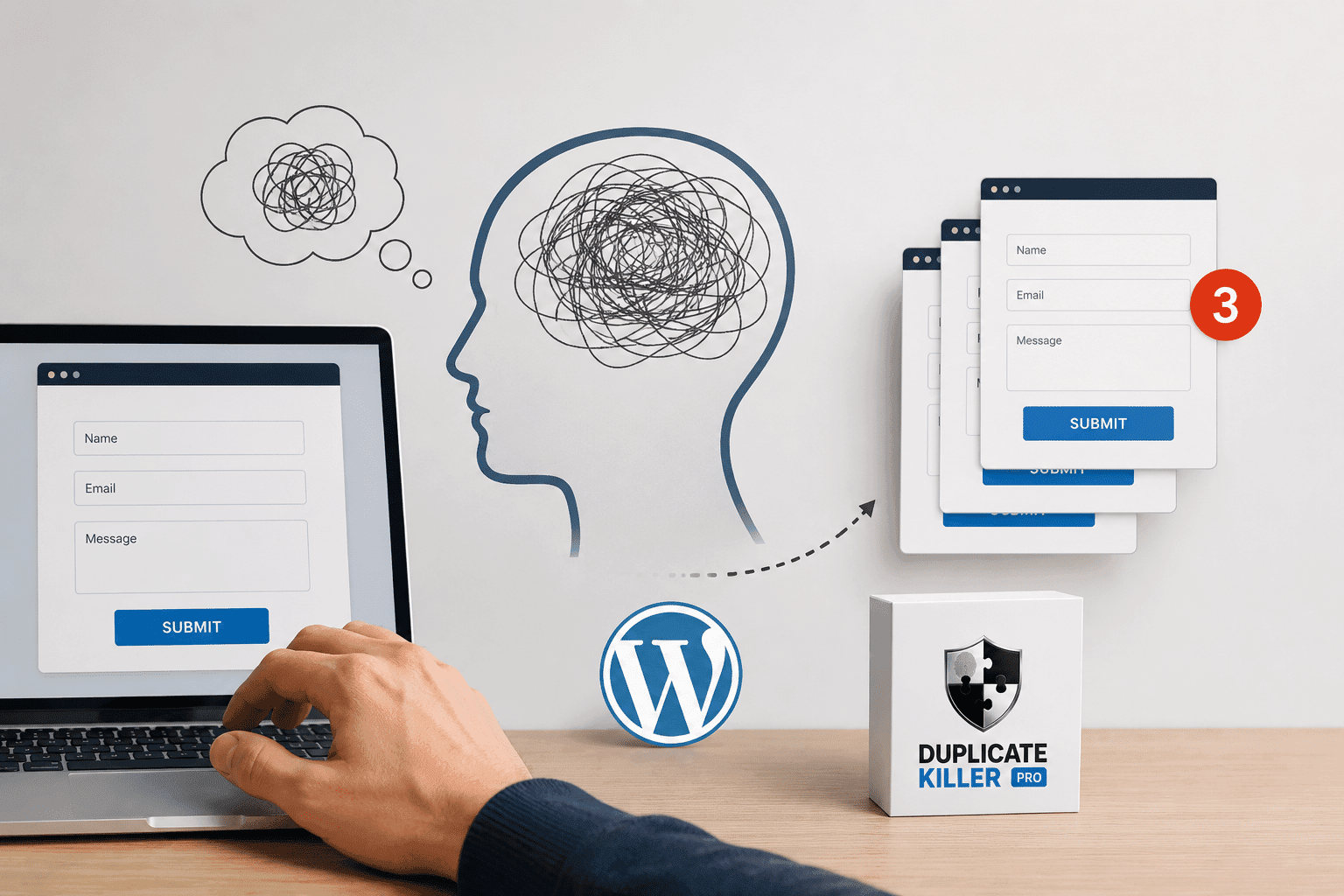
- Duplicate submission: the form is submitted more than once.
- Duplicate email trigger: one submission happens, but the email is sent twice by hooks/integrations.
You need to know which one you have, because the fix is different.
Step 1: Confirm if the form is submitted twice
Start by checking whether Contact Form 7 is receiving two separate submissions.
- If you use any logging (server logs or a form logging addon), check if two POST requests hit the endpoint.
- If you don’t log requests, test with a simple approach: submit once, then immediately refresh the page and see if it re-sends.
Common causes of duplicate submissions in Contact Form 7
1) Refresh and browser re-submit behavior
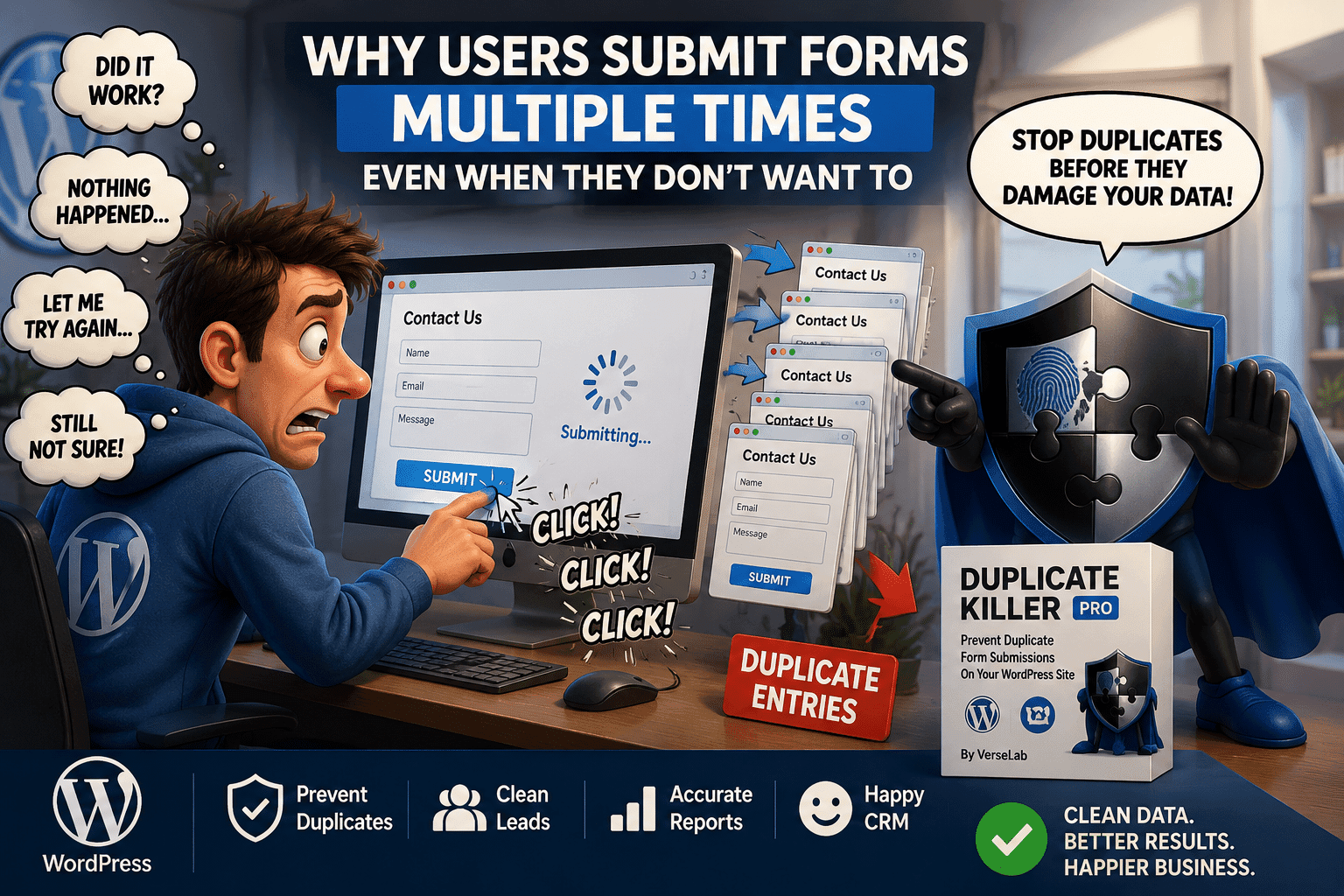
Some users refresh the page after submitting, or the browser restores the page from cache and replays the request. This can create a second submit without the user realizing it.
2) Network retry (mobile internet, weak Wi-Fi)
On unstable connections, browsers and proxies can retry requests. If your server accepts the second request as a new submission, you get duplicate emails.
3) Multiple tabs or double submit
A user can open the same page in two tabs and submit twice with the same email. Front-end “disable submit button” tricks do not stop this.
4) Optimization plugins interfering with scripts
Minify/defer/delay JavaScript settings can break the normal submit flow. In some cases, this leads to multiple listeners firing or repeated AJAX calls.
Step 2: Check for duplicate email triggers (single submission, two sends)
If you confirm there’s only one submission but two emails, look for:
- multiple CF7 mail configurations firing (Mail + Mail (2))
- additional hooks from other plugins (SMTP, automation tools, webhooks)
- custom code that hooks into CF7 submit events and sends extra emails
The real fix: server-side duplicate prevention (unique field validation)
The only reliable way to stop “emails twice” caused by duplicate submissions is to block duplicates on the server before Contact Form 7 triggers email delivery.
A robust approach:
- Choose one or more unique fields (usually email or phone).
- Normalize the value (trim spaces, lowercase emails, clean phone formats).
- Check if the same value was submitted before.
- If it exists, block the submission with a clean validation message.
Why client-side fixes are not enough
JavaScript-based prevention fails under normal conditions:
- refresh resets the “disabled” state
- multiple devices and tabs bypass front-end locks
- network retries happen after the click event
- bots do not follow your UI rules
Best practices to reduce duplicates (even with server-side protection)
- Keep your form submission message clear (users refresh when they are unsure).
- Avoid aggressive “delay JS” settings for CF7 scripts.
- If you use caching, make sure the form page is not cached in a way that replays old states.
- Use server-side uniqueness rules to guarantee clean data.
If Contact Form 7 is sending emails twice, first identify whether you have two submissions or one submission with two email triggers. For true duplicate submissions, the real fix is server-side duplicate prevention using unique field validation. That stops duplicates before emails, webhooks, and automations fire.
What you should store (minimum viable data)
You typically only need:
- Context: plugin + form identifier (so rules can be per form)
- Field key: email / phone / text
- Normalized value or a hash of it
- Timestamp: optional, useful for time-window rules and debugging
Plain value vs hash: which is better?
Plain values help with support and debugging, but they expose sensitive data in the database.
Hashing reduces exposure because you store a fingerprint instead of the raw value.
Hashing checklist
- always hash the normalized value
- use a modern algorithm like SHA-256
- optionally use an application-specific salt to reduce offline guessing
Performance: fast lookups require indexing
Duplicate checks happen on every submission, so lookups must be fast. Best practice is to index the columns you search by, typically:
- (context + field key + hash/value)
With correct indexing, checks remain fast even as the site accumulates entries.
Don’t rely on IP alone
IP-based limits can reduce abuse, but IPs are shared (mobile carriers, offices) and can change (VPN). Treat IP limits as a secondary rule, not your primary uniqueness key.
Where to block duplicates in the flow
The best place is before side effects occur:
- before admin notification emails
- before CRM integrations and webhooks
- before the form plugin stores the entry
This prevents duplicate cascades and keeps the system consistent.
Summary
A robust duplicate prevention system stores only what it needs, uses normalization + optional hashing for safer data handling, and relies on indexed lookups for speed. That’s how you stop duplicates without slowing down WordPress.