
In the left menu, click:
Plugins → Add New
Then click “Upload Plugin” at the top.
Click Choose File, select the plugin ZIP file, then click Install Now.
After installation, click Activate Plugin.
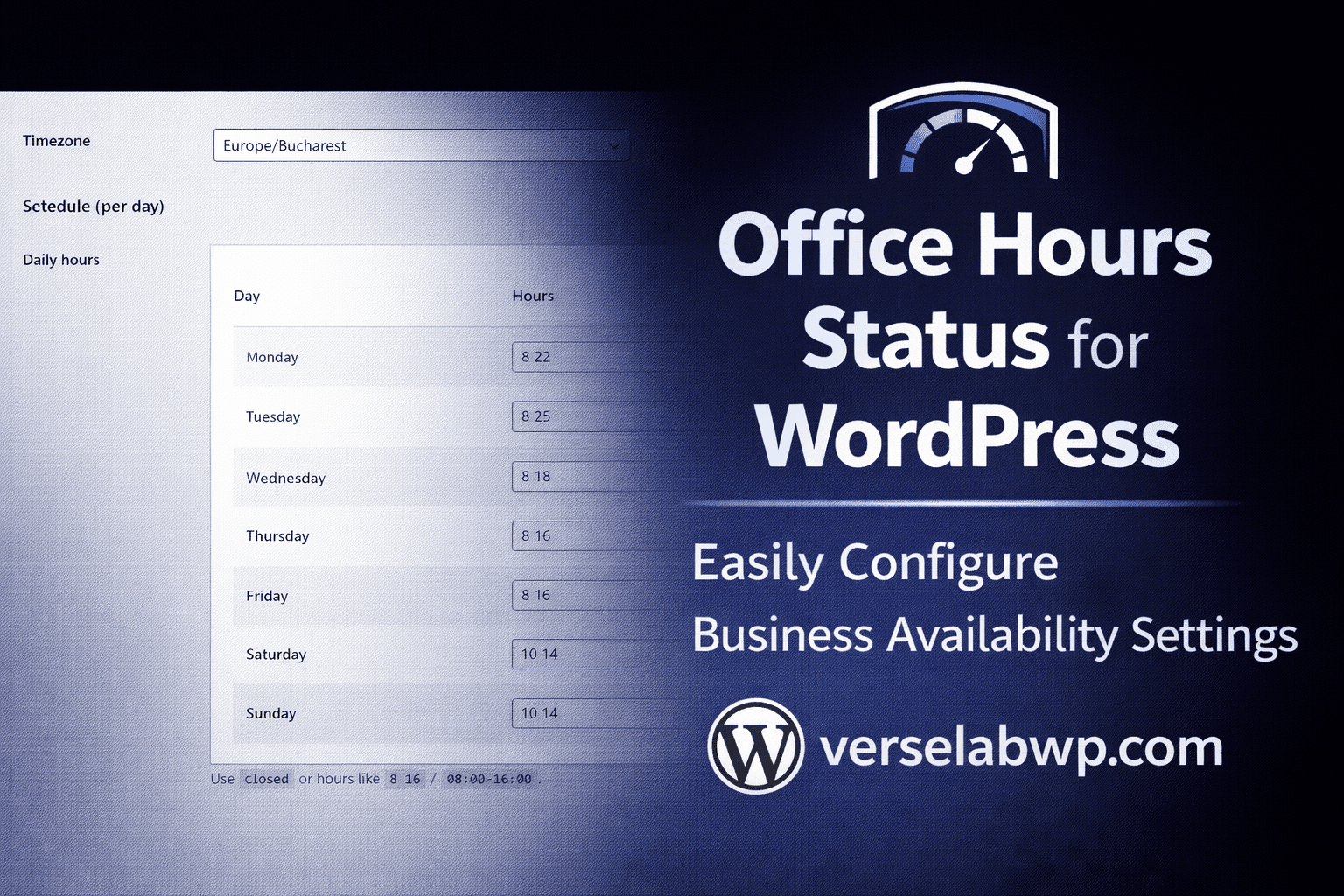
Go to: Settings → VerseLabWP Office Hours
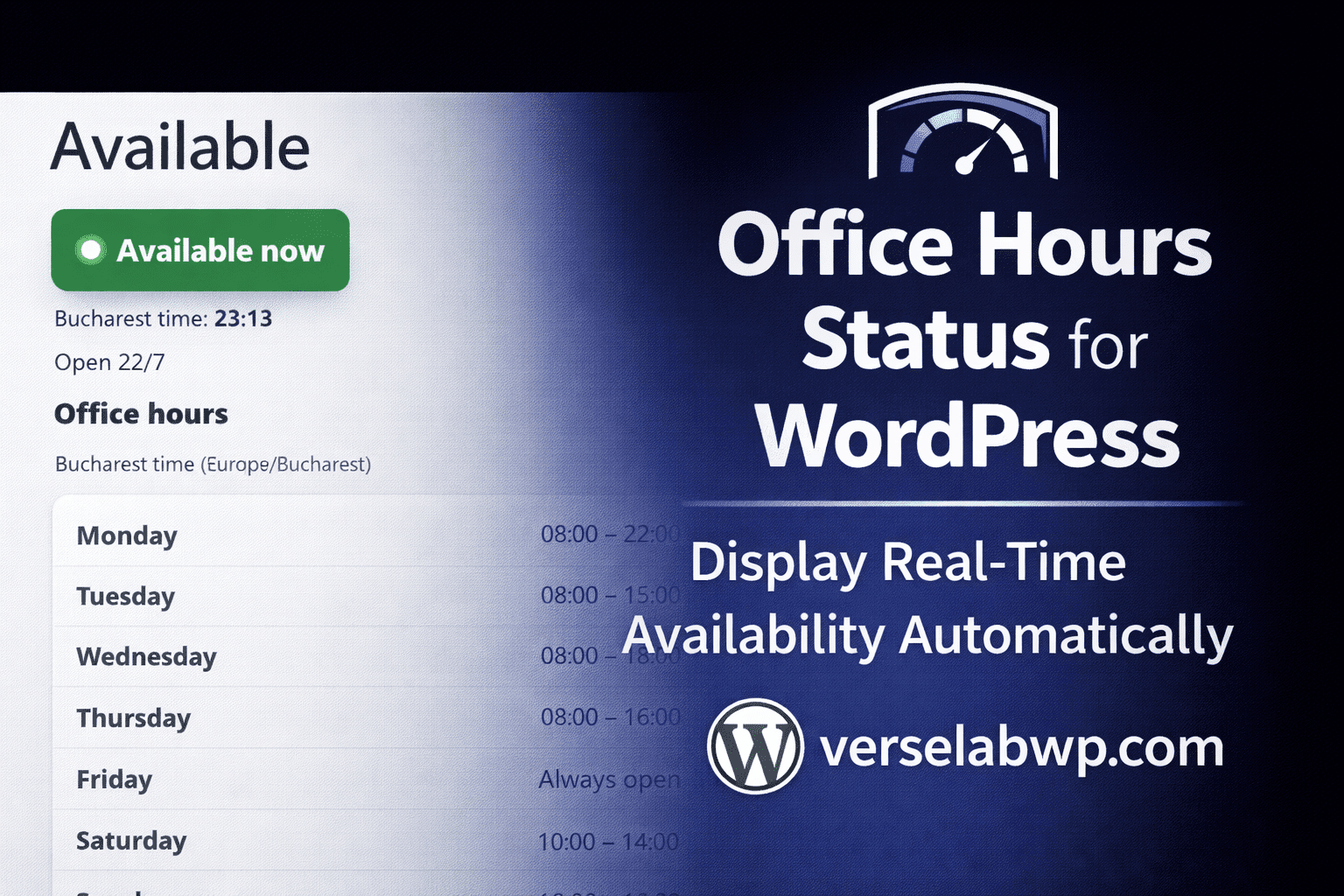
Set your timezone and hours, then add this shortcode to any page:
You're done 🎉
